
Windows 11 is testing a faster way to enter your PIN while Windows Hello scans your face
Microsoft is testing a Windows 11 sign-in change that lets people start entering their PIN while Windows Hello is still checking their face or fingerprint. The goal is to let whichever method succeeds first unlock the PC, instead of waiting for biometric recognition to finish.
The change is in the Windows Insider Experimental channel. It is not a feature Microsoft has announced for every Windows 11 installation, and the company has not provided a general release date.
Use a PIN without waiting for the camera to finish
In its November 6 Insider announcement, Microsoft says sign-in and unlocking should behave more consistently and provide clearer guidance. Users can start typing a PIN without first waiting for the face or fingerprint attempt to complete.
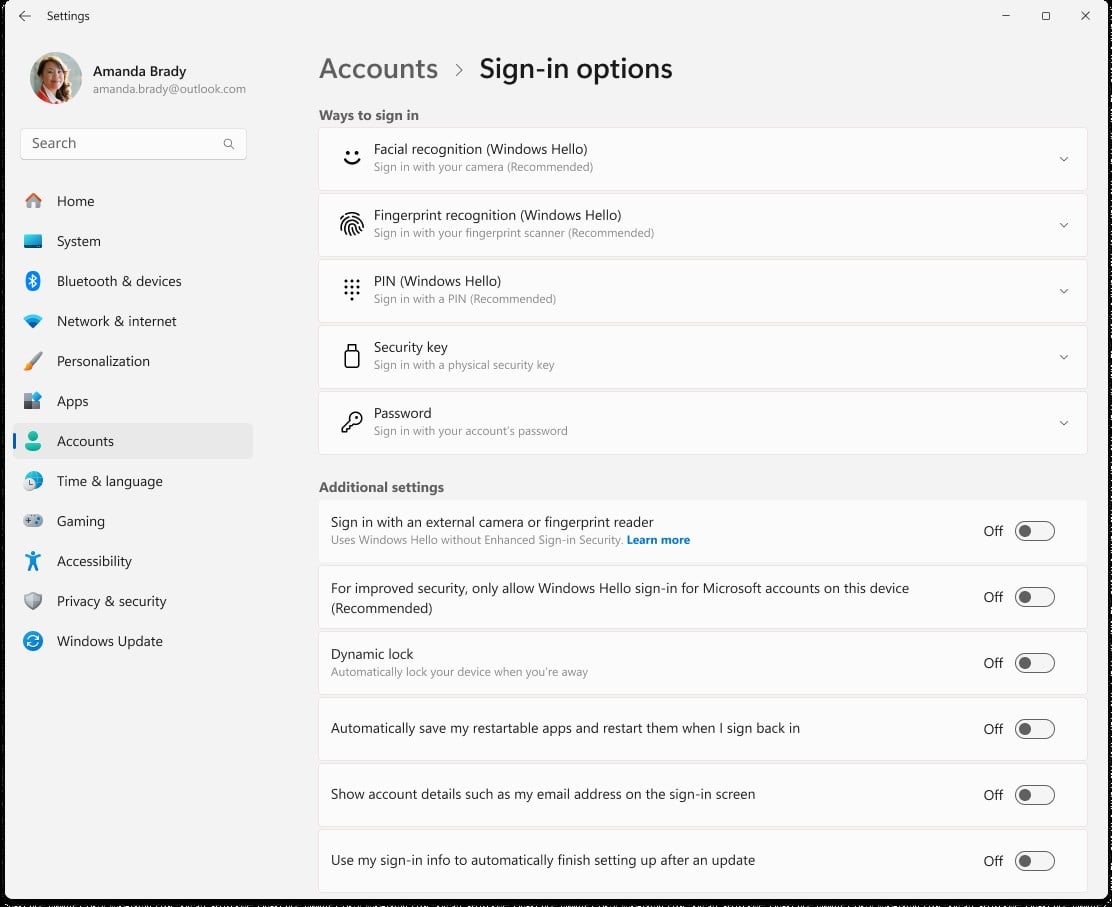
Windows sign-in options in Microsoft support documentation. Image: Microsoft
There will still be situations where Windows asks for the PIN first. Microsoft gives a restart as an example; biometric sign-in then works as usual after the PIN requirement has been satisfied.
The update does not remove face or fingerprint sign-in. It changes how users can fall back to their PIN while those checks are underway.
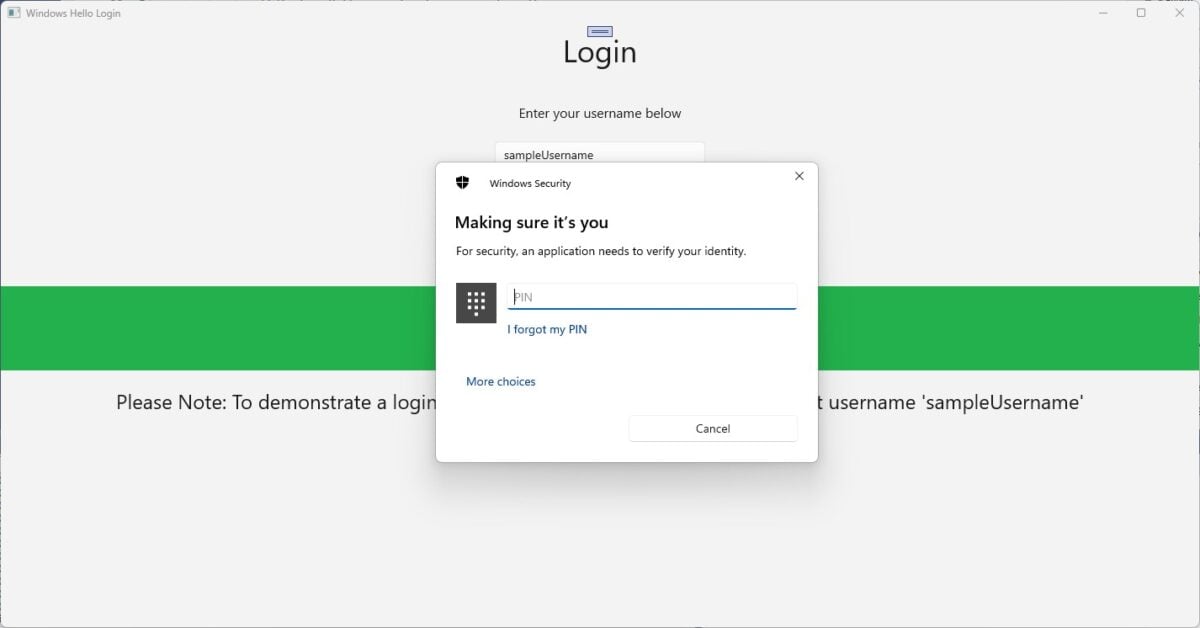
An example PIN prompt from Microsoft documentation, not the new preview screen. Image: Microsoft
The change is still limited to Insider testing
Microsoft listed the Hello improvement for its Experimental channel alongside a broader set of Beta and Experimental builds. Insider releases are previews, so features may change during testing or roll out at different times.
Windows Hello supports a PIN and, on compatible hardware, facial recognition or a fingerprint reader. Microsoft explains the existing setup options in its sign-in settings guide.
If you rely on a PC for work, consider the risks of preview software before switching channels solely for this change. Microsoft has not said when, or whether, this particular sign-in behaviour will reach the stable release.

