
Windows 11’s November update is failing for some PCs, and Microsoft is sending a repair
Microsoft says some Windows 11 devices may repeatedly fail to install the November security update, with errors including 0x80070306, 0x800f0989 and 0x800f0993. An automatic repair has started rolling out to affected internet-connected PCs that use Windows Update in Settings.
The company added the known issue to its support page on November 11. It says the repair should reach affected devices within 24 to 48 hours of 10am Pacific time on November 11. Once a device receives the repair, the November security update should download and install automatically.
The support article covers Windows 11 25H2 and 26H2 and Windows 11 24H2 Enterprise and Education. Its known-issue entry is repeated in the sections for those versions; it does not say that every device running them is affected.
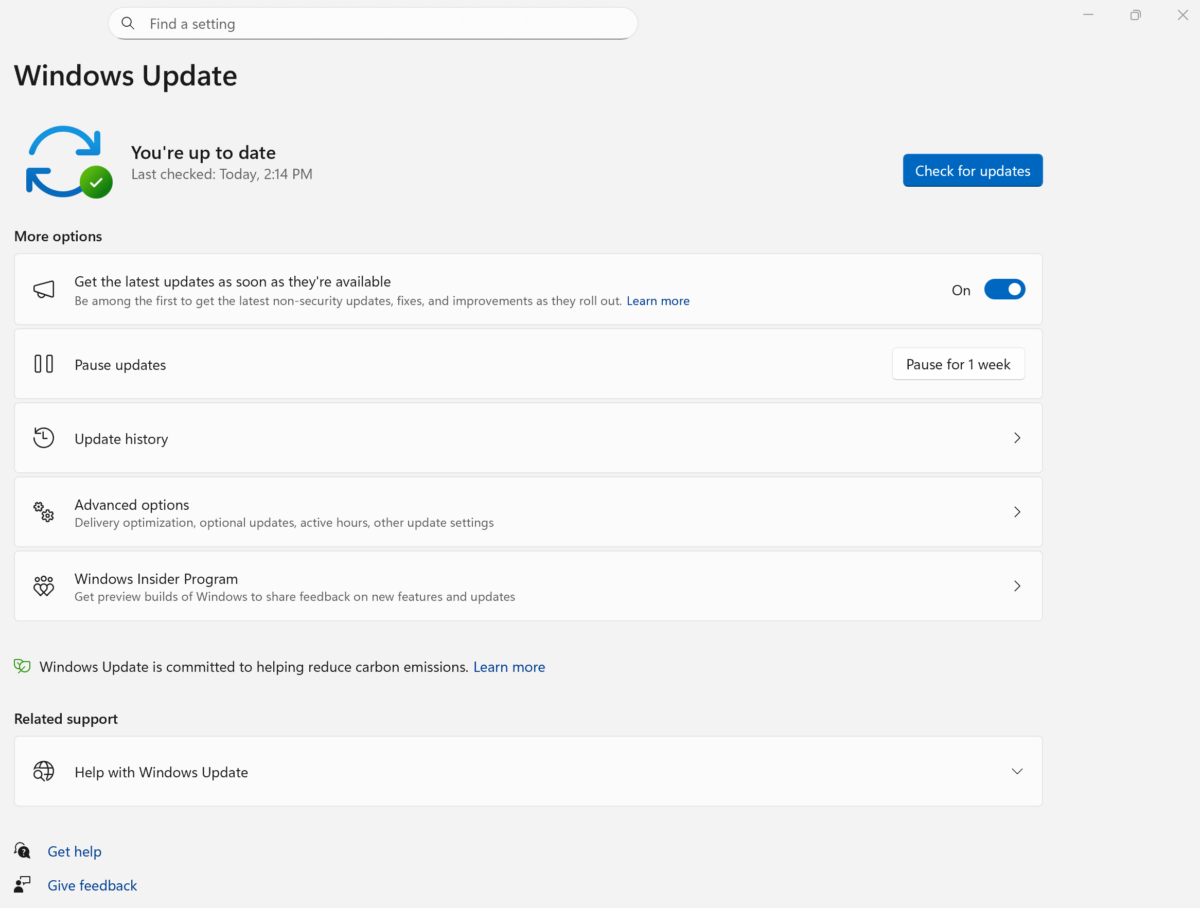
Windows Update in Settings shows the status of updates. Image: Microsoft
What affected users should do
Microsoft says the repair runs automatically for affected PCs connected to the internet and using Windows Update in Settings. For those devices, it says no manual action is needed to receive the repair.
The 24-to-48-hour window is measured from the stated rollout start, not from whenever an individual PC first displays an error. The company says to use Windows help or contact Microsoft Support if the installation problem remains after 48 hours.
You can open Settings and select Windows Update to see the update status. The update history page can help identify whether an installation failed, but a matching error code alone does not establish that this known issue is the cause.
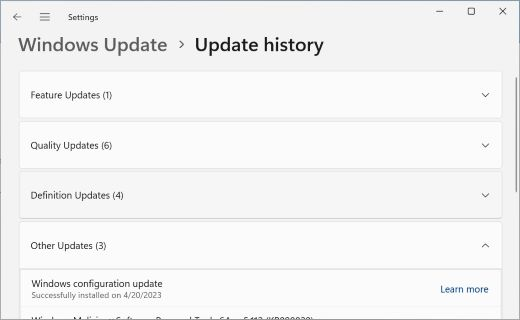
Update history groups installed updates by category. Image: Microsoft
Microsoft’s update numbers need care
There is an inconsistency in Microsoft’s own documentation. The support page is headed KB5132061, the November 10 security update, while the known-issue description links the failed update as KB5127936. The latter is identified elsewhere on the same page as an October preview update.
That discrepancy makes the three error codes and Microsoft’s description more useful than relying on the linked KB number alone. Microsoft has said it will update the documentation when the repair rollout is complete.
The November update also includes security improvements and a fix for a separate issue affecting some USB audio devices. A failed installation is a different problem: the automatic repair is meant to let the update install, rather than to repair an audio device directly.
Microsoft provides a separate manual installation route on the support page, but its guidance for affected, internet-connected Windows Update users is to wait for the automatic repair. If the problem persists beyond the company’s window, contact support rather than assuming another retry has fixed it.

