
Windows 11’s November update fixes a USB audio bug that could leave devices silent
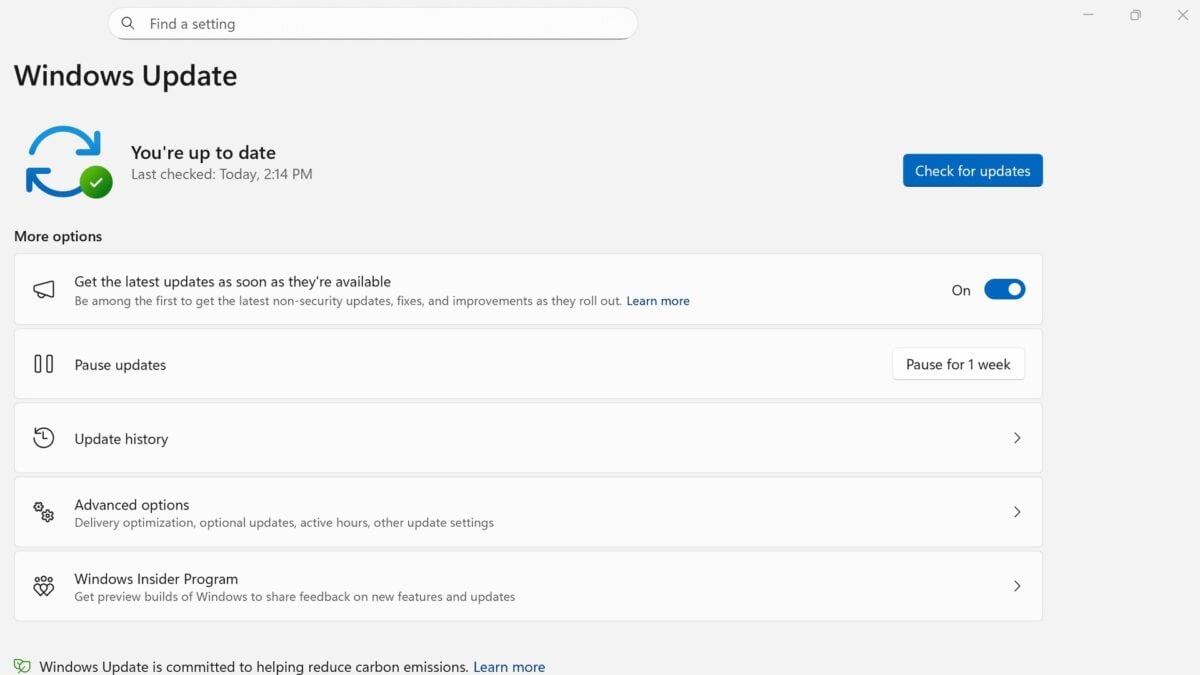
Microsoft's November Windows 11 security update addresses a USB audio problem that could stop some devices from starting or leave them without sound. The fix arrives in update KB5132061, along with changes for printer setup and Remote Desktop.
The affected audio devices use USB Audio Class 1.0. Microsoft says the issue followed a September security update and could show up as Code 10 in Device Manager, unresponsive volume controls or missing sound.
The November release applies to all editions of Windows 11 25H2 and 26H2, plus Enterprise and Education editions of 24H2. The company's notes should not be read as a fix for every unrelated audio problem on every version of Windows.
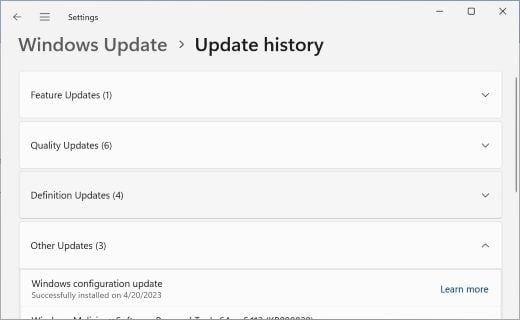
Windows Update history can show which updates have been installed. Image: Microsoft
The audio problem had several different symptoms
According to Microsoft's earlier issue description, affected hardware could fail to start, produce no audio or leave sound settings unavailable. Some devices could work in ordinary stereo while having trouble in multichannel or 3D audio modes.
A September out-of-band update addressed the multichannel symptoms. Microsoft now lists the remaining symptoms as addressed in the November release.
If your USB audio device still fails after updating and restarting, check the device's status in Device Manager and the manufacturer's support guidance. Other issues can cause missing sound, so the same fix may not explain every case.
The November update applies to supported Windows 11 releases. Image: Microsoft
The update also addresses printer and remote connection problems
Microsoft's release notes describe a fix for an error when adding a printer published through Active Directory using Windows Settings. The company says it did not generally affect printers that were already installed or normal printing.
The update also addresses an issue that could stop a Remote Desktop client from connecting because of a certificate mismatch after the October preview. On 24H2 Enterprise and Education, Microsoft separately lists a fix for HDMI and DisplayPort audio playback on certain AMD graphics cards.
To check whether the package is available, open Settings, select Windows Update, then choose Check for updates. Update history shows what has already been installed. Microsoft says it is not currently aware of known issues with this update, though that status can change.

