
Teardown adds Nvidia DLSS and AMD FSR, giving PC players two new ways to smooth out the destruction
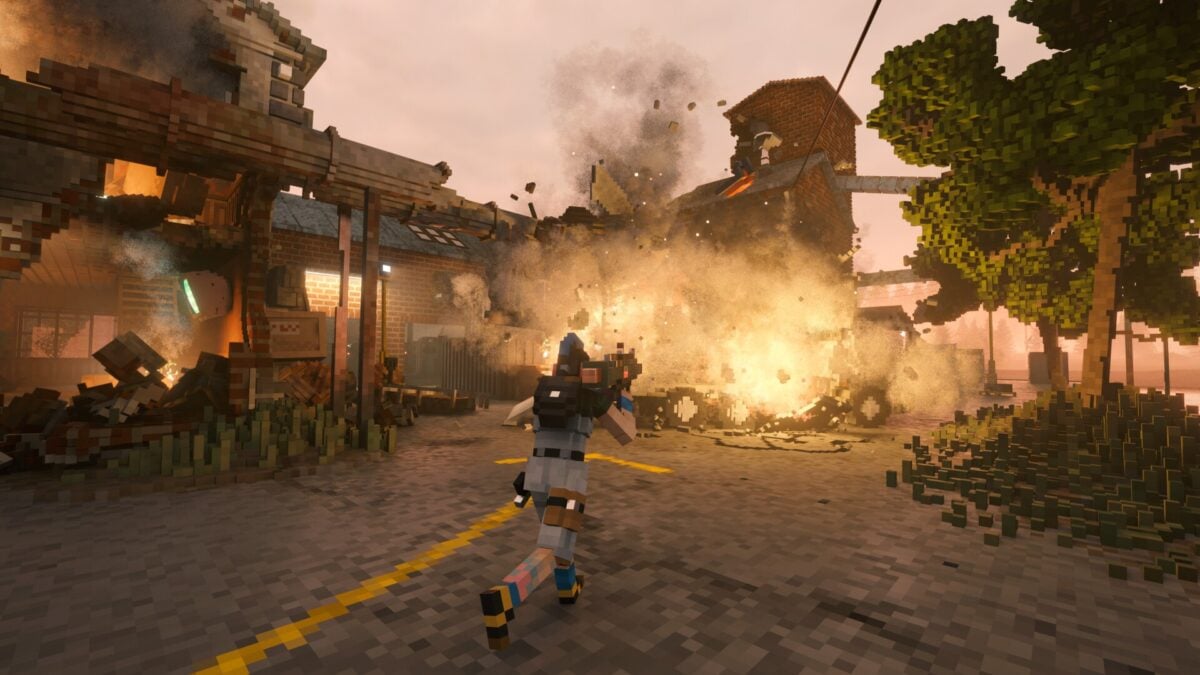
Teardown's latest PC update adds Nvidia DLSS and AMD FSR upscaling to the voxel destruction game. The new options are available under Options > Graphics > Upscaling, giving players another way to trade rendering resolution for performance.
The developer's November 3 announcement says the results will vary depending on hardware and settings. It does not provide a benchmark or promise a specific frame-rate increase, and the announcement describes upscaling rather than announcing frame generation.
Elaborate plans in Teardown can end with a building collapsing around the player. Upscaling may reduce the graphics workload, but it does not guarantee that every slowdown caused by a complex scene will disappear.
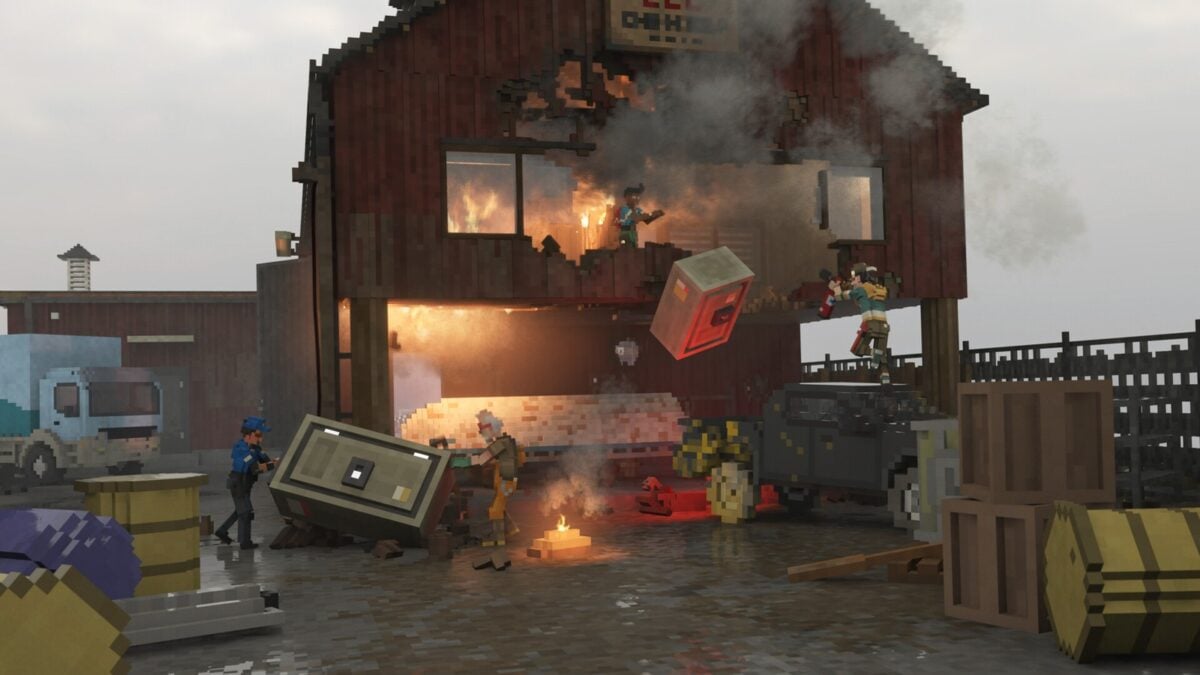
Image: Tuxedo Labs / Saber Interactive
Where to find the settings
Open the game's options, select Graphics and look for Upscaling. The developers recommend trying the available choices and finding the balance between image quality and frame rate that works on the system in front of you.
Upscalers generally start by rendering a game at a lower resolution and reconstructing the image for the selected output resolution. That can leave a graphics card with less rendering work, though the visual result depends on the mode, the game and the display. Fine detail and motion can look different from a native-resolution image, especially when a more aggressive performance setting is selected.
DLSS and FSR are not interchangeable labels for the same thing. Nvidia's DLSS is designed for supported GeForce hardware, while AMD offers FSR across a wider range of devices depending on the version and implementation. The patch announcement does not publish a complete compatibility matrix for Teardown's options, so check which choices appear on your PC and keep graphics drivers current.
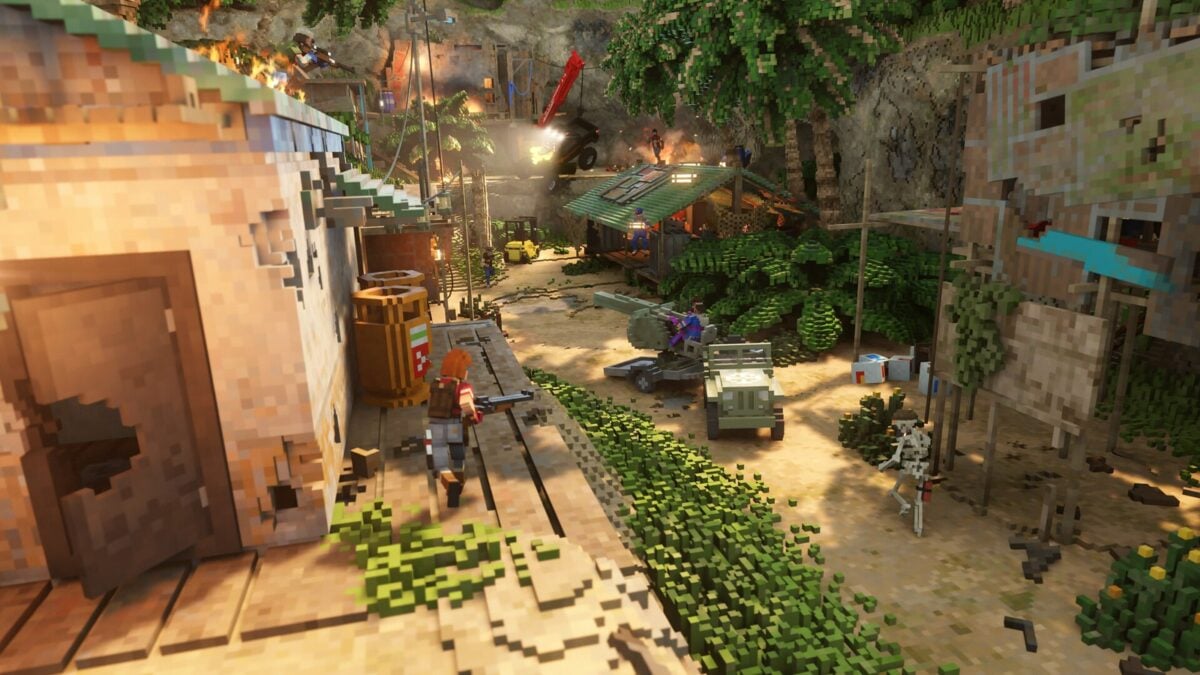
Image: Tuxedo Labs / Saber Interactive
What this does, and what it doesn't promise
Teardown is built around breaking and manipulating its voxel environments. Players can prepare routes through buildings, bring down structures and improvise when a heist goes wrong. Those scenes can put different kinds of pressure on a PC: a setting that reduces GPU rendering work may help in one situation without removing a separate CPU or simulation bottleneck in another.
The patch notes do not state that this update adds DLSS or FSR frame generation. Upscaling reconstructs a rendered image; frame generation is a separate feature that produces additional frames. Players should not assume that one automatically includes the other.
For a useful comparison, try the same demanding scene with the game's existing settings and then with an available upscaling option enabled. Keep the output resolution and other graphics settings consistent, and pay attention to visual quality as well as frame rate. The update gives PC players choices, but the best one will depend on the hardware and what they want the game to look like.

