
Steam Frame beta adds a new way to bring your room into streamed VR games
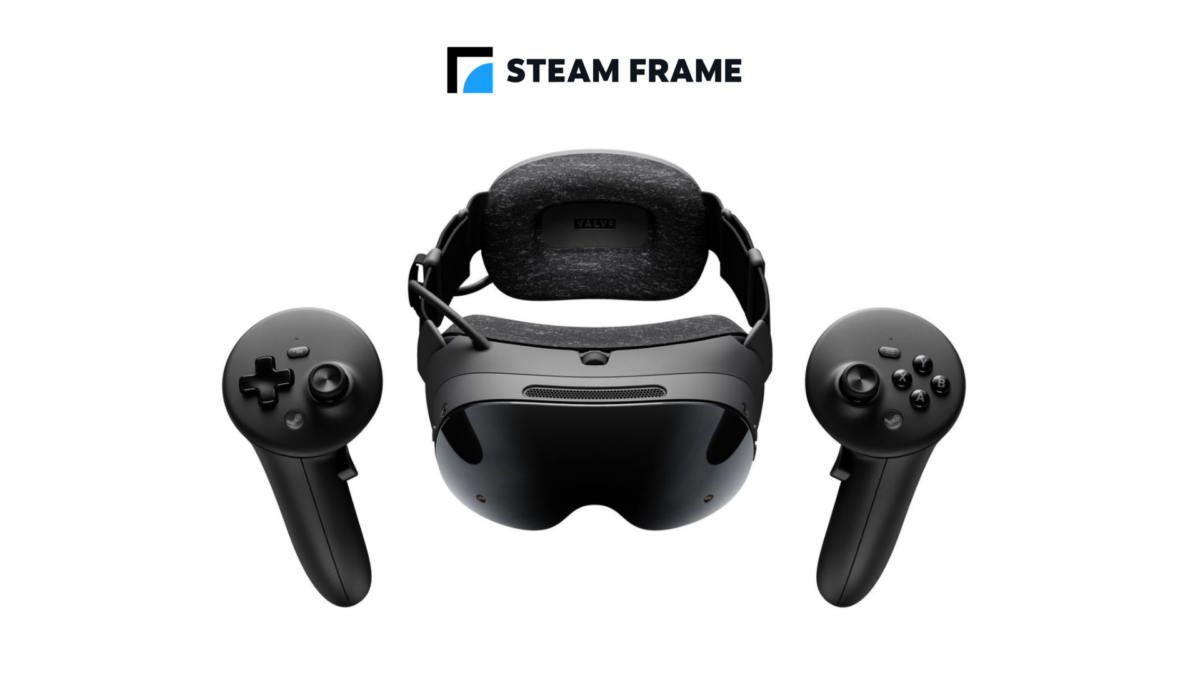
Valve is testing another way to show your physical room while streaming PC VR to Steam Frame. SteamOS 0.5.9 beta adds chroma-key support for Room View, so a chosen colour in streamed content can be made transparent to reveal the headset’s camera view.
The feature requires beta software on both sides: the headset must use the Steam Frame beta channel, and the PC must be running the SteamVR beta. It is not part of a stable release for everyone yet.
This builds on the earlier 0.5.8 beta, which kept the streamed desktop and game theatre visible in Room View and supported mixed reality in compatible OpenXR games.
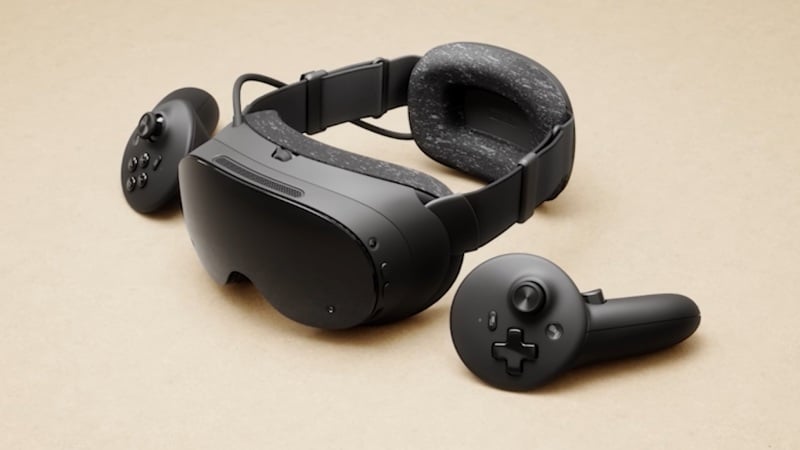
Steam Frame can stream VR content from a compatible PC. Image: Valve
Chroma key adds control over what becomes transparent
In Valve’s update, the PC-side Camera settings include a switch between Protect Content and Key Content. Valve says a game can draw the key colour to control where Room View shows through.
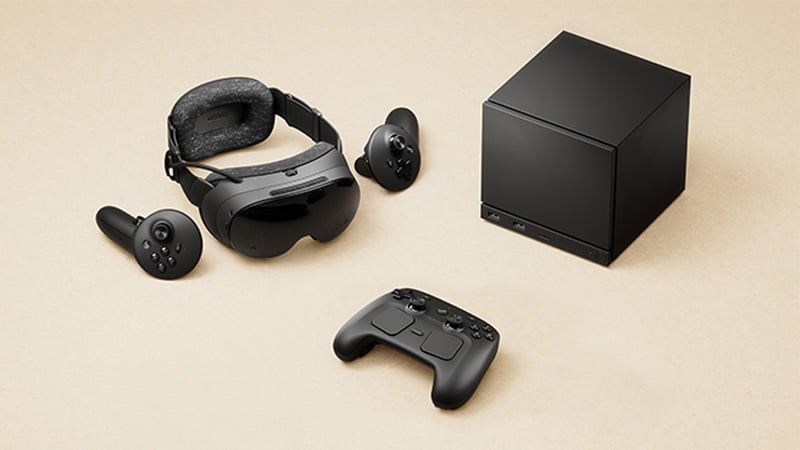
Valve’s new option is being tested on the headset beta channel. Image: Valve
Think of it as a way to decide which parts of the streamed image reveal your surroundings. The notes do not say every unmodified game automatically becomes a mixed-reality game, so the result will depend on the content and how it uses the key colour.
Valve also says foveated sharpening is applied when streaming VR through Steam Link. The headset update includes SteamVR 2.19.3, whose separate PC beta fixes a low-resolution mirror output and adds other changes.
To try the headset build, Valve directs owners to Settings, System and System Update Channel. On the PC, SteamVR’s beta is selected through its properties in the Steam library. Both are test channels, so expect the possibility of changes or bugs.
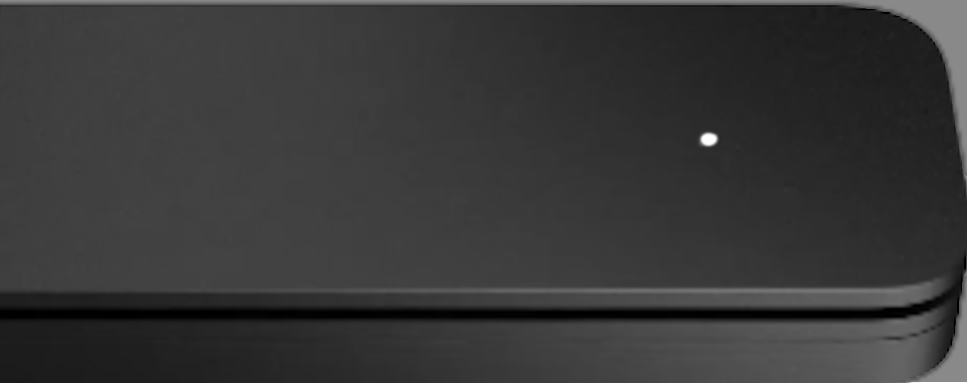
The Steam Frame kit includes a wireless adapter for PC streaming. Image: Valve
There are accessibility and browser fixes in the same beta
The Frame beta adds a prism-correction setting for diplopia. Valve says to enable Advanced Settings, open General, Accessibility and Prism Correction, then restart the headset after changing it.
Other fixes address WebXR in user-installed Chrome or Chromium and a lock-up involving some applications installed from Discover. Valve has not given a date for these changes to reach stable software.
The update also links the headset’s performance-overlay and developer assessment toggles. Turning off Show Perf Overlay in VR disables the assessment overlay as well, according to Valve.
For streaming, Valve recommends a wired connection between the host PC and router where possible. If you are already shopping for a router, the TP-Link Archer AXE75 is a Wi-Fi 6E model, though Valve does not say you need that model to use the beta.
Image credit: Valve.
Note: Links to online stores in articles can be so-called affiliate links. If you buy through this link, MIXED receives a commission from the provider. For you the price does not change.
As an Amazon Associate we earn from qualifying purchases.

