
Steam Frame beta lets you see your room without losing your streamed PC screen
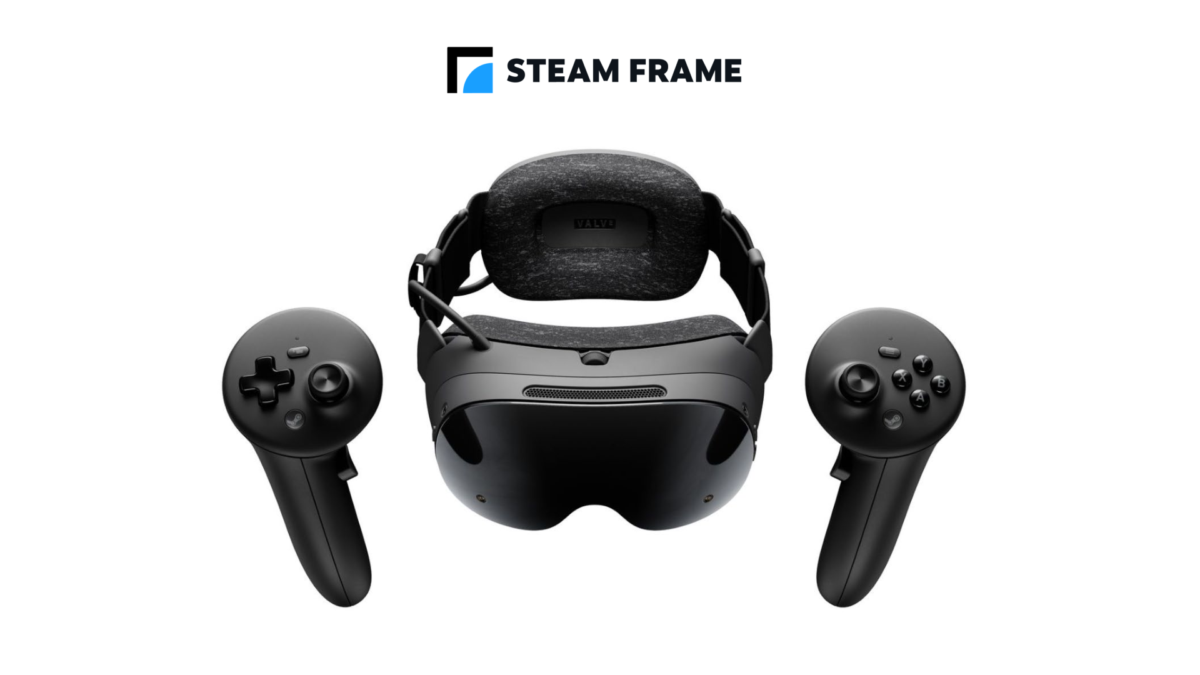
Steam Frame owners can now keep a streamed PC desktop or game theatre visible while the headset shows their physical surroundings. The change arrives in a SteamOS beta from Valve, which previously hid remote content when Room View was enabled.
The same update can blend supported PC VR games with the camera view. There is an important setup requirement: the headset must be on its beta channel and the PC must also be running the SteamVR beta for these streaming features.
Both are test releases, so this is not a feature that every Steam Frame owner will see on the stable software channel.
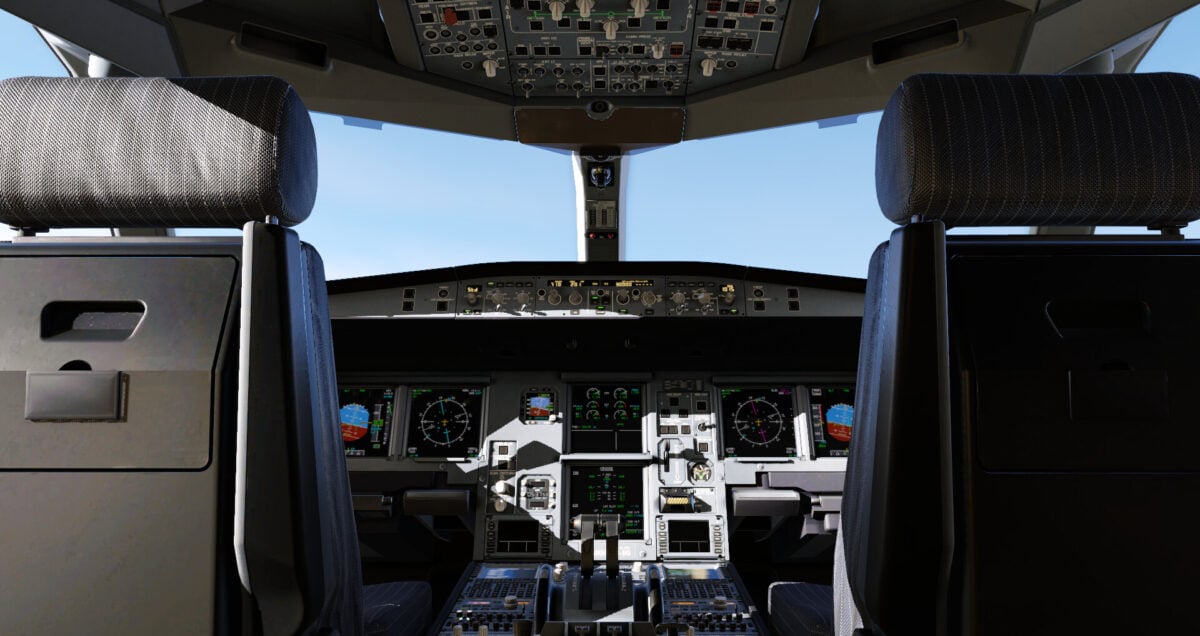
Valve names X-Plane 12 as an example of a compatible OpenXR mixed-reality game; this screenshot shows the simulator, not Room View. Image: Laminar Research
Room View works alongside more streamed PC content
Room View uses the headset's cameras to show the space around the wearer. In the SteamOS 0.5.8 beta notes, Valve says that turning it on previously hid the remote content being streamed from a PC.
The beta changes that behaviour for the remote desktop and game theatre, so users can keep seeing the PC image while camera passthrough is active. That is different from changing the underlying game: a flat game displayed in the theatre does not become a mixed-reality title.
For PC VR games that support OpenXR mixed reality, Valve says virtual content can also be blended with the camera view. It names X-Plane 12 as an example. The change depends on support in the application, so it should not be read as a promise that every PC VR game can show its world over the room.
How to try the update on both devices
On the Steam Frame, Valve directs owners to Settings, System, and System Update Channel to select the beta channel. On the PC, right-click SteamVR in the Steam library, choose Properties, then Game Versions & Beta, and select the beta branch.
Valve labels the headset build as still being tested. Beta software can change before reaching the stable channel, so owners who rely on their headset every day may prefer to wait for a wider release.
Valve also addresses overlays and eye calibration
The headset update sets overlay render quality to Low and hides that setting. Valve says the change fixes problems that occurred when Ultra was selected. That setting applies to overlays; the notes do not say all games are being forced to low graphics quality.
Other fixes cover eye-tracking self-calibration, low-end gamma inconsistencies between the eyes on some headsets, and a permission issue that prevented WebXR from working in Chrome 157.
SteamVR 2.19.2 is included with the headset beta. The separate PC SteamVR beta update also addresses menu regressions and streaming-resolution problems. The two updates serve different parts of the setup.

