GTA 6 players found a first-person camera glitch, but getting back takes another step
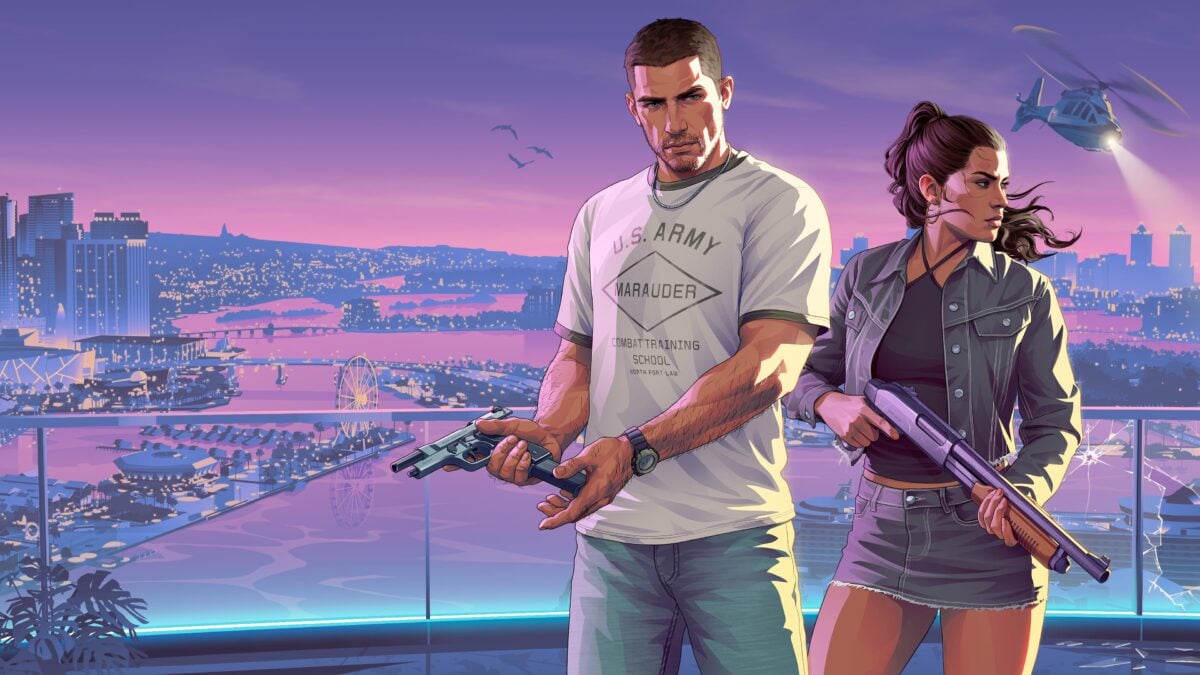
GTA 6 launched without a full first-person free-roam option, but players have found a camera glitch that can keep the view through Jason or Lucia’s eyes after they put away their in-game phone.
The trick has been demonstrated on PlayStation 5 and Xbox Series X|S, although it is an unintended workaround rather than a mode you can simply select. There is a catch when you are finished, too: the usual camera button may not put you back in third person.
If you want to experiment, I recommend making a manual save first. Players reporting the method say reloading a save returns the camera to its normal view, so you will want a convenient point to return to if the perspective gets in the way.
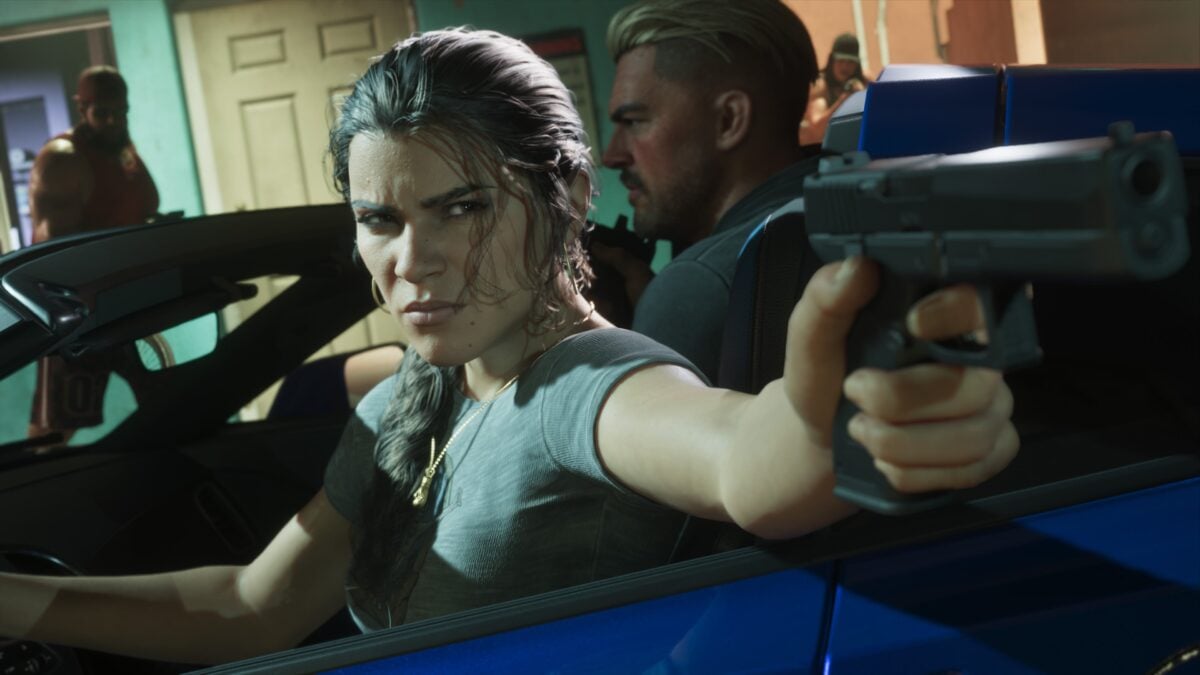
Players use the in-game phone and camera control while sitting in a vehicle to trigger the glitch. Image: Rockstar Games
How players trigger the first-person view
A community guide describes changing the touchpad button on PS5 or the View button on Xbox from Map to Camera in the controller settings. That changes what the button normally does, so remember the original setting if you want to put it back later.
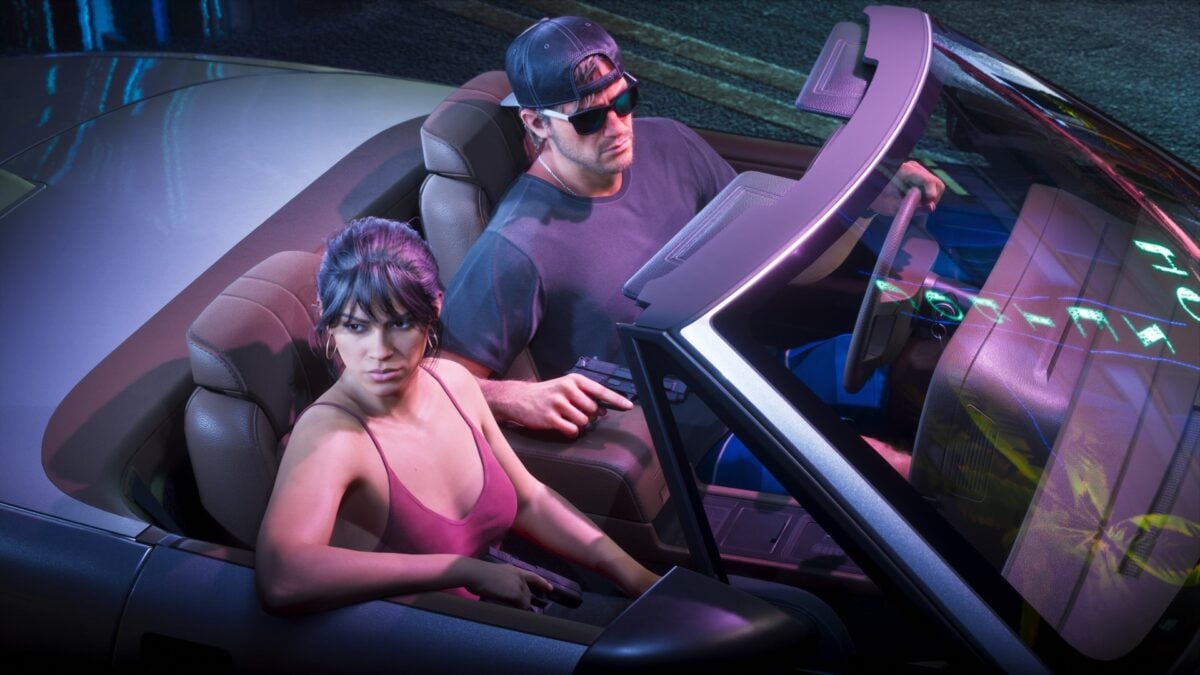
The workaround can leave the camera in a first-person view after the phone is put away. Image: Rockstar Games
Next, sit in the driver’s seat of a vehicle and press up on the D-pad to bring out the phone. Put it away with Circle on PlayStation or B on Xbox, then quickly press the camera button repeatedly. According to the guide, it can take more than one attempt before the view stays in first person.
Video creator oneboyler showed the method, while IGN demonstrated the sequence on the game’s launch version. The footage shows why the discovery interests players who would rather see Vice City from behind the character’s eyes.
The important distinction is that a glitch can behave differently from a finished camera option. The timing can be awkward, it may not work on every version, and a future update could change it. Rockstar’s launch update notes do not establish that the trick works after every patch.
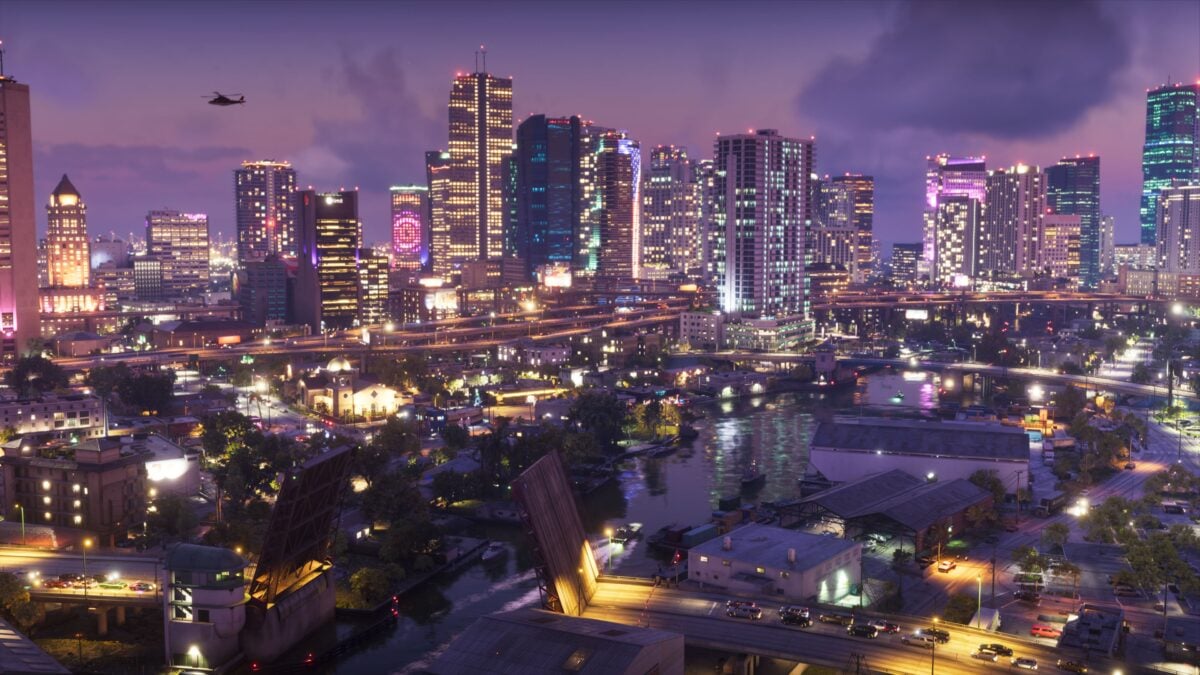
The camera glitch is separate from the usual third-person view used to explore Leonida. Image: Rockstar Games
Why the save matters
The community guide says to reload a save to get out of the first-person view. That makes this more of an experiment than a replacement for the normal camera, especially if you are about to start a long mission. A manual save before trying it gives you a straightforward way back.
Players have also reported visual and interaction quirks while using the workaround. Those reports should not be taken as a complete list of problems, but they are a good reason to try it somewhere low-stakes before relying on it during a mission.
For another way to explore the setting, Rockstar has published an online map of Leonida. And if you are still deciding which version to buy, Amazon lists the boxed PS5 edition as a download code, with no disc included. The listing says the code requires a PlayStation account registered in the US or Canada; check the current terms before ordering.
Image credit: Rockstar Games.
Note: Links to online stores in articles can be so-called affiliate links. If you buy through this link, MIXED receives a commission from the provider. For you the price does not change.
As an Amazon Associate we earn from qualifying purchases.