
SteamVR beta fixes blurry mirrored footage and adds an Index accessibility option
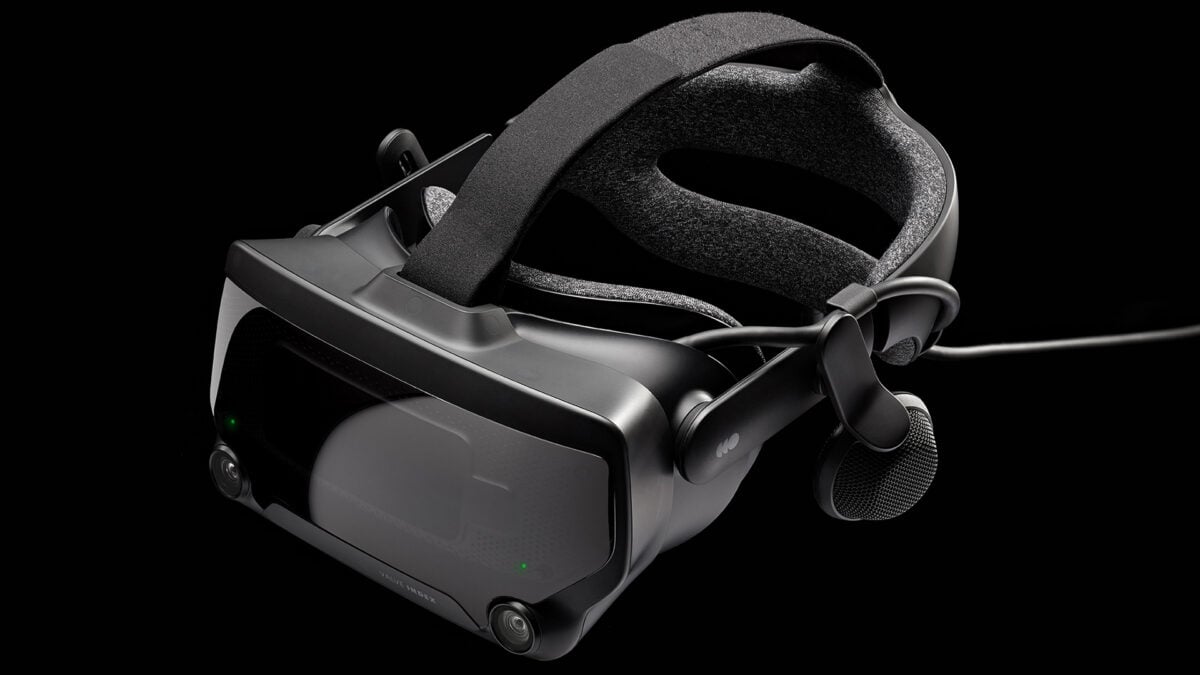
Valve’s latest SteamVR beta takes aim at a problem that can make a perfectly good VR session look blurry to the people watching it. Version 2.19.3 fixes low-resolution output in the Steam Link mirror window and third-party mirroring or recording apps, according to the company.
There is more in the update for people using Linux and Valve’s Index headset. Valve lists fixes for a flickering right eye and distorted views, plus a new accessibility setting for prism correction on Index.
There is a catch before you go looking for it: this is a beta, so you need to opt in to the SteamVR beta branch on your PC. It is still being tested, and it is sensible to wait for a stable update if you would rather avoid possible bugs.
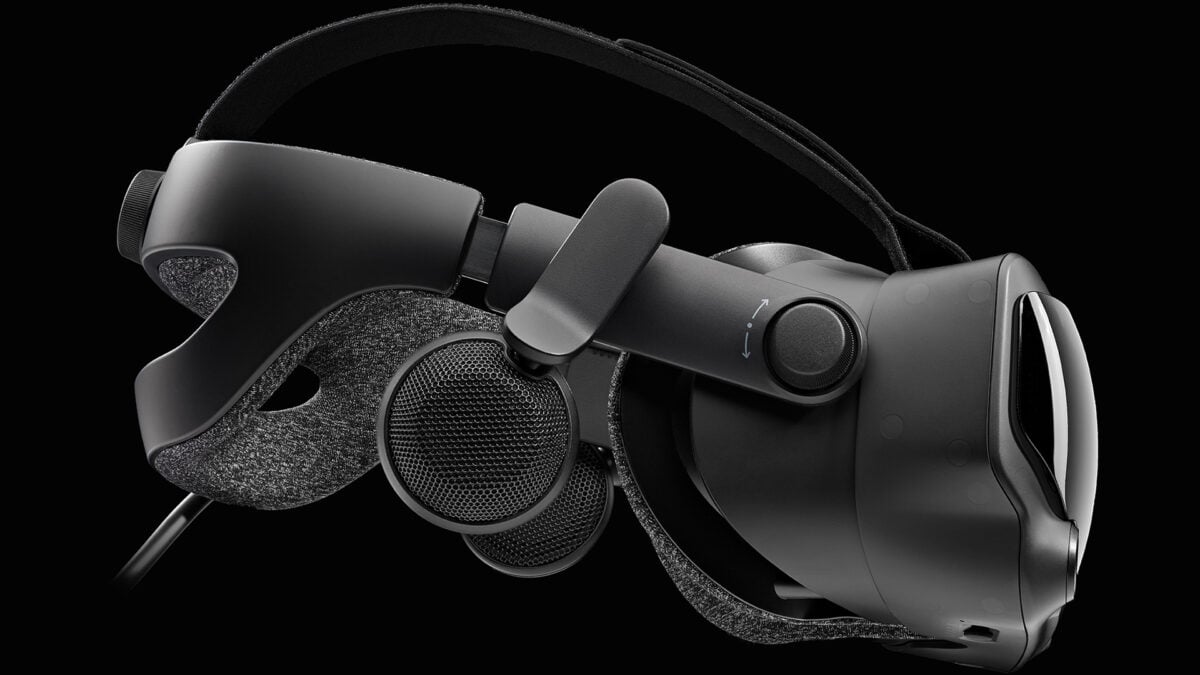
A side view of Valve’s PC-connected Index headset. Image: Valve
The mirror fix is about what you record or share
Valve’s release notes say the Steam Link mirror window and affected third-party mirror and recording apps now use full resolution. That should help the output seen on a monitor or in a recording; the notes do not promise a general increase in resolution inside every headset.
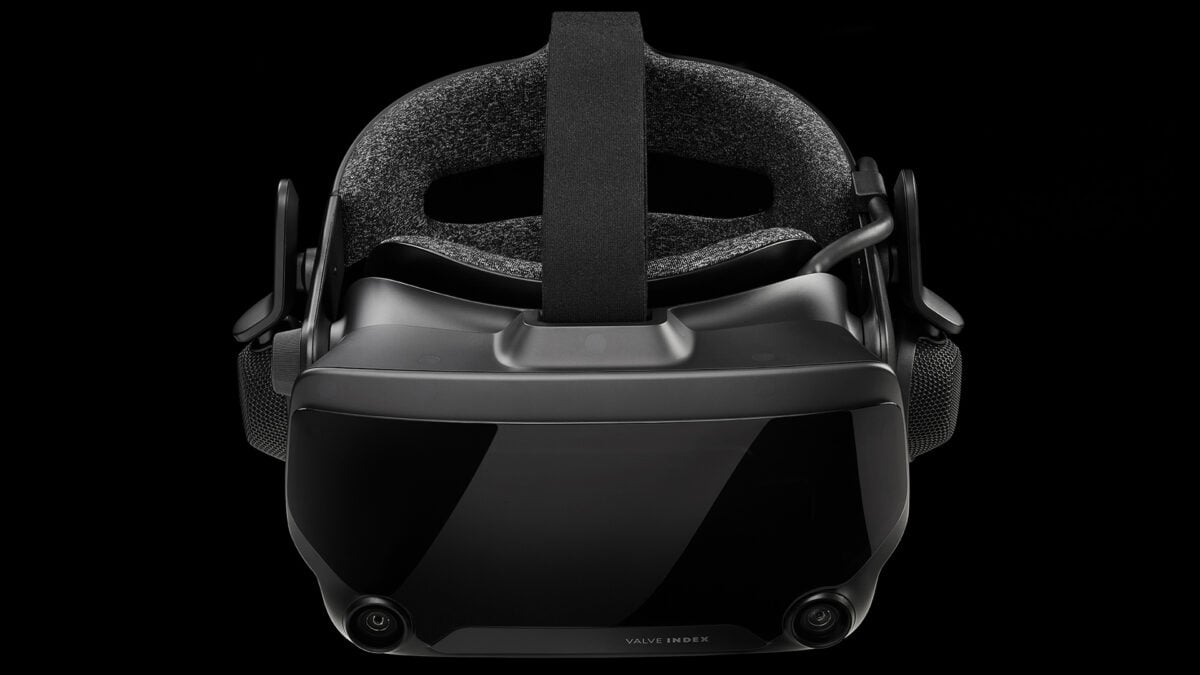
The beta adds a prism-correction option for Valve Index. Image: Valve
The beta also fixes an issue where a manually selected stream video size could become the default on the next launch. If you have been changing that setting for a particular session, it should no longer carry over unintentionally. That follows a previous beta that addressed other streaming-menu and resolution issues.
Steam Link lets a compatible headset stream games from a computer running Steam and SteamVR. For example, the Meta Quest 3 works with Steam Link, but you still need a suitable PC and network for PC VR streaming. Existing headset owners do not need to buy another one to try the update.
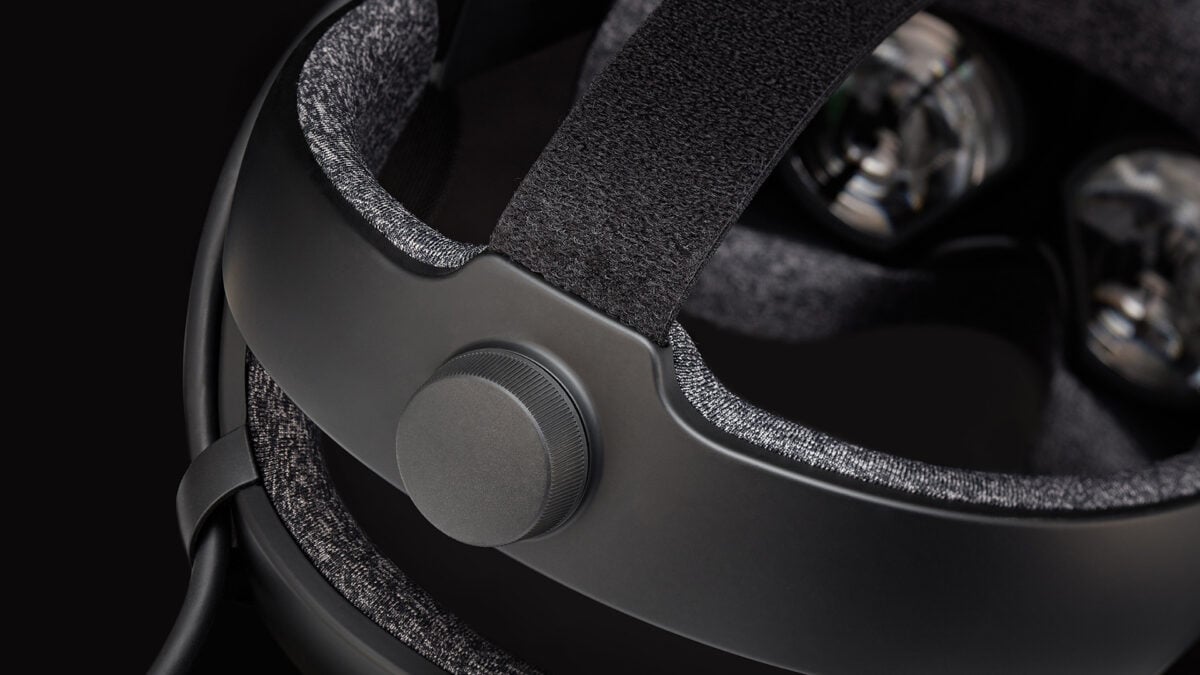
A closer look at the Index headset. Image: Valve
Index accessibility and Linux fixes are included too
On Valve Index, the beta adds a prism-correction setting for diplopia. Valve says to enable Advanced Settings, then open General, Accessibility and Prism Correction; restart SteamVR after changing it. I would check the result for your own setup rather than assume one setting will suit everyone.
For Linux users, Valve lists a fix for right-eye flickering and another for distorted scenes on HTC Vive and Index while the SteamVR dashboard is open. It also says streaming reliability has improved and NVIDIA performance with wired headsets has been improved.
You can read Valve’s SteamVR beta instructions before changing branches. The company has not given a date for these fixes to reach the stable release.
Image credit: Valve.
Note: Links to online stores in articles can be so-called affiliate links. If you buy through this link, MIXED receives a commission from the provider. For you the price does not change.
As an Amazon Associate we earn from qualifying purchases.

