
Proton Experimental fixes Phantom Blade Zero video at high resolutions and makes Danganronpa V3 playable
Valve's latest Proton Experimental update addresses a Phantom Blade Zero video playback problem and lists Danganronpa V3: Killing Harmony as playable through the compatibility tool. The update also targets crashes and controller issues in several other games.
Proton helps Windows games run on Linux-based systems, including Steam Deck. These changes are in the Experimental version, so they are fixes to try rather than a promise that every configuration will work perfectly.
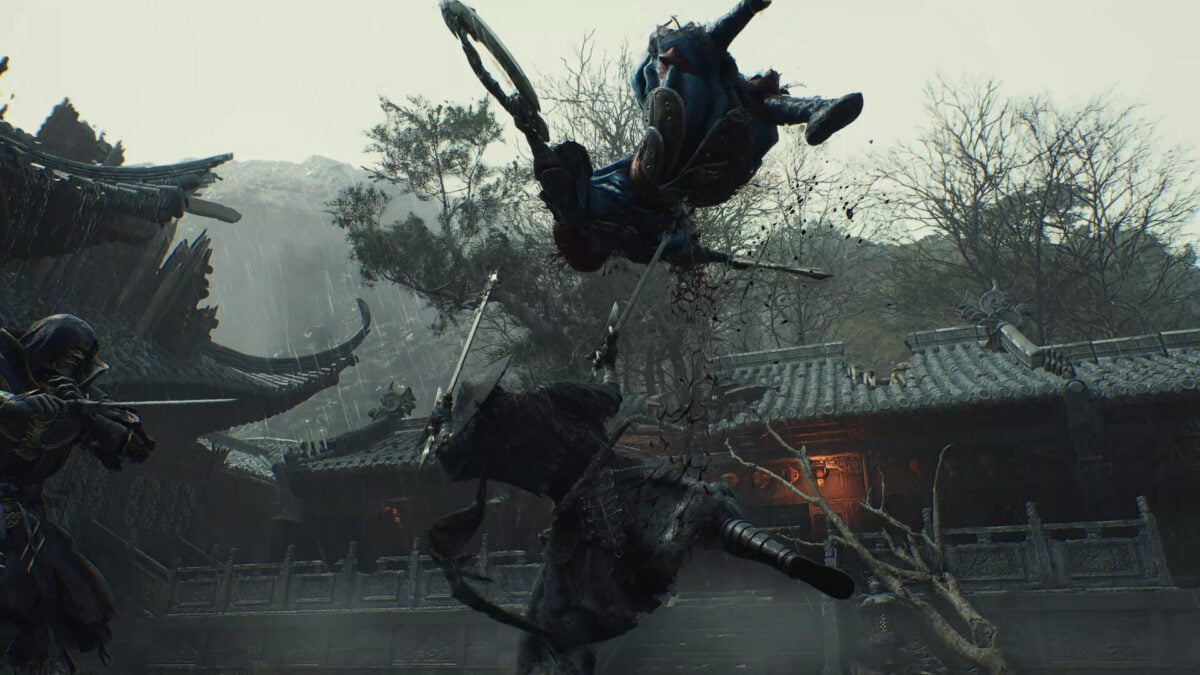
The Phantom Blade Zero change is specific: Valve says video playback was fixed when using high resolutions. It does not say that every graphics or performance issue in the action game has been resolved.
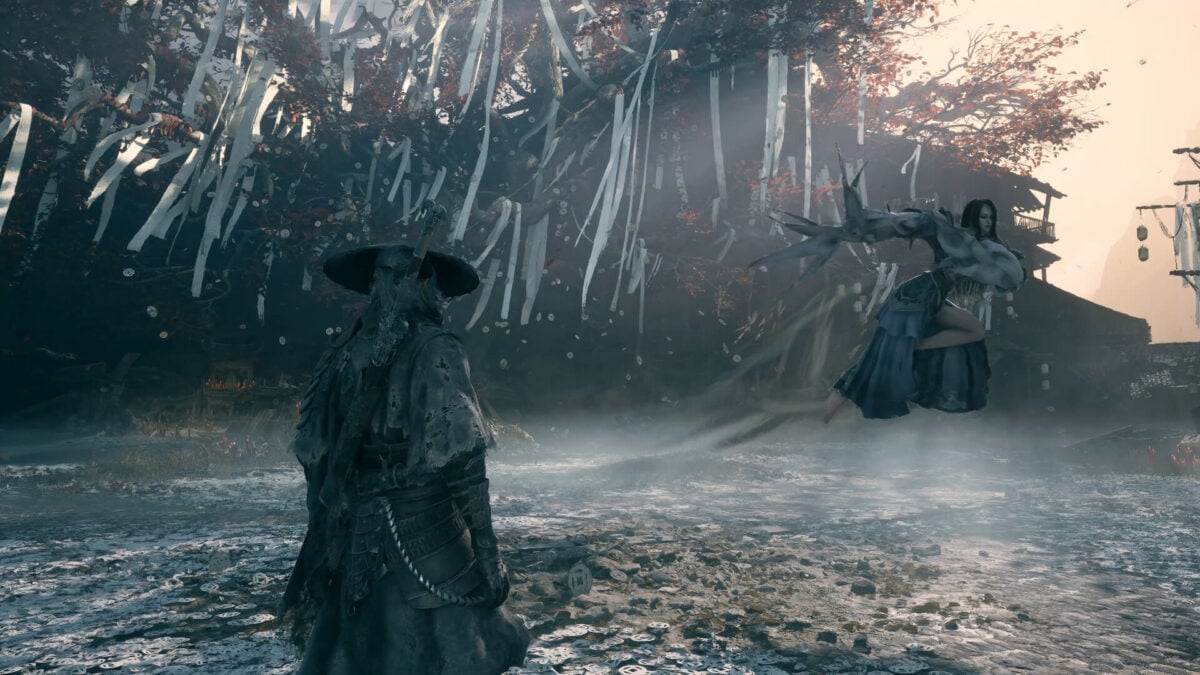
Two fighters face one another in a Phantom Blade Zero scene. Image: S-GAME Studio
The update covers crashes, controllers and accessibility
In its Proton changelog, Valve lists a fix for Aliens: Fireteam Elite 2 hanging if its introductory cutscene was allowed to play instead of being skipped. AION 2 also gets a fix for a crash triggered by clicking the audio icon in party information.
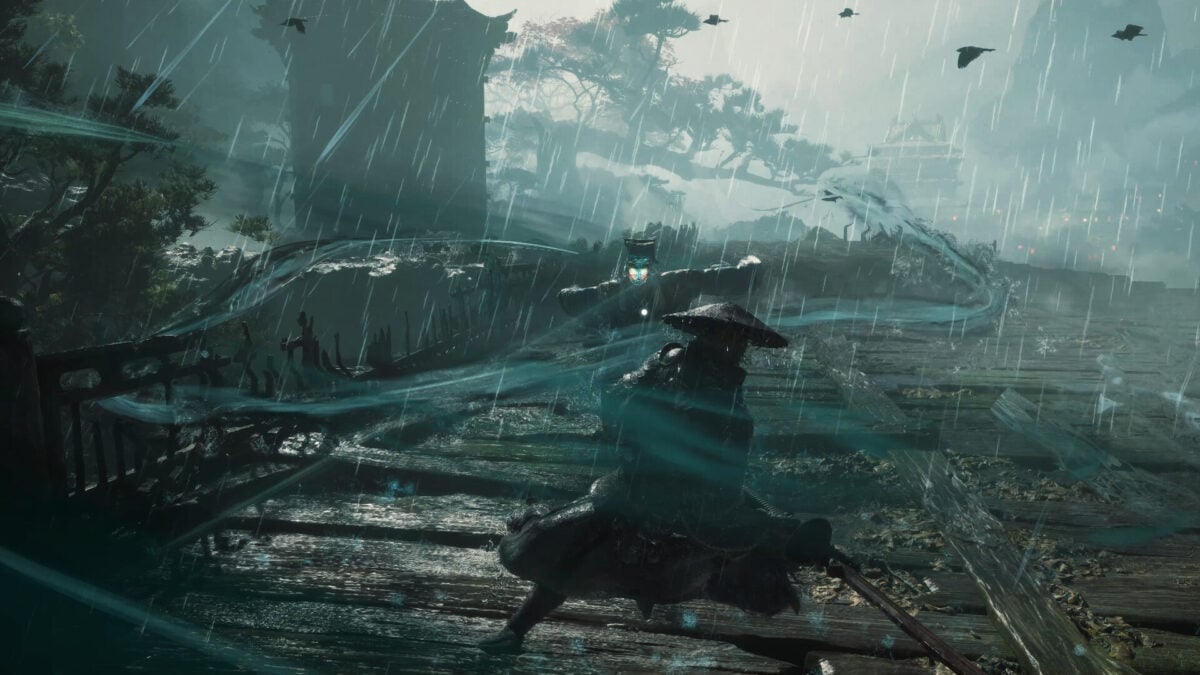
A warrior stands on a wooden walkway in Phantom Blade Zero. Image: S-GAME Studio
Other changes address text-to-speech in Overwatch, controller mappings in One Piece Pirate Warriors 3 when Steam Input is enabled, and a crash in The Forest when switching through multiplayer options.
Valve also says it fixed a problem that made Dark Souls II: Scholar of the First Sin unplayable on Steam Frame. That is a specific Steam Frame fix; the entry does not establish a new Verified rating or guarantee the same behaviour on every headset.
Danganronpa V3 appears in Valve's list of games now playable with Proton Experimental. The compatibility-tool description is useful for Linux players, but it is separate from a Steam Deck Verified badge and is not a benchmark.

A character appears during a class trial in Danganronpa V3. Image: Spike Chunsoft
How to try Proton Experimental for a game
On Steam Deck, highlight a game in your library, press the Menu button and open Properties > Compatibility. Enable the option to force a specific Steam Play compatibility tool, then select Proton Experimental if it is available. Valve describes that route in its Steam Deck troubleshooting guide.
Proton Experimental receives changes ahead of stable releases and can introduce regressions of its own. If a game already works well, there is no need to switch simply because a new build exists. If the change causes trouble, revisit the compatibility setting and restore the previous choice.
The fixes concern the named situations, not every possible crash or visual problem in those games. Check the full changelog for the rest of the update, including changes to input devices and video playback.

