
Nvidia’s 8800 GTX anniversary demo now has an AMD and Intel option, with some visual features missing
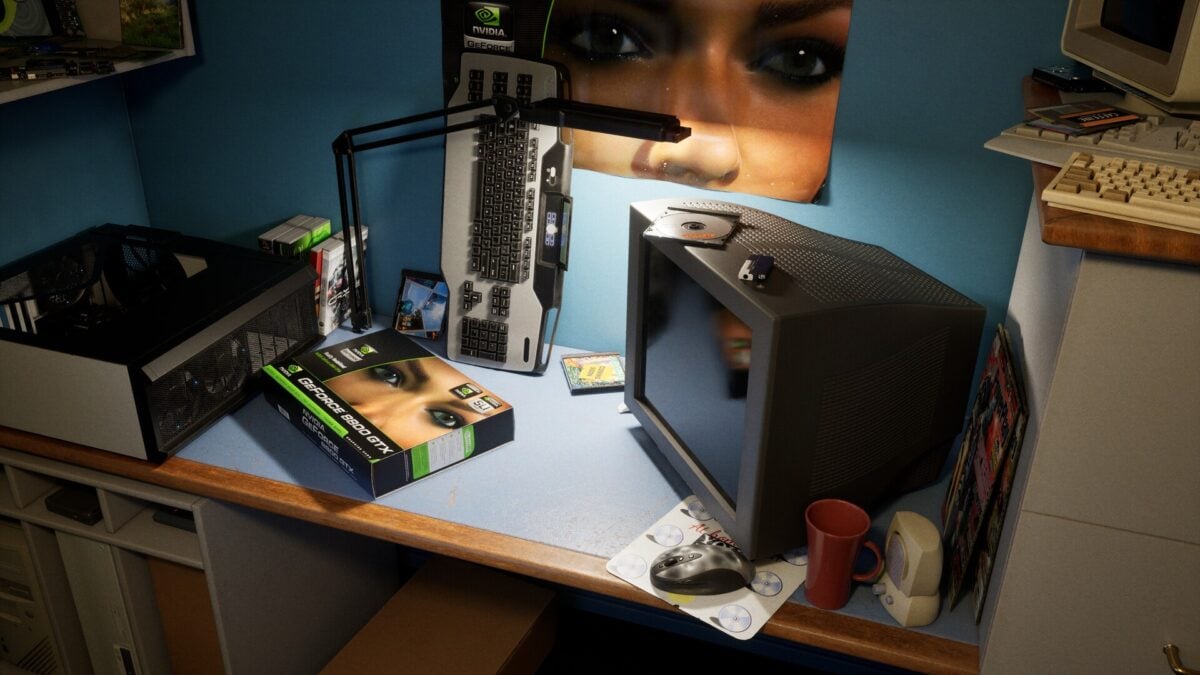
The free GeForce 8800 GTX anniversary demo has a new option for players with AMD and Intel graphics cards. Creator Dylan Browne has added a separate Steam branch that removes the Nvidia-specific version of Unreal Engine used by the original release.
The trade-off is that the alternative branch does not include features such as DLSS, RTX Mega Geometry and Ray Reconstruction. Browne also says image quality and performance will be worse in that version.
How to select the non-Nvidia version on Steam
In the developer announcement, Browne says to right-click the demo in the Steam library, open Properties, go to Game Versions & Betas and select “non-nvidia-branch”. The separate branch is intended to let AMD and Intel graphics users try the experience.
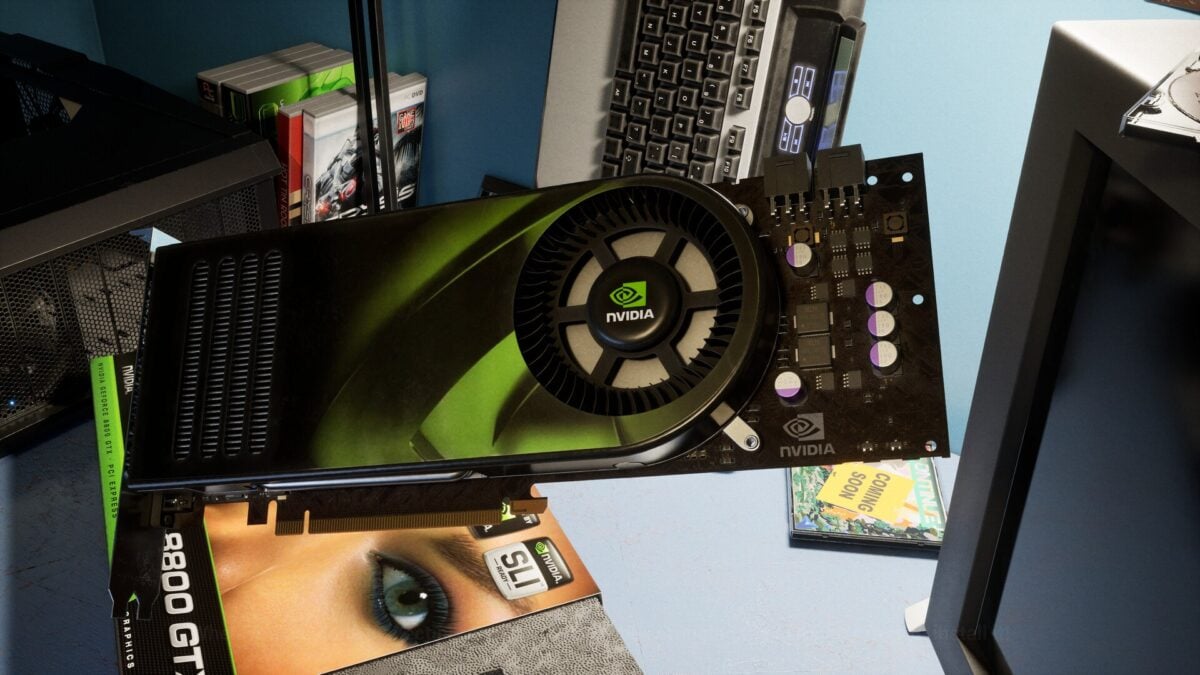
Image: Dylan Browne / NVIDIA
The developer has not supplied a new minimum GPU list for that branch in the announcement. Its existence should not be treated as a guarantee that every AMD or Intel card can run the demo well.
The main Steam listing still lists an RTX 4070 and 32GB of RAM as minimum requirements, with an RTX 5080 recommended. Those published requirements relate to the listed experience and should not be assumed to be a tested performance target for the alternative branch. MIXED previously covered the original release and its requirements.
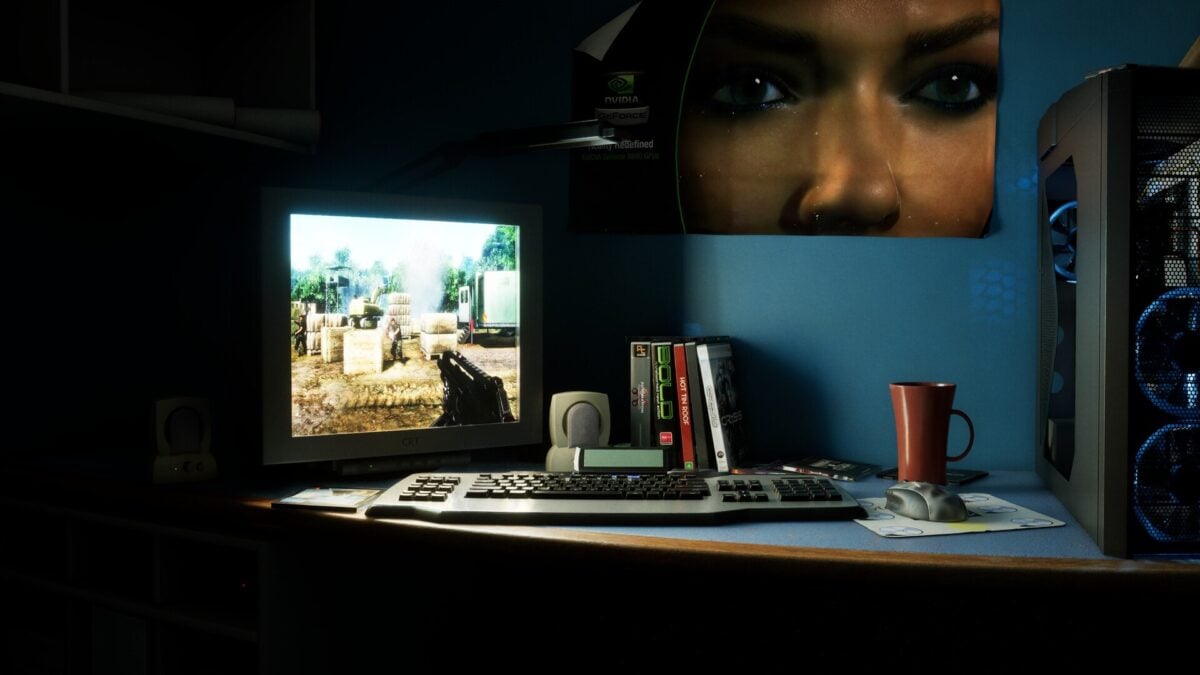
Image: Dylan Browne / NVIDIA
The free demo revisits a 2006 gaming room
Made by Browne with Nvidia's support, the semi-interactive experience lets visitors unbox a virtual GeForce 8800 GTX and install it in a period-style PC. It marks the twentieth anniversary of a card Nvidia identifies as its first CUDA-capable GPU.
Image: Dylan Browne / NVIDIA
Nvidia's original RTX version uses modern rendering features to recreate that setting. The alternative branch widens the choice of graphics hardware, but gives up those Nvidia-specific technologies in the process.

