
One Meta VR CLI command crops your Quest to the VR Glasses' 70 degrees

One command, metavr device fov-sim enable, masks a Quest down to the Meta VR Glasses' 70 degree by 66 degree field of view, so a developer can see what an app loses on a headset that does not exist yet. Meta's guide to the feature, updated September 24, 2026, says the point is to "test an app that targets Meta VR Glasses without a Meta VR Glasses device".
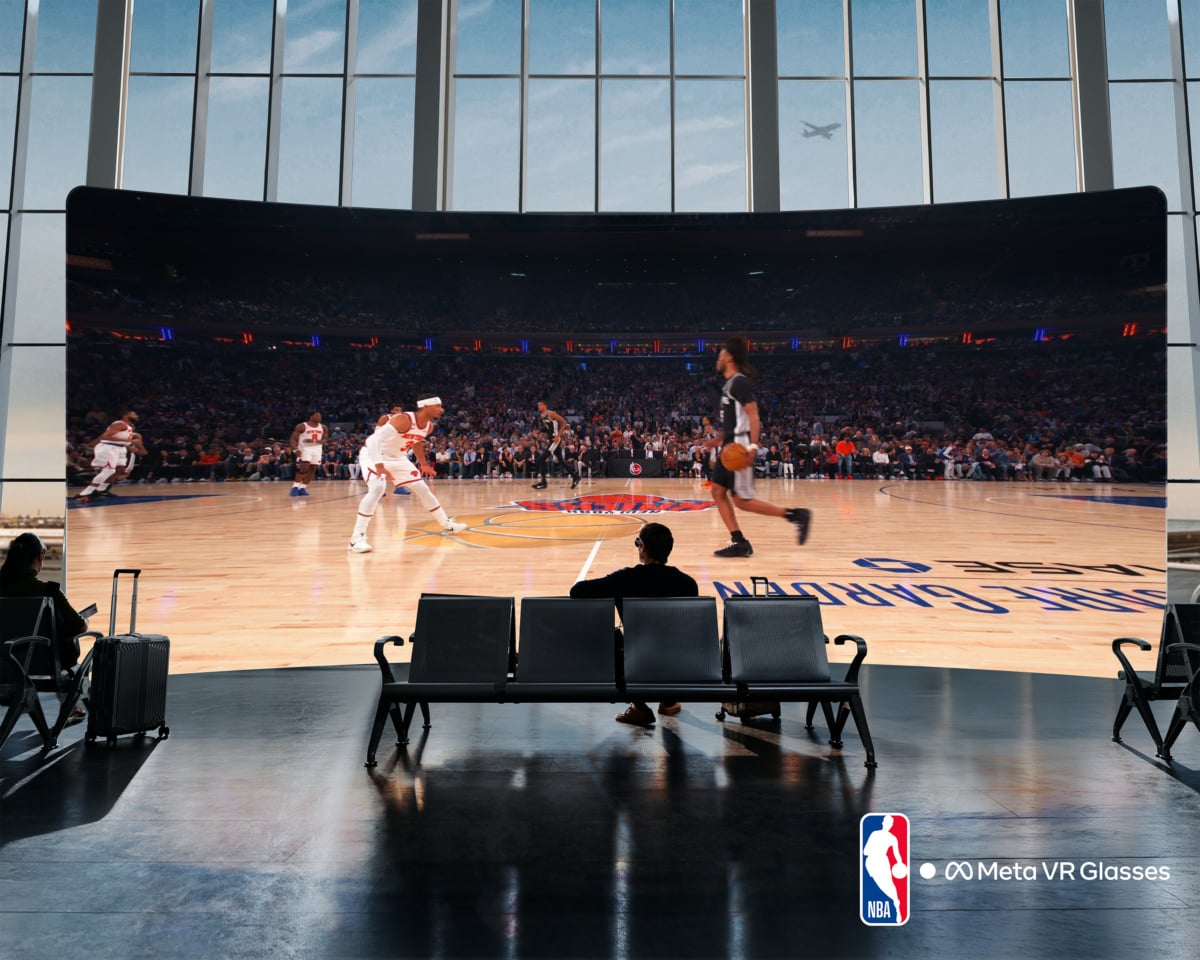
Meta's promotional image for the VR Glasses, showing a virtual NBA screen filling an airport lounge. The CLI simulation reproduces none of this: it only blacks out the edges of a Quest's own panels. Image: Meta
A second flag goes further in. Running the command with --perceived applies the tighter 58 by 54 degree target Meta publishes on its field-of-view page, and metavr device fov-sim disable puts the headset back.
The override is temporary and resets when the headset reboots, Meta says. A headset needs developer mode on, and the machine driving it needs Meta VR CLI installed.
Which headsets can do it depends where you look
Meta's overview names Quest 2, Quest 3, Quest 3S and Quest Pro. Its Meta VR CLI instructions name Quest 3S, Quest 3 and Quest Pro, with no Quest 2. Meta does not reconcile the two.
Unity developers get the same crop without the command line. Meta XR Core SDK 207.0, dated September 22, 2026, says "New FOV simulation options are provided under OVRManager and Immersive Debugger to mask Unity application in runtime to simulate Meta VR Glasses field of view", according to its release notes, reached through Quest > Quest Features > Experimental in the editor.
A crop is not a lens
What the simulation does is black out the edges of a Quest's own panels. It is not the optics of the VR Glasses, and Meta says captures taken with it "do not reproduce the through-the-lens view", so nothing seen this way is a preview of how the product will look to a buyer.
It is also incomplete. Before Horizon OS v209 the device-level simulation does not clip compositor layers, so "2D panels that render as compositor layers stay visible outside the simulated FoV", Meta says, and a menu that would be clipped on the real hardware can still sit comfortably in the test. Meta says the two Unity routes do not have that problem.
Who this is actually for
This is a tool for the people shipping the software, not a preview for the people who will buy the hardware. Meta has told developers that the VR Glasses see 70 degrees where a Quest 3 sees 110, and a mask on a Quest is the cheapest way for a studio to find out which of its UI falls off the edge.
The same SDK release adds an experimental Device Readiness Check Tool that scans a project and generates a readiness report for the VR Glasses. With the whole Quest catalogue due on the glasses at launch, the studios with the most to check are the ones that already shipped.

