
Gemini can now edit your entire Google Slides deck from one prompt
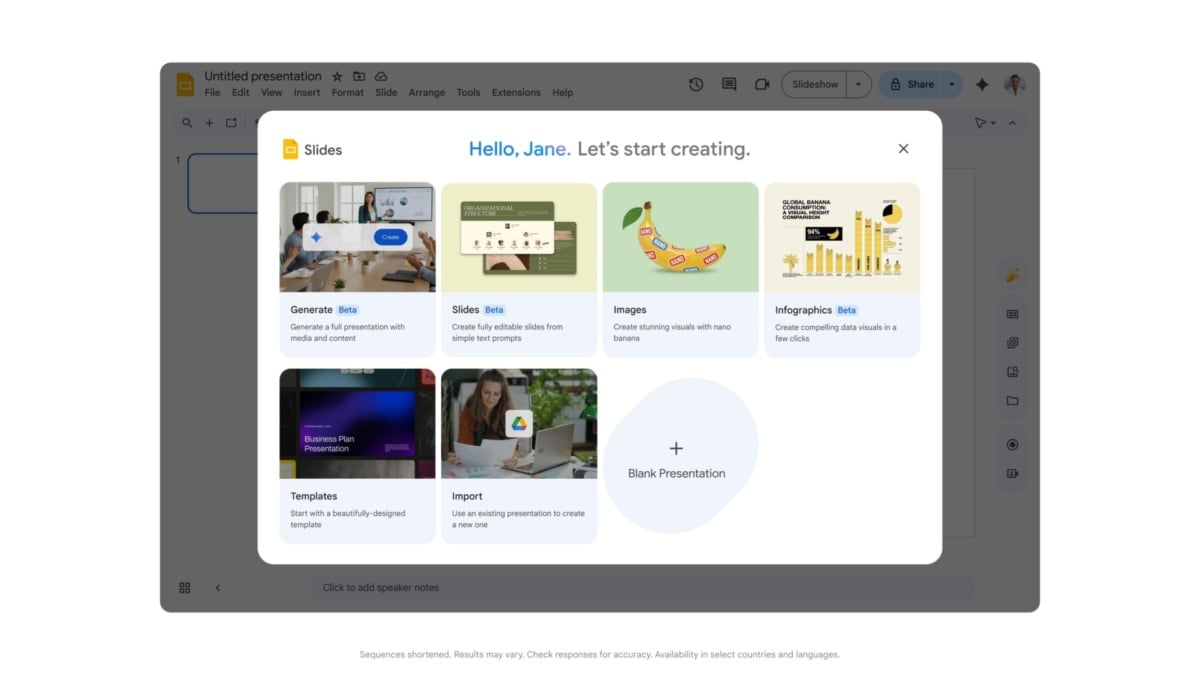
Google is rolling out a Gemini update that can edit multiple slides, or an entire presentation, from a single prompt in Google Slides. The assistant can change a deck’s content, update its visual style or use another presentation as a style reference, Google says.
The feature applies changes directly to editable Slides rather than exporting a flattened image. It is launching in English, and access is limited to certain paid Google AI and Workspace plans during an extended rollout that began October 29.
After Gemini finishes, it shows a summary of its changes in the side panel. Because the edits are applied to the presentation itself, users can use undo or version history to review and reverse them, according to Google’s announcement.
One instruction can change several slides
Google suggests requests such as making title styles consistent, removing page numbers across slides, or updating the color scheme and backgrounds of a whole deck. A user can also ask the assistant to match the appearance of a reference presentation.
Changes are not limited to appearance. Google says Gemini can expand or simplify content using information from Drive files, condense multiple slides into one, or add slides. Gemini chooses which slides to change in response to the request, so the result still needs a careful review.
This is distinct from the recently announced editor inside the Gemini chat app. The Slides update acts on an existing, editable Google Slides presentation through its side panel; the chat feature lets people create and preview supported files within a conversation before opening or exporting them.
Who gets the update?
Google lists Business Standard and Plus, Enterprise Standard and Plus, Google AI Pro for Education, and the personal Google AI Pro and Ultra plans as eligible. The rollout applies to both Rapid Release and Scheduled Release domains and can take longer than 15 days to reach everyone.
Workspace customers will have promotional access to higher multi-slide presentation creation limits through at least December 1, 2026, Google says. Per-user limits apply after that period, with more details promised in advance. The announcement does not specify a numeric allowance.
To try the feature when it reaches an eligible account, open a presentation, use the Gemini side panel and describe the changes. Check any rewritten text and numbers against the source material and use version history if the changes need to be rolled back.

