
A free Android app turns off your phone screen while Xreal glasses keep the picture

A new unofficial Android app lets you switch off your phone's screen while a pair of USB-C display glasses keeps showing the picture. Glasses Mode is free and open source, and a double-tap of either volume button turns it on or off.

The Xreal One Pro. The app was tested on the Xreal One, and the README says it should work with any USB-C glasses that mirror a phone Image: Xreal
Its developer has tested it on one combination only, an Oppo Find N6 running Android 16 with Xreal One glasses, and Xreal is not involved. It should work with any glasses or USB-C display that Android treats as a mirrored screen, and the developer is asking for reports from other phones.
How it works
The app lays a black layer over the phone's display and marks it so Android leaves it out of mirrored copies. The phone goes dark while the glasses keep the normal picture. Some manufacturers' versions of Android may ignore that marker, in which case the glasses go black too, and another double-tap undoes it.
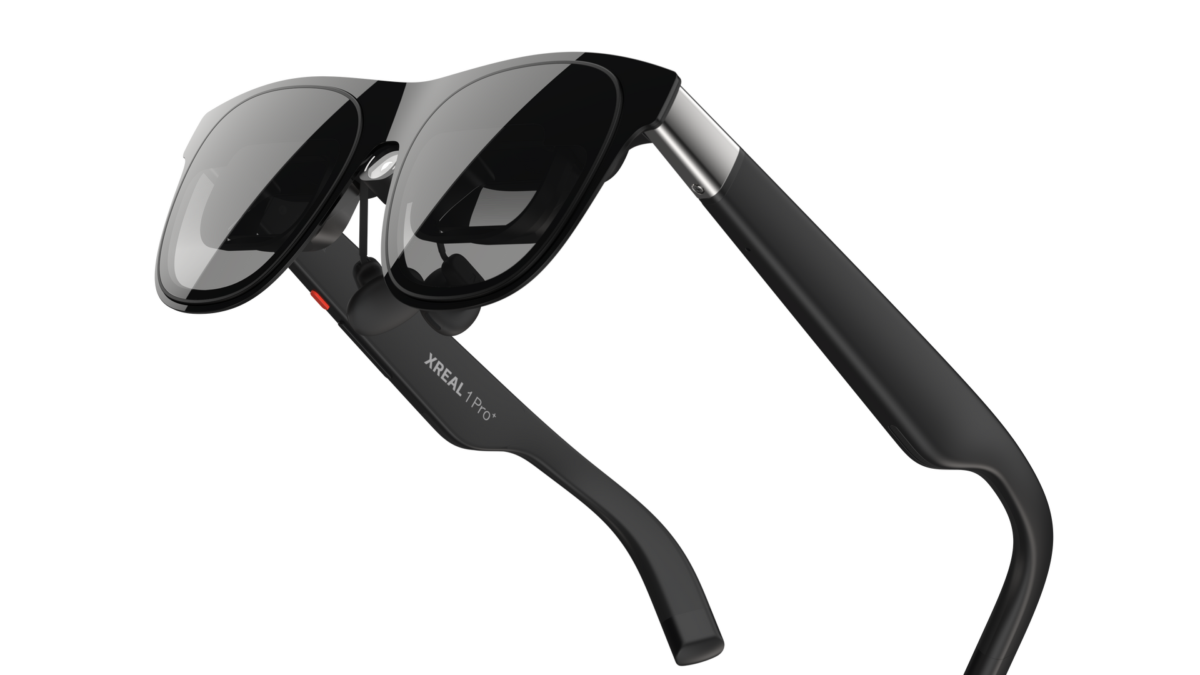
An image from Xreal's own US store, on the listing for the 1 Pro+ and Xreal Eye bundle. Xreal has no involvement in the app Image: Xreal
While the mode is on, the phone ignores touches, so a stray tap in a pocket does nothing. It also locks the picture to landscape, even in portrait-only apps, and keeps the screen awake. Unplugging the glasses turns it off, and because it changes no system settings, nothing needs restoring if the app closes.
A single press still changes the volume, and without glasses connected the buttons work exactly as before.
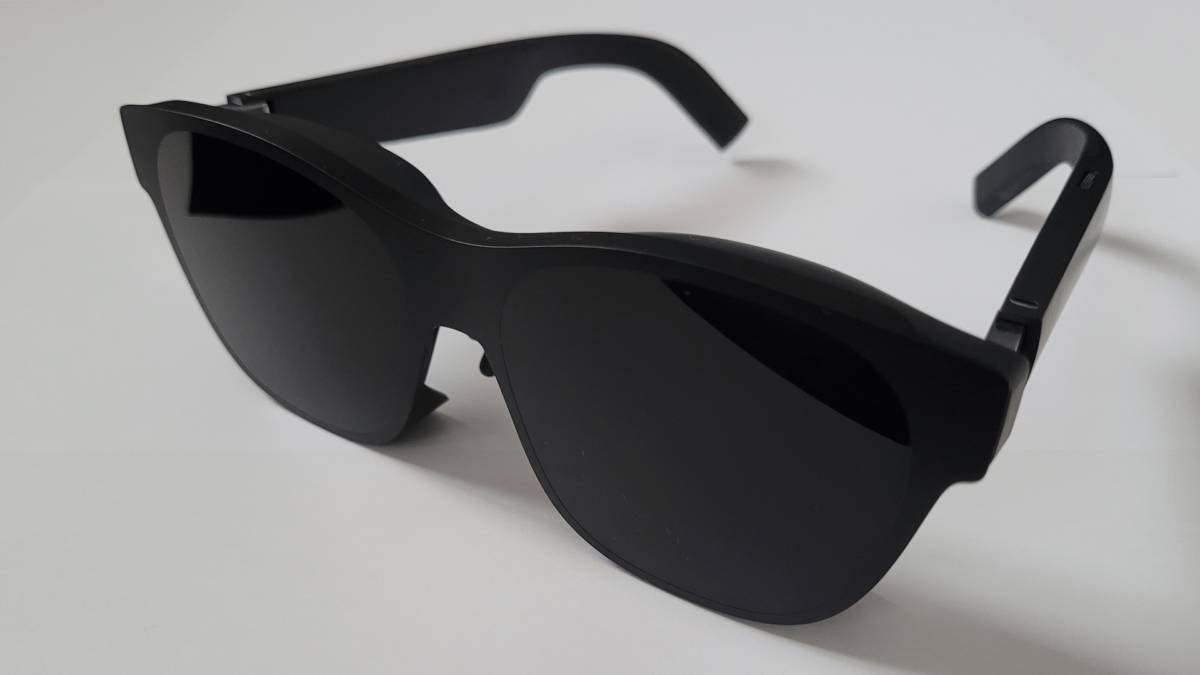
The Xreal Air 2, an older pair of Xreal display glasses that reach a phone over USB-C Image: Xreal
Not on the Play Store
Glasses Mode needs Android 14 or newer but no root access. It is only available as an APK on GitHub, so Android may block the accessibility permission it needs until you allow restricted settings for the app.

The Xreal Air 2 Ultra. Nothing in the project names a model other than the Xreal One it was tried on Image: Xreal
It fills a real gap. Glasses such as Xreal's 1 Pro+ have no computer of their own and mirror whatever the connected phone shows, so anyone nearby can see your screen too. Owners have been building their own tools around that, including an unofficial driver that turns Xreal 1S glasses into a SteamVR headset on a Steam Deck.

