
Gemini can now create notebooks and add sources without leaving your chat
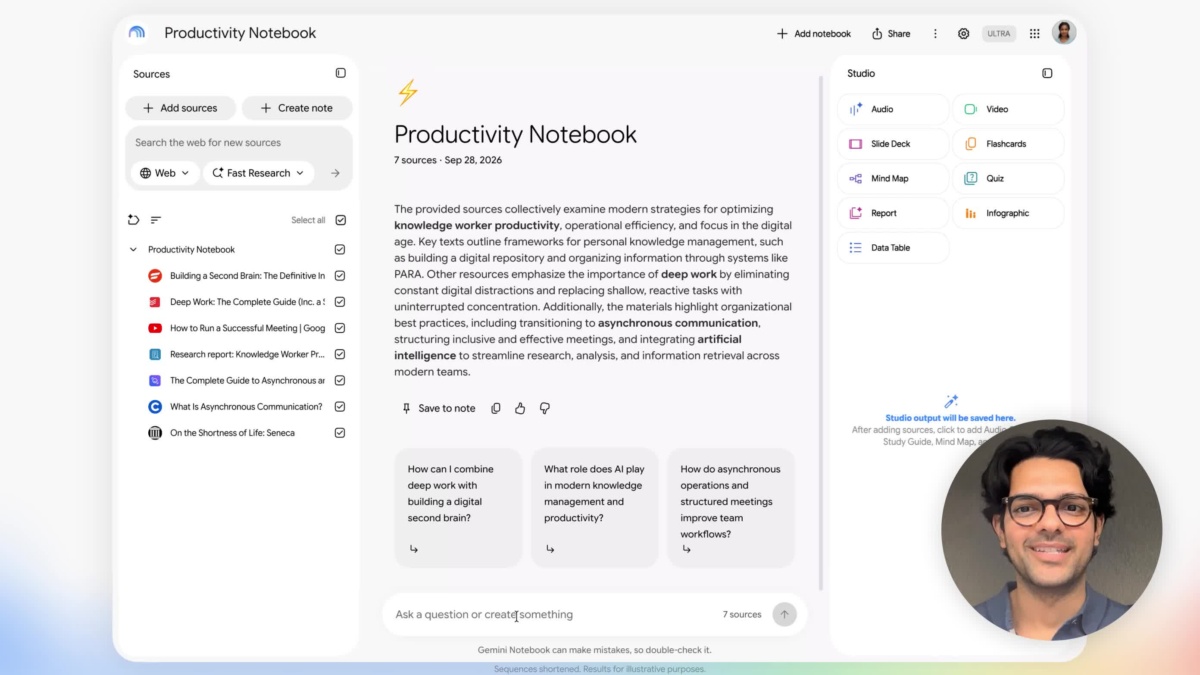
Gemini can now create a research notebook, add material to it and answer questions about its contents from the same chat. Google has connected Gemini Notebook to the Gemini app, making notebook management available through ordinary written requests.
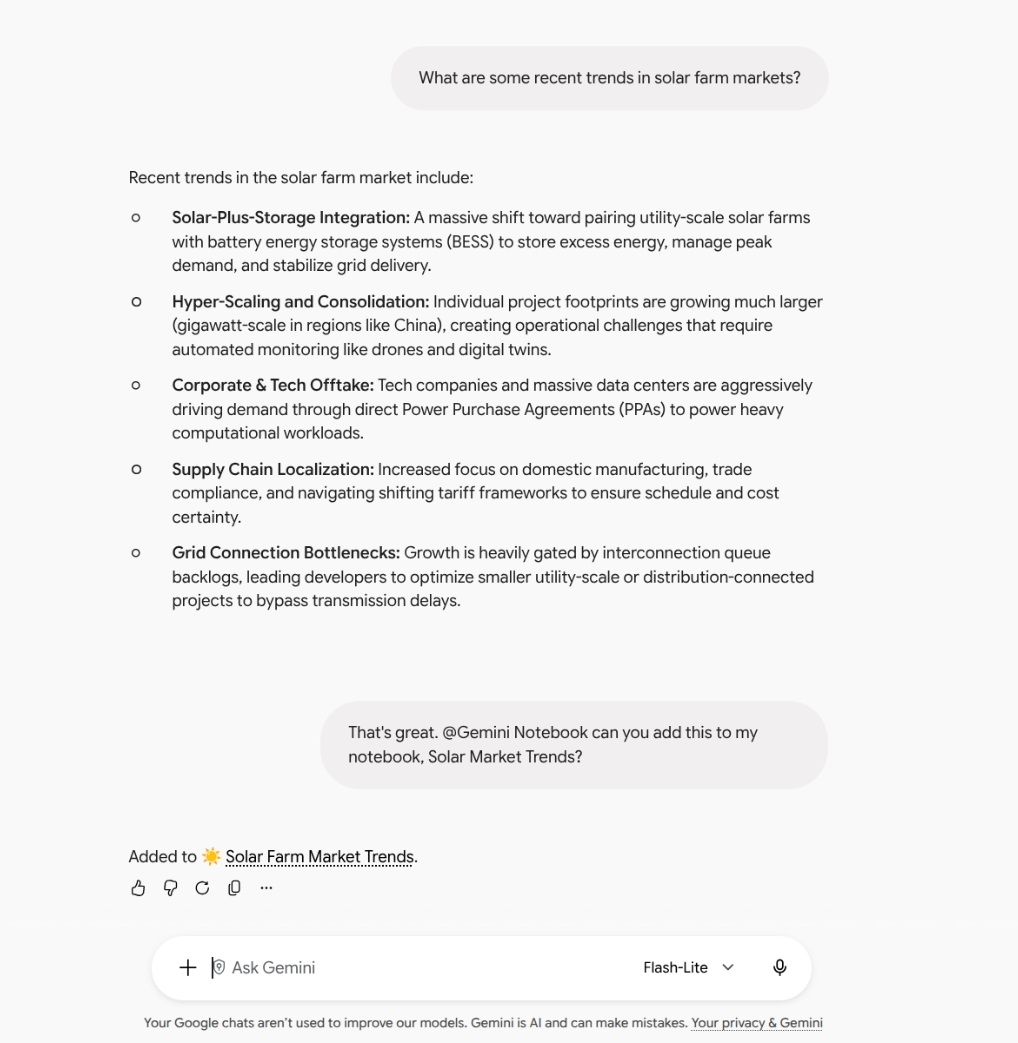
Google’s screenshot of the Gemini Notebook connection in Gemini. Image: Google
The integration announced on October 23 is available now to personal Google accounts, Workspace Individual subscribers and all Google Workspace customers. It is a way to work with your existing research while a conversation is underway.
You can save useful chat material straight into a notebook.
Type @Gemini Notebook to call the connection explicitly. Gemini can also select it automatically when a request is relevant. Supported actions include creating, editing and deleting notebooks, adding or updating sources, listing the material in a notebook and saving key notes.
For example, someone discussing a course assignment can ask Gemini to add a copy of the conversation to the corresponding notebook. A later question can draw on that notebook's context, while a request for its source list helps identify which material the answer is using.
It complements Notebook’s recent controls for reviewing slide and video outlines: the chat connection handles the research collection, while the review workflow shapes a presentation made from that material.
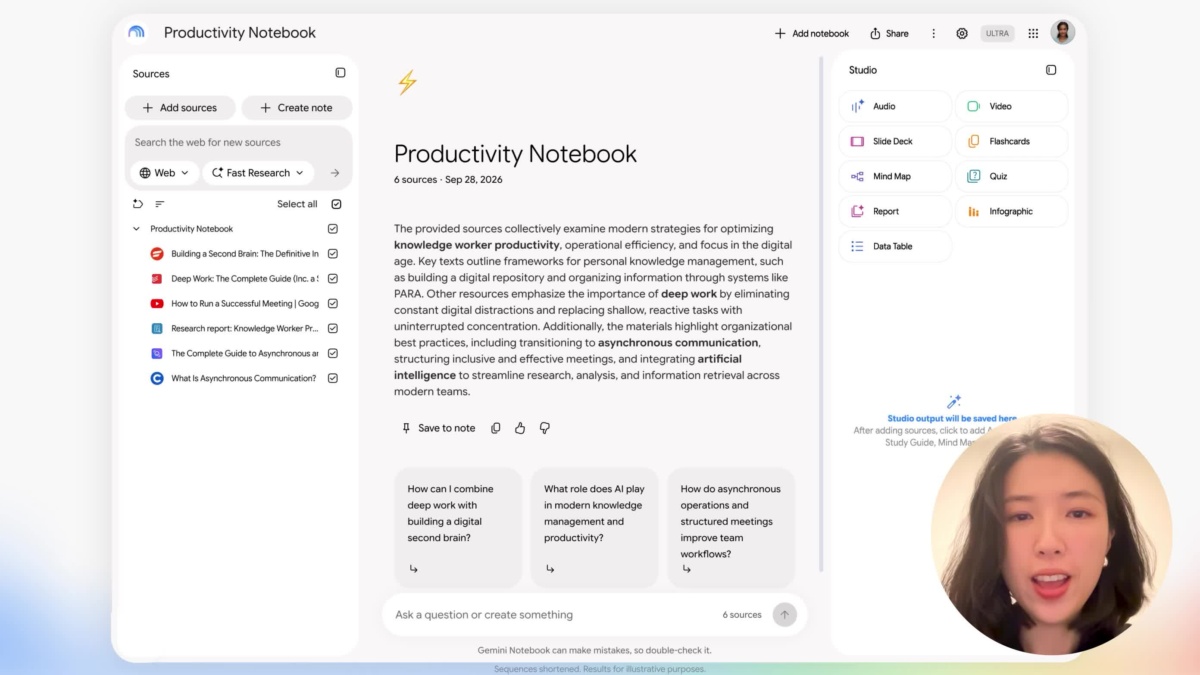
Notebook also supports a separate review workflow for slide and video outlines. Image: Google
Users in the EEA need to enable the connection themselves.
The connection is enabled by default outside the European Economic Area. In the EEA, it starts off. Users can find it under Settings, then Connected Apps in Gemini.
For work or school accounts, both Gemini and Gemini Notebook must be enabled for the user's group or organisational unit. Having access to one service alone does not meet that requirement.
Google's Connected Apps controls also provide a place to review and disconnect services. Before asking Gemini to remove a notebook or source, make sure the request identifies the intended item: this integration can change the collection as well as read it.

