
Gemini Notebook now lets you fix a slide or video plan before it renders
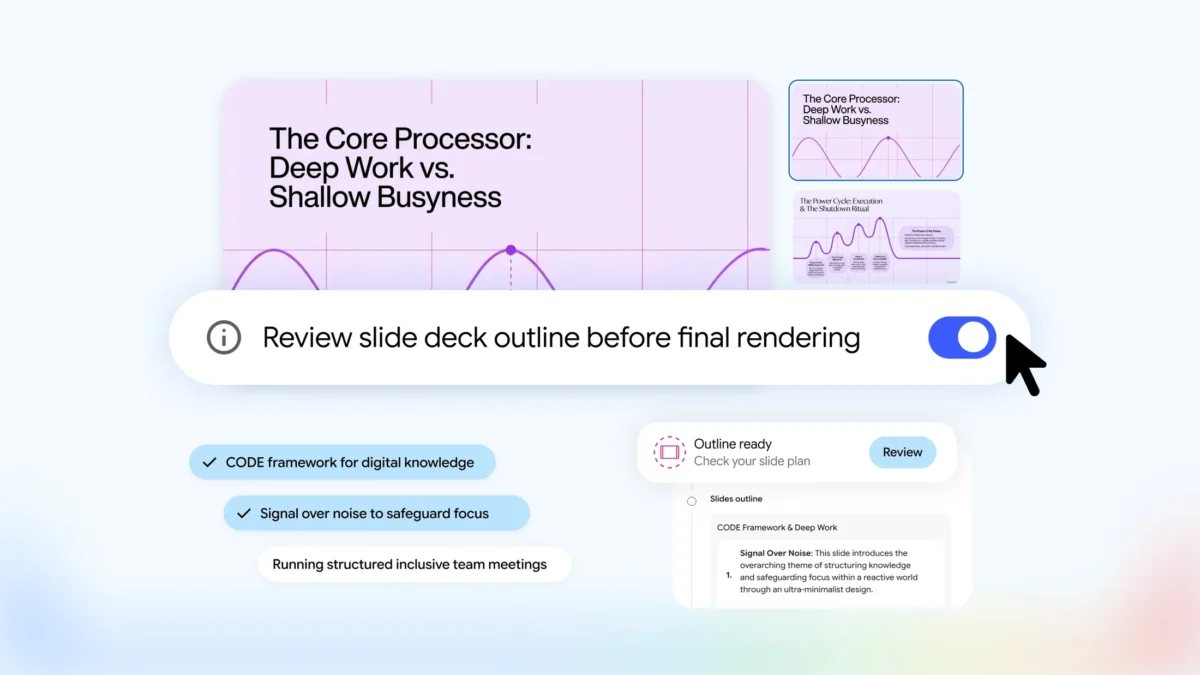
Gemini Notebook now lets you review and change the plan for a slide deck or video overview before it generates the finished result. The optional step gives users a chance to correct the structure instead of discovering an unwanted direction after rendering.
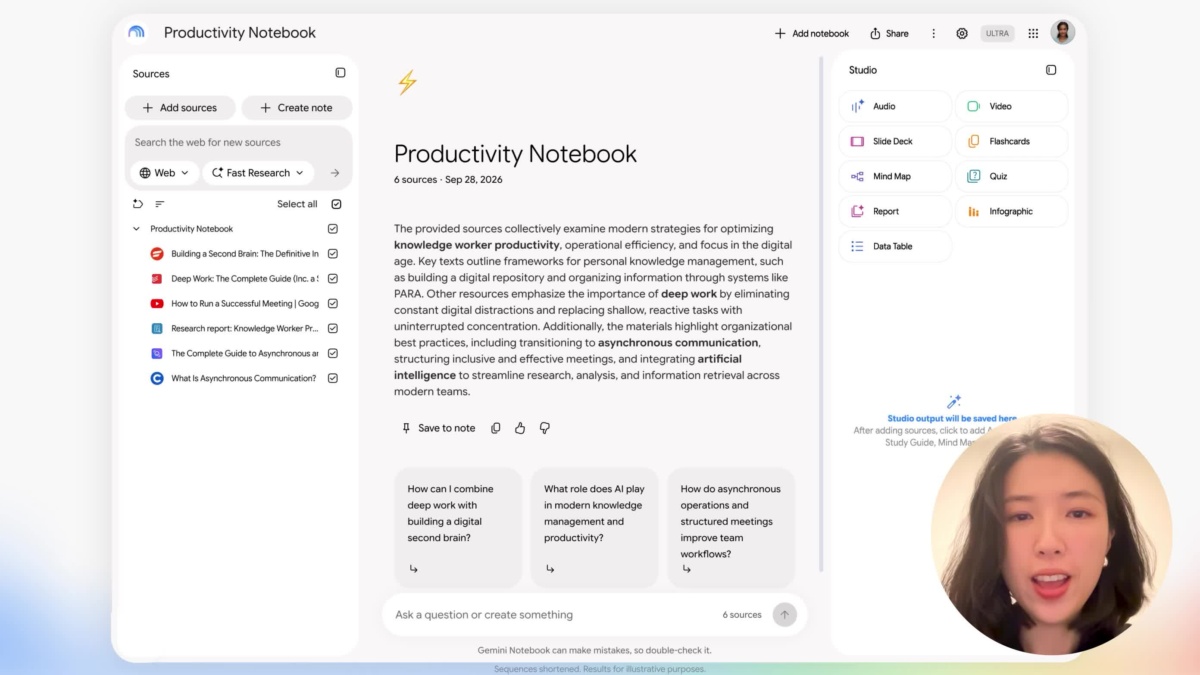
Google’s official walkthrough illustrates the new review-and-edit workflow. Image: Google
Google announced the change on October 19 and says it is rolling out globally to all Gemini Notebook users over the following week. It applies to Slide Decks and Video Overviews.
You can shape the content before choosing a visual style
The new flow starts in chat. Ask Notebook to make slides or a video, and it proposes topics based on the sources in the notebook. After confirming those topics, you can steer the content, format and visual treatment.
For more control, enable the Review toggle. The Studio panel then offers outline notes for slides or producer notes for video. You can give further feedback before proceeding to generation.
Google's examples include adding an executive summary to the beginning of a deck or changing the order of a video scene. The sequence lets a user settle the main argument and running order before spending time reviewing a polished output.
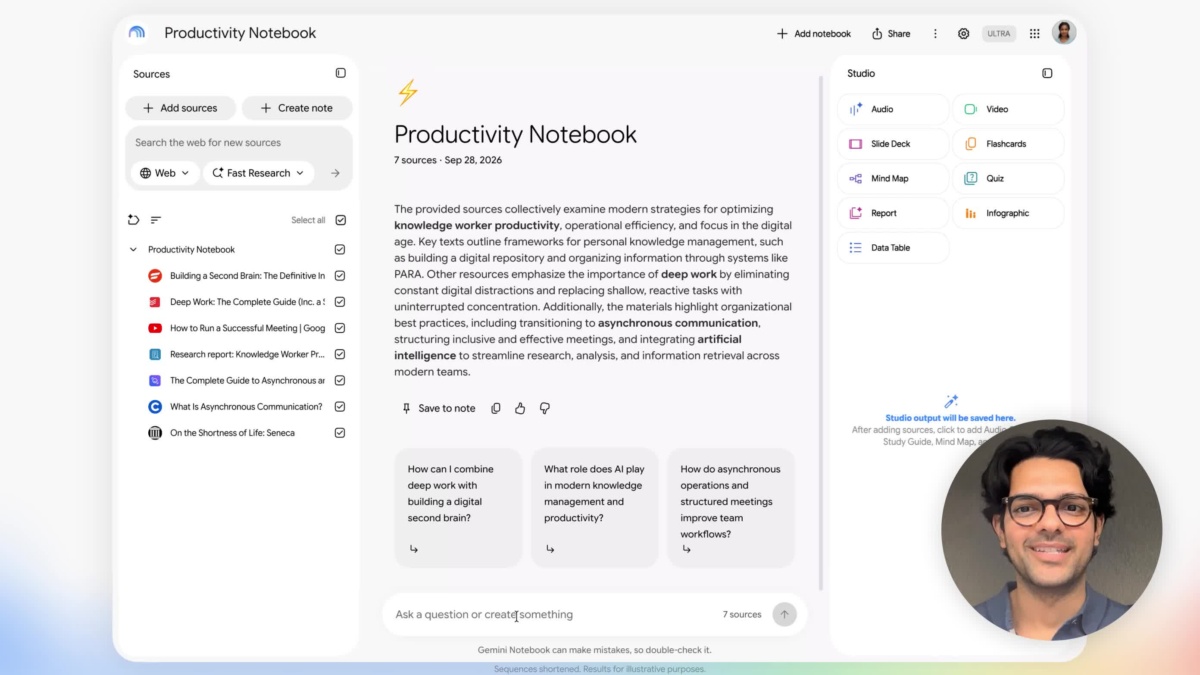
Google’s official walkthrough illustrates the new review-and-edit workflow. Image: Google
The faster generation route remains available when you want it
If your initial prompt already specifies the desired result, Notebook can move directly to the review flow. Alternatively, you can continue using the Studio panel without enabling Review and generate an output as before.
The new controls concern the planning process. They do not remove the need to check the finished deck or video against the underlying sources, especially when the output summarises detailed evidence.
This is a distinct workflow from the broader Gemini app's move towards reusable skills. Notebook's change keeps the review attached to the particular sources and presentation being created, with the user choosing when the plan is ready to render.

