
ChatGPT plugins can now claim the sidebar, and Canva, Figma and Adobe already have
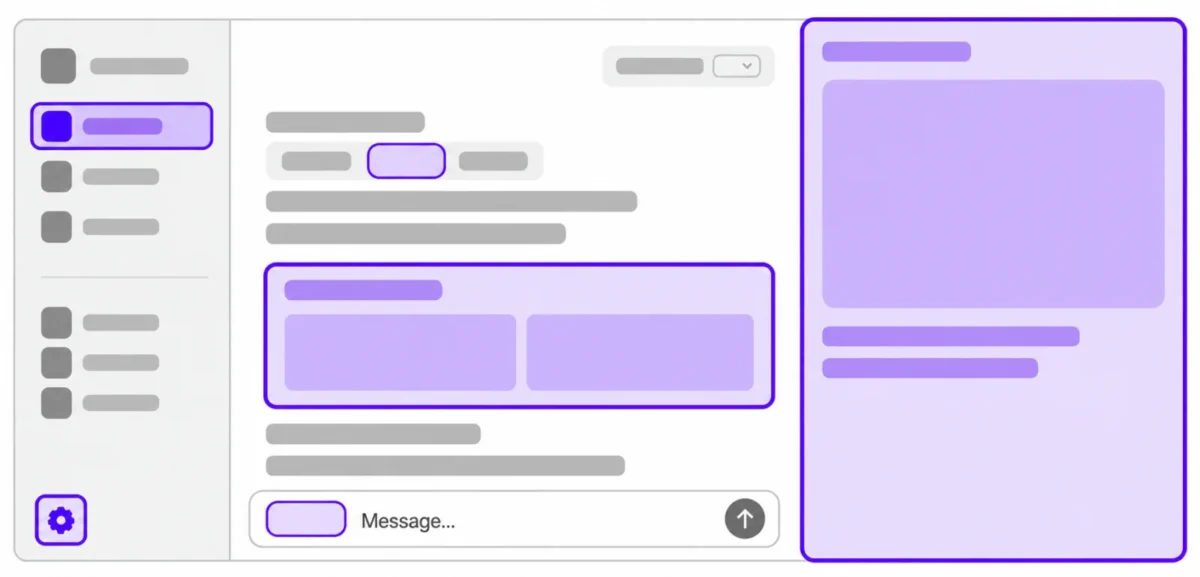
A plugin in ChatGPT used to answer in the chat and stop there. It can now take a panel, a sidebar entry or a file viewer of its own, and three companies have already shipped one. "OpenAI MCP Extensions enables developers to hook their plugins into key surfaces of the ChatGPT user experience, including the sidebar, composer, and file viewers," OpenAI's developer documentation says.
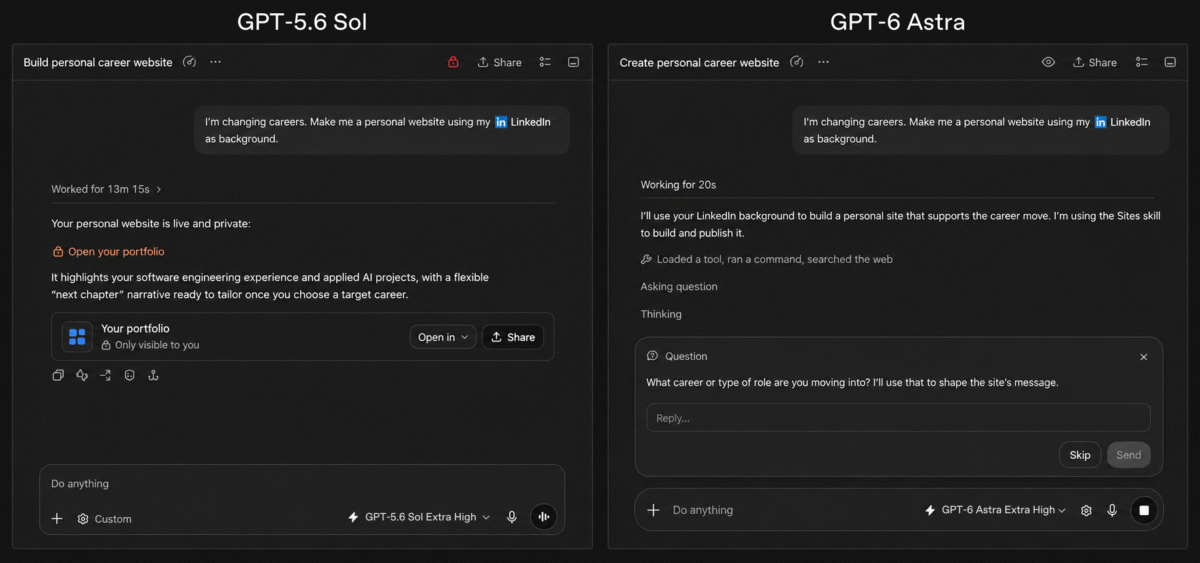
Two ChatGPT threads side by side. An extension opens a plugin's own interface beside the conversation rather than inside it. Image: OpenAI
OpenAI names the three in its own guidance. Canva's "Sidebar Tabs enable Canva users to create designs and preview them as a native sidebar feature of ChatGPT", Figma's "Composer Mentions enable Figma users to search for and mention files directly in the ChatGPT desktop app", and Adobe's "File Extension Handlers enable Adobe users to edit files with Acrobat and Photoshop directly in ChatGPT".
A plugin declares where it wants to appear
Each surface is an entrypoint a developer registers against a tool. A global entrypoint adds the app to ChatGPT's sidebar and launches it fullscreen; a thread entrypoint opens it in a conversation's side panel beside the chat. A file entrypoint names the file types the viewer handles, written as a list of extensions, and ChatGPT opens that app when a user opens a matching file, handing it a resource URI to read.
Forms are the other half. OpenAI describes rich forms as a way to "ask users for structured input or let them choose from images, then return their response to your tool", built by extending standard MCP forms with components native to ChatGPT, where each option carries a title and an optional thumbnail. There is also a documented way for an app and the model to keep each other informed, which OpenAI calls Model-App Context and describes as "bidirectional context sharing".
The composer half is desktop only, and free plans are still waiting
Two limits come with it, and OpenAI states both. "Plugin extensions on the web are coming soon to ChatGPT Free and Go users. Existing plugin functionality is unaffected. Composer mentions are available only in the ChatGPT desktop app." No date is attached to "coming soon", so a free account cannot use a sidebar app on the web yet, and nobody gets Figma-style mentions in a browser.
The release note dated September 29 adds the part that governs a workplace install: "Plugins still require their applicable account connections and workspace permissions." That is the same constraint OpenAI applied when it let ChatGPT Voice use plugins in September, and it means an admin can keep a sidebar app out whatever a user installs.
The specification is in a repository, not a standard
The TypeScript and Python SDKs and the protocol document all live in OpenAI's mcp-extensions repository, and OpenAI describes the document as defining "the formal, language-agnostic API that extends the MCP and MCP Apps specifications". Extending two specifications in a GitHub repository is not the same as ratifying anything, and OpenAI does not claim otherwise.
For anyone building against it, OpenAI ships a reference plugin it calls Bits & Bolts, "our kitchen sink plugin", installable from ChatGPT, and notes that OpenAI-registered MCP servers require multi-round-trip requests. OpenAI has published no figure for how many plugins use extensions, which leaves the three it names as the entire public list, and plugins are the surface custom GPTs are being retired into.

