
AMD is investigating Radeon driver reports of constant SSD writes, and a fix is in the works
Some Radeon owners have reported that an AMD graphics driver process keeps writing data to their system drive even when their PC is idle. An AMD representative says the company has investigated the behaviour and that a fix has been submitted for a future release.
The reports centre on atieclxx.exe, the client associated with AMD External Events Utility. The full extent of the issue is not established, and the reports do not establish a fixed amount of SSD wear for affected machines.
For anyone concerned, Windows has a built-in way to check disk activity before changing driver settings. That is a better first step than assuming a system is affected because it has an AMD graphics card.
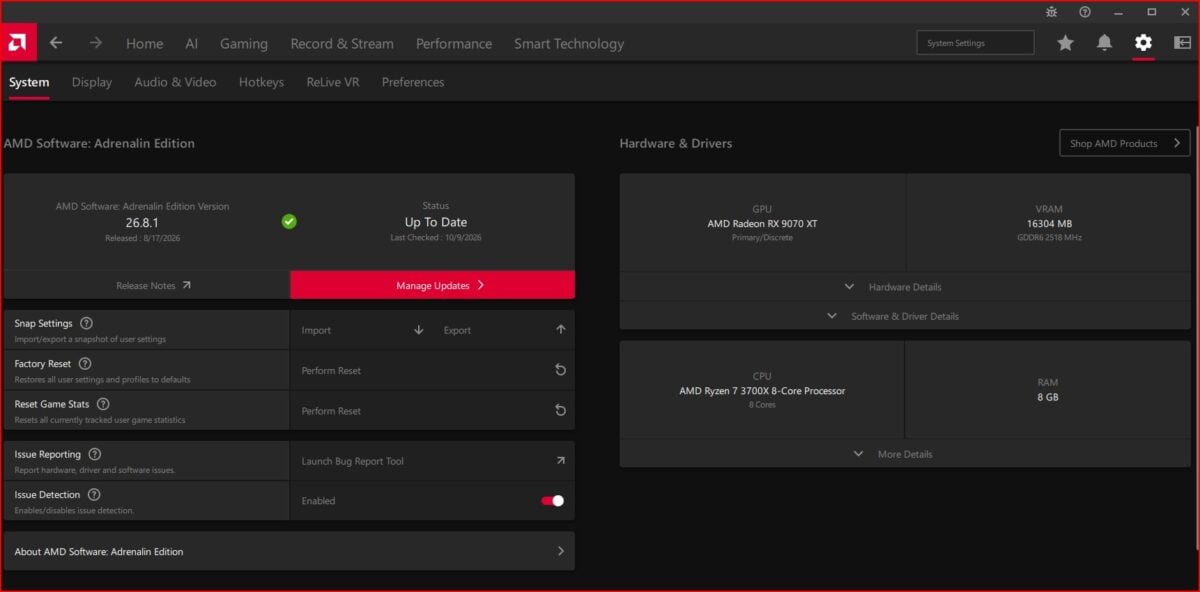
AMD shows where to find the software version and update controls. Image: AMD
AMD has identified an interaction involving the utility
In a Reddit discussion, the account AMD_Vik said the team had reproduced the issue and described an interaction between the external events utility and Microsoft's PCIe filter driver. The representative later said a colleague had submitted a fix and that it had missed the cutoff for Adrenalin 26.10.2. AMD's community representative also said on the company forum that AMD was investigating with the aim of resolving the issue in a future driver.
A separate user report drew renewed attention to sustained writes. These are accounts from individual systems, not a list of every affected driver version or graphics card.
One user in the earlier discussion reported roughly 0.7MB per second from the process on their own machine. If that rate continued for a full day, it would amount to about 60GB of host writes. That calculation assumes no interruption and does not establish how much data ultimately reaches the SSD's flash memory or how much life a particular drive loses.
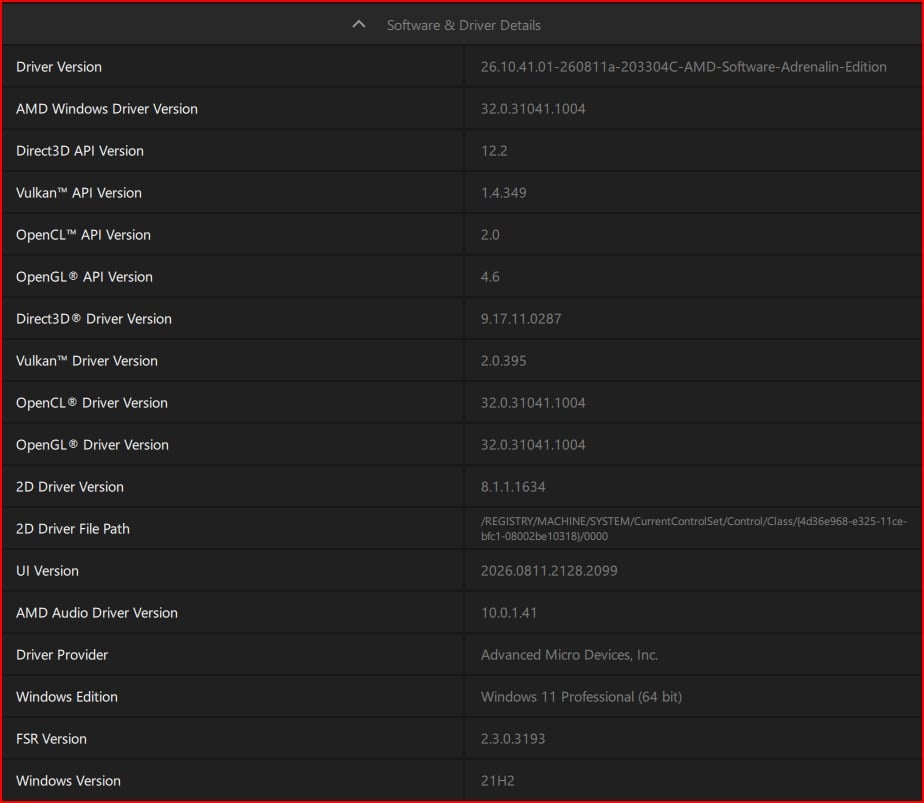
The software and driver details panel in AMD Software. Image: AMD
How to check the process on your PC
On Windows, press Win + R, type resmon and press Enter to open Resource Monitor. In the Disk tab, look at processes with disk activity and sort by the Write column. Check whether atieclxx.exe continues writing while the PC is otherwise idle.
Disk activity can have many causes, and a momentary write is not proof of this issue. Observe the system over time and check which process is responsible. You can also use AMD's software guide to find the installed driver version and open its release notes.
Users have reported stopping the writes by disabling AMD External Events Utility or turning off Resizable BAR, but those are workarounds rather than universal fixes. Disabling the service can affect Radeon hotkeys; changing Resizable BAR can affect game performance. Neither change is necessary just because a Radeon driver is installed.
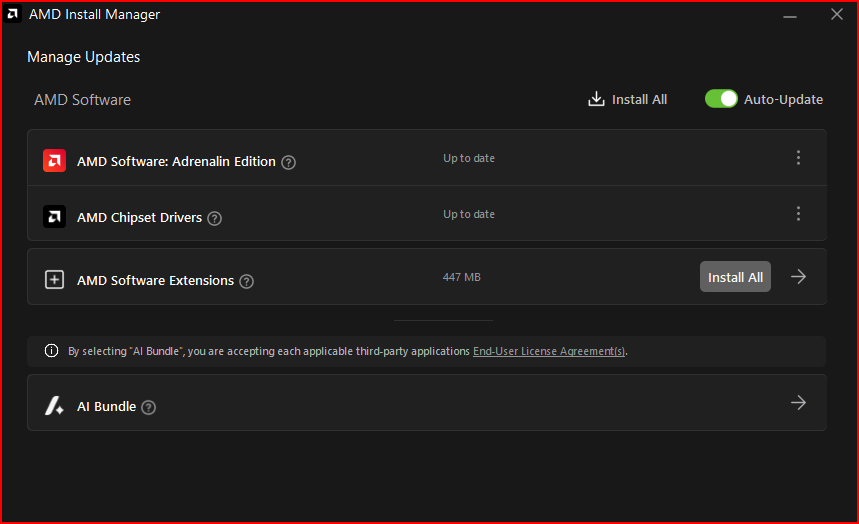
AMD Install Manager lists software update status. Image: AMD
Check the release notes before assuming the fix has arrived
AMD_Vik said the submitted fix had not made it into version 26.10.2 in time. A submitted change is not the same as an update installed on your PC, so check AMD's notes for the specific driver offered for your hardware.
The company has not supplied a complete affected-hardware list in the statements reviewed here. If you do see sustained writes, keep the observed process and driver version handy when seeking support, and review the activity again after installing a driver that lists the relevant fix.

