
Windows 11 Search gains phone calls, brightness sliders and file previews in a new test
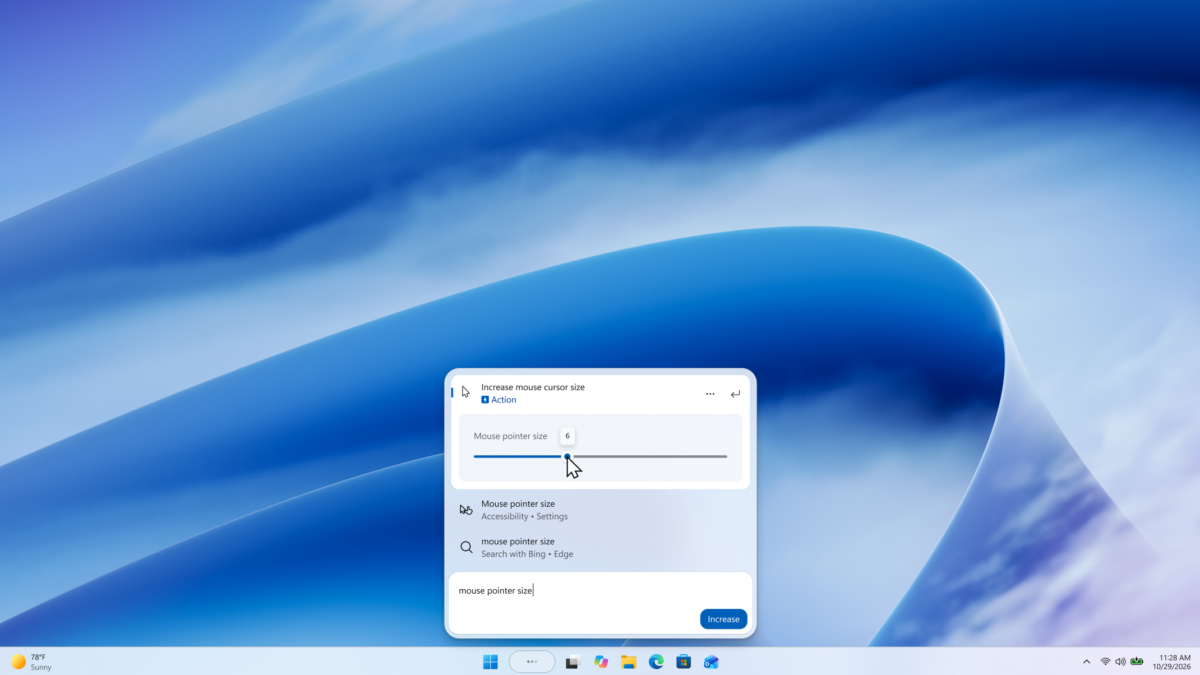
Microsoft is testing a version of Windows 11 Search that can call or text a contact through a connected Android phone, adjust settings with sliders and show richer file previews. The additions are part of an Experimental channel preview, so they are not yet a general Windows 11 release.
Phone actions use a supported phone connected through Phone Link. Microsoft says Android support is available in the test now; iPhone support is planned for early next year.
The update builds on the redesigned Search experience Microsoft began rolling out to testers earlier in October. The company describes the additions in its October 30 Insider announcement. Microsoft said the initial Search preview supported English.
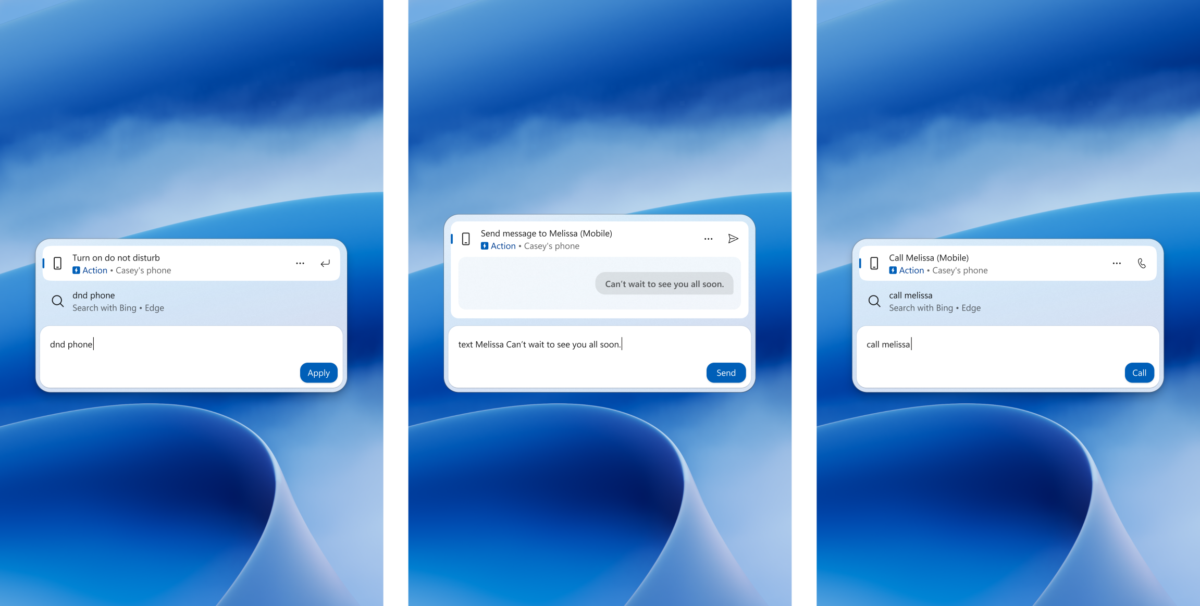
Phone Link can surface calls, messages and other phone actions in the Search preview. Image: Microsoft
Search can act on a phone and adjust settings
With a supported phone connected, testers can search for a contact and select actions to call or send a text. Microsoft also shows an option to turn on the phone’s Do Not Disturb mode from Search.
The same search box can now show inline sliders for volume, screen brightness and cursor size. Microsoft says actions are labeled more clearly and suggested actions help users discover other available controls.
Its example for cursor size places the control directly in the search result, so a user can adjust the pointer without navigating through the full Settings app. The company has not said that every Windows setting will get an inline control.
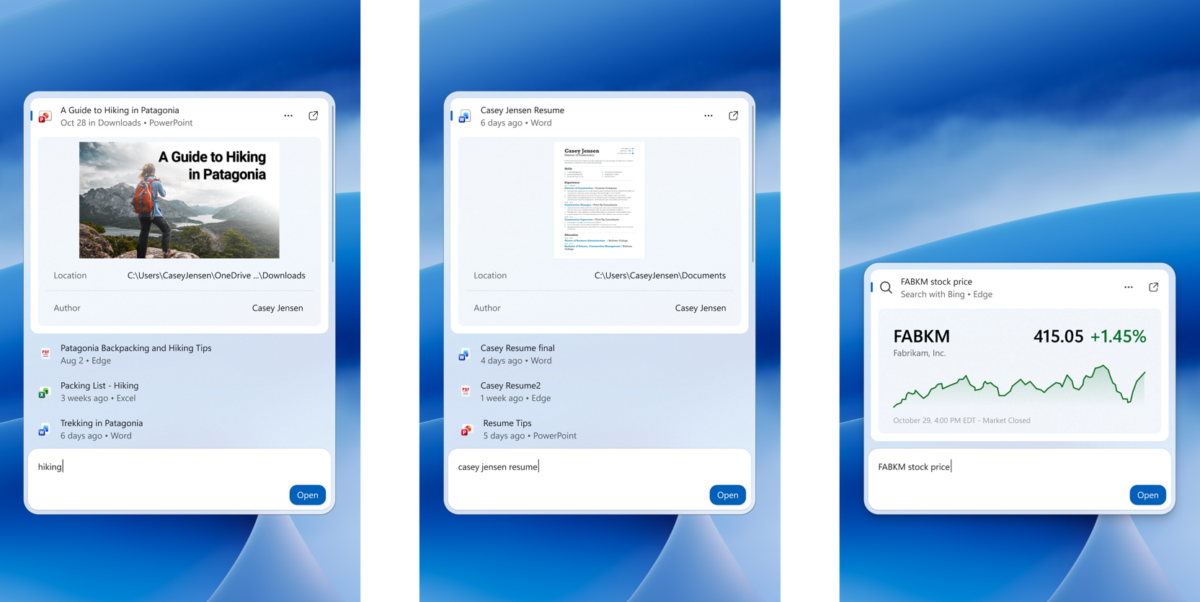
Microsoft shows file previews and web answers in the updated search interface. Image: Microsoft
Files and store results get more context
Search can also preview files and show details such as their location, author and last modified date. Microsoft’s examples include a PowerPoint presentation and a Word document, alongside web answers such as stock prices.
Results can be filtered by categories including files and folders, settings and actions. Microsoft says app results from the Store can be switched on or off under Settings → Privacy & security → Search.
Testers can right-click a result or suggestion to give a thumbs up or thumbs down, and remove items from the initial Search view. The new Search interface currently opens at the bottom center of the screen; Microsoft says it is working on adapting it to other taskbar positions and searches launched from Start.
The changes are listed for the Experimental and Experimental 26H1 channels. The Search changes are rolling out gradually, so eligible Insiders may not see them immediately. Preview features can change or never ship, and Microsoft has not announced a general release date for these additions.

