
Quest 3 gets a new way to stream SteamVR games alongside PC windows
Meta Quest owners have another way to bring their PC into VR. The latest update to the third-party vrOS utility adds support for Quest 3, Quest 3S and Quest 2, including streaming SteamVR games with desktop panels alongside them.
Version 3.3.0 also brings the app’s dashboard and virtual keyboard to those headsets. There is a catch, though: vrOS’s built-in Quest installer currently needs a Windows PC, and the headset app is not available through the Meta Horizon Store.
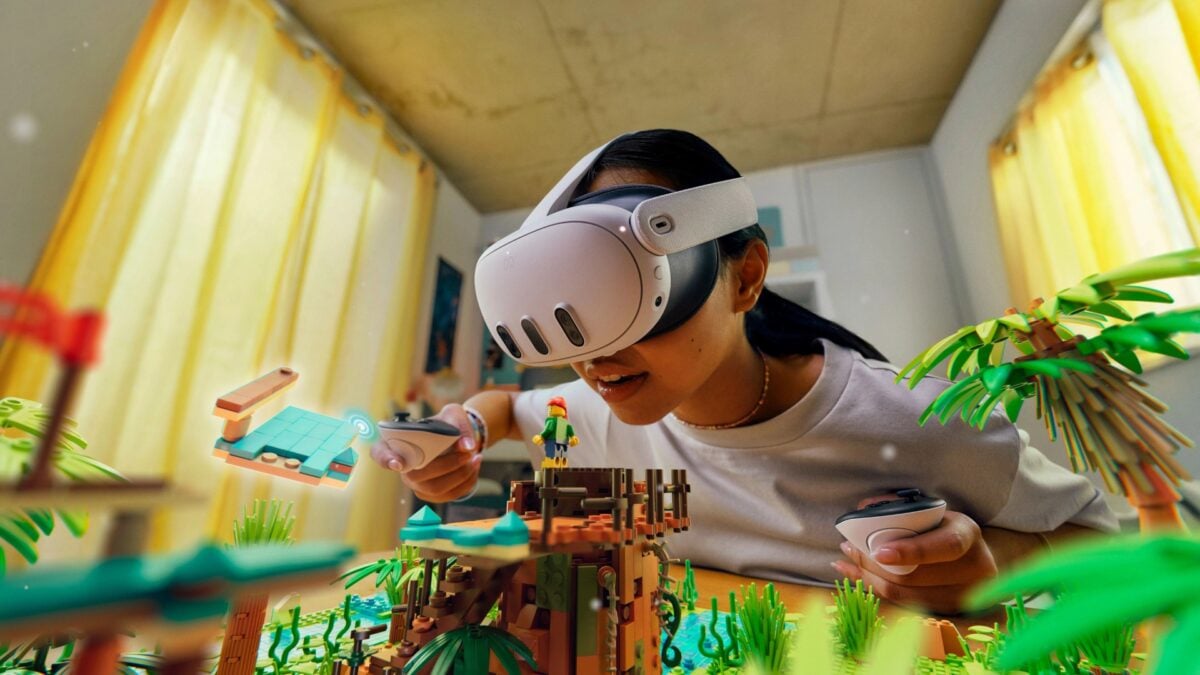
The new Quest component is included with the paid vrOS application on Steam, where the utility is listed as Early Access. It is not a Meta system update, and you still need a suitable PC to run the games you want to stream. The featured Meta image shows a Quest 3, not vrOS in use.
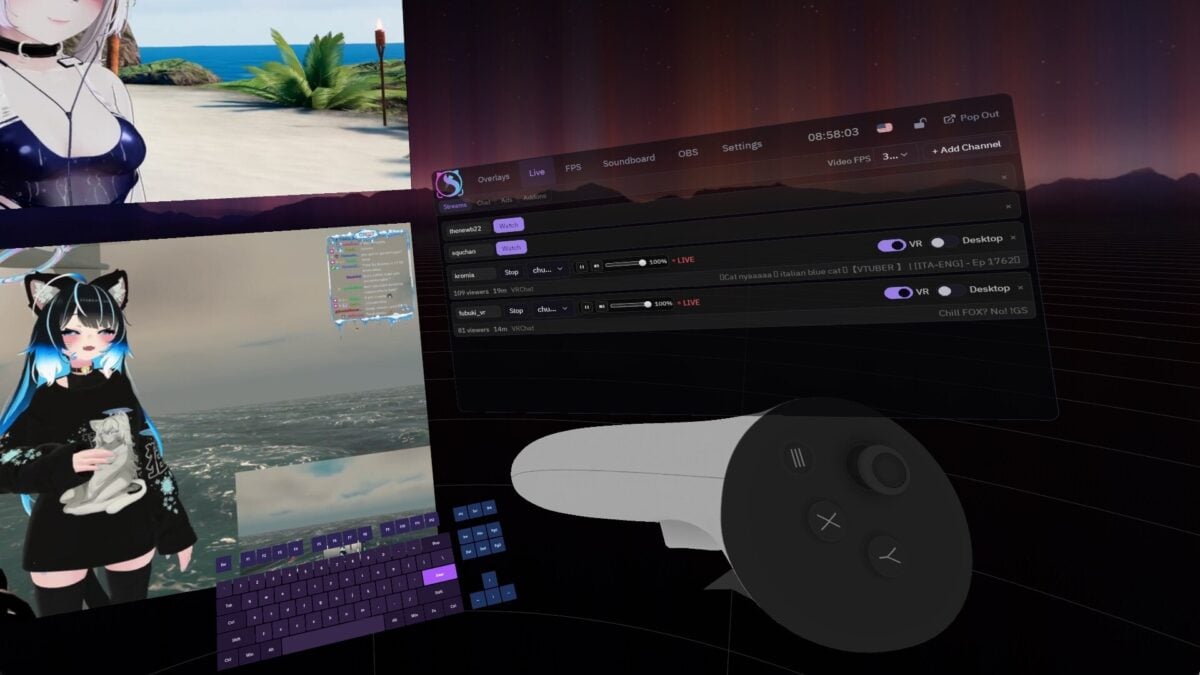
An earlier developer image shows the vrOS interface; the Quest version may look different. Image: catnet systems / Steam
What Quest owners can do with vrOS
According to the developer’s patch notes, the app can show PC windows and displays as panels inside the headset while a SteamVR game streams from the computer. PC audio and the headset microphone are part of that connection.
That could be useful if you want to keep a reference window nearby without taking off the headset. Still, the developer says Twitch and other extensions do not run on Quest yet, so do not assume every function shown in older vrOS images is available there.
We previously covered vrOS bringing desktop panels and PC VR streaming to Steam Frame. The Quest support is a separate addition in the newer update.
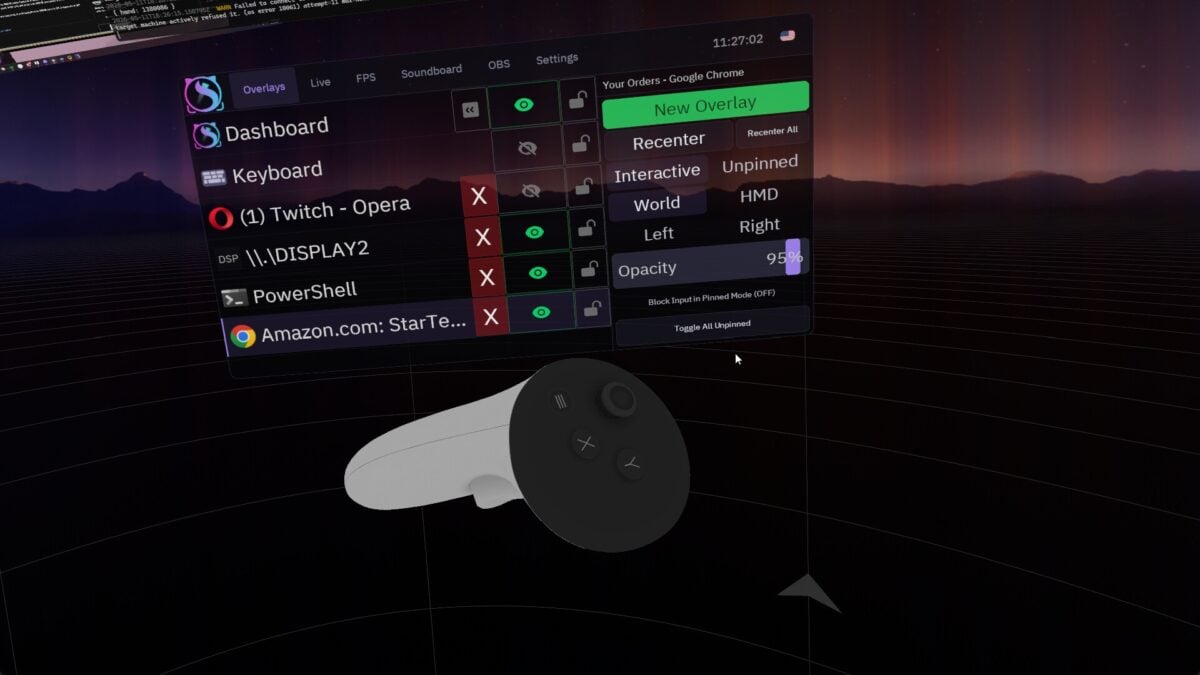
The developer’s earlier promotional image shows overlay controls. Image: catnet systems / Steam
How to install the Quest version from a PC
Start by enabling Developer Mode through the Meta Horizon phone app. The vrOS instructions say Meta requires a verified developer account and an organization for that step. You then use the app on your Windows PC to download the Quest component, connect the headset by USB-C and allow USB debugging.
The developer also describes manual sideloading with tools such as SideQuest or Meta Quest Developer Hub. Once installed, vrOS appears under Unknown Sources in the headset library. The PC and headset need to be on the same network for the connection, and the developer says to enable streaming in vrOS on the PC for SteamVR games.
The team says it has not submitted a Horizon Store version yet. I recommend reading the complete setup instructions before buying if sideloading is unfamiliar.
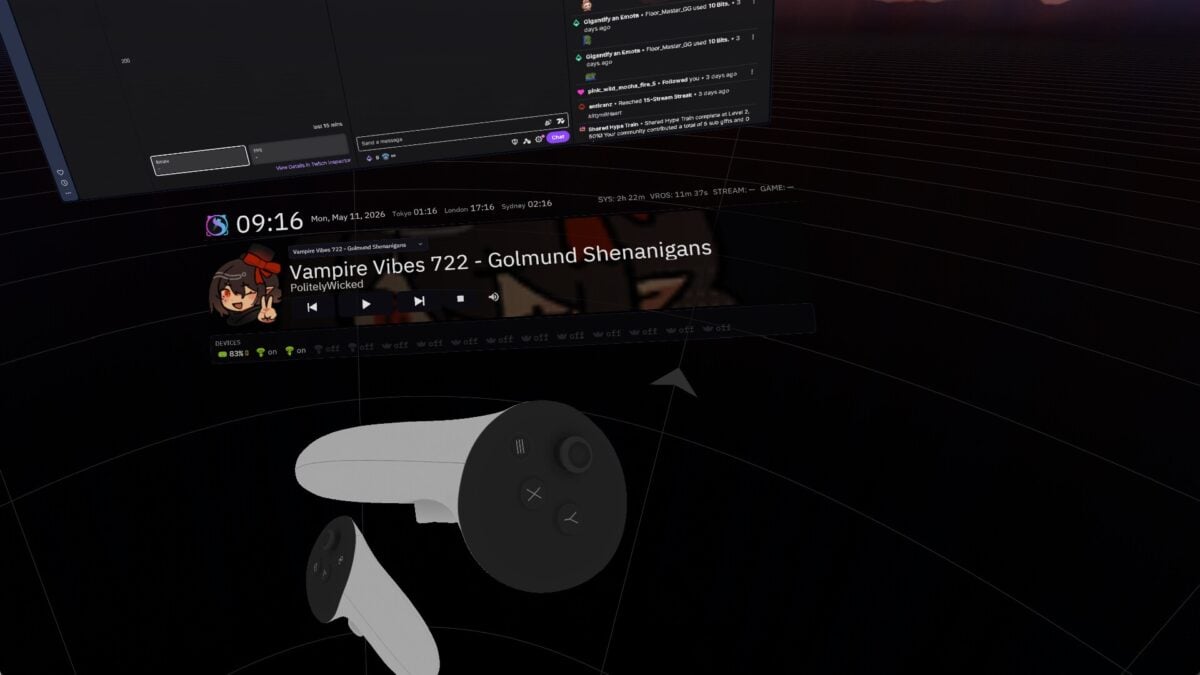
A developer image of vrOS desktop and media panels. Image: catnet systems / Steam
Quest 2 and Quest Pro have different limitations
The developer has tested Quest 2 game streaming at 72Hz, with up to two video-playing panels beside a game. Quest Pro has not been tested, even though its decoder follows the same path as Quest 2. On Quest, the app currently shows no more than 16 layers, hiding the farthest panels if there are too many.
If you are shopping for compatible hardware, Amazon lists the Meta Quest 3 with 512GB of storage. The headset does not replace the PC required for this feature, and performance will depend on your setup and network.
Image credits: Meta (Quest 3 featured image); catnet systems / Steam (vrOS screenshots). The vrOS images are earlier developer promotional screenshots and do not show the new Quest version specifically.
Note: Links to online stores in articles can be so-called affiliate links. If you buy through this link, MIXED receives a commission from the provider. For you the price does not change.
As an Amazon Associate we earn from qualifying purchases.

