
Quest emulator Venture adds mixed reality and PC mirroring in a major update
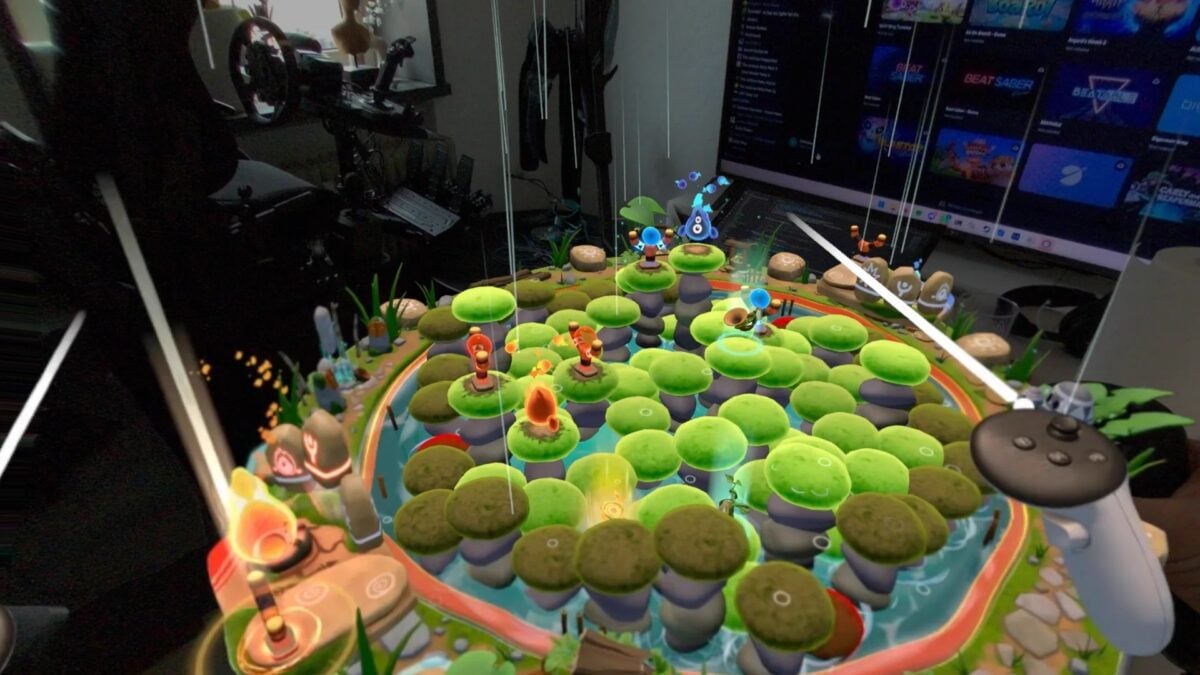
Venture, the unofficial PC VR emulator for Meta Quest games, has added mixed reality support across more headset setups. Its 0.2.0 update also adds a desktop mirror, controller remapping and per-game resolution and frame-rate settings.
The project runs Quest software through a PC VR runtime rather than on a standalone Quest headset. Its developer says the new version reduces memory use and stuttering in tested games, though those measurements are not independent benchmarks and will vary between systems.
The release notes list Windows 10 and 11 downloads alongside Linux packages. The project says users can sign in with Meta to install games; compatibility depends on the title, headset and runtime.
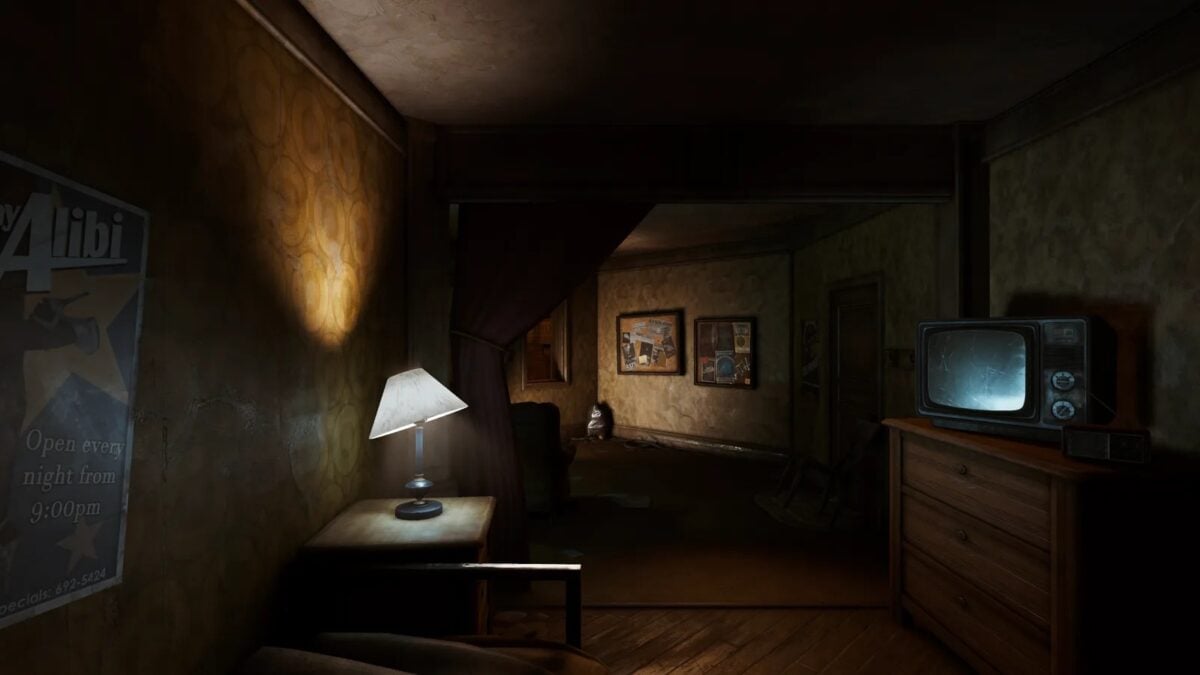
Image: Venture
Mixed reality and a view on the PC screen
The new mixed reality support uses the passthrough offered by the selected runtime. The developers list options including Quest Link and Air Link, SteamVR headset cameras, a native passthrough tool for Steam Frame, color-key tools and Linux runtimes. Setup can differ between them.
Mixed reality is enabled by default in Venture. If a setup cannot show the user’s room, the project says games fall back to VR. That is a capability of this update, not a promise that every Quest mixed reality game or headset combination works.
A new desktop mirror can show either eye in a cropped or full window, which gives someone at the PC a way to watch or record. It can be disabled, and there is also an optional setting to play game audio through the PC’s default output as well as the headset.
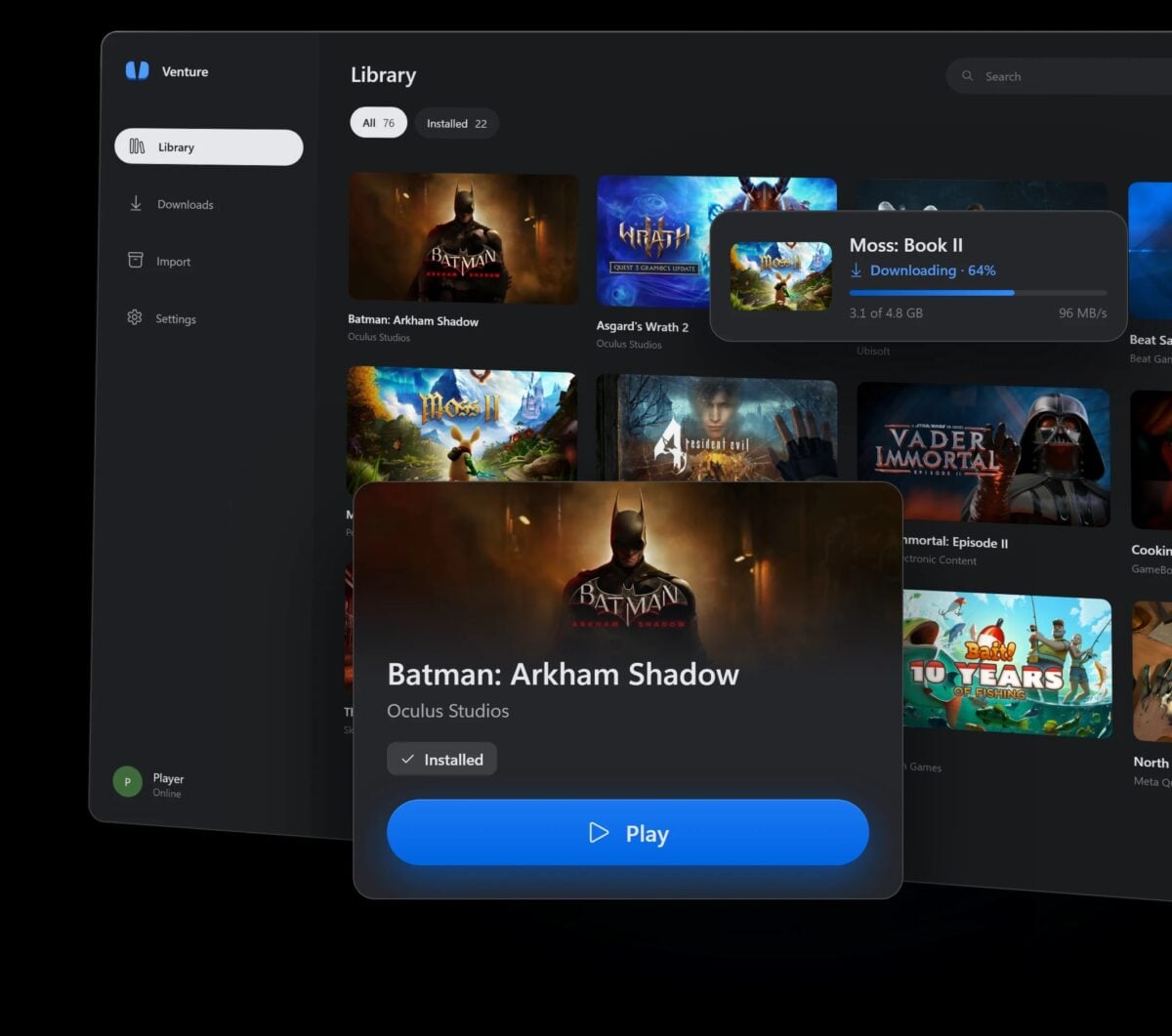
Image: Venture
New controls and fewer stalls in the developer’s tests
Venture’s Controls page shows a connected controller and lets users change the mapping for Quest buttons, including held buttons and two-button combinations. Resolution and refresh-rate overrides can be applied globally or to a particular game; by default, games still use the VR runtime’s choices.
To reduce repeat work, the update stores translated game code and caches graphics pipelines between launches. On its release blog, the developer reports 44% less startup hitching across seven tested games compared with version 0.1.0. That figure comes from the project’s own testing, not a guarantee for every PC.
The developer also says the worst hitch in an Assassin’s Creed Nexus test fell from 222 milliseconds to 35 milliseconds. Other fixes cover game audio, videos and headset-specific problems. Venture is open source and says it is not affiliated with Meta; users should check compatibility and their own game access before relying on the emulator.

