
Torchlight II's new Steam beta tackles multiplayer reconnects and WASD controls after its Steam Deck update
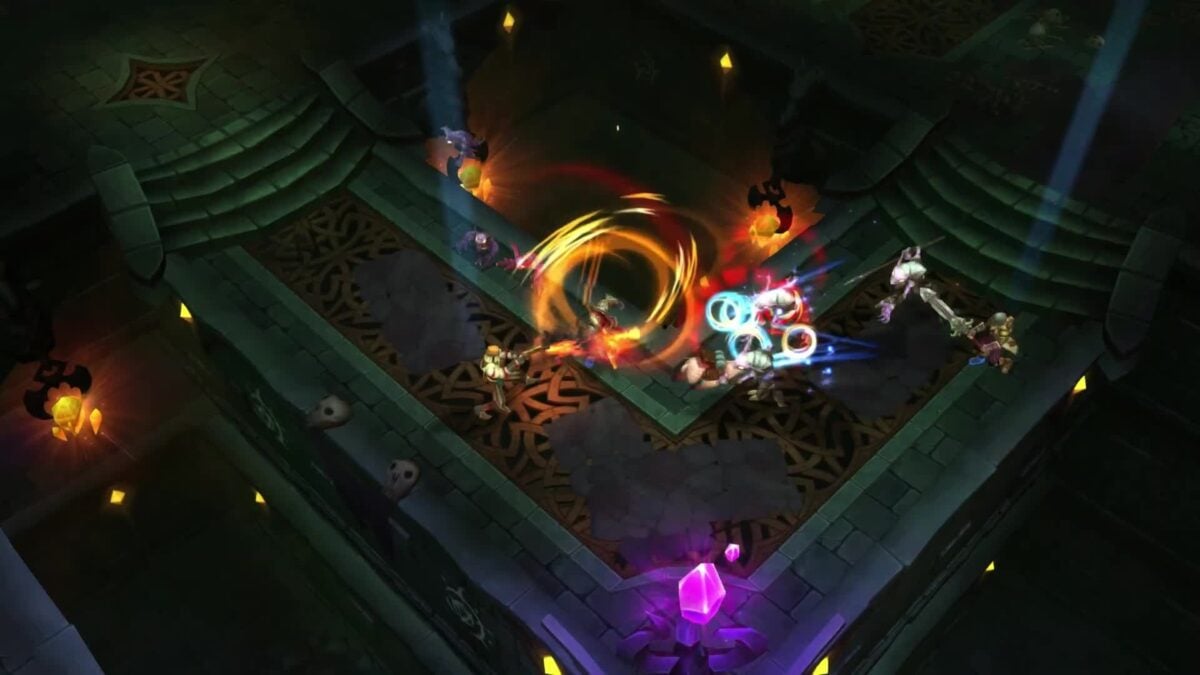
Torchlight II has received another update on its optional Steam beta branch, with changes to multiplayer reconnections, save handling and keyboard controls. The November 6 patch follows a recent beta update that added Linux and Steam Deck support along with WASD movement.
The new changes do not automatically replace the default version of the action RPG. Players who want to try them must choose the public_beta branch in the game's Steam properties; anyone already on that branch can update it as usual.
The developer's latest notes focus on stability and controls rather than new story content. The earlier Linux and Steam Deck update remains part of the same continuing beta work.
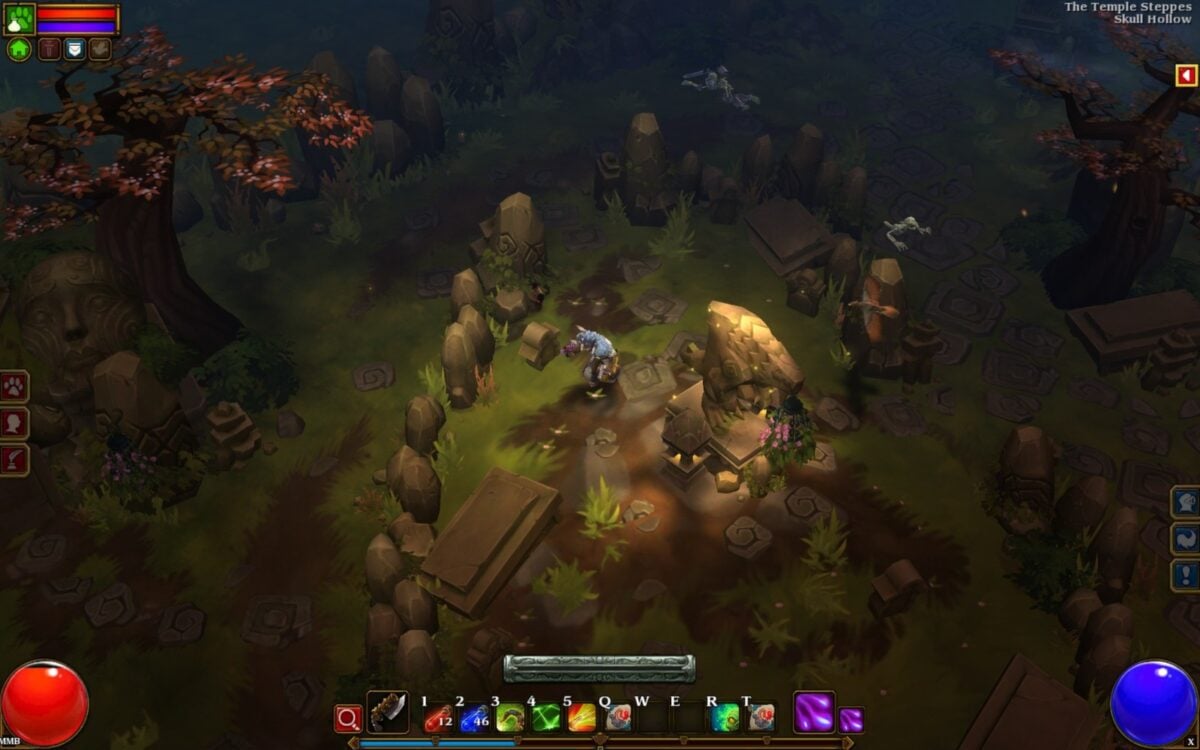
Image: Runic Games / XD
The update targets multiplayer and save problems
Torchlight II will now try to log back in and reconnect after an unexpected multiplayer disconnect, according to the team. The patch also fixes a problem that could prevent long character names from registering correctly in the multiplayer lobby.
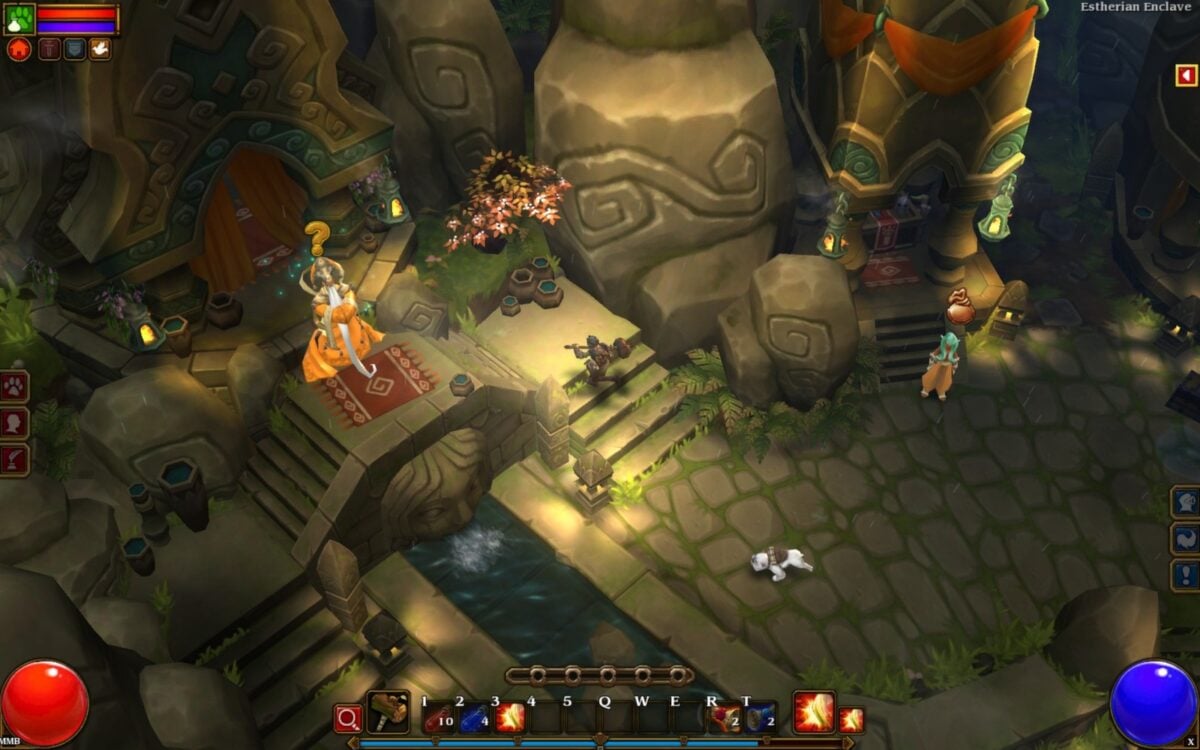
Image: Runic Games / XD
Another change fixes a crash that could happen when a full disk prevented the game from writing a save. On Linux and macOS, the game also has improved handling when a save write fails or the player uses Save and Quit.
There is still an important limit: the developer warns that current progress can fail to save when the device is out of storage space. The update makes an error condition easier to handle; it cannot create free space on a full drive. The team recommends keeping space available and backing up important saves.
Players using a custom keyboard movement layout also get a fix for an issue that could stop it working after opening a non-text menu such as Inventory. That matters to anyone trying the WASD option added in the prior beta update.
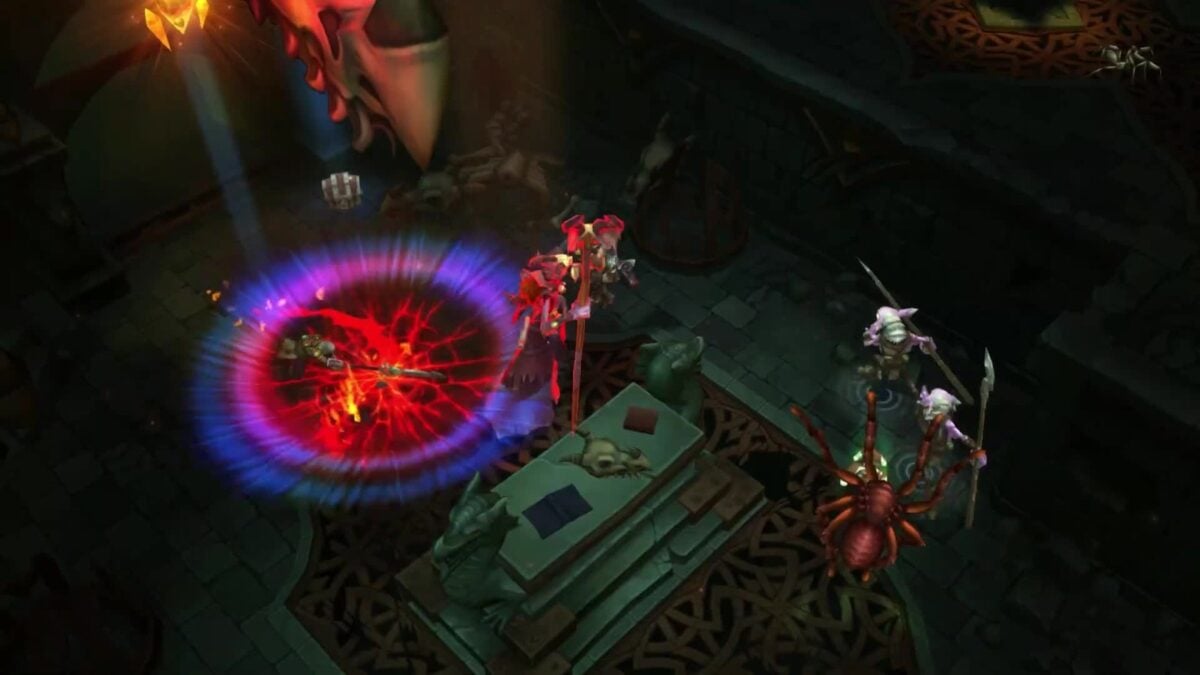
Image: Runic Games / PlayStation
How to opt into the branch on Steam
In the Steam library, right-click Torchlight II, open Properties, then choose Game Versions & Betas. Select public_beta and allow Steam to download the branch before launching the game. The beta is separate from the standard release and can have compatibility problems or unfinished changes.
The previous update added support for Linux and Steam Deck to that branch, plus mouse, controller and interface fixes. It also added directional audio and a surround-sound setting, although the developer says the latter is not available on Linux.
The new patch offers optional diagnostic logging for online connection problems. The developer warns that those logs may contain account, network and device information and asks players not to post them publicly. Logging collects information for troubleshooting; it does not itself change how multiplayer authentication or connections work.
Check the current Steam announcements before switching branches, especially if you rely on mods or an existing save. The studio says it is still investigating other community reports and intends to release further fixes when they are ready.

