
SteamVR beta promises sharper VR streaming, but you may need to reset one setting
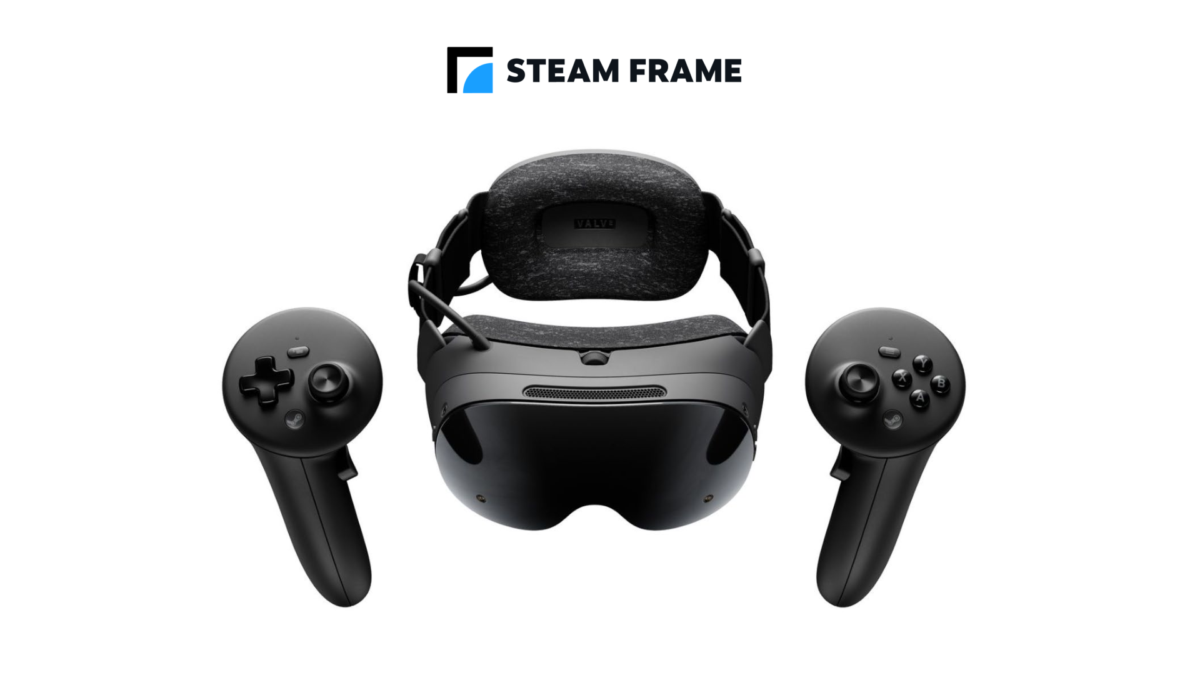
Valve's latest SteamVR beta aims to make streamed PC VR look clearer, with sharper interface text, better colour detail and a higher default render resolution. Steam Frame owners also get a larger default encoded video size.
There's a setting worth checking before expecting those new defaults. Valve says Steam Link preserves any encoded video size or render resolution a player has set manually; those controls need to be returned to Auto to try its new recommendations.
The changes are in SteamVR beta 2.19.1, released on November 2. They are not an automatic update for everyone on the stable branch, and the results will depend on the headset, PC and streaming connection.
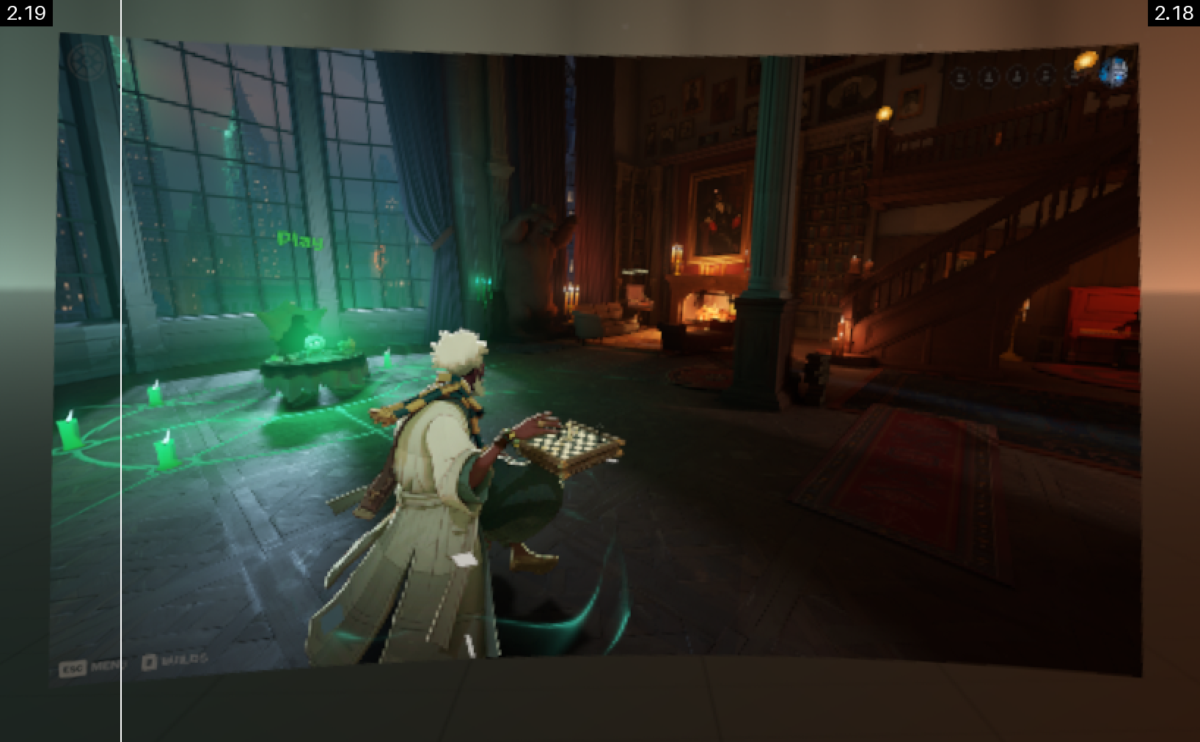
Valve compares the new streaming output with the previous version. Image: Valve
Valve raises the default resolution for streamed VR
The SteamVR beta notes say the new recommended render scale targets roughly 1.4 times a headset panel's resolution. Steam Link no longer runs its previous GPU performance test to choose that recommendation.
For Steam Frame, the default encoded video size rises from 1152 to 1216. That setting concerns the video stream; it is separate from the resolution at which the PC renders a game.
Valve also describes changes to the way colours and peripheral detail are prepared for encoding. A new rendering pipeline removes an intermediate texture and a resampling step for system layers. The company says the improvements apply across streamed VR applications, the SteamVR interface, desktop streaming, overlays and the theatre screen.
Higher defaults are not a guarantee of better performance on every PC. Players who notice a performance trade-off can revisit their settings instead of assuming that Auto is always the best choice for their hardware.
The comparison also shows text and colour edges under the two versions. Image: Valve
You can compare the new stream with the old one
Valve has included a way to compare the new and previous streaming output. On the host PC, open Steam Link's Advanced settings and choose Default or Legacy under Stream Quality. Legacy uses the earlier image-quality approach.
The beta also adds a Preferred Foveated Sharpness control for the system interface. It adjusts the size of the sharper region, letting users choose between a narrower, sharper area and a wider one.
Other changes include per-application refresh-rate overrides and a prompt asking whether to share eye-tracking data with PC applications when a compatible headset connects. A Quest fix addresses a 72Hz notification that could remain visible in Battery Saver mode.
Linux users get runtime changes too
On Linux, SteamVR now runs under the Sniper runtime and can support Steam Runtime 3 clients, according to Valve. Non-Proton OpenXR games can launch without SteamVR already running, and the OpenVR and OpenXR runtimes can run inside Flatpak and other sandboxes.
Anyone interested can opt into the SteamVR beta through its properties in the Steam library. Beta software can have unresolved problems, so keeping the stable branch is an option for players who would rather avoid testing changes.

