
SteamVR beta improves Quest streaming and picks the right GPU on gaming laptops
Valve’s latest SteamVR beta aims to make PC VR streaming more reliable on both Nvidia and AMD graphics cards. It also changes how Steam Link chooses a GPU on laptops with two graphics processors, a useful detail if your headset has been using the wrong one.
The changes are part of SteamVR 2.19.4 beta. Valve says Steam Link will now select the high-performance GPU on dual-graphics laptops unless you have set a Windows graphics preference for SteamVR.
This is a beta, so the fixes and features are still being tested. If your current streaming setup is working well, waiting for a stable release is a reasonable choice.

Steam Link connects a compatible headset to a gaming PC. Image: Valve / Meta
Valve is targeting stream quality and brief network problems
The update lists improved streaming quality and reliability on Nvidia and AMD cards, along with better resilience when the network briefly runs into trouble. Valve also says it fixed an issue that could leave a session running at a reduced bitrate.
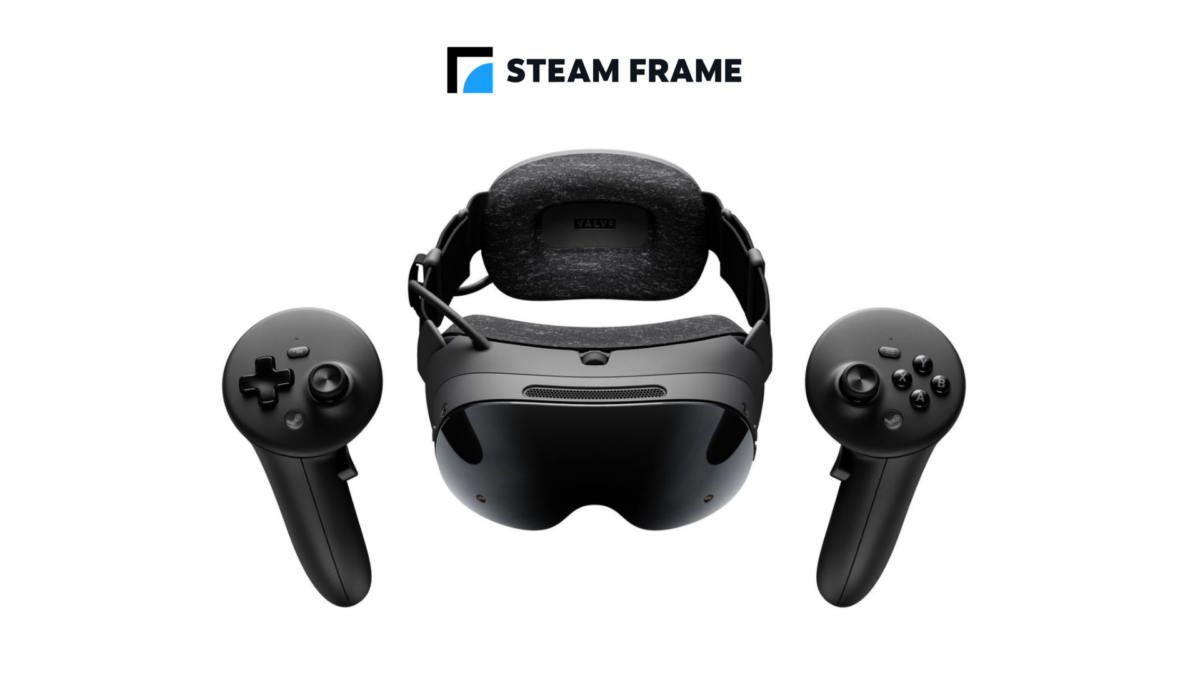
Valve also supports PC streaming on Steam Frame. Image: Valve
Those changes are promising for wireless PC VR, but they are not a guarantee that every network or rendering problem is fixed. Your headset, PC, router and the distance between them can all affect the connection.
There is another visual fix for skybox textures that could look wrong, including on transitions in VRChat. On Linux, Valve also lists fixes for several crashes in the beta.

Quest users need the Steam Link beta as well as the SteamVR beta for the new room-view feature. Image: Meta
Quest users can try a new room-view option
Steam Link for Meta Quest gains chroma-key support for showing Room View alongside VR content. The PC-side Camera settings include Protect Content and Key Content modes; the latter allows games to draw the key colour to control transparency.
To try that Quest-specific feature, Valve says you need both the Steam Link for Meta Quest beta on the headset and the SteamVR beta on the PC. Joining only one of those channels is not enough.
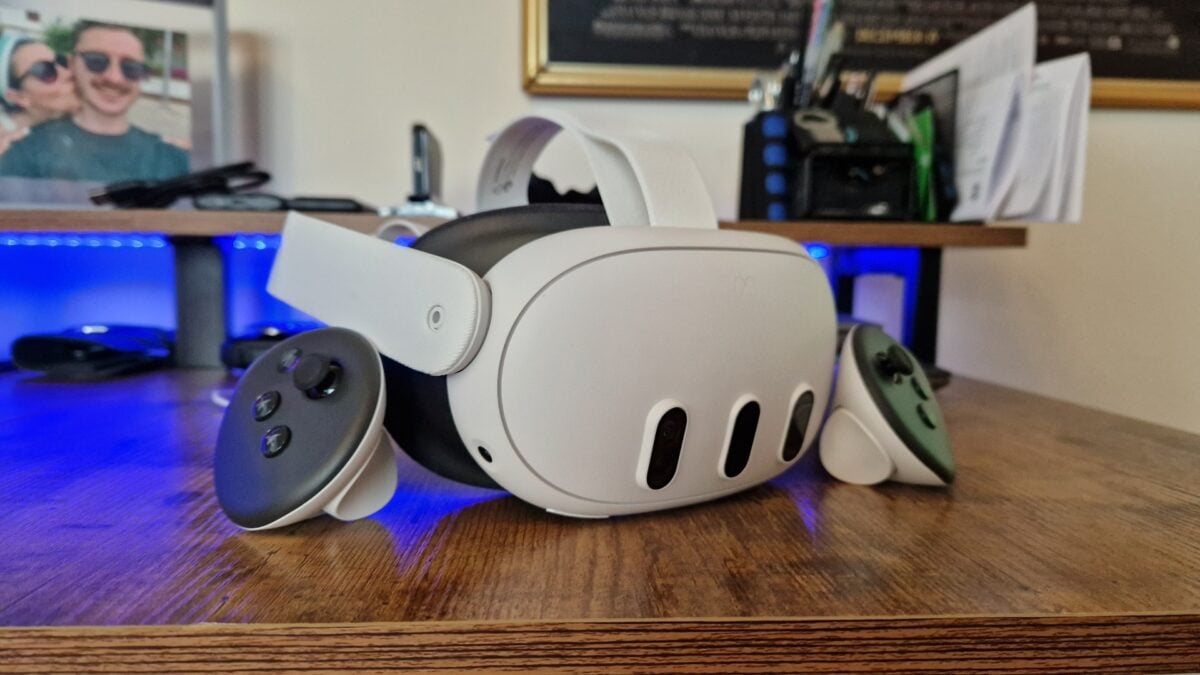
The Meta Quest 3 can be used for standalone games or connected to a suitable gaming PC for PC VR. If you already own a headset, the update does not require you to buy another one.
Valve also fixed an audio crash after long 2D streaming sessions and added a network-health check while streaming. Together with the laptop GPU selection, those are the changes I would look for first if you have had similar problems.
Image credits: Duncan Robertson / Future / GamesRadar+; Valve / Meta; Valve; Meta.
Note: Links to online stores in articles can be so-called affiliate links. If you buy through this link, MIXED receives a commission from the provider. For you the price does not change.
As an Amazon Associate we earn from qualifying purchases.

