
Steam’s experimental Proton update targets a Helldivers 2 crash after a game update
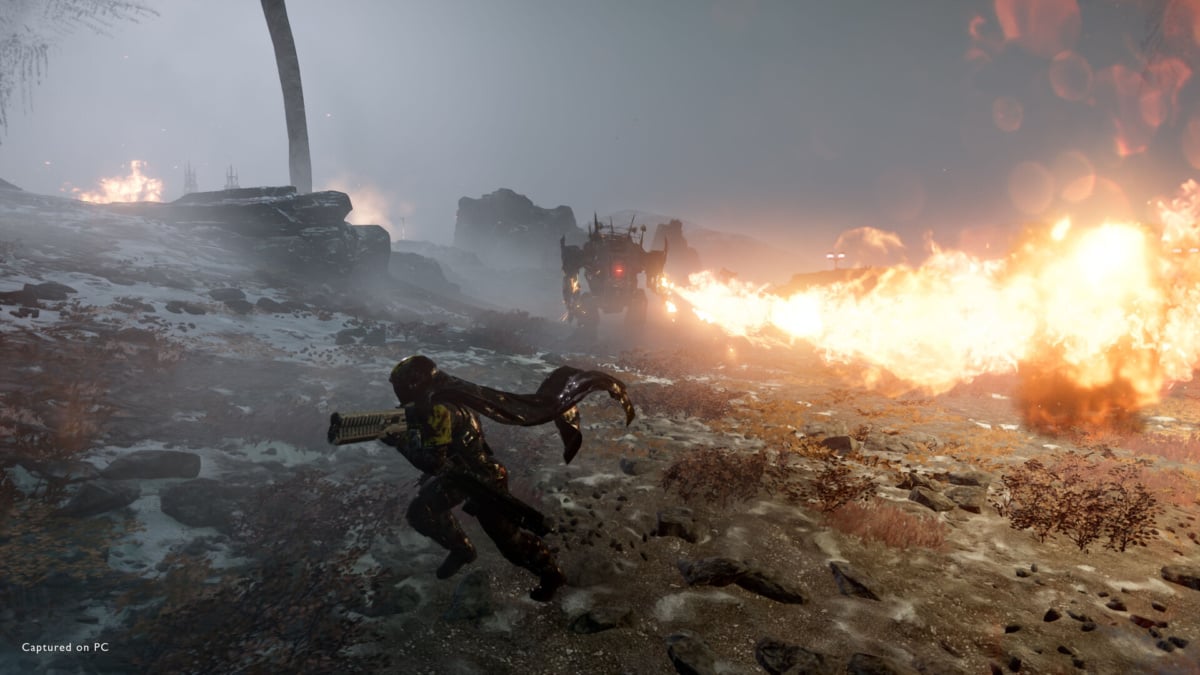
Valve has updated Proton Experimental to address a random Helldivers 2 crash that appeared after a recent game update. The testing version of its Windows game compatibility tool also targets an unusually long reload after death in The Witcher 3: Wild Hunt - Remastered when a controller is connected.
The changes matter to players running Windows versions of games through Steam on SteamOS or desktop Linux. Proton Experimental is a testing branch, so these fixes should not be confused with a new stable numbered Proton release or a promise that every crash is gone.
Valve’s October 30 changelog revision lists both issues among its additions. It does not identify the precise Helldivers 2 game update involved or say which systems were affected.
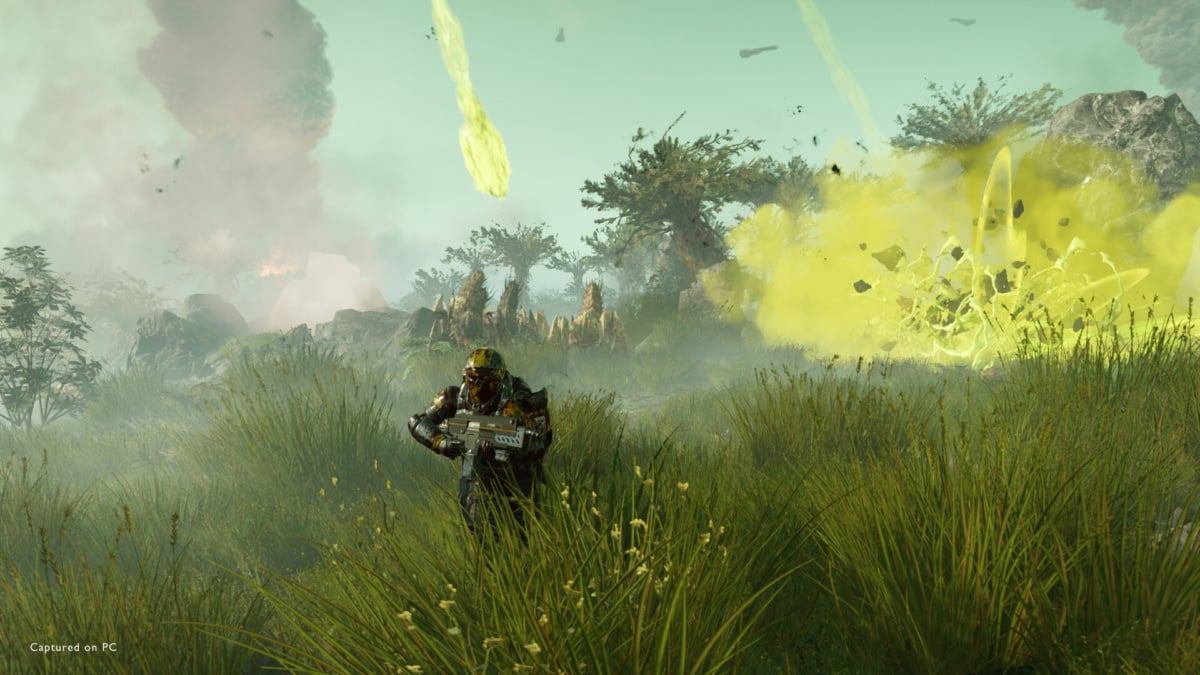
Official PC promotional screenshot for Helldivers 2, credited to Arrowhead Game Studios and Sony Interactive Entertainment. Image: Arrowhead Game Studios / Sony Interactive Entertainment
What changed for Helldivers 2 and The Witcher 3
For Helldivers 2, Valve describes a random crash following a recent update. That is a specific compatibility fix, not a claim that the game can no longer crash for other reasons.
The Witcher entry is narrower: it covers long loading times after the player dies when game controllers are plugged in. Valve names The Witcher 3: Wild Hunt - Remastered in its notes, so players should check which release they are running before assuming the change applies to a different edition.
The same revision adds a fix for BeamNG.drive crashing with its Vulkan renderer after a recent game update, and addresses mouse-wheel scrolling in Metal Gear Solid V: Ground Zeroes. Valve also lists Gray Raven and Crown Trick as newly playable in the experimental branch.
How to try the testing branch
On Steam Deck, select the game in your library, open its menu, then choose Properties and Compatibility. Enable the option to force a specific Steam Play compatibility tool and choose Proton Experimental. Valve documents the compatibility control in its Steam Deck troubleshooting guide.
On desktop Linux, open the game’s Properties from the Steam library and use the same Compatibility setting. Steam may need to download the selected tool before launching. The choice applies to that game; if the test build causes another issue, return to the compatibility menu and remove the forced selection or choose the version you were using previously.
Experimental builds can change more quickly than stable releases. Valve’s notes describe the fixes it has shipped, but they do not provide a timetable for moving each one into a numbered stable release.
This is separate from Helldivers 2’s switch to Easy Anti-Cheat. The Proton update addresses a crash; it does not announce another anti-cheat change.

