
Steam Frame beta adds per-game controller vibration and a sharper streaming option
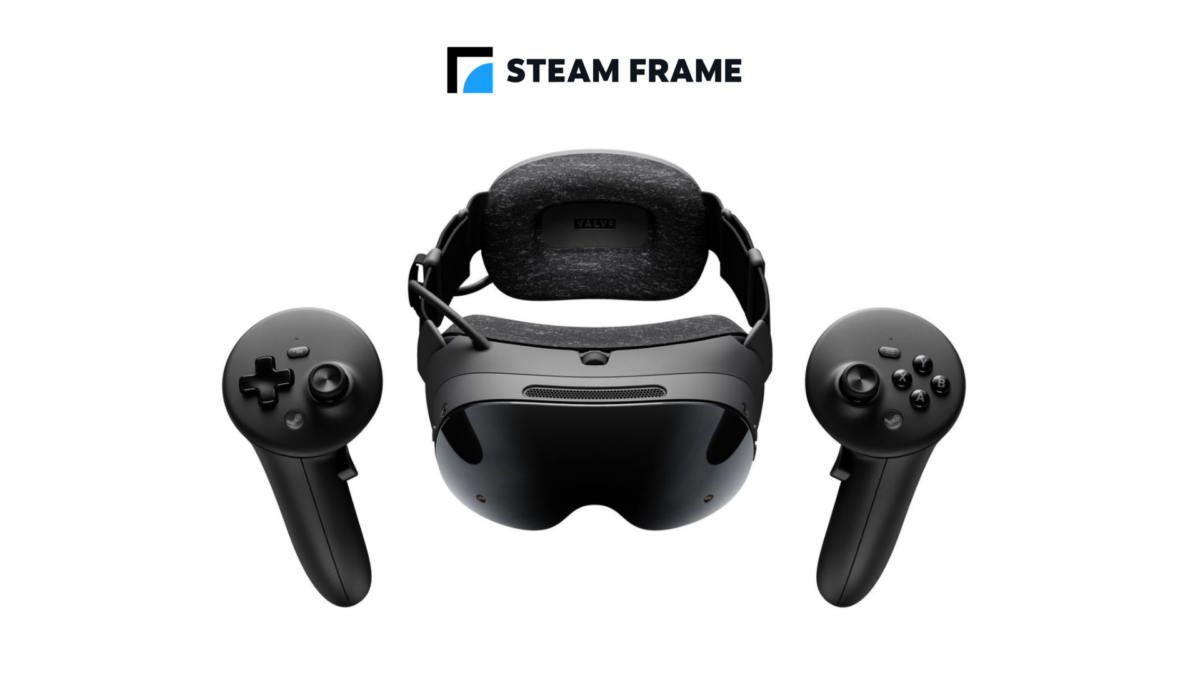
Valve has added a way to adjust controller vibration for individual games in the latest Steam Frame system software beta. The same update introduces a global display sharpness control and changes intended to improve streaming from a PC.
That combination should give headset owners more ways to tune their experience. It is still a beta, though, so the new settings and fixes are being tested rather than delivered to everyone on the stable channel.
Valve lists the changes in its SteamOS 0.5.10 beta notes for Steam Frame, published on November 19.
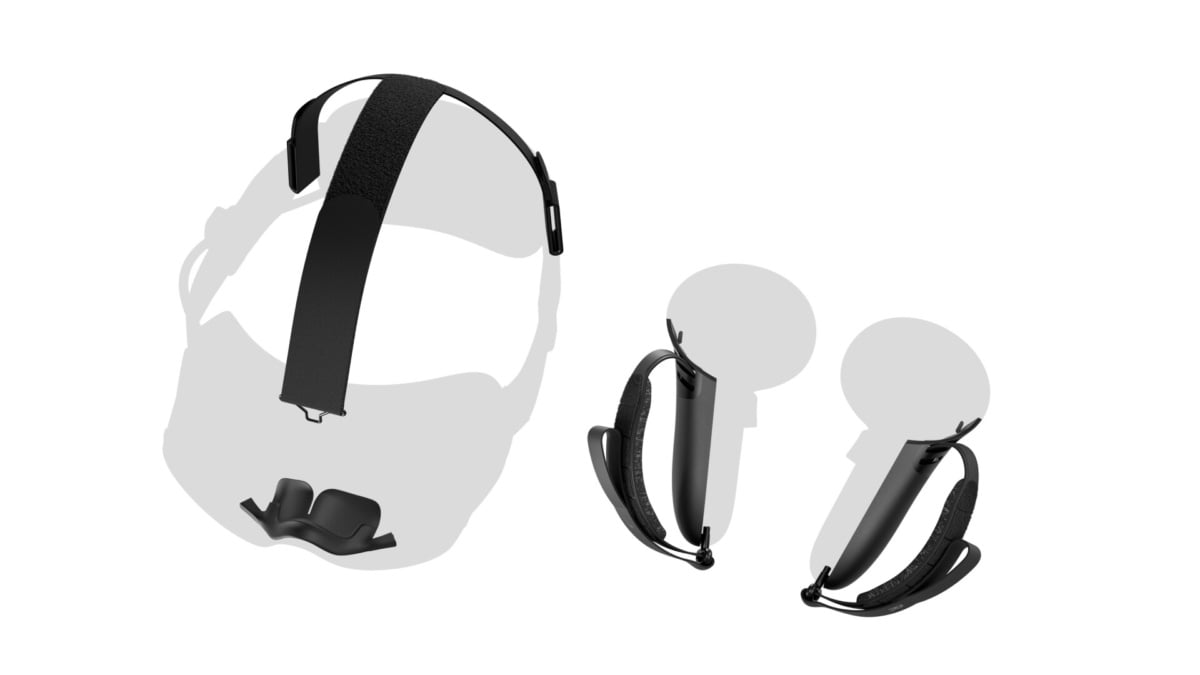
Valve has added a separate preference for controller haptics in each game. Image: Valve
Adjust haptics for each game
The new preference lets you control haptic strength per game. Valve places it under VR Settings, then Controllers and Manage Controller Bindings. That should be useful if one title’s vibration feels stronger than you would like while another feels just right.
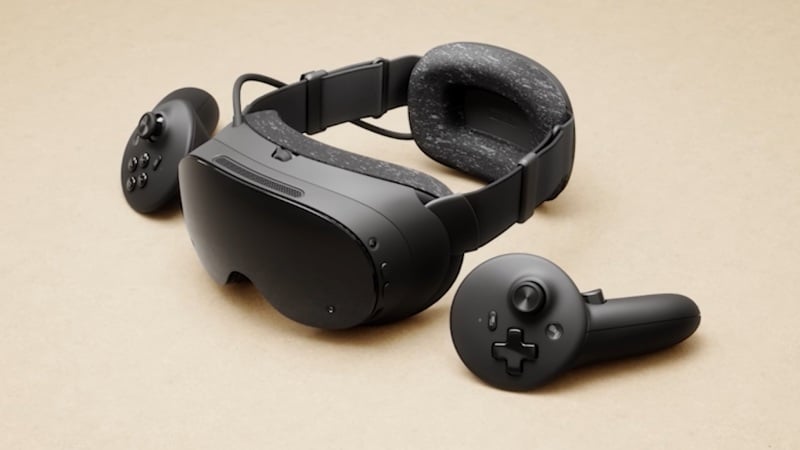
The changes are in the Steam Frame system software beta. Image: Valve
There is also a global display sharpness control under VR Settings and Display. Valve says the setting defaults to on, but you can adjust it to your own preference.
For PC streaming, the company reports better decoding performance that allows higher default streaming resolutions. It also lists reduced head wobble when streaming remote desktops and improvements to Multi-Link Streaming under poor network conditions.

Steam Frame can run compatible experiences locally or stream from a PC. Image: Valve
There are fixes beyond image quality
Valve says it improved eye-tracking latency, particularly at lower frame rates, and fixed a hang on the Steam Frame logo during startup after an OS update. It also reduced green tint on some high-frequency greyscale image content.
To try the update, Valve says to open Settings, then System and System Update Channel on the headset and choose the beta. If you would rather avoid software still being tested, staying on the stable channel is a reasonable choice.
If you also play games installed on the headset, Valve says Steam Frame supports UHS-I class 3 or better microSD cards for extra storage. The 512GB SanDisk Extreme meets that card specification. It is optional, and extra local storage will not improve a PC stream.
For another recent change, we covered Valve’s Room View support for streamed games in the earlier 0.5.9 beta.
Image credit: Valve.
Note: Links to online stores in articles can be so-called affiliate links. If you buy through this link, MIXED receives a commission from the provider. For you the price does not change.
As an Amazon Associate we earn from qualifying purchases.

