
Quest v2.9 troubleshoots a Touch controller that has stopped responding
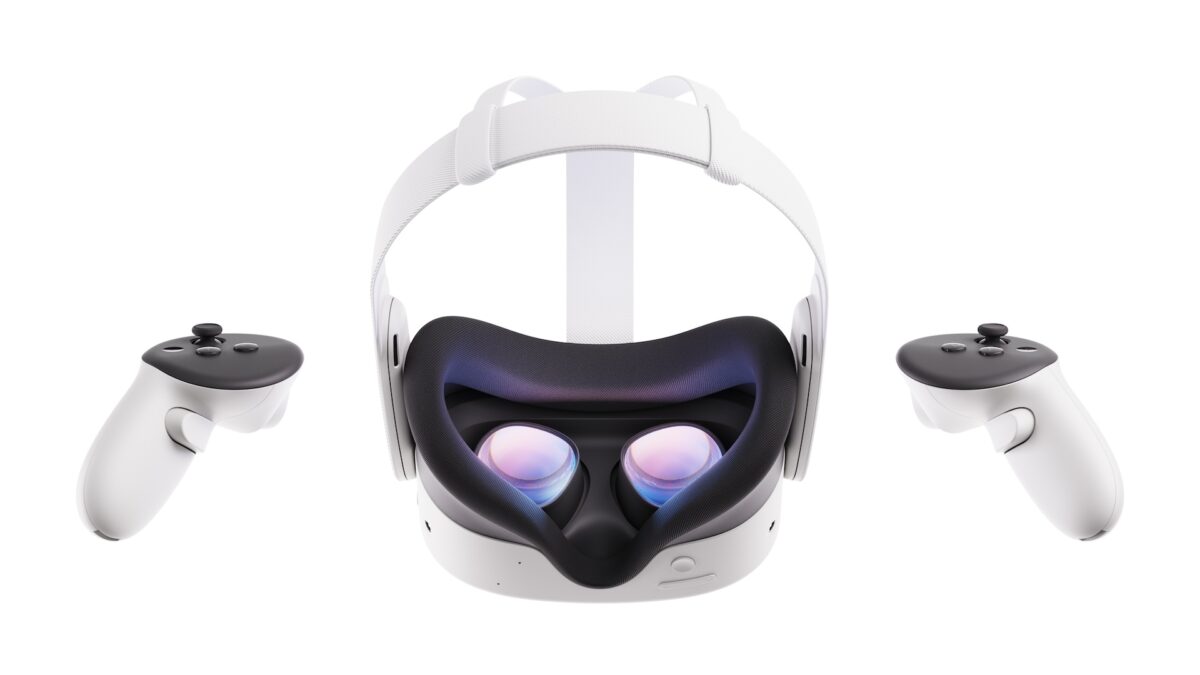
A Touch controller that has stopped responding can now be dealt with from inside the headset, at Settings > Devices > Controllers, where Meta has added a Troubleshoot controllers option. It arrives in Meta Horizon OS v2.9, which Meta's Quest release notes describe as a Public Test Channel build rolling out from the week of September 28, 2026, so it is not on retail headsets yet.
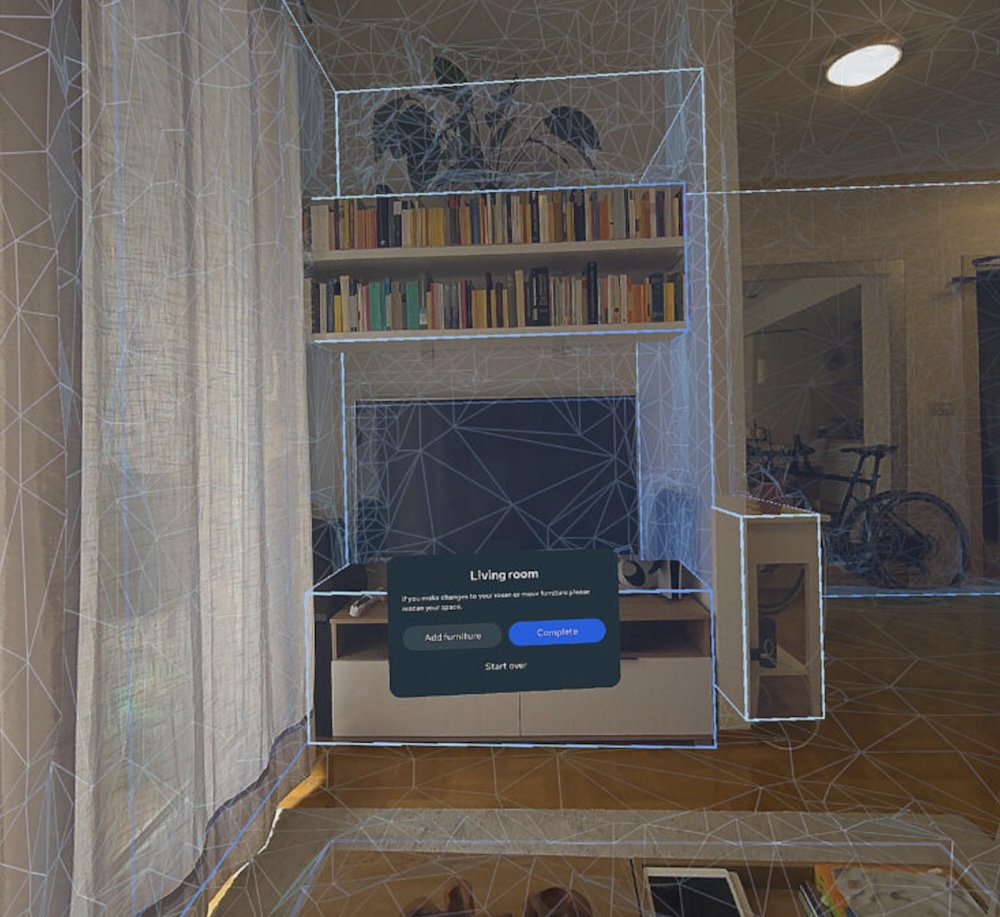
A Quest room scan in progress, with a blue and white wireframe mesh over a living room and a Living room dialog offering Add furniture or Complete. v2.9 falls back to your previous boundary if a scan like this is interrupted. Image: Meta
Until now a dead controller meant guesswork: new batteries, a re-pair through the phone app, a reseat of the battery door, or a factory reset if none of it worked. Meta has not said what the troubleshooter actually does, and does not name which controllers are covered beyond "a touch controller".
That menu is where Meta has been putting controller options anyway. The v2.7 update in August 2026 put Xbox gamepad emulation for Touch controllers in the same place, so an owner chasing a fault now has one route to try before the phone app.
An interrupted room scan keeps your old boundary
The second fix is the one that bites hardest when it happens. "If boundary setup or space scanning is interrupted, your Quest now reverts to your previous boundary or defaults to a Stationary boundary," Meta says.
An interrupted scan has meant starting the whole room over, which on a large or cluttered space is several minutes of walking a headset around furniture. Falling back to Stationary at least leaves a usable play space instead of a half-finished one. Meta has been chipping away at room scanning for years, and this is the recovery half of that work rather than the capture half.
Stationary is the small fixed boundary Quest draws around you when a full room scan is not worth it, so the fallback is deliberately conservative rather than clever. Meta does not say what counts as an interruption.
Each of these is Meta's account of what it fixed, not a count of how many people met the problem, and nobody outside the test channel has the build to check it against.
Settings search now works with the Wi-Fi off
The third change is smaller and will be used more often. Settings can be found and changed from search, and Meta says typing Wi-Fi, Bluetooth, Do not disturb, Travel mode or Passthrough surfaces the setting itself in the results, "even when you're offline".
Offline is the part worth having. A headset that cannot reach the network is exactly the headset on which you need to find the Wi-Fi settings, and a search that depended on a connection was no use in that moment.
Meta has published no date for the general v2.9 build, so the only way to see any of it is enrolling in the Public Test Channel.

