
Portal 2 gets a new VR mod update with a floating pause menu and controller aiming
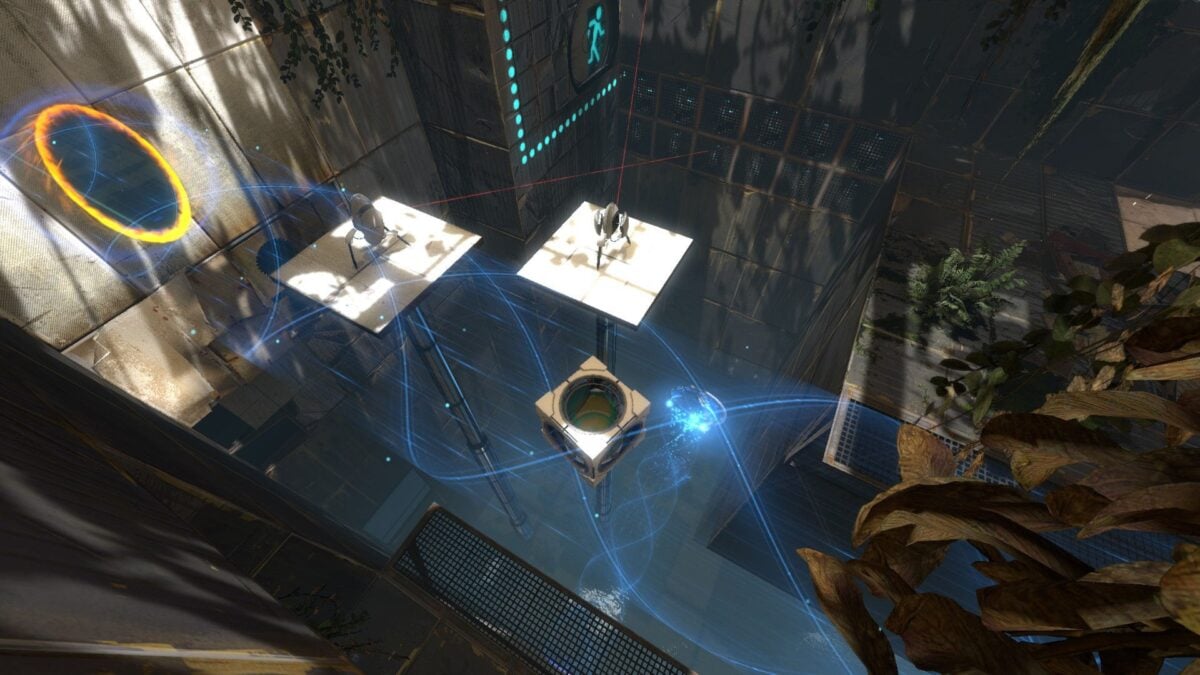
Opening a portal is already a good way to make you question where the floor is. A fan-made update to Portal 2 VR gives players another reason to revisit Valve's puzzle game in a headset, with changes to aiming and the pause menu.
The free, unofficial project is called Portal 2 VR Enriched. Its creator says version 1.0.2 lets you interact with objects along the portal gun's aim line and brings up a floating menu over the paused level.
There is a practical limitation to keep in mind: the creator reports testing the full campaign on one configuration, using a Quest 3 through Virtual Desktop and an RTX 4070. That is encouraging for that setup, but it is not a guarantee that every headset or PC will behave the same way. The images here show the original game, not the VR mod.
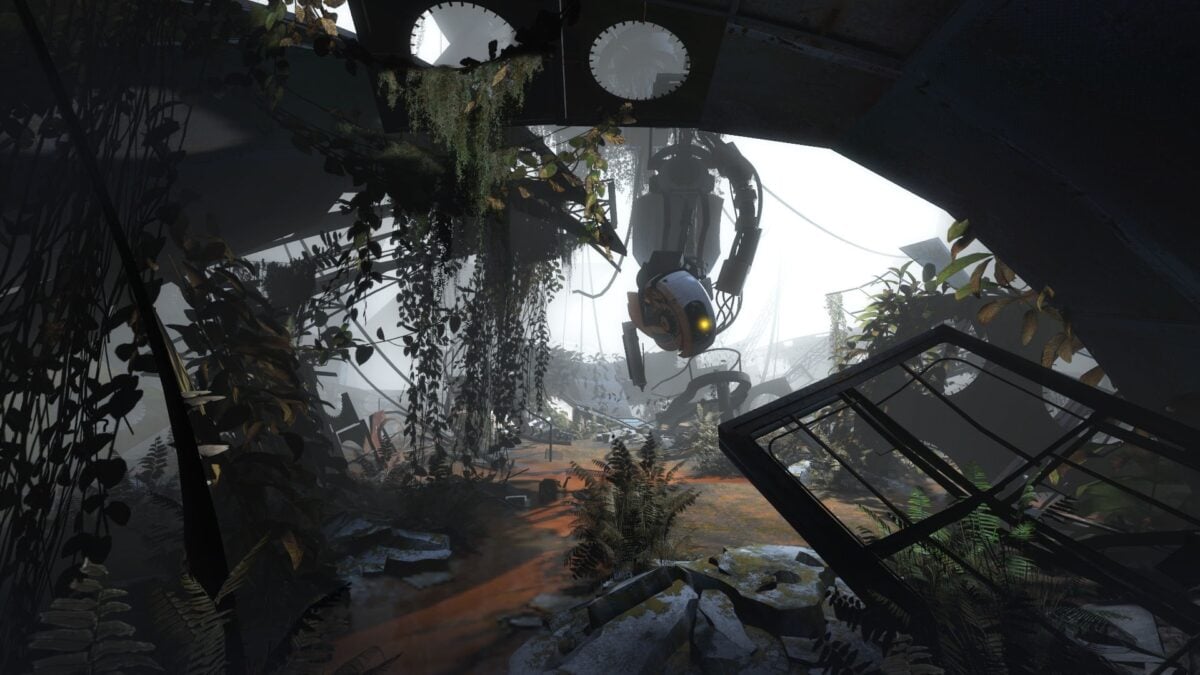
An official Portal 2 image; it does not show the VR mod. Image: Valve, via Steam
The portal gun now points to usable objects
In the release notes, the developer explains that players can pick up, drop or interact with items based on where the gun points rather than where they look. The aim line changes colour when a usable object is targeted and in range, and the gun hand gives a small haptic pulse.
The mod is a fan project, separate from Valve. Image: Valve, via Steam
The new pause screen places panels in front of the player, with options including resume, save, load and VR settings. You point at the menu with a controller and pull the trigger. Both the object aiming and the in-world menu can be turned off in the launcher.
The project builds on previous work by Gistix and mmadej20, among others. MIXED covered Gistix's earlier Portal 2 VR mod in 2023; this is a separate community project that builds on that work.
These images show the original game, not the mod running in a headset. Image: Valve, via Steam
You need the PC game and a VR connection
The mod requires a copy of Portal 2 on Steam, a Windows PC and a headset using SteamVR. It is a PC VR mod, not a standalone Quest version. The creator says co-op is untested and the current project uses OpenVR without an OpenXR backend.
The developer's launcher backs up files it replaces and provides an option to restore the original game files. The release notes say the launcher is unsigned, so Windows may display a warning. The project documentation also notes that future changes to the game could break compatibility, so check its instructions and current limitations before installing.
As for headset choice, the Meta Quest 3 is one PC VR option and was used in the creator's test. You still need a suitable PC, a connection to it and a copy of the game; the headset cannot run this mod on its own.
Portal movement can be uncomfortable in VR, especially when a puzzle sends you flying. I would start with a clear play area and take a break if it feels uncomfortable. We have not tested the mod ourselves.
Image credit: Valve, via Steam. The images show the original game, not a capture of the VR mod.
Note: Links to online stores in articles can be so-called affiliate links. If you buy through this link, MIXED receives a commission from the provider. For you the price does not change.
As an Amazon Associate we earn from qualifying purchases.

