Philips’ dual-mode monitors offer 4K for consoles and 320Hz for PC gaming
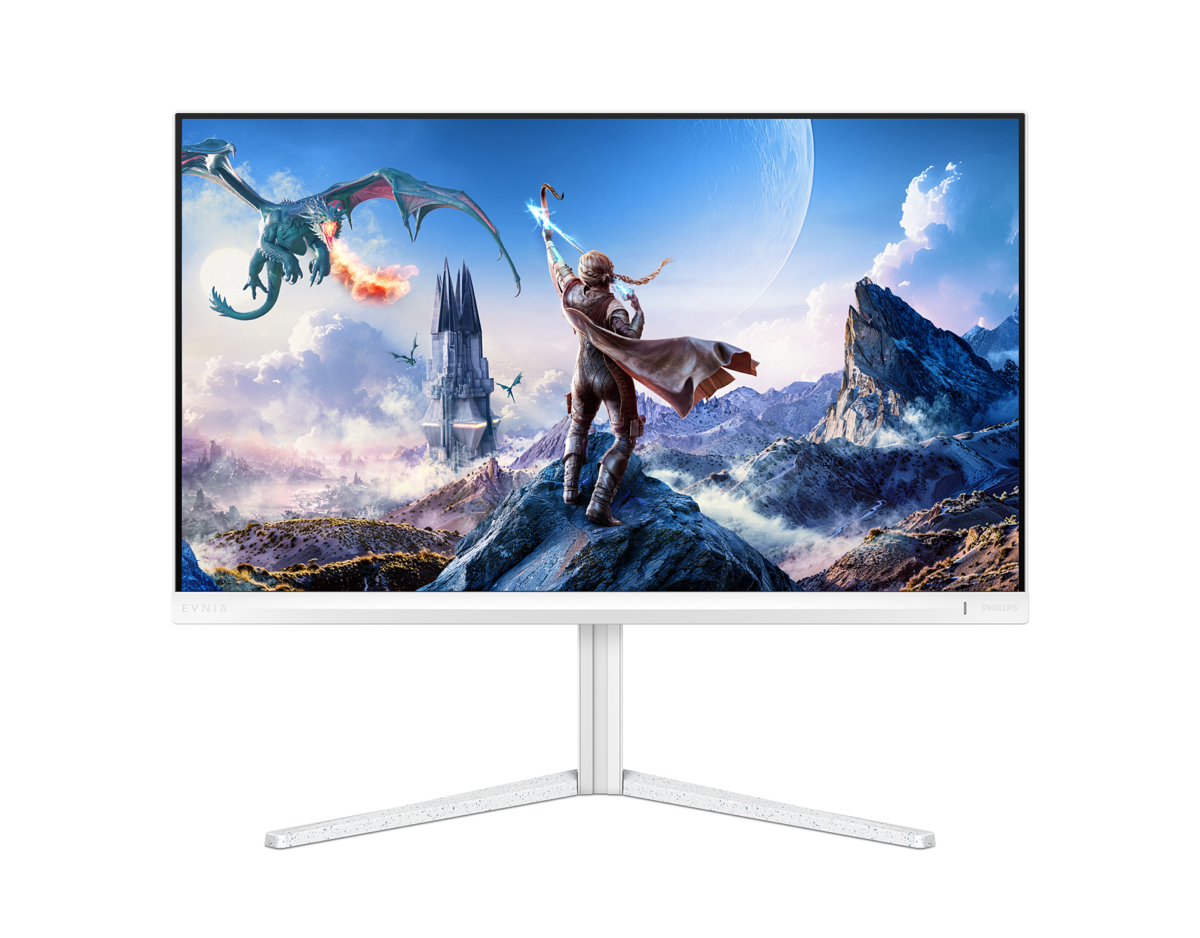
Philips is highlighting Evnia monitors that can share a desk between a console and a gaming PC, including two models that switch between 4K at 160Hz and 1080p at 320Hz. For compatible consoles, the target is up to 4K at 120Hz; the higher refresh modes are for PC play.
The company’s console-gaming selection includes four existing models, split between QD-OLED and Fast IPS panels. The selection covers 27-inch-class screens and a larger 31.5-inch option.
The key choice is whether to prioritise an OLED panel or the ability to trade resolution for a higher refresh rate. The two dual-mode screens reach 320Hz by switching to Full HD, not by running games at 4K and 320Hz together.
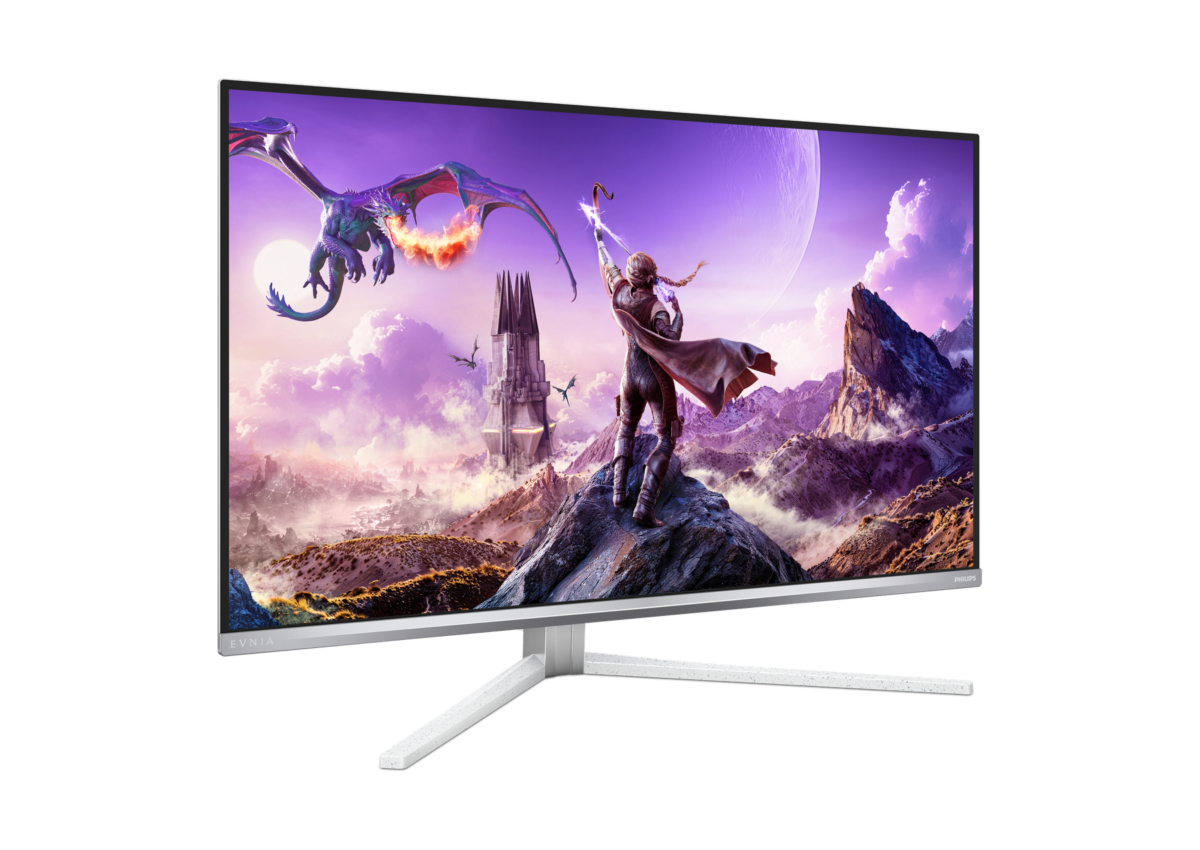
The 32M2N8900P uses a 4K QD-OLED panel, unlike the Fast IPS dual-mode models. Image: Philips
The two dual-mode screens differ in their connections and extras
The 27-inch 27M2N5901A has a Fast IPS panel, two HDMI 2.1 inputs, DisplayPort 1.4 and USB-C carrying video, data and up to 65W of power for charging a compatible laptop. Its built-in KVM lets a shared keyboard and mouse serve different connected computers, which is useful when the desk also holds a work laptop.
The 27M2N3800A offers the same 4K160 and Full HD320 modes through HDMI or DisplayPort. Its listed video connections are two HDMI 2.1 ports and one DisplayPort 1.4. It also has a height-adjustable stand, pivot and swivel, plus two 2W speakers.
The QD-OLED models keep their native resolution at 240Hz
Philips’ 31.5-inch 32M2N8900P pairs 4K resolution with a 240Hz QD-OLED panel and DisplayHDR True Black 500 certification. The smaller 26.5-inch 27M2N6501L uses a 2560 × 1440 QD-OLED panel, also reaching 240Hz on PC. Philips specifies QHD at up to 120Hz with compatible consoles for that model.
The company promotes Ambiglow on selected models, which changes lighting behind the display to match the picture. The feature is available on the 27M2N5901A and both QD-OLED models in this selection.
For a shared setup, check the supported resolution, refresh rate and variable-refresh modes on the input you intend to use. A maximum refresh-rate number alone does not establish what a console can output, and compatible games are still required to make use of 120Hz modes.