Phantom Blade Zero update targets stutter, cuts memory use and adds a new camera setting
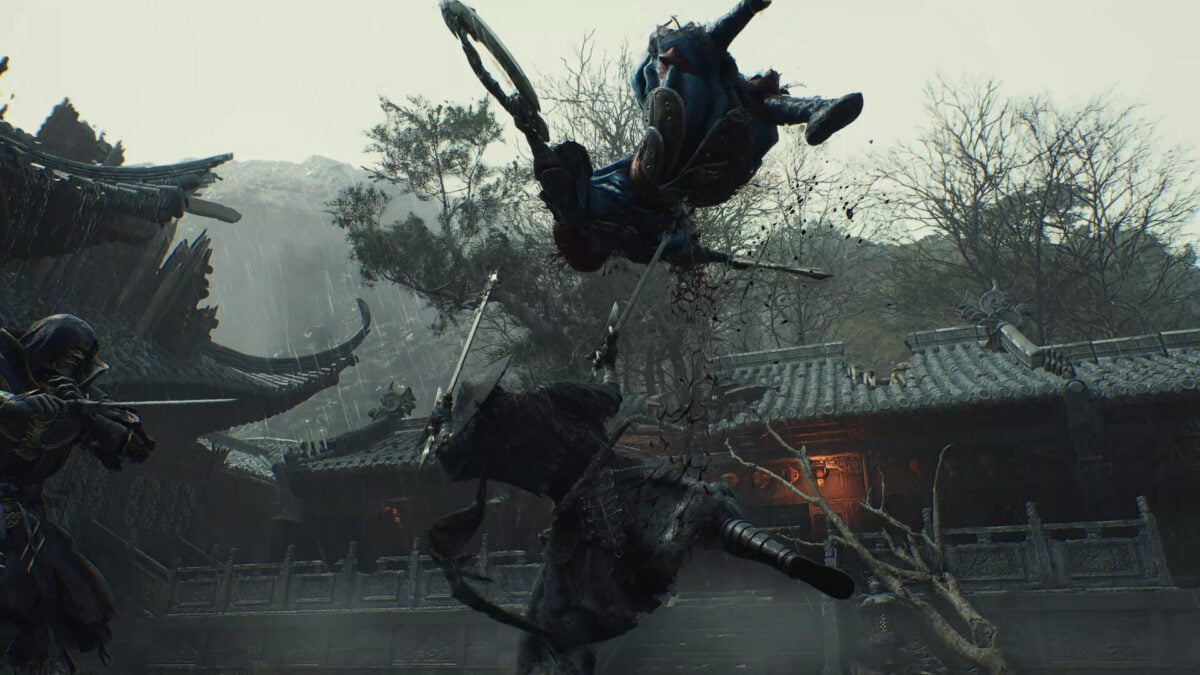
Phantom Blade Zero players are getting a sizeable set of fixes for stutter, memory use and quest progression. S-GAME has also detailed a camera-assist option that gives players more control over how strongly the view follows an enemy.
Version 1.0304629 is listed for November 28 in the developer’s patch notes, with a 7GB download. The game’s official account separately gives November 27 in Pacific time for the rollout across platforms, so check your platform’s update queue for availability in your region.
The changes cover both PC and PlayStation 5, but a few fixes and settings are marked for PC specifically. The developer has not supplied a performance benchmark, so its notes are a guide to what it intends to improve, not a promise that every stutter will disappear.
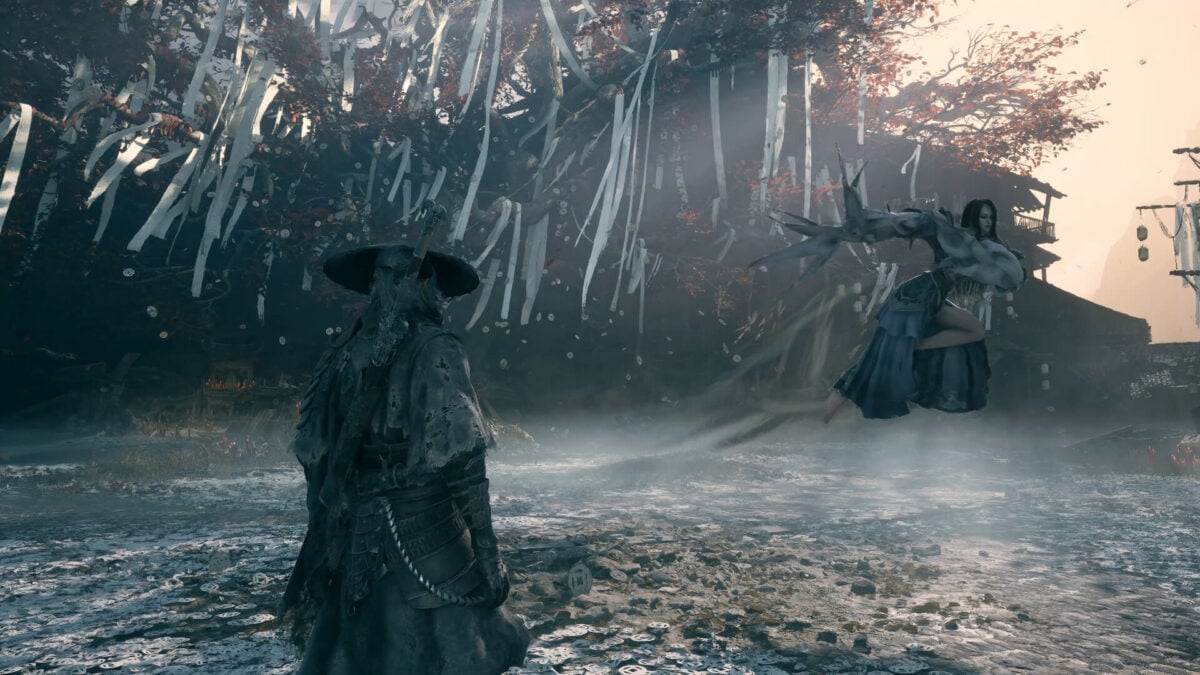
An official game screenshot; S-GAME has not supplied before-and-after performance figures for the patch. Image: S-GAME / Steam
The camera gains a new combat-assist option
S-GAME says a Combat Assist section is being added to Settings with an Automatic Strong Camera Assist control. Turn that option off and strong camera assistance applies while attacking an enemy; at other times the camera makes only minor adjustments.
On PC, a separate setting adjusts how sensitive mouse-based target switching is while locked on. Setting the sensitivity to zero disables that particular mouse-switching behaviour. The official patch notes also list improvements to automatic target lock and movement over small rocks, low steps and gentle slopes.
The Soft Snake Sword receives control and effect changes too. Holding Execute performs Sword Blossom Shield, while sidesteps in Guard Stance get a longer invulnerability window, according to the studio.
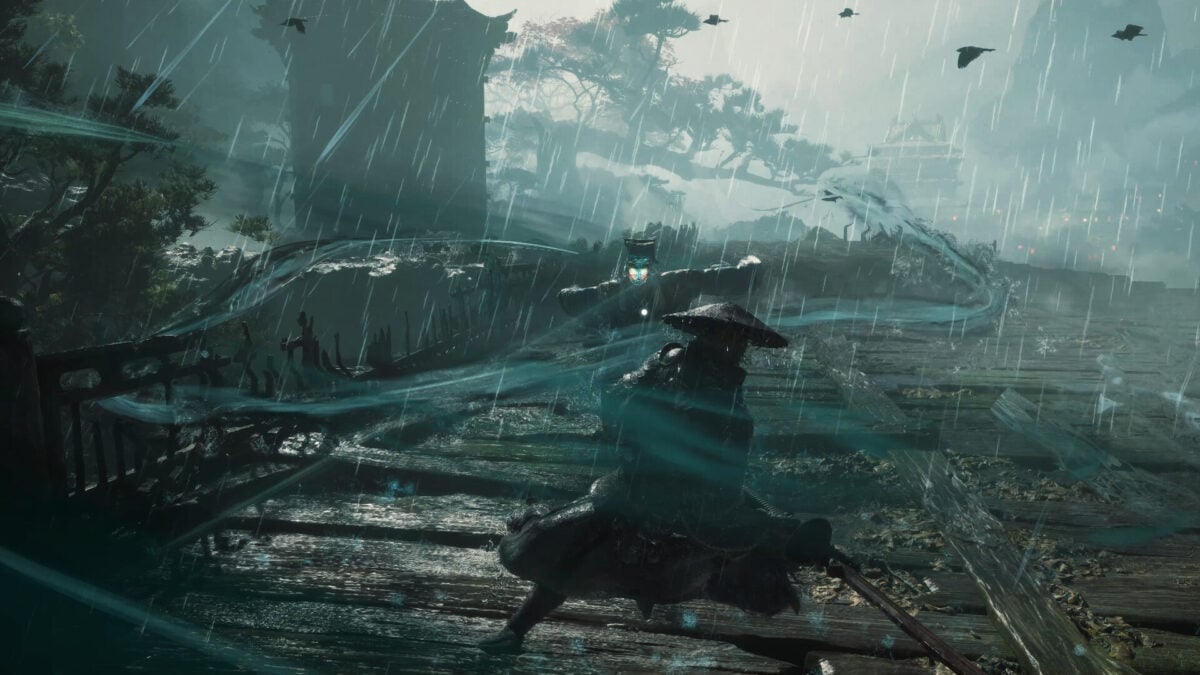
The update includes fixes for quests and item collection as well as combat changes. Image: S-GAME / Steam
The studio is addressing memory use and stuck progress
S-GAME says it has reduced video-memory and system-memory usage, with the most noticeable changes in cutscenes and snowy areas. It also lists performance improvements in certain areas and boss fights, plus reduced stutter caused by certain visual effects.
For PC players with affected AMD Radeon RX 9000-series cards and driver versions, the notes list a fix for bright square artefacts in volumetric clouds. This is a specific graphics fix, not a statement that every visual problem on those cards has been resolved.
Several progression fixes may be more immediately useful if you were unable to finish a collection or quest. The update is meant to restore items missing because of a story-book hand-in bug when the save is loaded after updating. On PC, players who already qualify for the Defy Destiny achievement should receive it on their next launch after the fix.
S-GAME also lists fixes for several combat calculations. For example, Earthshaking Slam is intended to deal damage once per use, and the Nuo Mask cost reduction is intended for Summon-type Phantom Edges rather than Artifice-type ones. If your build depended on those unintended effects, expect it to behave differently.
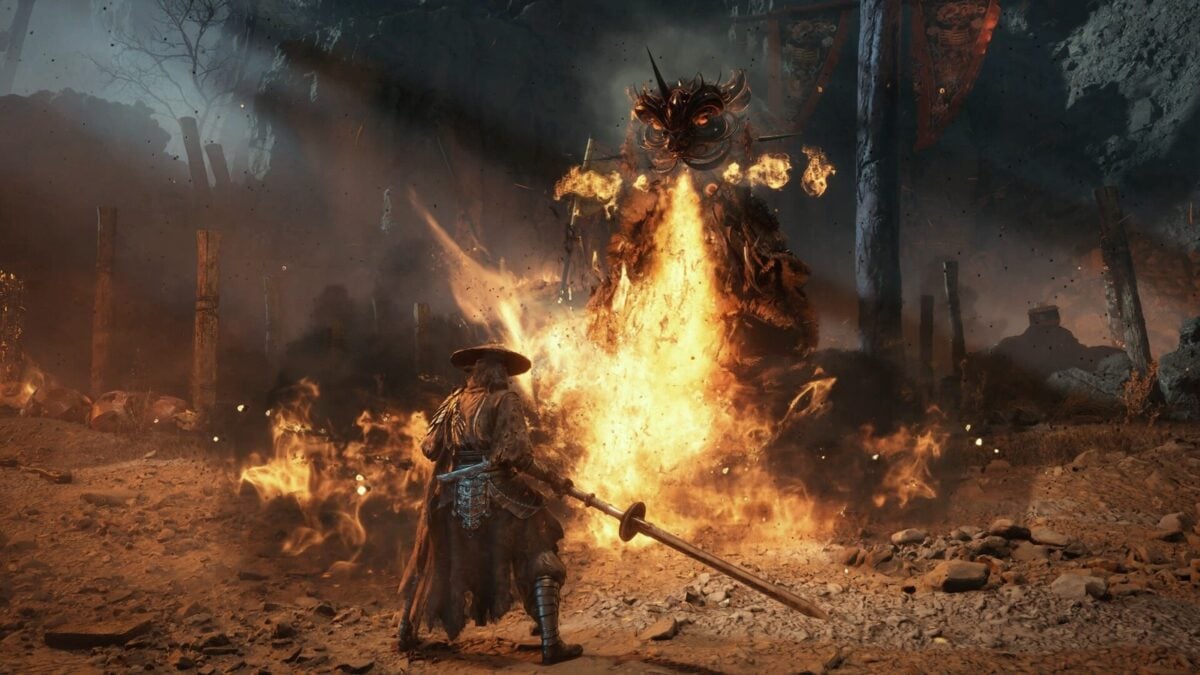
PC players should check third-party mods before updating, according to the developer. Image: S-GAME / Steam
PC players should check mods and available SSD space
The developer recommends removing third-party mods before updating because some may not be compatible. If you keep custom files, back them up first so you know what you are removing. For crashes or stutter after the update, S-GAME suggests clearing the game’s shader cache and says shaders will compile again on the next launch.
For a fresh PC installation, the Steam requirements list 145GB of available space and require an SSD. That is the full game’s listed storage requirement, not the size of this patch or a measured extra-space requirement for an existing installation.
If your PC is already short of storage and you were planning an upgrade, Newegg lists the 4TB TeamGroup T-Force G50 EVO M.2 SSD. A suitable existing drive can suffice, and 4TB is more than this game alone needs. Before buying, check that your PC has an M.2 2280 slot compatible with PCIe NVMe drives.
Image credit: S-GAME / Steam.
MIXED may earn a commission from purchases made through affiliate links.
Note: Links to online stores in articles can be so-called affiliate links. If you buy through this link, MIXED may receive a commission from the provider. For you the price does not change.
As an Amazon Associate we earn from qualifying purchases.