
OpenGlasses is now Avenkin, and its new face blur cannot be switched off
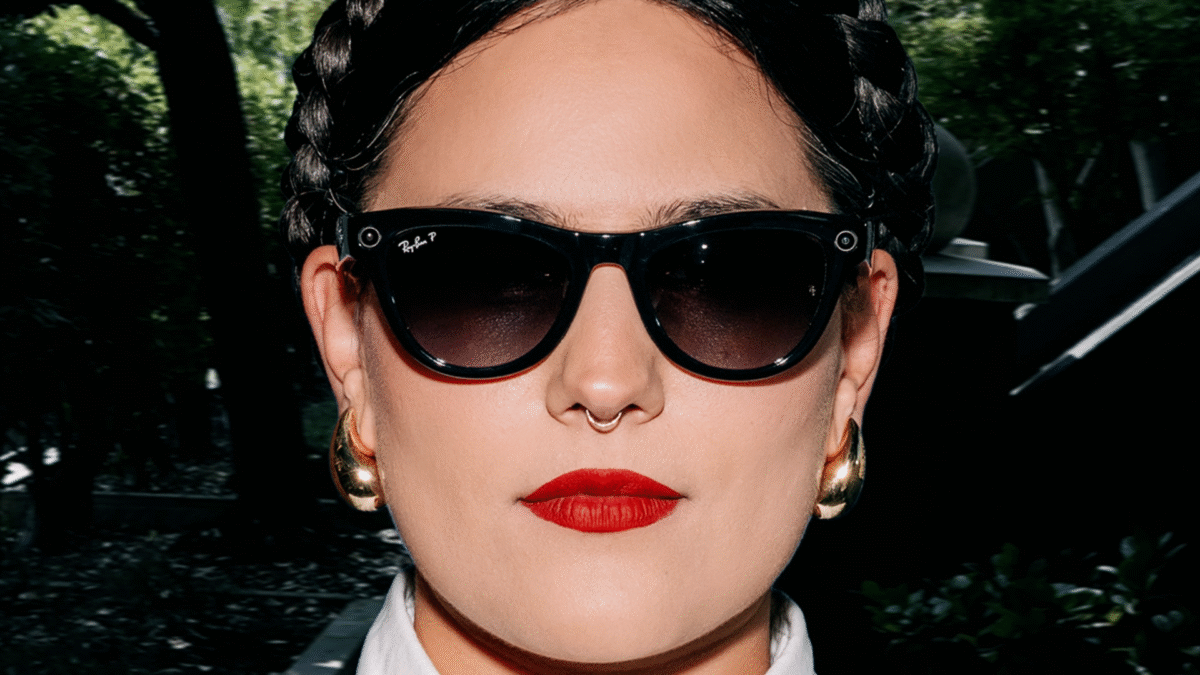
The third-party iPhone app that puts a non-Meta AI on Ray-Ban Meta and Oakley Meta glasses has renamed itself Avenkin, and a face blur the wearer cannot switch off has now been built for its professional tier. It is one developer's work, states that it is "independent of Meta and Anthropic", and says the blur has never run over a real recording, while the ordinary build cannot record at all.

Ray-Ban Stories, the camera glasses EssilorLuxottica built with Facebook and the forerunner of the Ray-Ban Meta and Oakley Meta frames Avenkin works with.
The rename was built on September 30 and the old Siri name withdrawn on October 1. It is the same app, and its README says settings, API keys, conversations and subscriptions all carry over. Avenkin is published by Skunk0 at Skunkworks NZ Ltd, and the repository showed 110 stars and 28 forks when it was read at 00:01 UTC on October 5.
One oddity survives the rename. The README still tells users that "OpenGlasses" reaches the app through Siri, while the developer's own rename notes date the withdrawal of that alternative Siri name to October 1, leaving Avenkin as the only spoken name.
A face blur the wearer cannot switch off
Code merged on October 4 between 19:40 and 22:59 UTC adds recorded jobs to Field Assist, the project's paid tier for field and clinical work. Where an organisation requires faces blurred, every recorded part is put through the app's own face blur on the phone before the recording is sealed and sent to the organisation.
That blur runs whatever the app's face-blur setting says, so the person wearing the glasses has no say over it for those recordings. A frame the blur cannot process is dropped and counted, and the sealed recording carries both the fact of the blur and the number thrown away.
Four iPhone apps that claim to spot nearby smart glasses were updated or released between September 28 and October 1, and none of them can tell whether a camera is recording.
No real recording has been blurred
The development notes say the blur "has run only over a small movie made in a test, with a stand-in for the blur: no real recording has been blurred, and how long it takes on a phone is not known".
They also say "the default build has no office transport and so offers no recording" and that "no bundle has left a physical phone". Recording is an option on a job, behind a consent prompt; the file is stored with that job, deleted with it, and never written to the phone's photo library.
What goes to the organisation alongside the video is a timed transcript and what the notes call "local, advisory candidate markers" pointing at moments worth a look. In the project's words, "nothing is analysed on the phone".
The whole conversation can run offline, with a warning
Away from the professional tier, the app can run local models through Apple MLX or llama.cpp, import GGUF files, and pair them with SenseVoice speech recognition and Kokoro voices for a voice conversation with no cloud API key at all.
The README attaches its own caution to that: "selecting a local model alone does not make the whole conversation local." Speech recognition, spoken voice and remote tools are configured separately, and with glasses, choosing another AI "still uses Meta's glasses integration and setup", so the camera behaves as Meta sets it, down to the capture LED that switches the camera off when it is covered.
Almost nobody reading this can install it. Avenkin is source-available under BSL 1.1 rather than open source, with non-commercial use permitted and a change date of March 24, 2030 to Apache 2.0, and commercial use needs a separate licence. The documented route is a source build on a Mac with Xcode 26 or newer.
The project says its security and privacy engineering is documented against SOC 2, ISO 27001, ISO 27701 and ISO 42001, which are not certifications it holds, and the recorded jobs have still not been checked on a phone.

