Nvidia says its GeForce driver fixes a bug that could keep writing to your SSD in the background
Nvidia has released a GeForce driver that lists a fix for a problem which could cause excessive background writes to a log file. If your gaming PC has been keeping its SSD busy while you were not doing much, this is one update worth knowing about.
The fix appears in GeForce Game Ready driver 621.40 for 64-bit Windows 10 and Windows 11, released on November 24. Nvidia lists the issue in its general fixes; it does not say every GeForce owner was affected or that the bug damaged every drive.
There is a reason to check rather than assume the problem has disappeared. An earlier optional hotfix targeted the same issue, and some users subsequently reported continued activity. The new driver contains an additional change, according to an Nvidia representative.
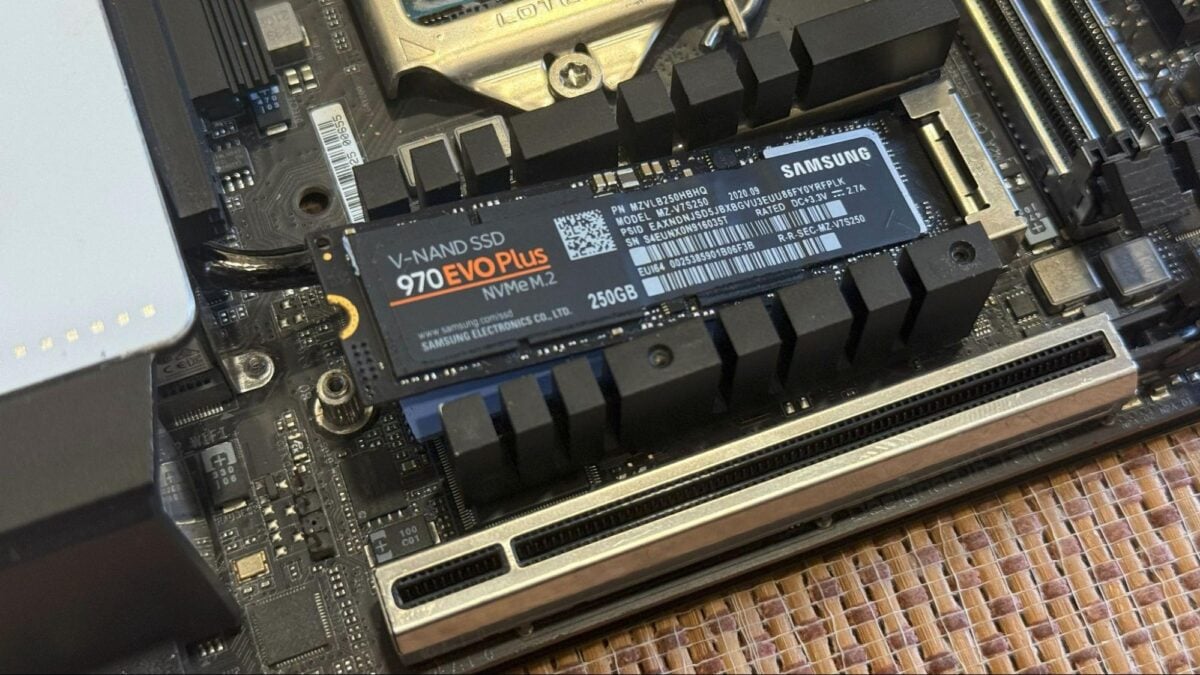
An M.2 SSD inside a PC. The driver issue is not evidence of a fault with this specific drive. Image: Tom’s Hardware
Illustrative image: the Nvidia graphics chip shown is not the TeamGroup SSD linked below.
What Nvidia says the driver fixes
In its 621.40 release notes, Nvidia identifies excessive background writes to a file called nvlog.nvlgstg, tracked as issue 7116722. The notes list it under fixed general bugs.
PC Gamer reported that affected users had seen repeated log writes and that some activity continued after the 621.35 hotfix. That is a report about affected systems, not a measurement MIXED made on every PC.
After 621.40 arrived, Nvidia software quality engineer Manuel Guzman said there was an additional change compared with the hotfix, according to HotHardware. He did not describe that change in detail in the exchange cited by the outlet.
In our earlier coverage of the hotfix, Nvidia said its identified issue did not affect GeForce RTX 50-series cards. Some owners of those cards reported disk activity, but those accounts do not establish whether they experienced the same defect.
Nvidia offers the driver through its website and Nvidia app. Image: Nvidia
How to check your own PC
I would start by checking the driver version in the Nvidia app or Nvidia Control Panel, then read the release notes for your own graphics card and operating system before updating. Nvidia provides driver downloads on its website and through its app; it also advises laptop owners to check their manufacturer’s recommended software.
After updating, Windows users can open Resource Monitor, choose the Disk tab and look at which process and file are producing writes while the machine is otherwise idle. Check again after the PC has been running for a while, especially if you previously saw the activity return. A busy disk alone does not prove this particular Nvidia bug is present.
HotHardware also reported individual complaints about black screens and flickering after 621.40. The outlet says Nvidia had not confirmed that the driver caused those symptoms, and it is unclear how widespread they are.
SSDs have rated write endurance, but a burst of disk activity does not by itself tell you how much life remains in a particular drive. If you are concerned, check its health information with the manufacturer’s utility and make sure your important files are backed up.
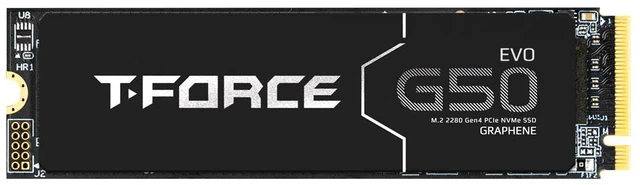
The TeamGroup G50 EVO is one example of a consumer M.2 SSD. Image: TeamGroup / Newegg
You do not need a new SSD just to install the fix
The driver update is software, so the issue alone is not a reason to replace a healthy SSD. If you were already planning a storage upgrade, Newegg lists a 4TB TeamGroup T-Force G50 EVO PCIe 4.0 SSD. Check its current price, seller and compatibility with your M.2 slot before ordering.
The same 621.40 Game Ready release also lists support for Warhammer 40,000: Dawn of War IV, Assetto Corsa Rally, and DLSS 5 in Where Winds Meet. For an affected owner, though, I would first verify whether the background writes have actually settled down on that PC.
Image credit: Nvidia / PC Gamer; Tom’s Hardware; Nvidia; TeamGroup / Newegg.
Note: Links to online stores in articles can be so-called affiliate links. If you buy through this link, MIXED may receive a commission from the provider. For you the price does not change.
As an Amazon Associate we earn from qualifying purchases.