
Nvidia's app update lists DLSS overrides for The Witcher 3, PUBG and 17 more games
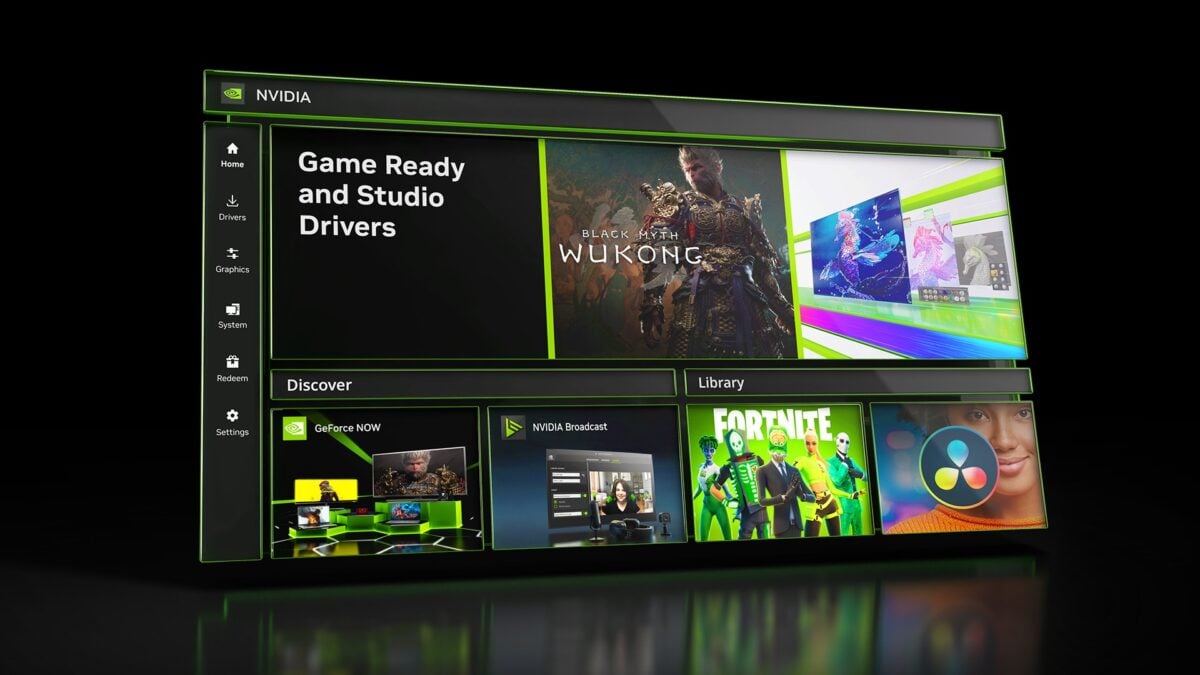
Nvidia lists DLSS Override support for 19 games in its latest app update, including The Witcher 3: Wild Hunt, PUBG: Battlegrounds and Dragon's Dogma 2. The controls let owners of supported GeForce hardware configure available DLSS options for supported titles through Nvidia's software.
The list comes from Nvidia's release notes for app version 11.0.9.585. Some titles also appeared in earlier override lists, so the notes do not establish that every game is newly supported. The app update includes game profiles and stability and security fixes; it does not automatically raise frame rates in all 19 games.
Nvidia has also added Optimal Settings profiles for six games, including Control Resonant, EA Sports FC 27 and Gears of War: E-Day. Those profiles are separate from the DLSS Override list: a game can appear in one list, the other, or both.
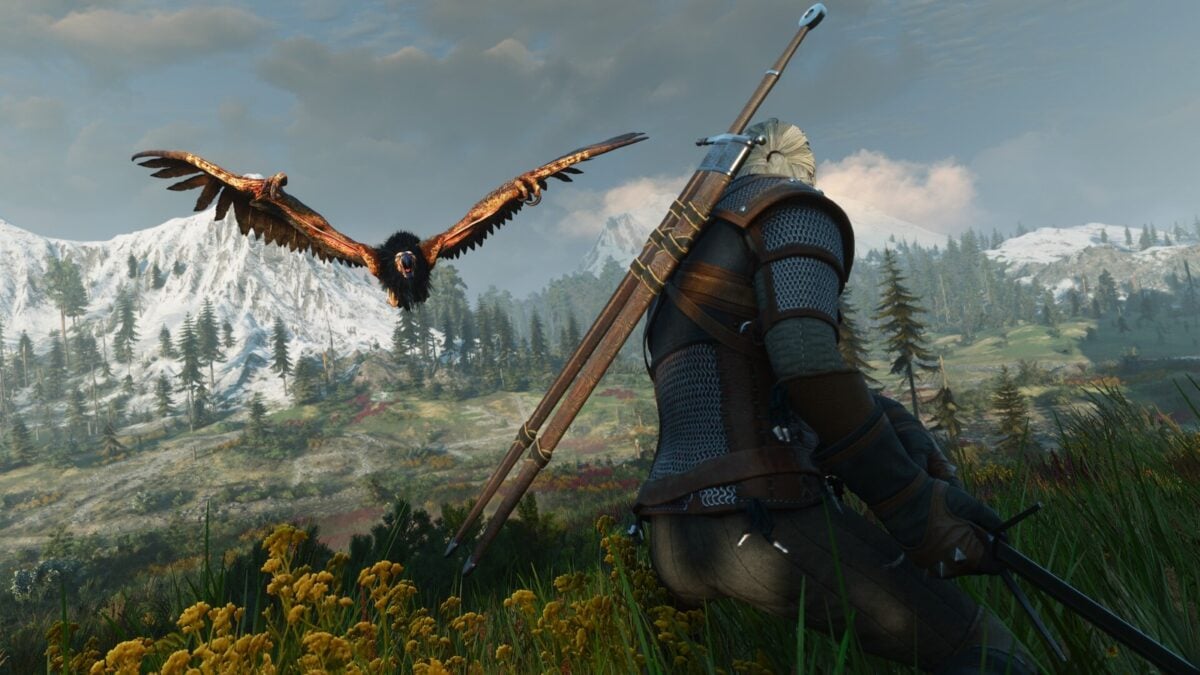
Image: CD PROJEKT RED
Which games are listed for DLSS Override?
Alongside The Witcher 3, PUBG and Dragon's Dogma 2, the list includes Honeycomb: The World Beyond, WARDOGS, Aniimo, 007 First Light, Active Matter, Enlisted and AION 2.
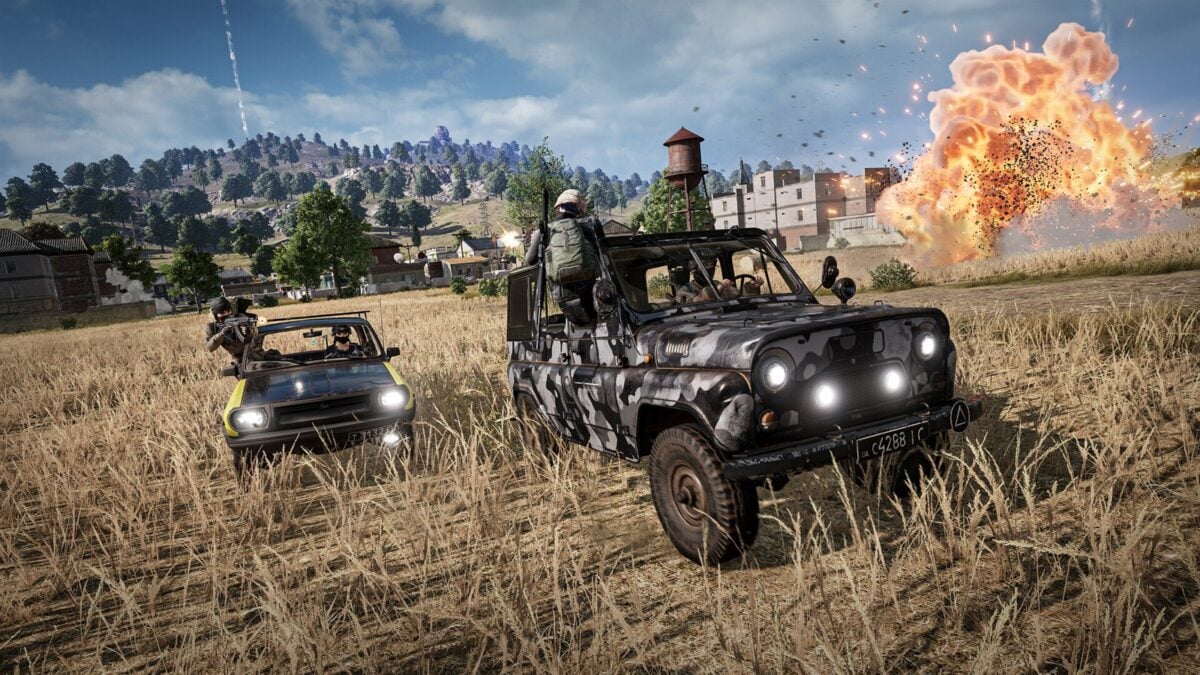
Image: PUBG Corporation
The remaining titles listed are Halloween: The Game, Hot Wheels Infinite Rush, Silent Hill: Townfall, Control Resonant, Ace Combat 8: Wings of Theve, Dynasty Warriors 3: Complete Edition Remastered, Star Wars: Galactic Racer, Gears of War: E-Day and Clive Barker's Hellraiser: Revival. A listed profile does not by itself establish that a game has launched or that every DLSS feature is available on every GPU.
The separate Optimal Settings additions are AION 2, Aniimo, Control Resonant, EA Sports FC 27, Gears of War: E-Day and Star Wars: Galactic Racer. Nvidia says the app update also includes stability and security fixes without detailing individual changes in these notes.
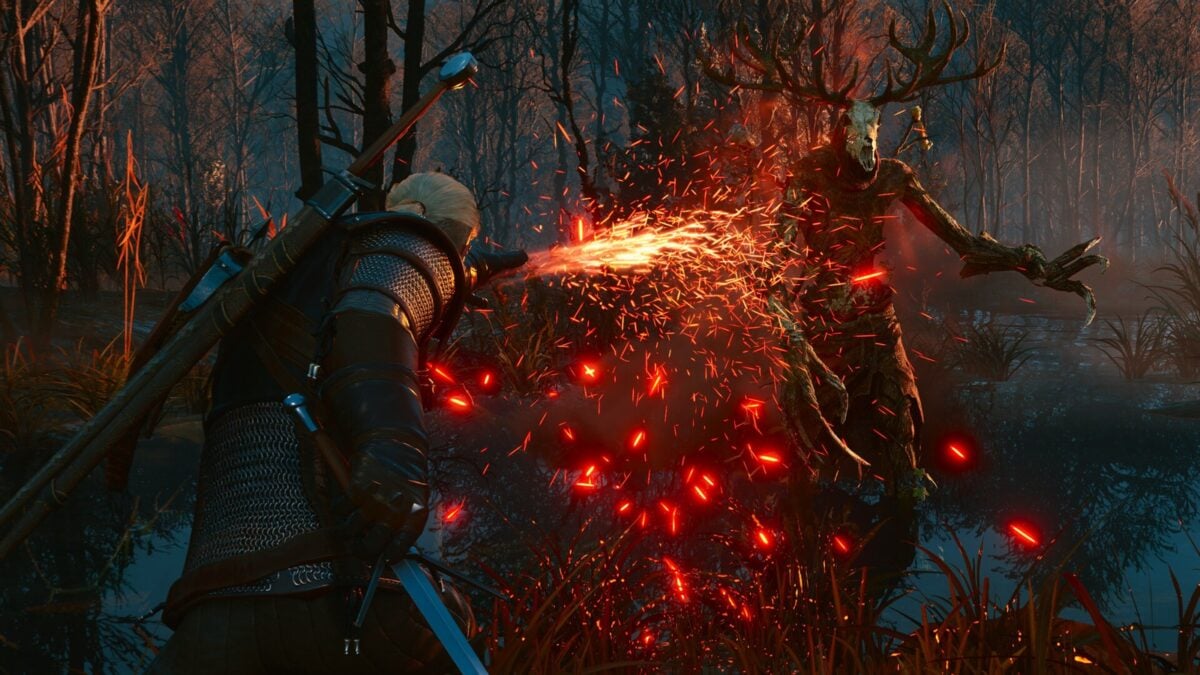
Image: CD PROJEKT RED
Where the controls live in the Nvidia app
Nvidia describes the override controls under Graphics > Program Settings > Driver Settings in the app. In an earlier 11.0.9 update, it added access to the recommended DLSS 4.5 Ray Reconstruction model through DLSS Override - Model Presets for supported GeForce RTX GPUs.
The older update also introduced per-app Resizable BAR controls. These are driver settings for particular games, not part of the new list of 19 DLSS profiles. If a setting is unavailable, check the game's support, the graphics card and current driver rather than assuming all options apply everywhere.
DLSS upscaling, ray reconstruction and frame generation are different features. The available overrides depend on the game and GPU, and Nvidia's release notes do not promise the same features for every listed title. Players who change a setting should compare image quality and responsiveness as well as the frame-rate counter.
The Nvidia app can be updated through its own update controls. Laptop users should also consider any graphics-driver guidance from their laptop manufacturer, particularly where an OEM supplies customized software.

