
Meta is testing a simpler Quest menu, and some familiar controls are moving
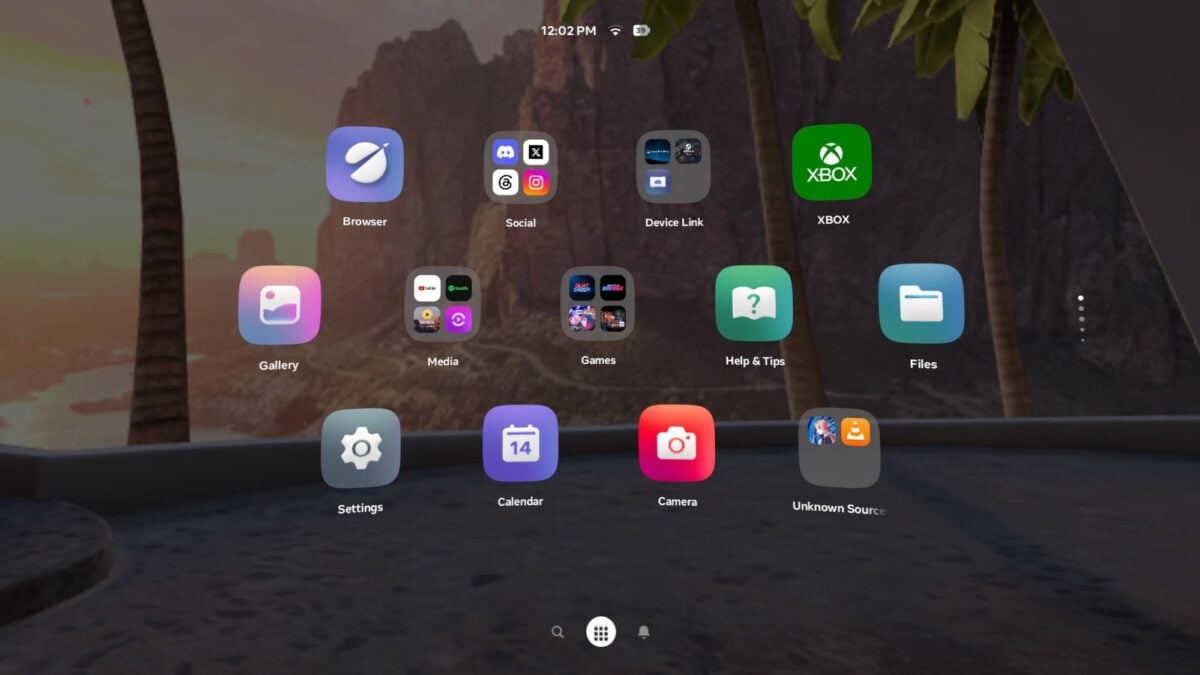
If the menus on your Meta Quest start looking different, you may be part of a limited test of a simpler Navigator. Meta has updated its release notes with a guide to the layout, including where it is moving People, your avatar and the Horizon+ app.
This is not a change that every headset has received. Meta says Simplified Navigator will roll out as a test to some people, with a walkthrough the first time it appears. The wider Horizon OS 2.10 update is rolling out gradually across Quest 3, 3S, Quest Pro and Quest 2.
We previously covered the 2.10 test build and its cinema mode. Meta’s current release notes add practical directions for the separate Navigator test.
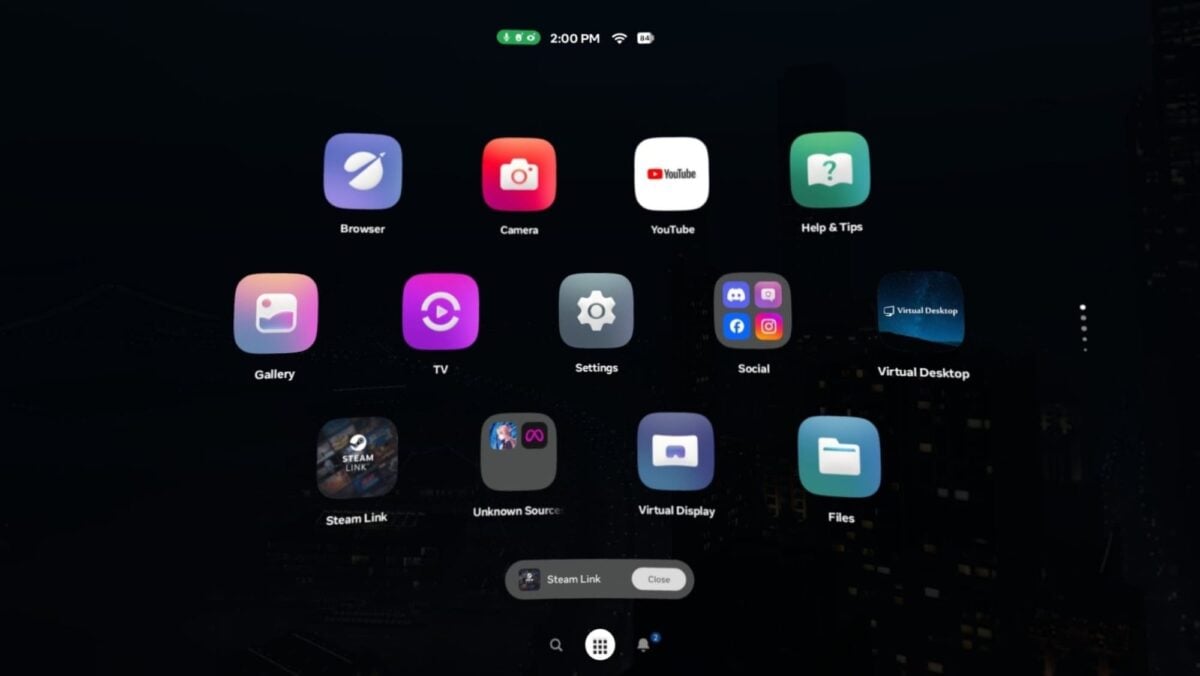
UploadVR showed this earlier test version; the interface may change. Image: Luna / UploadVR / Meta
Where to find the controls in the test
In the simplified layout, the system bar provides Search, Library and Notifications. To open Quick controls, Meta says to select the status bar at the top of Navigator. A VR button in Quick controls switches between the virtual home environment and passthrough.

Quest 3S is one of the headsets covered by Horizon OS 2.10. Image: Meta
There are also a few moves worth remembering: People is in the Chats app, your avatar is under Profile in Settings, and Meta Horizon+ becomes its own app. If you are used to finding those items elsewhere, that should save some hunting.
The first screenshot in this article comes from an earlier test shown by UploadVR. It illustrates the direction Meta has been trying, but the final appearance can change.
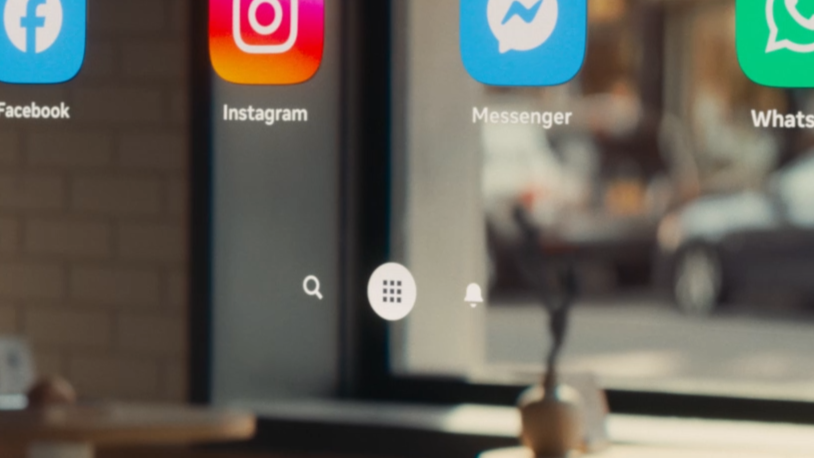
Meta previously showed a simplified interface in a VR Glasses preview. Image: Meta / UploadVR
Organizing the library and closing apps
Meta says testers can select and hold an app, then drag it to rearrange the Library. Dragging one app onto another creates a folder. Selecting the Library icon switches to a list view with sorting and filtering options.
If you want the default order back, Meta lists Reset app order under Library in Settings. It says that removes changes to the order while keeping custom folders. To leave an immersive app, select Close next to its name on the control bar while Navigator is open.
For anyone shopping for a headset, Amazon lists the 512GB Meta Quest 3. Existing Quest owners do not need a new device for the menu test, and the rollout is not guaranteed to reach everyone at once.
Image credits: Luna / UploadVR / Meta; Meta.
Note: Links to online stores in articles can be so-called affiliate links. If you buy through this link, MIXED receives a commission from the provider. For you the price does not change.
As an Amazon Associate we earn from qualifying purchases.

