
Meta says lower resolution gives better glasses video, and its ceiling is 720x1280
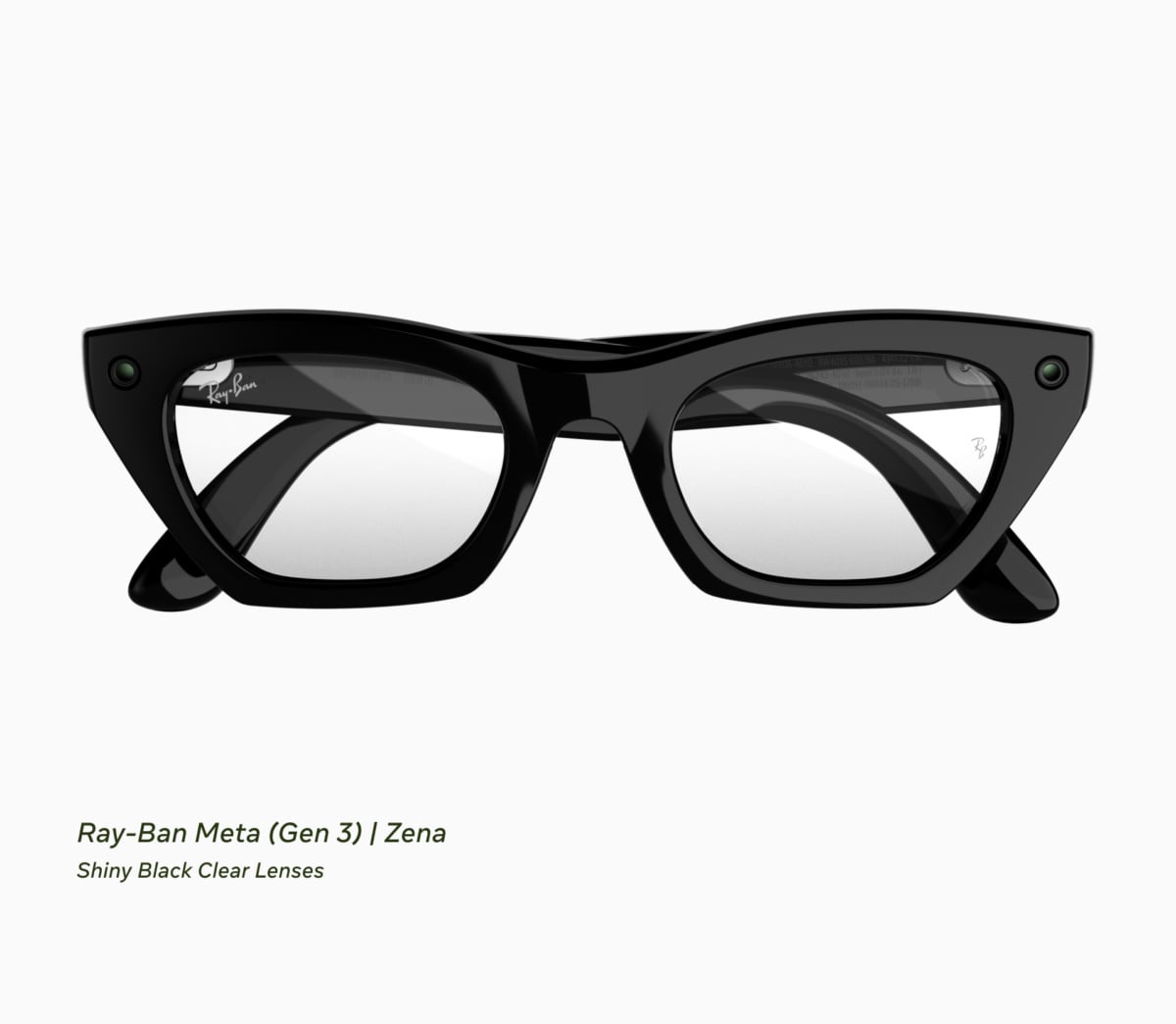
Meta's own documentation for the camera in its glasses gives third-party apps three resolutions, and the top one is 720 x 1280. Meta's camera-streaming file in the Wearables Device Access Toolkit repository lists .high as 720 x 1280, .medium as 504 x 896 and .low as 360 x 640, with the frame rate restricted to one of five values: "Valid values: 2, 7, 15, 24, 30 FPS."

The Meta AI app icon. Glasses are registered in the Meta AI app before a third-party app can open a camera session with them. Image: Meta
The same file then says something a developer would not guess. "Lower resolution and frame rate yield higher visual quality due to less Bluetooth compression," Meta writes, so its own top setting is the one it steers you away from.
An app that asks for nothing does not get the ceiling either. Meta says a StreamConfiguration() built with no arguments defaults to .raw, .medium and 30 fps, so the out-of-the-box picture is 504 x 896. Apps can take either decoded frames through .raw or compressed HEVC through .hvc1.
A streaming app has measured what comes out
MetaStream, an iPhone project that pushes the glasses feed to a live stream, puts numbers to the other side of that pipe. "720x1280 portrait at 30 fps is the ceiling for the glasses," its README says, and "the glasses choose their own bitrate, which measured 450 to 600 kbps at 720p30". Its own bitrate control only touches video the phone encodes.
The project also published a table of what each streaming destination does with that feed, headed "Tested against each ingest, not taken from marketing pages". YouTube and any srt:// ingest take the HEVC stream untouched. Kick, Instagram and TikTok do not, so the phone re-encodes to H.264 first. Restream accepts HEVC only over SRT, and Twitch is listed as HEVC for affiliates and partners only.
Meta and the project describe the link differently
Meta's file blames the quality trade-off on "less Bluetooth compression", and adds that resolution and frame rate "are constrained by Bluetooth Classic bandwidth", with the toolkit lowering resolution first and then frame rate when bandwidth runs short, "never below 15 FPS". MetaStream describes the same hop the other way round. Its architecture drawing labels it a "Wi-Fi link (DAT SDK)", its README says that "since DAT SDK 0.8 the glasses send video over a direct Wi-Fi link", and it reports that a build signed with a free Apple ID, which cannot carry Apple's Wi-Fi entitlements, "registers and connects over Bluetooth but never receives a frame". Both are published descriptions of the same connection between the glasses and the phone, and neither document explains the other.
What the glasses will tell an app is narrower than what they send it. MetaStream says that in toolkit version 0.9, which is the version its badge names, DeviceState exposes only thermalLevel, so an app can warn that the glasses are hot but not that they are nearly flat. Meta's own list of the errors a stream can raise includes .permissionDenied, .deviceNotConnected, .hingesClosed, .thermalHot, .batteryLow and .photoCaptureFailed. The microphone, by the project's account, runs over Bluetooth HFP at 8kHz, and the glasses keep one third-party app registered at a time, so registering a new one drops the last.
You cannot install MetaStream from the App Store
MetaStream is published as source for people to build their own copy, and installing it takes a development profile, which is why its requirements run to an iPhone on iOS 26.0 or later, a pair of Ray-Ban Meta, Oakley Meta or Meta Ray-Ban Display glasses, the Meta AI app and access to a paid Apple Developer team. Meta's toolkit changelog carries its own standing warning on the features it marks experimental: they "can be built and tested against, though apps using them cannot be published yet", the line that applied when the toolkit reached React Native on October 4.
The toolkit itself is at 1.0.1, published on October 9, and the entry for that release reads "No developer-facing changes" after 1.0 shipped with a camera frame bug Meta documented itself. The resolution ladder has not moved with it.

