
This $156.50 Kingston 1TB SSD is the upgrade I’d consider for a bigger game library
A full game library can make a 1TB drive look surprisingly small. The good news is that Kingston’s NV3 1TB SSD is listed for $156.50 at Amazon US, putting a straightforward PCIe 4.0 storage upgrade within reach for anyone with a compatible M.2 slot.
The exact offer is for the NV3 1TB, model SNV3S/1000G, in the common M.2 2280 size. Amazon shows a $215.99 list price, a $59.49 difference, although that comparison is against the displayed list price rather than a verified recent selling price.
I like the balance on paper: 1TB of space for games and applications without paying for a high-end SSD that not every PC needs. At the time of checking, the new drive was in stock and sold and shipped by third-party seller i77e. Price, seller and availability can vary by location and change.
- New; sold and shipped by i77e at time checked
- 1TB M.2 2280 NVMe; up to 6,000 MB/s sequential read
- Seller, price and availability may vary
What the NV3 1TB offers for a gaming PC
Kingston rates this specific capacity for sequential reads of up to 6,000MB/s and writes of up to 4,000MB/s over PCIe 4.0 x4. Those are manufacturer maximums, not speeds we measured, and actual results depend on the PC and workload.
That specification makes the drive worth considering for a Windows game library, applications or a fresh system build. It is not a promise that every game will load at a particular speed, and sustained file transfers can behave differently from the headline sequential numbers.
Kingston gives the 1TB model a 320TBW endurance rating and a limited five-year warranty, subject to the company’s warranty terms and usage limit. A capacity of 1TB also leaves less usable space after formatting, so keep some breathing room if your games are particularly large.
Check your M.2 slot before buying
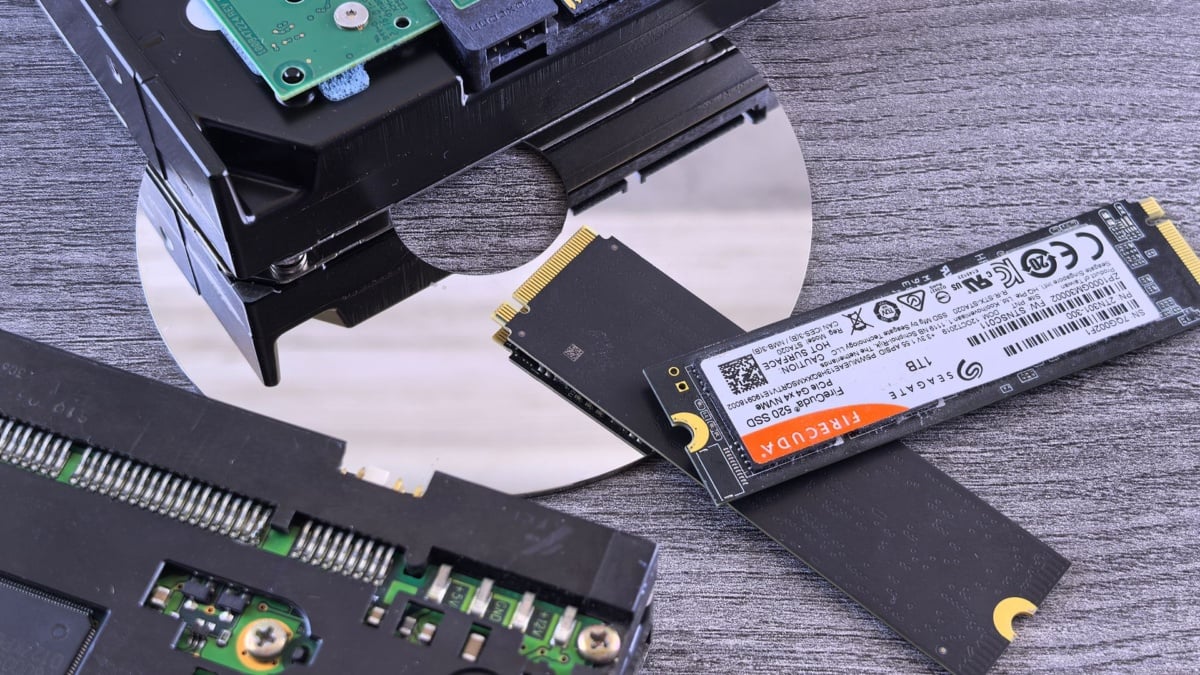
The first thing I would check is your motherboard or laptop manual. This is an M.2 2280 NVMe drive: the 2280 refers to a 22mm-wide, 80mm-long SSD. An M.2 connector alone does not guarantee that a system accepts this length or supports an NVMe drive in that slot.
If you are replacing your existing boot drive, back up important files first and make a plan to clone or reinstall your operating system. If you are adding a second drive, check that the spare slot is accessible and available; some laptop models have only one.
For a buyer who simply wants more room on a compatible PC, the NV3 is an appealing practical option at the displayed price. Compare the live offer with other drives before ordering and remember that the quoted performance figures are best-case manufacturer ratings.
Note: Links to online stores in articles can be so-called affiliate links. If you buy through this link, MIXED receives a commission from the provider. For you the price does not change.
As an Amazon Associate we earn from qualifying purchases.

