Half-Life: Alyx adds foveated rendering on PC to ease the load on your GPU
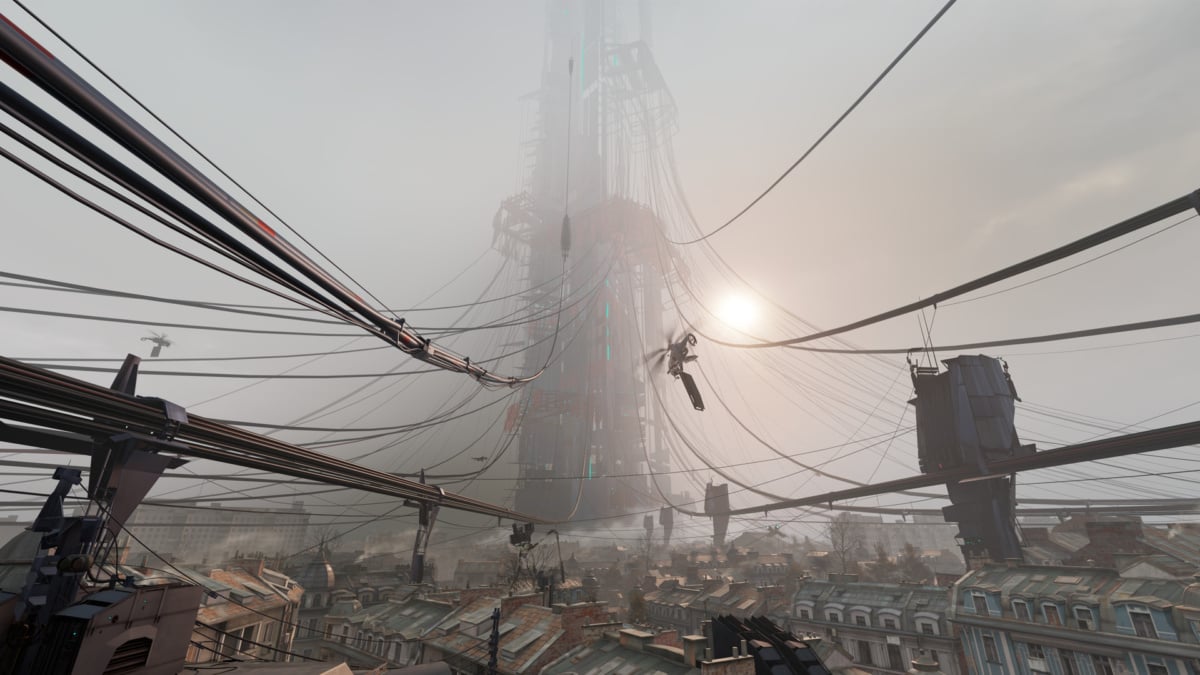
Half-Life: Alyx now lets PC players enable foveated rendering, reducing graphics work in parts of the image outside the area of interest. Valve’s October 26 update also improves reprojection quality when the game runs natively on Steam Frame.
The desktop option appears under Advanced Performance on supported hardware. Valve says it can improve rendering performance and recommends enabling headset eye tracking for the best results.
This gives existing PC VR players another setting to try before turning down the game’s overall image quality. It is optional and switched off by default, according to the setup guide linked from Valve’s announcement.
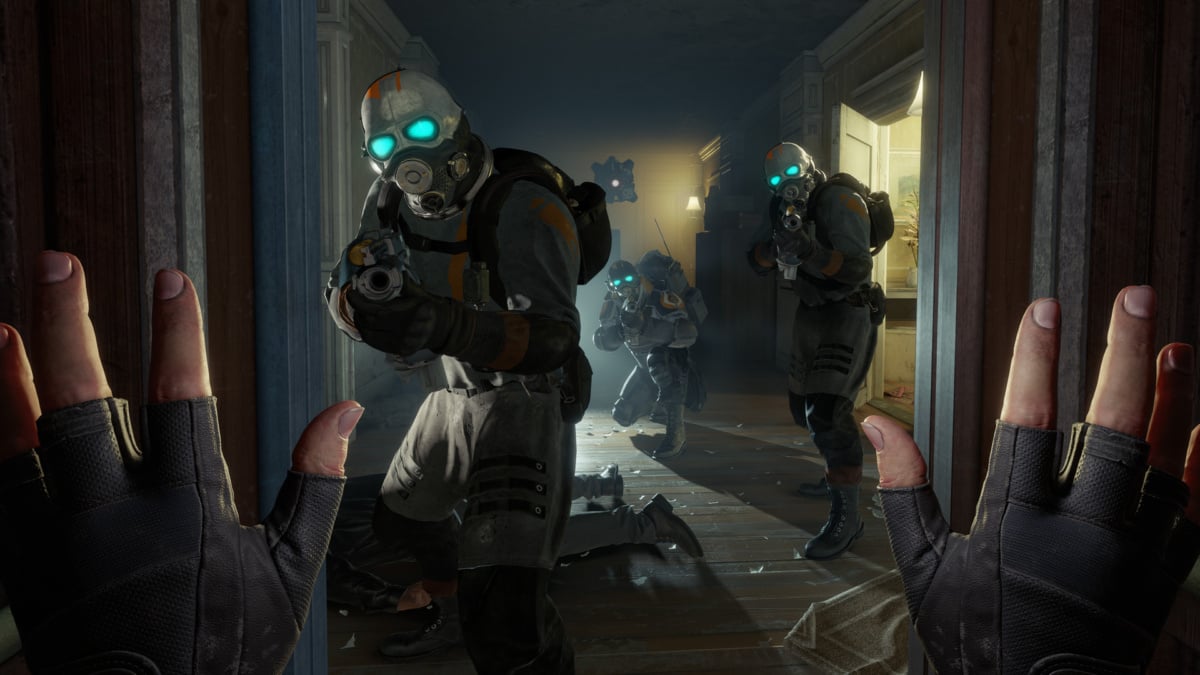
Image: Valve
Your graphics card determines whether you need Vulkan
The Valve-linked setup guide lists Nvidia GTX 16-series and RTX 20-series or newer GPUs, AMD RX 6000-series or newer, and Intel Arc A-series or newer. On Windows, the default Direct3D 11 renderer supports the feature only on the listed Nvidia cards.
AMD and Intel owners need Vulkan. In Steam, open the game’s Properties, enter -vulkan under Launch Options and restart the game. Linux already uses Vulkan. The in-game toggle is under Options, Performance, then the gear icon for Advanced Performance.
Eye tracking is not mandatory, but the headset’s SteamVR driver must expose it for gaze-directed rendering. Steam Frame users should enable Eye Tracking in VR Settings and allow eye-tracking data sharing in the PC’s Steam Link settings.

Image: Valve
The update also repairs Workshop crashes and an achievement
The same patch fixes several rendering crashes common in Workshop content and a problem that prevented some players from unlocking Gnome Alone. The native Steam Frame change uses stencil-buffer tagging to improve reprojection; it is separate from the new desktop toggle.