GTA 6 update fixes broken autosaves and story calls, while tackling crashes on PS5 and Xbox
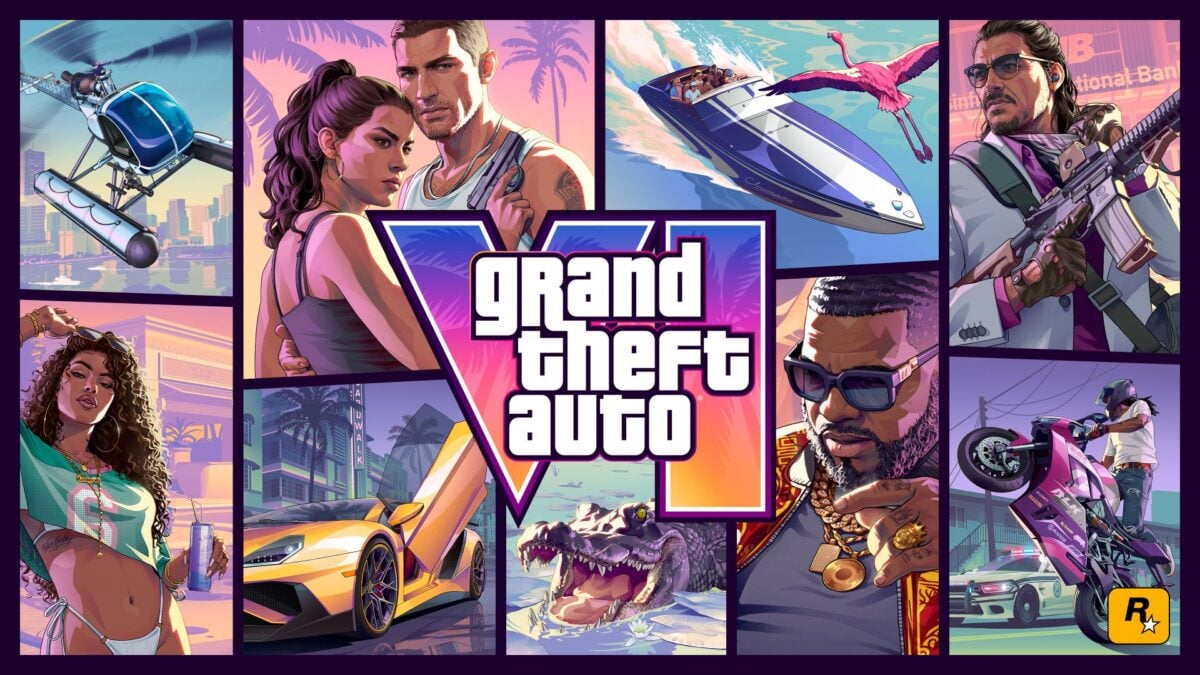
Rockstar has detailed a set of GTA 6 launch fixes for PS5 and Xbox Series X and S, including a problem that could stop the game from autosaving correctly. The update notes also address missed phone calls that could move the story forward or unlock missions, alongside several causes of crashes.
If you have been waiting for a call to progress, that second fix may be especially welcome. Rockstar says it fixed several issues that prevented calls from triggering correctly, although it does not identify individual missions or promise that every possible progression problem has been resolved.
The launch update notes, dated November 23, cover both console families. They also list a fix for an issue that could leave players unable to lose their Wanted Level, plus another that stopped the weather changing for long periods.

Jason and Lucia are at the center of GTA 6’s story. Image: Rockstar Games
The launch fixes also cover wanted levels and in-game activities
There are a few smaller fixes in the same list. Rockstar says it addressed an issue that prevented use of the gym’s deadlift bar, and another where partners failed to hand over bags for players to sell to fences.
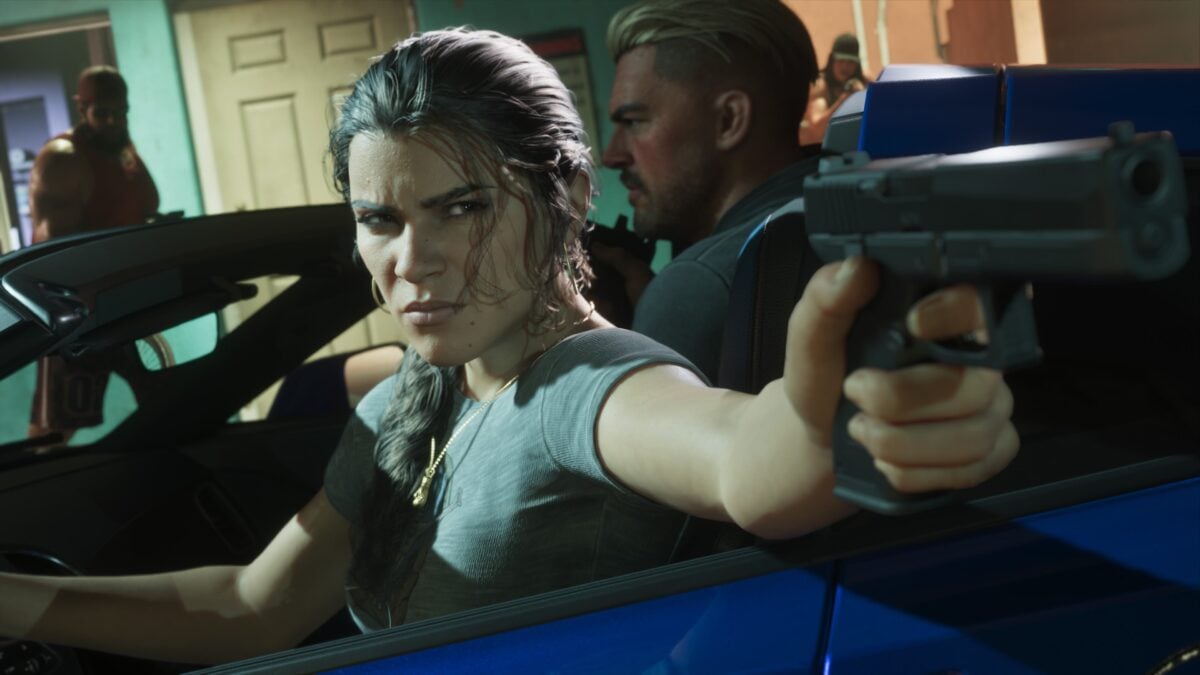
Rockstar has listed fixes for several issues in the console release. Image: Rockstar Games
As for stability, the developer says it fixed several issues that caused the game to crash. That is encouraging, but the notes do not identify every crash or name a specific error code, so I would not assume they cover every problem players have encountered.
The autosave change is also worth reading carefully: Rockstar describes a fix for incorrect autosaving, but its notes do not say whether any previously lost progress can be recovered.
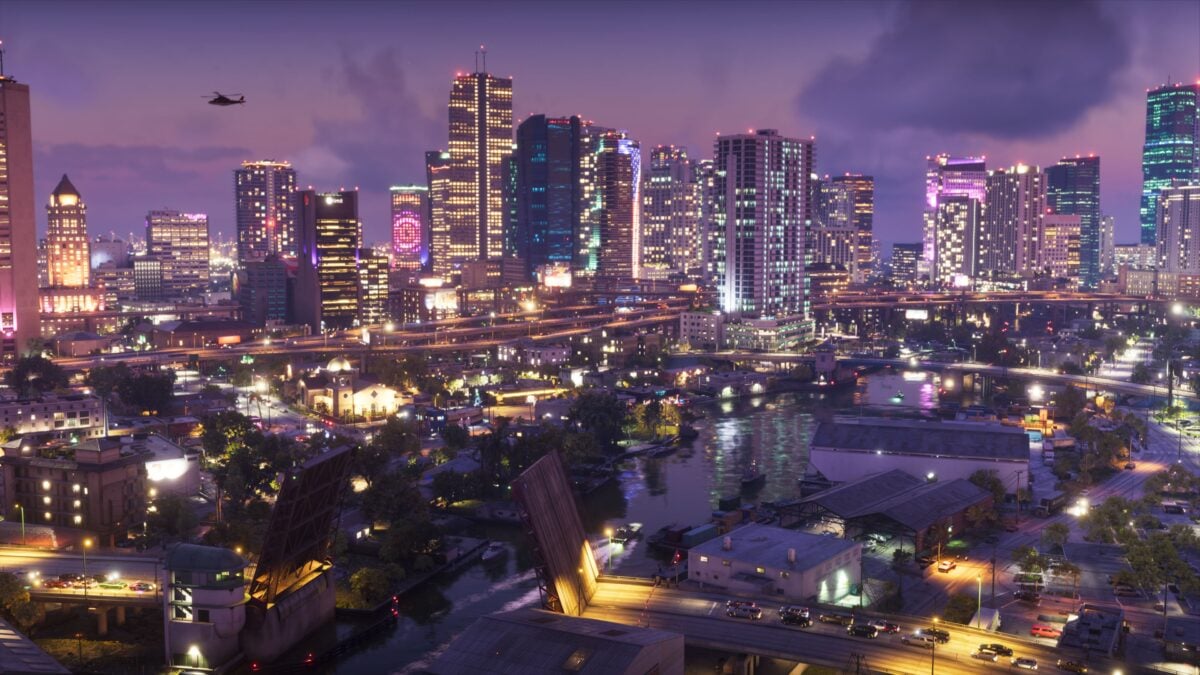
GTA 6 takes players to Vice City and the wider state of Leonida. Image: Rockstar Games
PS5 players can check for updates from the home screen
On PlayStation 5, you can highlight GTA 6 on the home screen, press the Options button and choose “Check for Update,” as explained in Sony’s support instructions. Your console may also download game updates automatically.
We previously covered a PS5 download that appeared before Rockstar published these notes. Rockstar’s list does not specify a version number or download size, so we cannot independently tie every item in it to that particular download.
If you are still seeing a problem after updating, keep a note of what happened and any error message before contacting Rockstar Support. Those details can help explain which issue you are encountering.
For anyone buying the PS5 edition, Amazon lists a boxed download-code version of GTA 6. There is no disc in the box, and the code requires a PlayStation account registered in the US or Canada.
Image credit: Rockstar Games / Xbox; Rockstar Games.
Note: Links to online stores in articles can be so-called affiliate links. If you buy through this link, MIXED receives a commission from the provider. For you the price does not change.
As an Amazon Associate we earn from qualifying purchases.