GTA 6 gets a 603MB PS5 update, but Rockstar has not explained what it changes
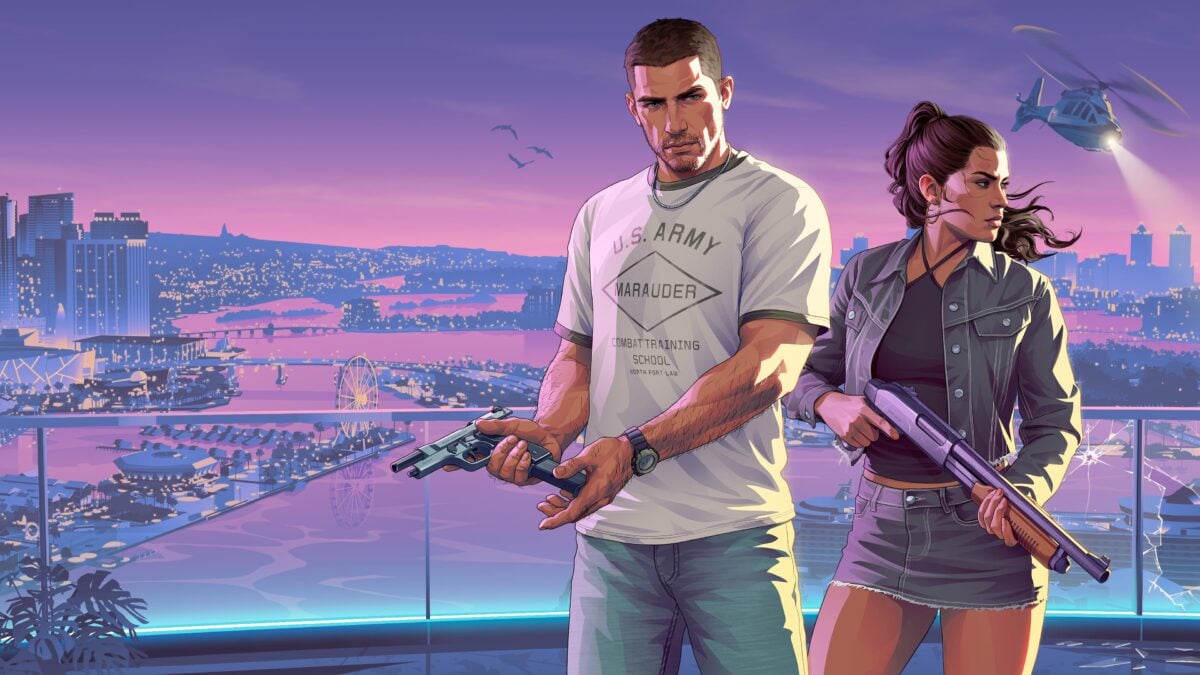
A new Grand Theft Auto VI update is reaching PS5 players, according to the account that tracks PlayStation game downloads. The reported download is around 603MB, but the question many players will have is still unanswered: what does it actually change?
PlayStation Game Size identified the update as version 01.002.002 in a November 23 post. It also described a phased release, so the update may not have appeared for every player at the same time.
As of November 23, Rockstar had not published a list of changes for this version on the GTA VI support page when we checked. That means there is no reliable basis yet to say that a particular crash, mission bug or performance problem has been fixed.
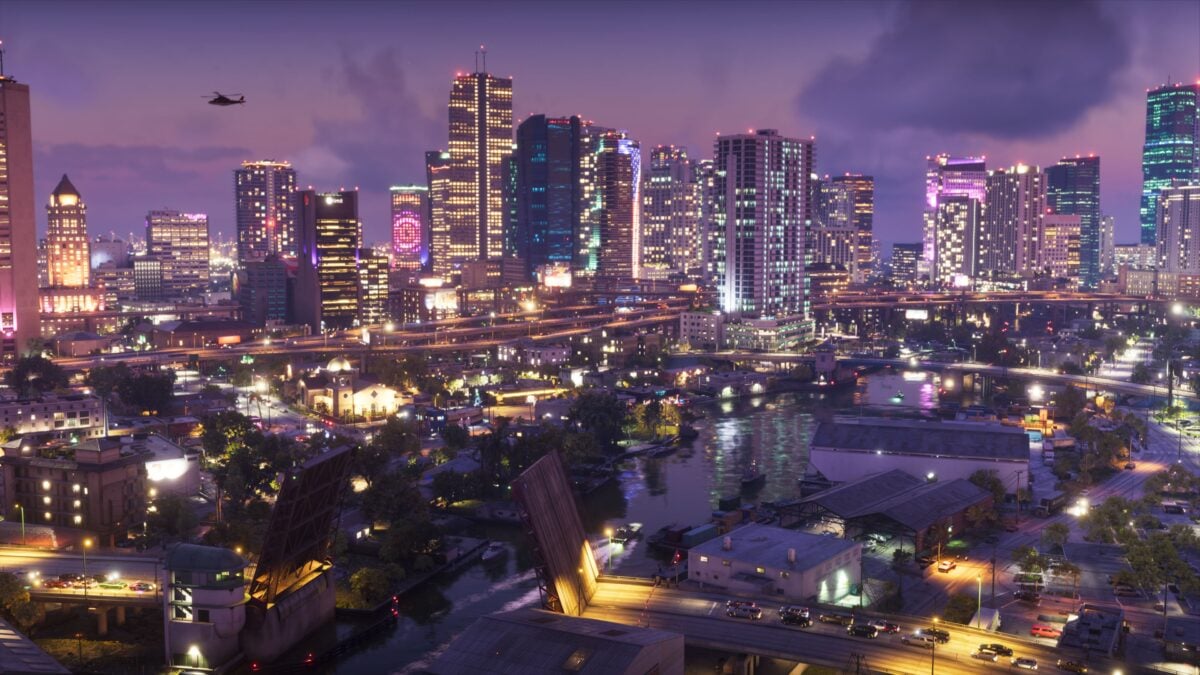
The reported update is for the PS5 version of GTA VI. Image: Rockstar Games
What the update report tells us
The PlayStation Game Size post reported 603MB and gave an initial rollout figure of 33%, followed by further availability over the next six hours. Those timings were attached to its post rather than a promise from Rockstar, and they should be read in that context if you are checking later.
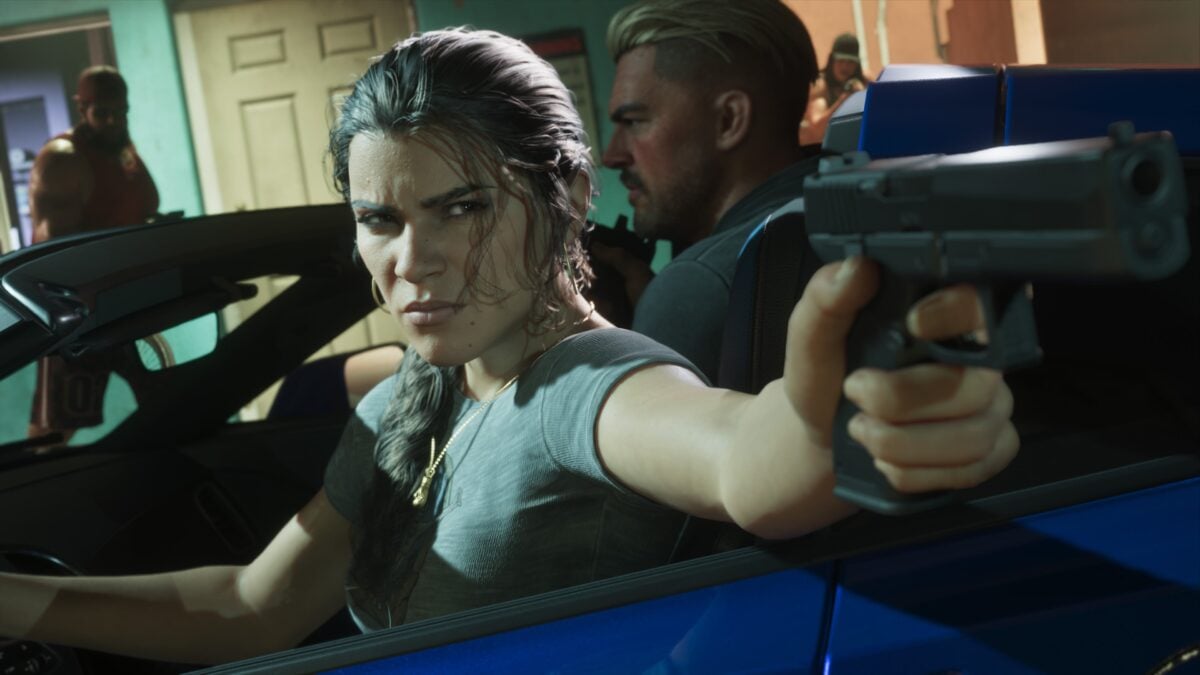
Rockstar had not published a list of changes for the reported version when checked. Image: Rockstar Games
It is also worth keeping the platform detail straight. The 603MB figure comes from a PlayStation-focused tracker. The post did not give a separate Xbox download size, so I would check the figure shown on your own console instead of assuming it will match.
A small download can still change things players notice, but its size does not tell us which files were changed or whether a specific issue was addressed. Until Rockstar explains the update, treating a list of supposed fixes as confirmed would be jumping ahead of the evidence.
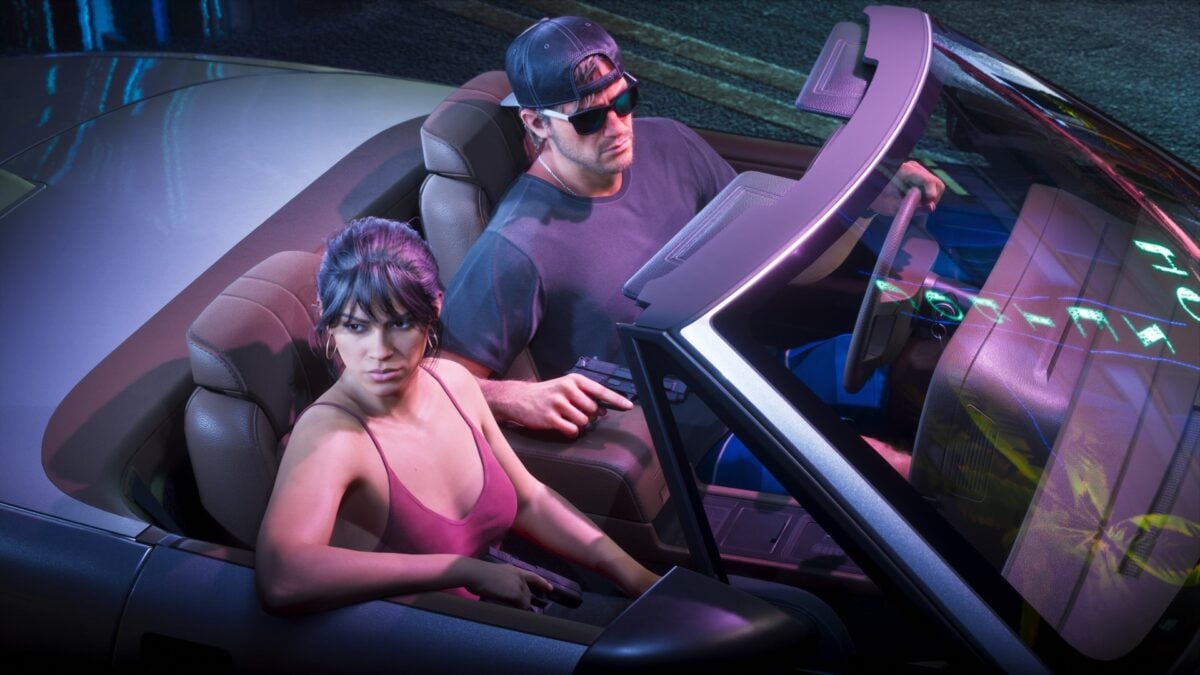
Players can check for a game update from the PS5 home screen. Image: Rockstar Games
How to check on PS5
If you want to see whether it is available to you, highlight GTA VI on your PS5, press the controller's Options button and choose Check for Update. Sony's instructions say to follow the prompts if the console finds an update.
If there is nothing to install, the tracker says the release was staged. That could explain a wait, although the post does not establish why any individual console might not show the download. You can also check the game's installed version before assuming an update has been missed.
Anyone dealing with a crash should keep the error details handy while waiting for an official explanation. Our GTA 6 error-code guide covers the difference between troubleshooting a console problem and identifying a game-specific fix.
For readers buying the boxed PS5 edition on Amazon, there is one detail worth knowing: it contains a download code, not a disc. The listing specifies a US- or Canada-registered PlayStation account and marked the item non-returnable when checked.
Image credit: Rockstar Games.
Note: Links to online stores in articles can be so-called affiliate links. If you buy through this link, MIXED receives a commission from the provider. For you the price does not change.
As an Amazon Associate we earn from qualifying purchases.