
Google Meet adds 63-language speech translation with a choice for each listener
Google Meet is expanding speech translation to 63 languages and letting each participant choose which language they hear. A multilingual meeting no longer has to use one shared language pair selected for everyone.
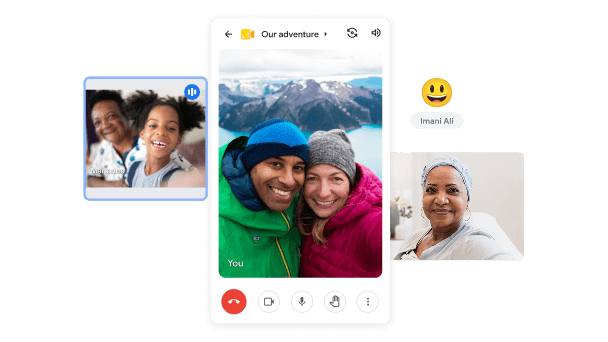
Meet supports calls on phones and tablets; the expanded translation also reaches Android and iOS. Image: Google
Meet detects the language being spoken, including when a speaker switches languages, and translates it into each listener's preference. The update uses Gemini 3.5 Live Translate on the web, Android and iOS.
Each participant chooses when to turn translation on.
Speech translation starts off at the beginning of a call. Open the captions and translation control, select Translate speech and choose your listening language. You can also identify languages you already understand so Meet leaves them untranslated.
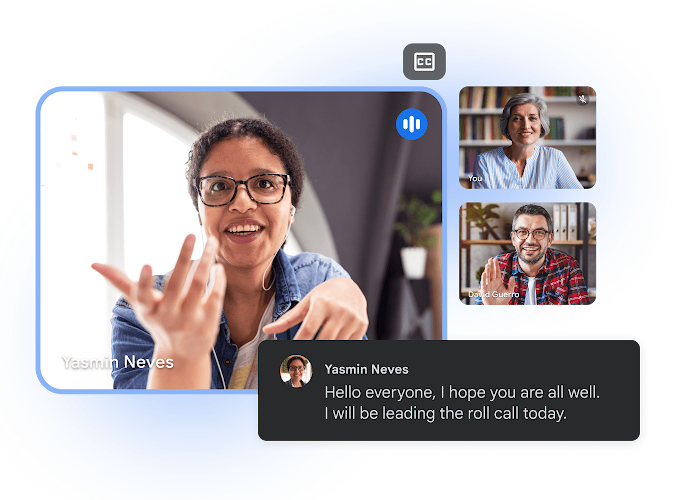
Google’s illustration of captions in Meet. The update can synchronize captions with translated speech. Image: Google
Other people hear your translated voice only if you agree to have it translated. Captions can follow the translated audio, though Google's instructions warn of occasional caption delays and language-detection errors. Spoken translations arrive a few seconds behind the original speech.
This is a different service from Google’s multilingual Live Avatar for Gemini Enterprise: Meet translates the people already taking part in the call.
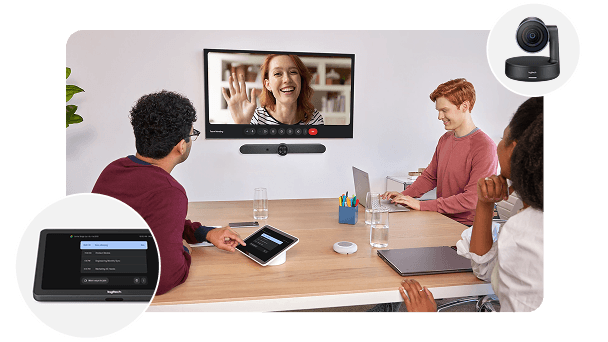
Meet hardware can play remote participants’ translated speech, but does not translate speech coming from the room. Image: Google
The host’s subscription determines access and the time limit.
All meeting participants, including guests, can use the feature when the organizer has an eligible plan. In a direct one-to-one call, either participant can provide that eligibility.
Business Standard and Plus, Enterprise Standard and Plus, Frontline Plus, Google AI Pro and AI Pro for Education receive up to 90 minutes per meeting. Google AI Ultra and the AI Expanded Access and AI Ultra Access add-ons allow up to eight hours.
Meet room hardware can play translations from remote participants, but speech originating in the room is not translated for others. Recordings, livestreams, client-side encrypted meetings and dial-in calls are among the unsupported situations.
Rapid Release rollout began October 22. Scheduled Release starts November 2 and can take 15 days. Mobile users need an updated Meet app; availability also depends on region and age.

