
Glasscast puts your whole Android phone on Ray-Ban Display, squashed into a square
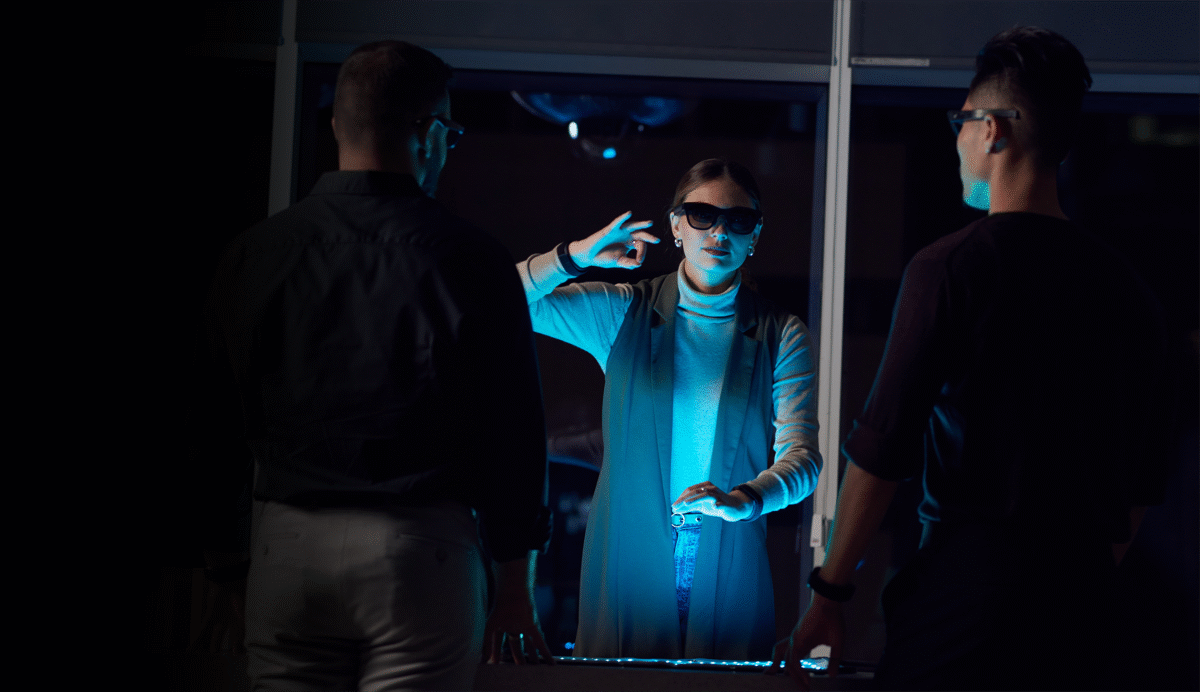
An open-source project called Glasscast streams an entire Android phone onto Meta Ray-Ban Display and lets the Neural Band work it like a touchpad, and its solution to the shape of the glasses' panel is to make the phone square. The glasses have a 600x600 display, so the companion app squashes the phone's screen to 1080x1080 while a session runs, which it says leaves "the whole app fills the display, no letterboxing, text big enough to read".
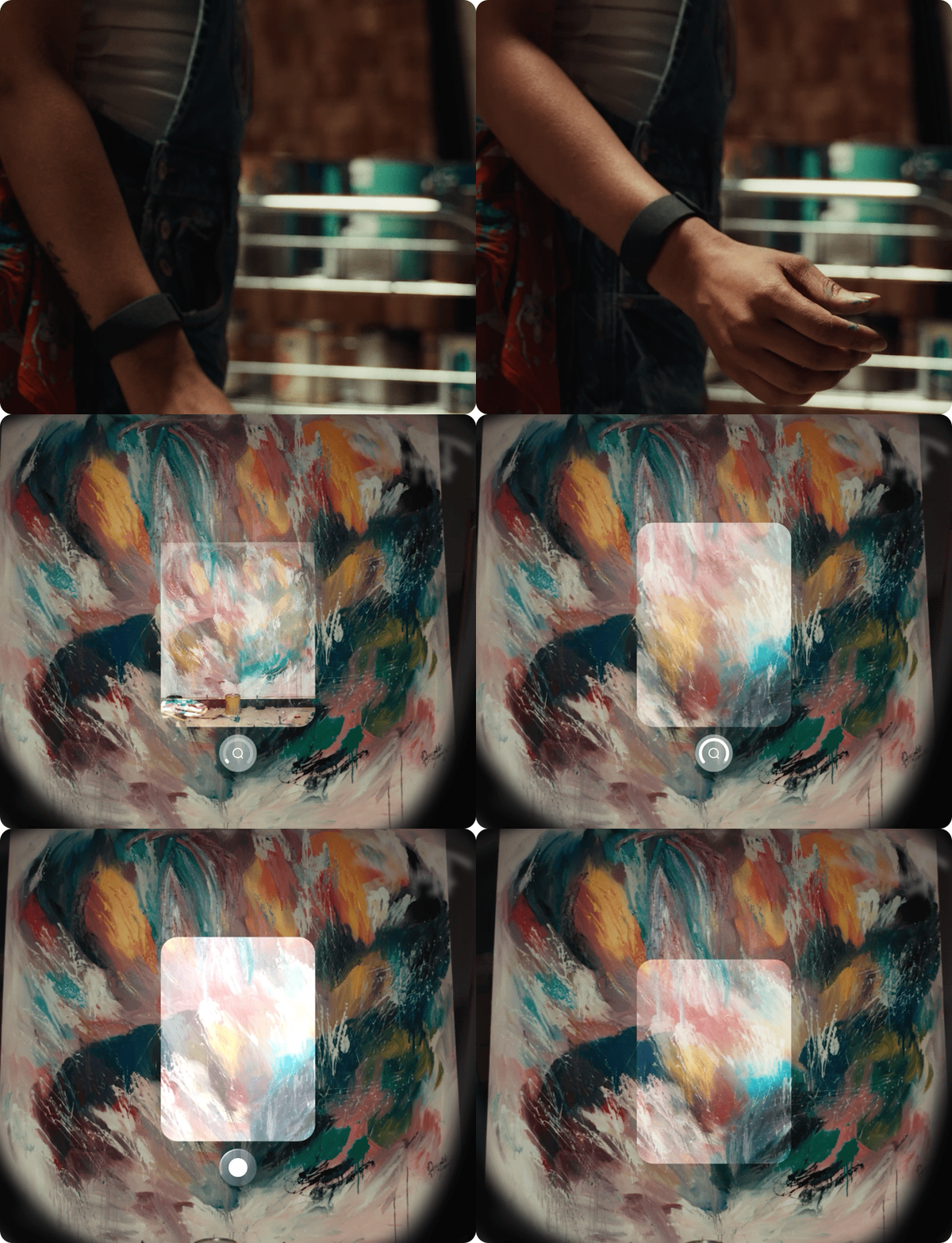
The Meta Neural Band. Glasscast reads its pinches and thumb swipes as taps, scrolls and drags on the phone. Image: Mixed News media library
The display figure is Meta's, not the project's. Meta's own developer documentation states that on Ray-Ban Display "the display is 600x600px and there is no touchscreen", read at 22:04 UTC on October 7. Glasscast's repository, read at 22:05 UTC the same day, is MIT-licensed and was created on September 25.
Pinches do the tapping, WebRTC does the streaming
The pitch is that nothing has to be rewritten for the glasses. "Every app on your Android phone, on the glasses' display", the README opens, with "no waiting for glasses versions of your apps". The phone's screen goes over WebRTC using the phone's hardware H.264 encoder, and the view "follows the app in front, pop-up windows and split screen included".
Input is the band. "Pinch to tap, two quick pinches to double tap, swipe your thumb to scroll", and a pinch followed by a pinch and hold puts a finger down for dragging, text selection and long presses. Typing goes the other way round: the glasses' own composer takes dictation or handwriting, and the companion types the result into the phone and presses the app's send button, because, as the project puts it, "WhatsApp, ChatGPT and Claude all treat Enter as a new line, so it finds the real button".
The square trick is the part that needs a computer once. Resizing a phone's screen needs a permission Android grants only over ADB, so the install involves a one-off grant over USB debugging, which the project says then survives restarts and app updates. Without it, the project says, "the view still follows the app in front, letterboxed". Glasscast also needs Android's accessibility service, which is how it taps and types, and the author states it "only acts on what the glasses send during a session".
The relay sees the handshake, not the screen
The default setup routes through a relay the author hosts, and three commits timestamped 09:29:32 UTC on October 7 were written to document what it holds. The relay passes the pairing exchange and the signed WebRTC setup, and the README says "it holds no key and can't approve anything". The screen video and the input do not pass through it at all: the project says those go directly between phone and glasses, "encrypted end to end (DTLS-SRTP)", and a session continues if the relay disappears. What it keeps is a random id per phone, a hash of the companion's token, the phone's model name and two connection times, recorded to the hour. It also serves the glasses app, which the author flags as the one thing self-hosting removes.
This is labelled a tech preview and the limits are published with it. The project says it has been tested on one combination, a Samsung Galaxy S25 running Android 16 with Ray-Ban Display, and that other phones on Android 11 or newer "should work, untested". The phone must stay awake and unlocked, because Android stops screen capture when it locks. Its Wi-Fi has to be on, because with Wi-Fi off the link uses Bluetooth, "which is too slow for smooth video", apps that block screenshots show black, and there is no iPhone version. Meta has nothing to do with any of it, and no frame rate or latency figure is published.
The glasses ship with a handful of apps of their own, which is the gap projects like this keep aiming at. Another developer has pointed the same Neural Band at a pair of Rokid glasses, and Meta itself has been adding voice and assistant routes into the display, including hologram calls on WhatsApp driven by your voice rather than your face. Glasscast takes the blunter route: put the phone you own on the glasses, squashed into a square.

