
This Steam VR adventure gets better Steam Frame controls, plus DLSS and AMD FSR options
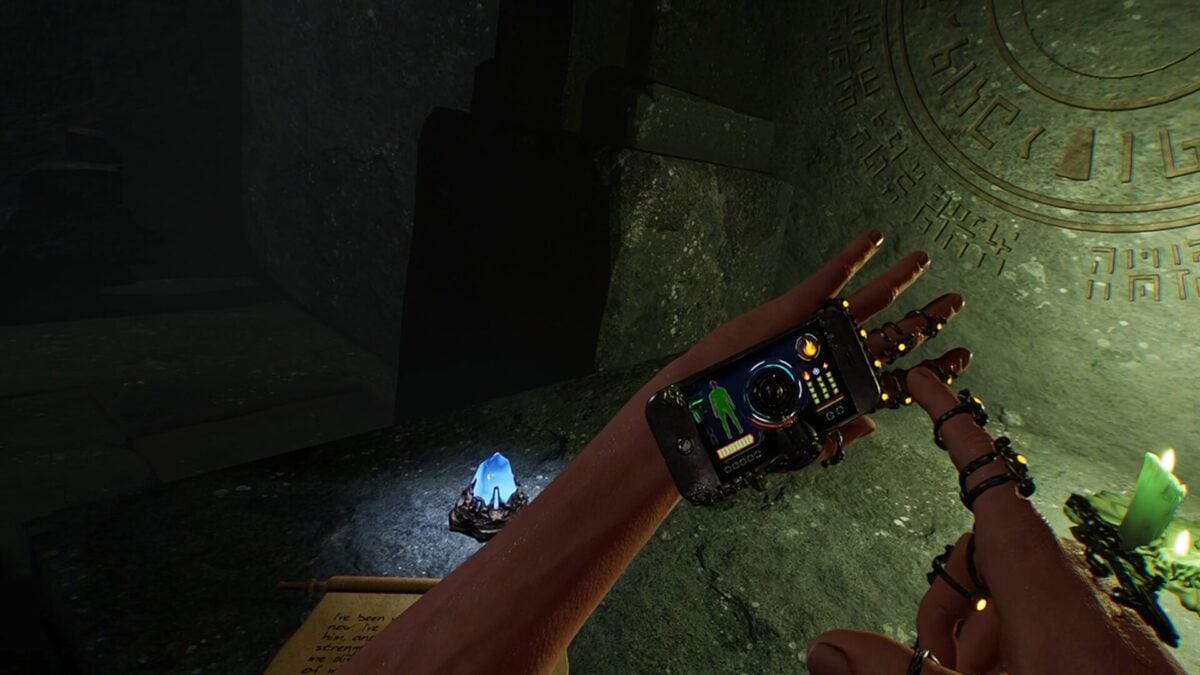
EXD - Extra Dimensional has received a substantial visual update that adds direct Steam Frame controller support and gives PC players new upscaling choices. The VR adventure also has an experimental eye-tracked foveated rendering option for Valve's headset.
Developer Lords of Illusion says update 1.1.4 adds recognition and mapping improvements for Steam Frame controllers, including the left controller's directional pad. It also expands the game's OpenXR support and adds compatibility with Virtual Desktop's VDXR mode.
The graphics changes are useful beyond that headset. EXD now offers AMD FSR2 and two Nvidia DLSS modes, letting players choose an approach that fits their GPU and setup. The developer stresses that image quality and performance vary by hardware and scene.

Image: Lords of Illusion
Two ways to use DLSS, and an FSR option for AMD players
The update divides DLSS into Classic and Advanced modes. Classic is the default for new profiles and prioritizes performance, including on older graphics cards. Advanced offers newer DLSS 4 and 4.5 models. Switching models triggers a restart, according to the patch notes.
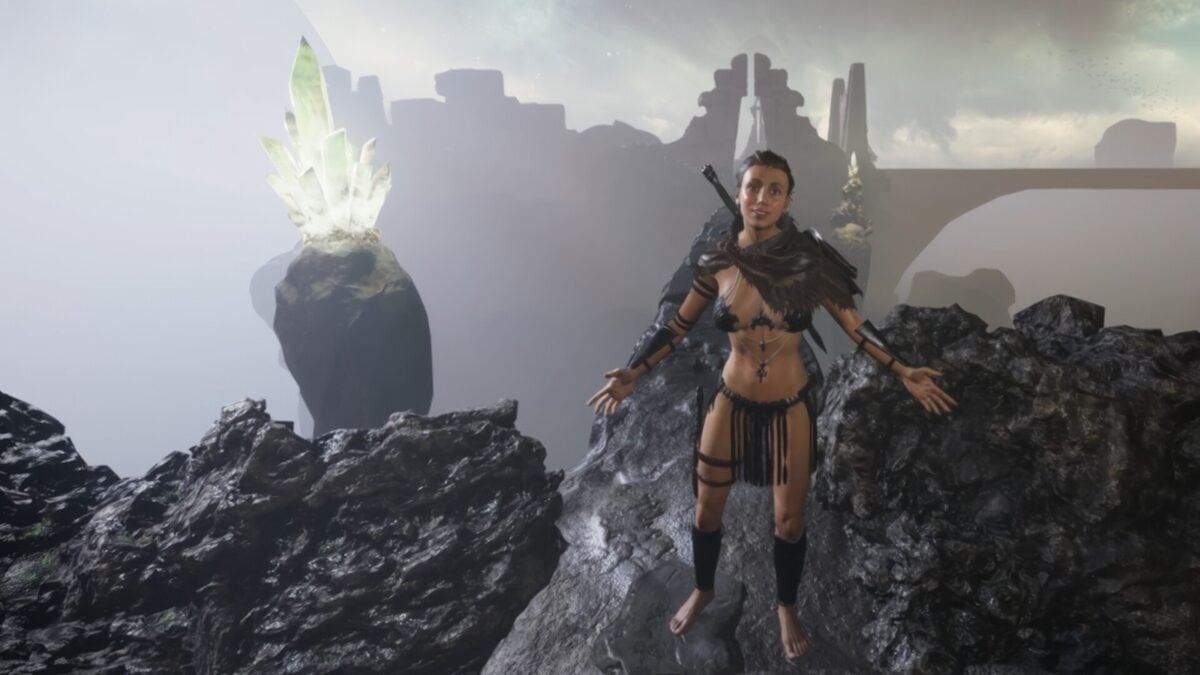
Image: Lords of Illusion
FSR2 adds an upscaling option for AMD graphics users. The developer says its beta testers saw gains of up to 20 frames per second in ideal conditions, but that is not a guarantee for every system. The available choices and their results depend on the GPU, headset and settings.
Advanced DLSS also has fixed foveated rendering settings called Light and High. These reduce reconstruction detail toward the edges while preserving the center, and do not require eye tracking. They do not apply to Classic DLSS.
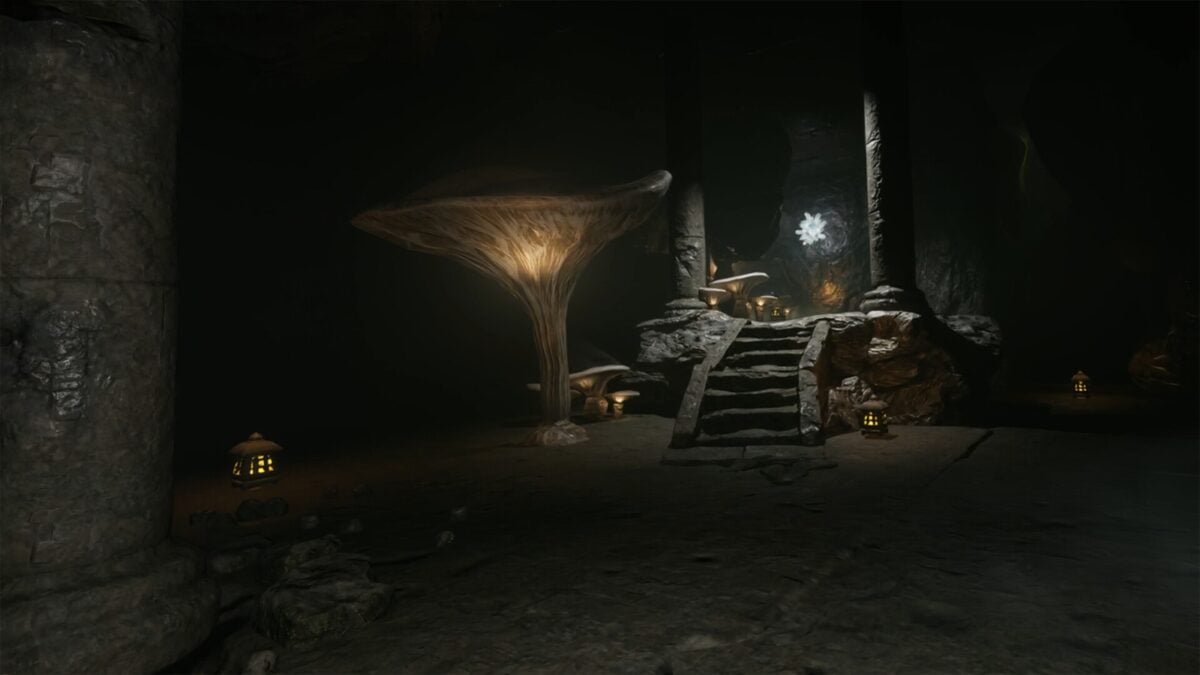
Image: Lords of Illusion
Steam Frame eye tracking requires a different launch mode
The separate eye-tracked foveated option is marked experimental. To try it, the developer instructs Steam Frame users to browse the game files and launch OpenXR with DirectX 12 from the Utility folder. Compatible hardware and runtime are required; simply choosing the default launch option is not the same setup.
DirectX 11 remains the default renderer. Steam offers SteamVR/OpenVR and OpenXR launch modes, while the DirectX 12 options live in that Utility folder. A subsequent hotfix added missing Valve Index controller bindings for OpenXR and adjusted the Light fixed-foveation setting.
The update also adds height controls, a left-handed thumbstick swap, and revised level centering that takes movement around the room into account. A fix addresses an OpenXR crash when changing levels or returning to the menu using Virtual Desktop VDXR. Players using Quest and Steam recentering together may need to check their calibration, the developer says.
EXD is a PC VR game, so the Steam Frame controller and eye-tracking additions should not be mistaken for an announcement that the full game runs standalone on the headset. Check the game's current requirements and launch instructions for your setup.

