
ChatGPT Slides has shipped, but on Windows 10 the desktop app gives you a PowerPoint file

ChatGPT can build a presentation and let a team edit it in real time, and in the desktop app on Windows 10 it hands you a PowerPoint file instead. OpenAI says ChatGPT Slides is rolling out to eligible Pro, Business and Enterprise users with Space access, on the web and in the desktop app, in a release note dated October 16.

OpenAI's own image of a deck being built from connected sources, the route it calls asking ChatGPT in Work. Image: OpenAI
"On Windows devices without the required MXC component, local AI slide creation and editing in the desktop app use PowerPoint (.pptx) files instead of collaborative Slides," OpenAI's help article says, and "Windows 10 does not support this component, and Windows 11 users may need an update or their organization to enable it."
So the deck still gets made. What you do not get on that machine is the shared copy that other people can open and edit at the same time, and OpenAI's fix is to use cloud mode or the browser. OpenAI does not say what MXC stands for.
The deck lives inside Space, not in a chat
Slides lives inside Space, the container that replaced Library on these same three plans on September 29, and it inherits the sharing model wholesale. "Slides uses the same access setting as Space and pages," OpenAI tells administrators.
A deck can be shared with view or edit access, and anyone with edit access can revise it alongside the rest of the team and discuss it in shared comments. Comment-only access is not available at launch, so a reviewer who should not touch the slides cannot leave a comment on them either.
ChatGPT joins in the same way a colleague does, by being @mentioned in the deck and asked for the change.
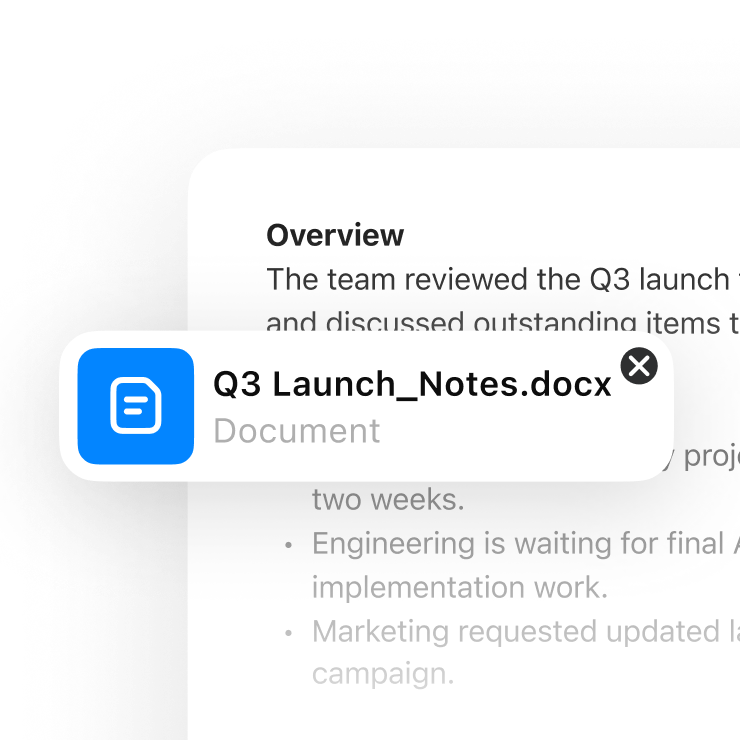
A file handed to ChatGPT, from OpenAI's own product page. Slides can start from a conversation, files or an outline. Image: OpenAI
Decks start in Work, in Space or from a template
A deck starts in one of three places: ask in Work for a slide, presentation or deck, choose Create and then Slide inside Space, or begin from a template. Templates can be built with template-creator and shared with colleagues by putting them in a team's Plugins.
Editing is direct rather than prompt-only. Text, images, shapes, tables and charts can be changed in the deck, or an element can be selected and handed to ChatGPT with Request edits, and OpenAI notes that the web font picker offers whatever fonts the browser has while the desktop app can reach fonts installed on the computer.
Exports from the web go to PowerPoint, PDF or Google Slides, and a deck can be opened in PowerPoint or Keynote where either is installed, with a show-in-Finder option on macOS. OpenAI asks for a human check at both ends: "Review the text, figures, and layout before sharing or presenting your deck," and "Open the exported presentation and check its content and formatting before using it."
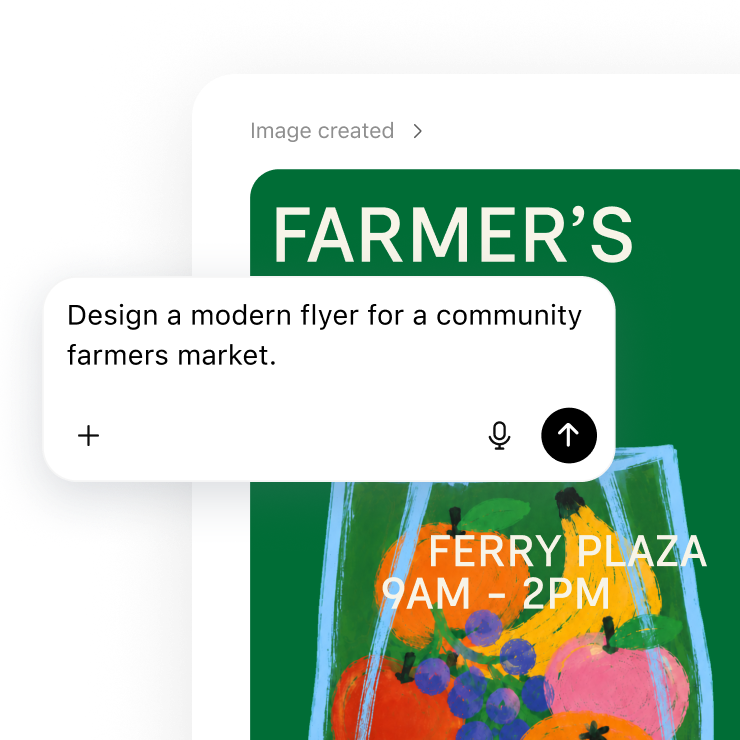
Image generation inside ChatGPT, which a deck can draw on: OpenAI says slides take generated images or ones you upload. Image: OpenAI
Slides is a rollout, not a release
"Slides is rolling out to eligible accounts," the help article says, and "it may not be available for your account". Free, Go and Plus get no date, which is where Space left those plans on September 29 too.
OpenAI is not first to this. Anthropic announced Claude Docs and Slides for its own chat app on September 16, with Pro and Max subscribers first in the queue, and ChatGPT Slides arrives 17 days after Pages landed in the same container.
For anyone on Windows 10, then, the shortest route to a deck other people can edit runs through the browser.

