Black Friday monitor deals start at $94.99, with $140 off Acer’s 27-inch 1440p 240Hz screen
A fast gaming monitor does not have to take the whole Black Friday budget. MSI’s MAG 245F X24 offers a 23.8-inch 1080p IPS panel at up to 240Hz for $94.99 at Newegg, while Acer’s 27-inch Nitro VG272U W2 combines 1440p and 240Hz for $159.99.
The Acer costs $65 more, and that extra money buys a larger picture with more pixels. Newegg shows $299.99 alongside its $159.99 offer, a $140 difference. The MSI has a $119.99 displayed comparison price.
I have put six screens side by side below, including an OLED option for buyers who can spend more. These are US prices checked on November 27. Confirm the full model number, stock and the refresh rate supported by your connection before checkout.
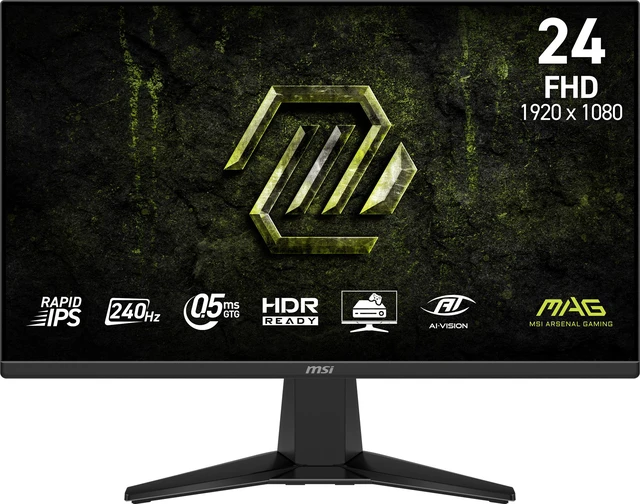
The MSI MAG 245F X24 is the smallest display in this selection. Image: MSI / Newegg
- Newegg comparison price $299.99
- US listing; prices and availability may change
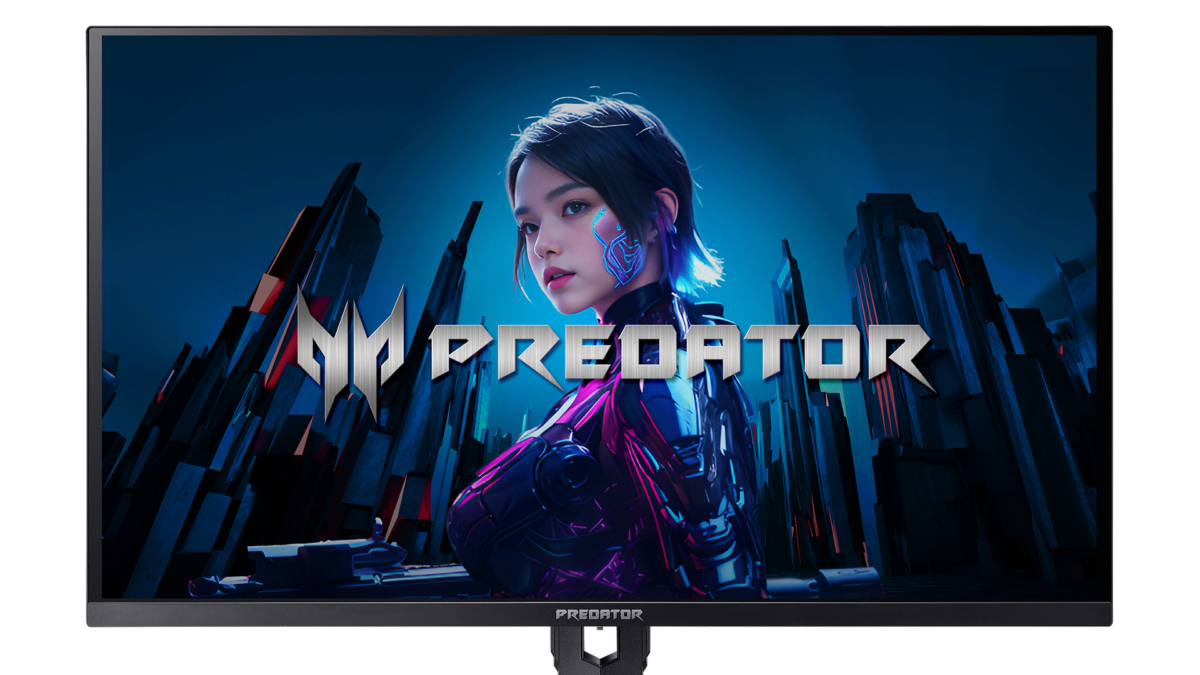
Illustrative image: the pictured Acer Predator X27U W2 is one of the monitors in this guide, not the Nitro VG272U W2 in the featured offer box.
The $94.99 MSI is the inexpensive high-refresh choice
MSI MAG 245F X24: $94.99 at Newegg. This is a 23.8-inch viewable Full HD IPS display with a 240Hz maximum refresh rate. Its compact screen leaves more of the desk for a mouse pad, and its price leaves more room for the computer itself.
At 1920 x 1080, it has fewer pixels than a 1440p screen. That can be a sensible trade if a larger refresh rate is more useful to you than finer desktop text. The monitor’s maximum is a ceiling, though; your PC and the game still need to produce enough frames to make use of it.
Acer Nitro KG271U P: $129.99 at Newegg. The 27-inch screen moves to 2560 x 1440, with up to 170Hz over DisplayPort or 144Hz over HDMI. Newegg shows a $249.99 comparison price. It is an option if you want a larger, sharper workspace without paying for the fastest panel in the list.
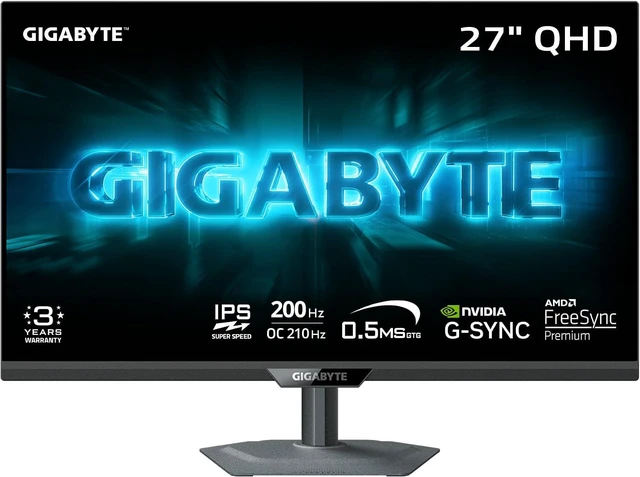
The Gigabyte G27Q20 has a height-adjustable stand. Image: Gigabyte / Newegg
Two 27-inch 1440p displays cost less than $160
Gigabyte G27Q20: $149.99 at Newegg. This 27-inch IPS monitor offers 1440p at 200Hz, with a 210Hz overclocking mode. The stand adjusts for height and tilt. Its displayed comparison price is $219.99.
Acer Nitro VG272U W2: $159.99 at Newegg. It also has a 27-inch 1440p IPS panel, but goes up to 240Hz. Look for the complete VG272U W2BMIIPX model name: Acer sells several similarly named monitors with different specifications.
The connection is worth checking before you order. Newegg lists the Acer at up to 240Hz over DisplayPort and 144Hz over HDMI. If your laptop or dock has only an HDMI output, make sure that limit works for the way you plan to use the display.
The Gigabyte is $10 less at the checked prices and has a height-adjustable stand. The Acer is faster on paper over DisplayPort. I would decide whether that extra refresh headroom or the included stand adjustment is more useful on your desk.
Acer Nitro XV270U Z1: $179.99 at Newegg. This 27-inch 1440p IPS display lists up to 270Hz and a height-adjustable stand. Newegg shows $329.99 as the comparison price. It is $20 more than the VG272U W2 at the checked prices, so weigh the stand and refresh rate against what your setup can actually use.
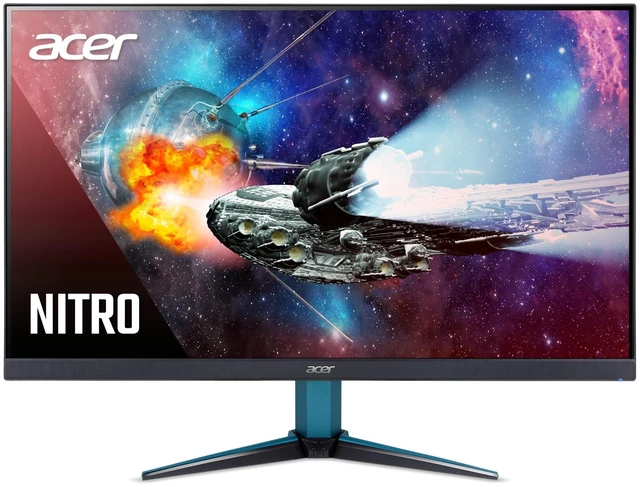
The Acer VG272U W2 can reach 240Hz over DisplayPort. Image: Acer / Newegg
The Acer Predator brings a 240Hz QD-OLED under $300
Acer Predator X27U W2: $299.99 at Newegg. Its 26.5-inch viewable QD-OLED panel has a 2560 x 1440 resolution and a 240Hz refresh rate. Newegg displays a $549.99 comparison price, a $250 difference.
OLED is the more expensive choice here, so choose it for the screen characteristics you value, not simply for the largest quoted saving. Consider the manufacturer’s care guidance and warranty for your own mix of games and desktop work.
There are several other practical checks I would make before choosing a monitor. A stand that only tilts may be fine if you already have a VESA arm; otherwise, height adjustment can make a bigger difference to comfort than a small change in the advertised response time.
Measure the width of your desk and the distance between your chair and screen as well. A 27-inch panel occupies more space than the compact MSI, and a larger screen is not automatically easier to use if it must sit very close to your face.
For a console or an external laptop display, look at both the source device’s output and the monitor’s input. A high refresh rate printed on the box does not guarantee that every port, cable or console mode can deliver it at the stated resolution.
Newegg’s displayed comparisons are reference amounts, not proof of a previous sale or an all-time low. For another kind of screen, we have covered Lenovo’s dual-mode Legion monitor; check its current price separately.
Image credits: Acer; Newegg and the respective manufacturers.
Note: Links to online stores in articles can be so-called affiliate links. If you buy through this link, MIXED may receive a commission from the provider. For you the price does not change.
As an Amazon Associate we earn from qualifying purchases.