
AMD says a Radeon driver update fixes excessive SSD writes on affected PCs
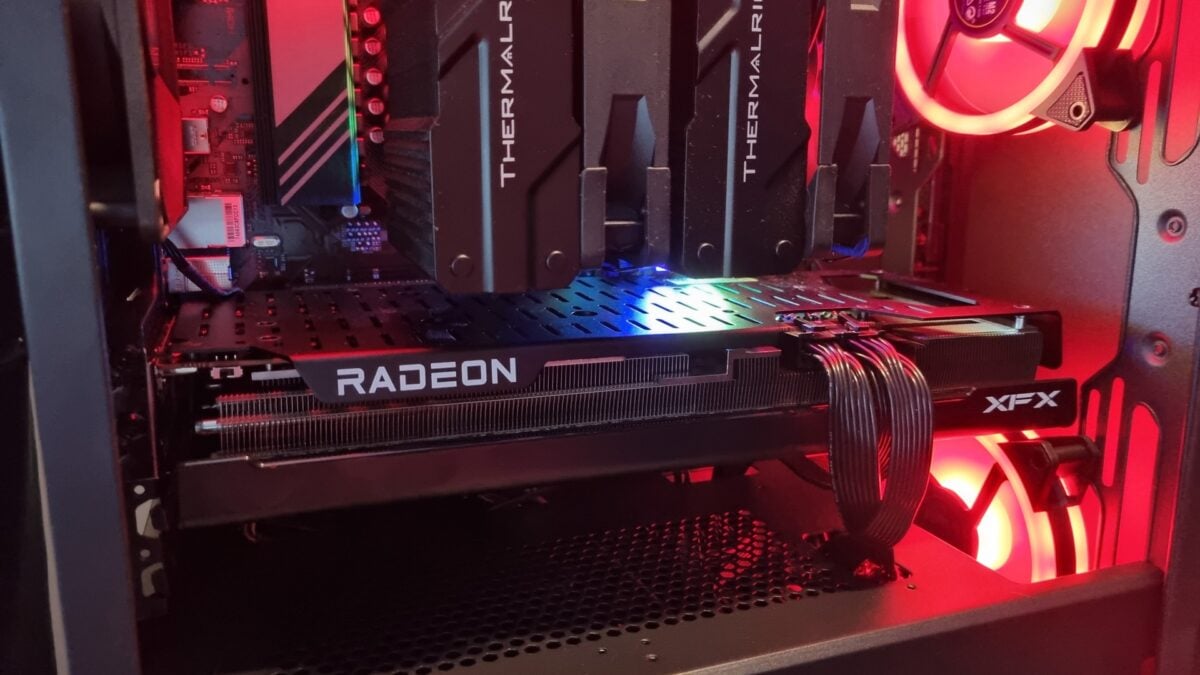
AMD says its latest optional Radeon driver addresses a problem that could cause excessive writes to a PC’s system drive. The company recommends Adrenalin Edition 26.11.1 for users experiencing the issue on Radeon RX 7000 and RX 9000 graphics products.
That is an important update if you noticed persistent disk activity while your computer was otherwise idle. It does not mean every PC with a Radeon card was affected, or that an individual SSD has lost a particular amount of life.
We previously reported that AMD was investigating the behaviour and had a fix in the works. The company has now published a support note saying it has resolved the idle-write issue in the newer driver.
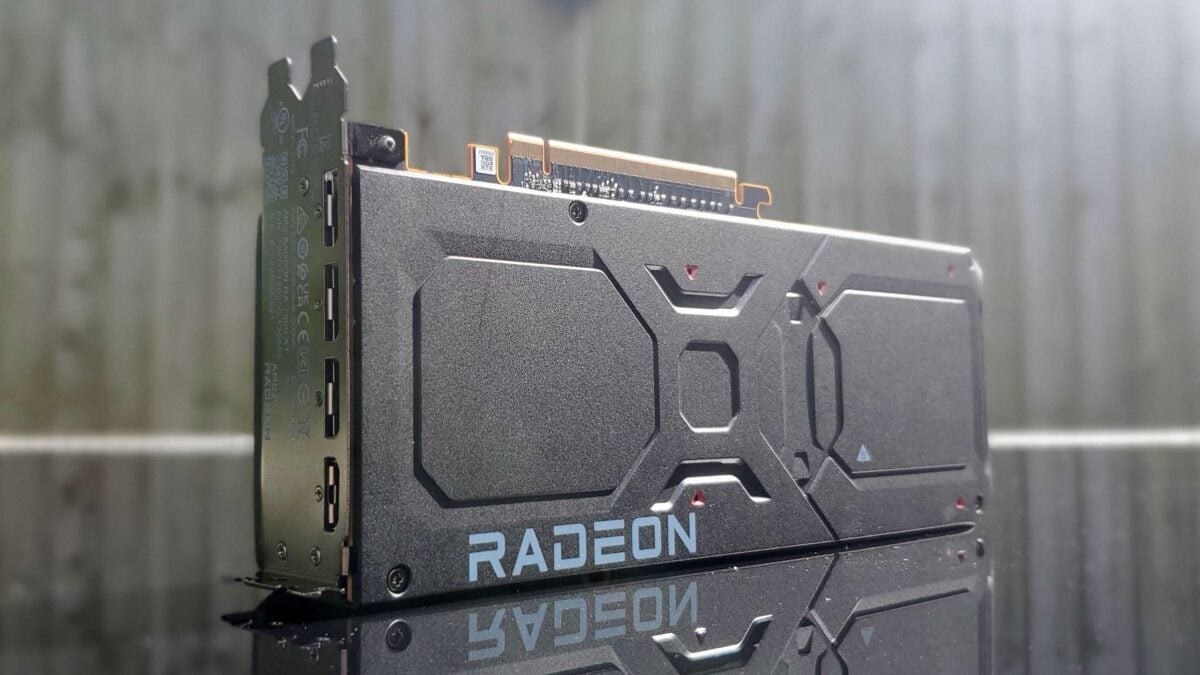
An illustrative Radeon card. The photo does not establish that this particular card was affected. Image: Future / PC Gamer
AMD lists fixes for two excessive write scenarios
The 26.11.1 release notes list excessive system-drive writes while idle on RX 7000-series graphics products and newer. They also list a separate fix for excessive writes while moving or resizing application windows.
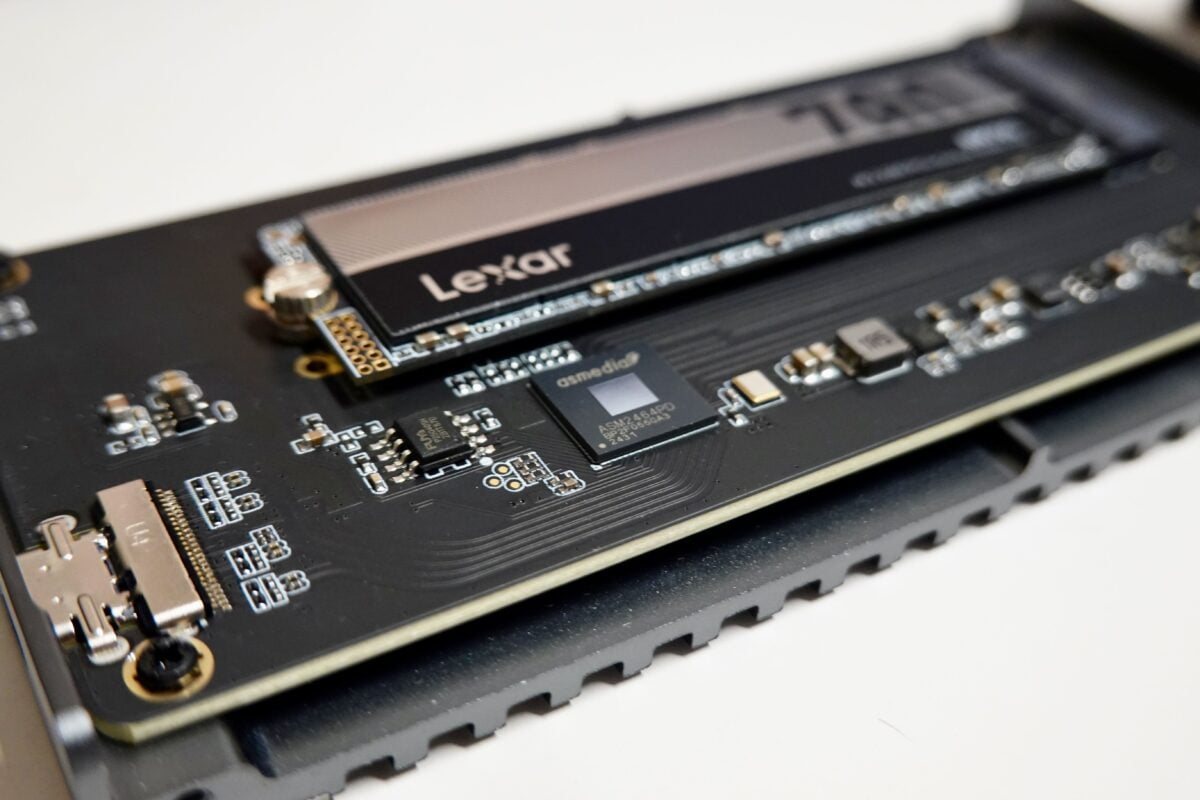
An illustrative SSD, not a drive identified in AMD’s report. Image: Przemek Leśniewski / Pexels
AMD’s support note specifically names RX 7000 and RX 9000 products for the idle behaviour. The company does not provide a complete list of every affected configuration, so I would avoid assuming the same symptoms have the same cause on older cards.
Our earlier report on AMD’s investigation explains how users can check the relevant process and why a brief burst of disk activity is not enough to identify the problem.
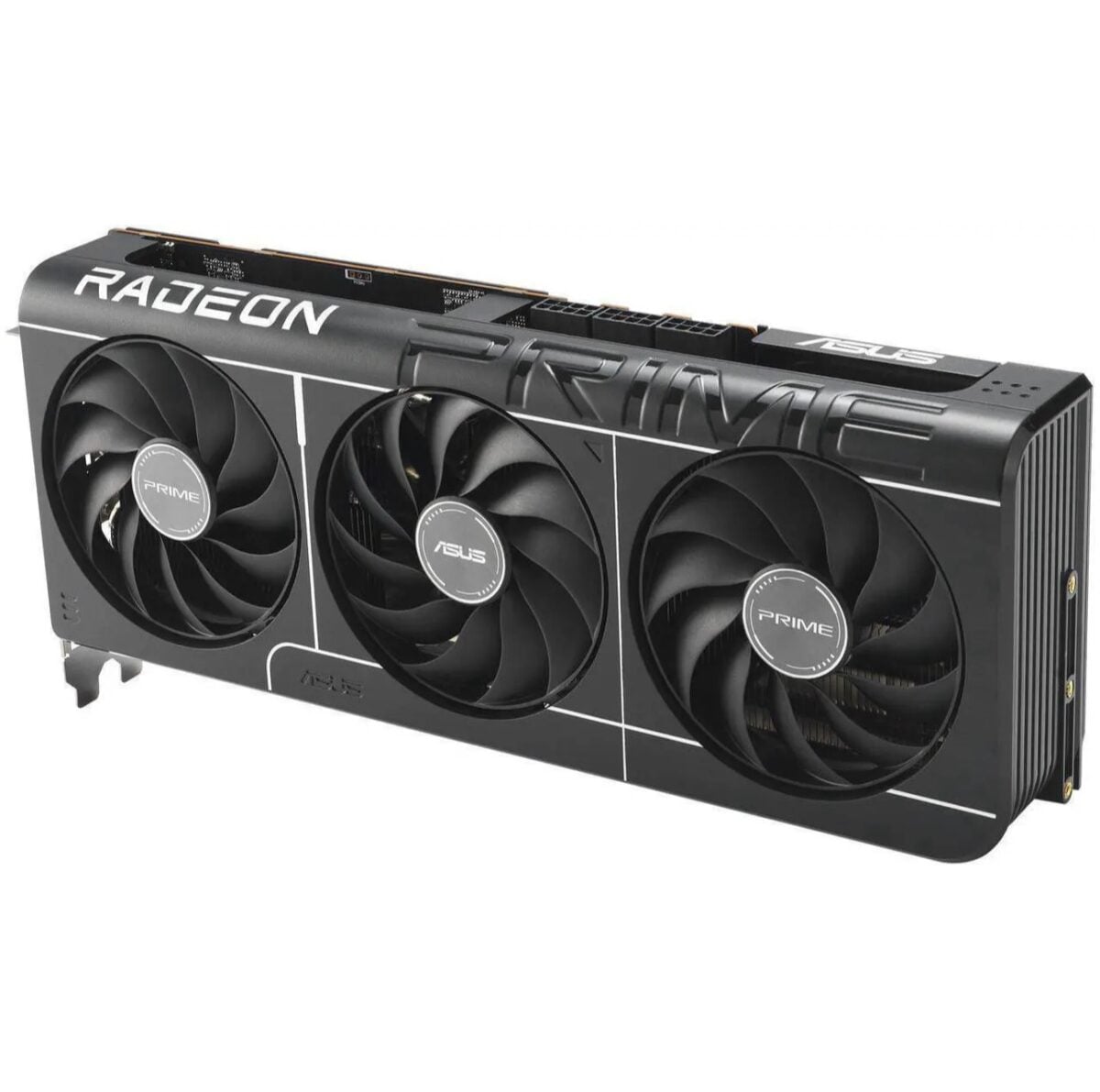
An illustrative ASUS Radeon card; it is not the XFX model linked below. Image: ASUS / PC Gamer
Check your Radeon driver’s compatibility before updating
AMD labels 26.11.1 an optional driver. If your system is affected, use AMD’s release notes and download page to check compatibility with your graphics product before installing it. Laptop owners should also check any guidance from their computer’s manufacturer.
The release notes still list other known issues, including possible crashes or driver timeouts in some games. Reviewing that list is worthwhile if one of those titles is important to you.
The fix is a software update, so you do not need a replacement graphics card to apply it. For readers planning a separate build, Amazon lists an XFX Radeon RX 9070 XT as one example of an RX 9000-series card; the images here are illustrative and do not show that specific model.
After updating, you can check disk activity again to see how your own PC behaves. SSD wear depends on the drive and workload, so the driver announcement alone cannot quantify any damage on a particular system.
Image credits: Future / PC Gamer; Przemek Leśniewski / Pexels; ASUS / PC Gamer.
Note: Links to online stores in articles can be so-called affiliate links. If you buy through this link, MIXED receives a commission from the provider. For you the price does not change.
As an Amazon Associate we earn from qualifying purchases.

