Zelda: Ocarina of Time’s Switch 2 remake has a new first-person VR mod for PC
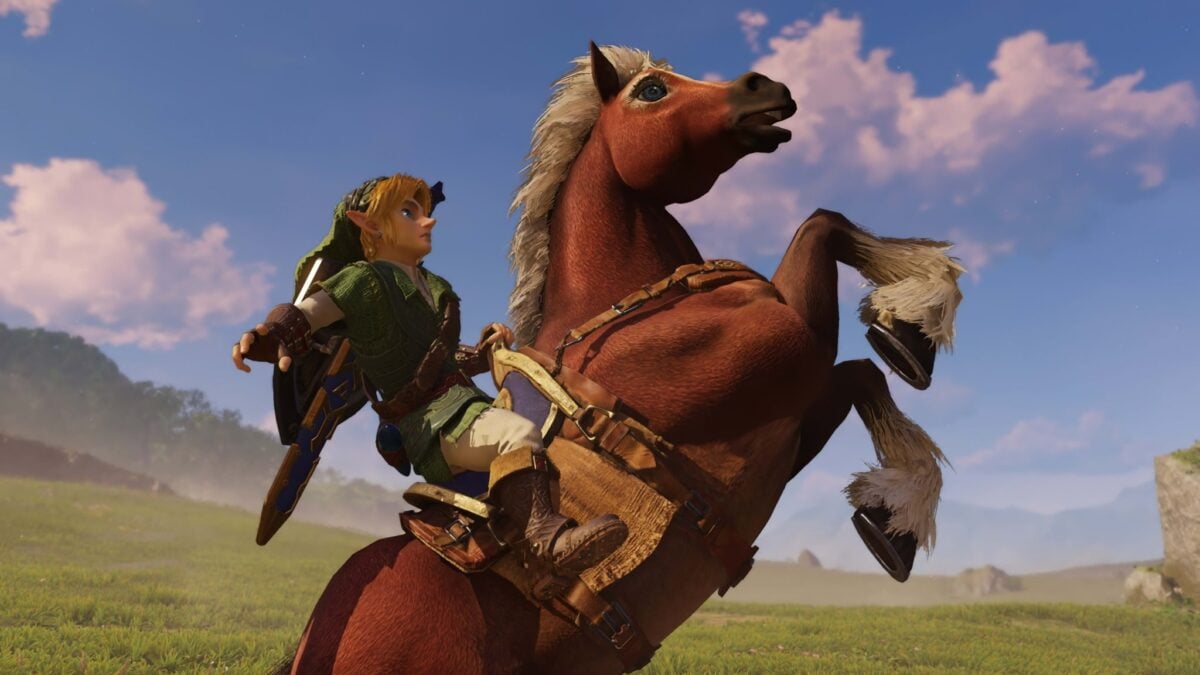
A new fan project lets you step into The Legend of Zelda: Ocarina of Time on a PC VR headset, with a first-person view and motion-controlled items. Called HookshotVR, the alpha builds on a PC recompilation of Nintendo’s Switch 2 remake rather than the 1998 original.
There is a significant catch before you reach for your headset: the developer says you need your own legally obtained copy of the Switch 2 game, a compatible PC and a PC VR runtime. This is an unofficial project and is not affiliated with Nintendo.
It is also very early. The creator says testing so far has centred on a Quest 3 connected to a Linux PC through WiVRn, while the Windows build has only been tested under Wine. The screenshots in this article show Nintendo’s standard Switch 2 release, not the mod running in a headset.
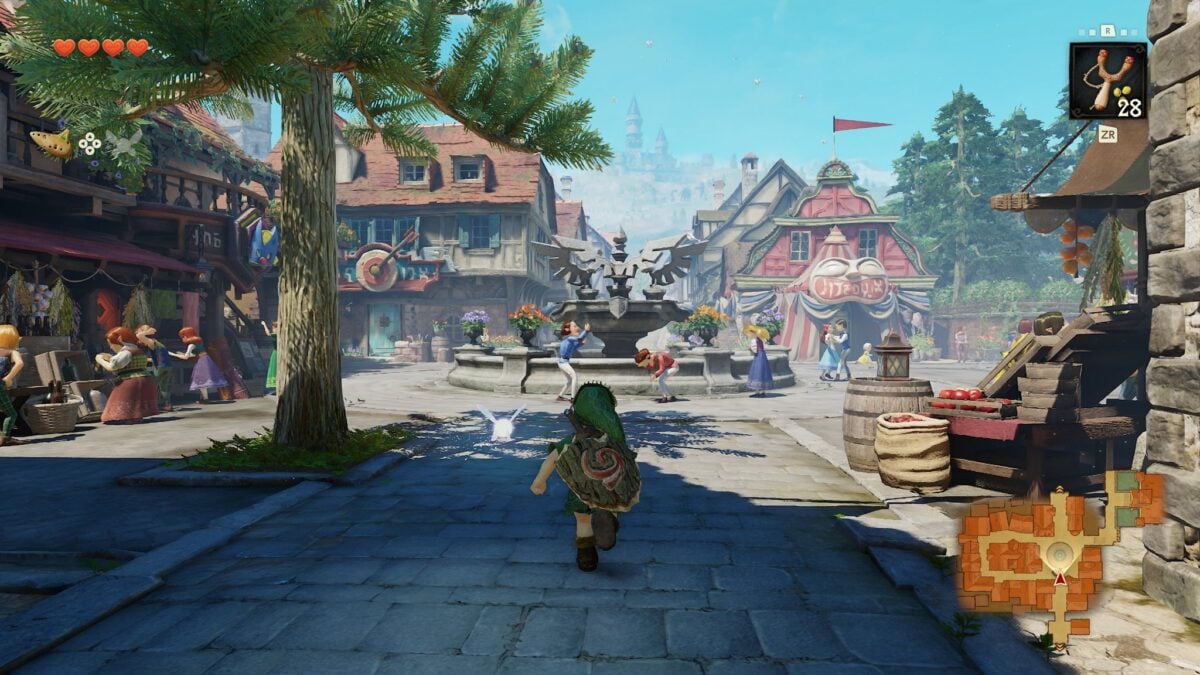
The standard Switch 2 game, shown here, is separate from the unofficial PC VR project. Image: Nintendo / Pixel Twelve
Link’s hands and equipment move into VR
In the project’s documentation, the creator explains that HookshotVR is a fork of Hookshot, which recompiles the remake to run on a PC. The fork adds a headset view, tracked hands, held items and a wrist display for information such as health and rupees.
First person is the default view for new players in alpha 1.0.2. There are also a third-person view and an experimental window mode that places the regular camera view in a frame. According to the controls guide, you can swing a sword, draw a bow with both hands, throw bombs and aim a hookshot using the VR controls.
Not every item has a physical interaction yet. The developer lists the hammer, Deku Nuts and several spells among the items that still use the game’s regular button actions. Some headset and controller combinations remain untested too, so I would treat compatibility claims as a starting point rather than a guarantee.
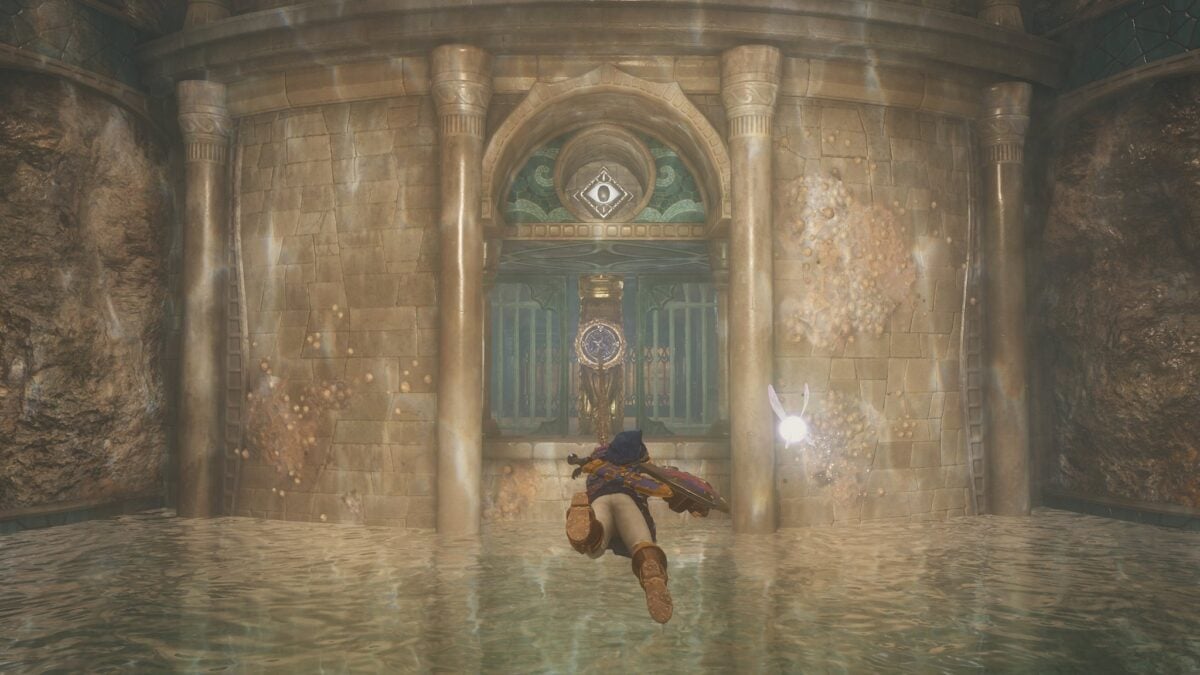
The VR fork is built from a player-provided copy of the remake. Image: Nintendo / Pixel Twelve
You need the remake, a capable PC and patience
HookshotVR does not contain Nintendo’s game files. Its launcher builds from the player’s own copy, and the documentation specifies version 1.1.1 of the Switch 2 release. Nintendo sells the Switch 2 edition of Ocarina of Time separately; buying it does not turn the project into an official Nintendo VR release.
The stated PC requirements include a Vulkan 1.3 graphics card with mesh shader support, an AVX2-capable processor, 16GB RAM and roughly 60GB of free space while the game builds. The project lists RTX 20-series or newer, Radeon RX 6000-series or newer and Intel Arc graphics among compatible GPU families.
For VR, it uses OpenXR runtimes such as SteamVR, WiVRn and Quest Link. The creator says the initial build can take from half an hour to a couple of hours, so this is not an install-and-play headset app.
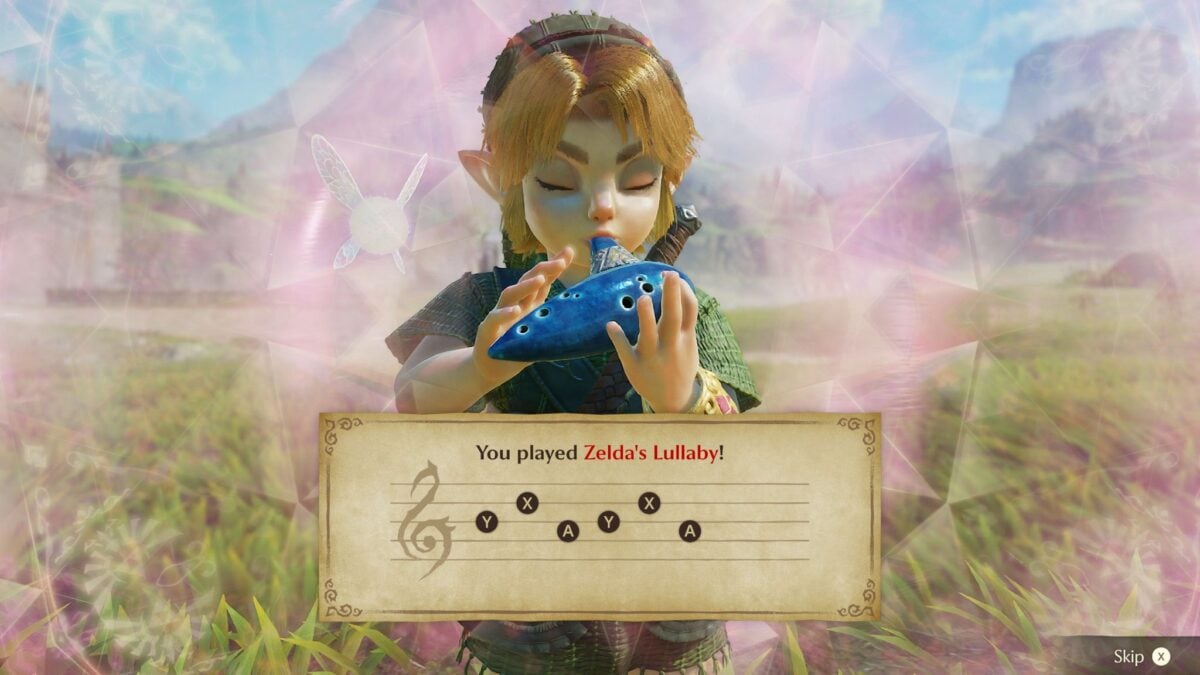
The screenshots on this page show the original Switch 2 release, not the VR mod. Image: Nintendo / Pixel Twelve
Quest Link players should check the known issues
The 1.0.2 release notes warn that some users of Meta’s PC runtime reported a doubled or incorrect image. The developer says a fix has not been confirmed and asks for further testing. One player reported success using SteamVR on the same PC, but that is a report, not a promise it will work for everyone.
There is another visual trade-off: mono is the default and shows the same picture to both eyes, while stereo can produce material and shadow glitches. If you want to revisit Hyrule with the least setup, the regular Switch 2 version remains the straightforward route. For experienced PC VR users, the free project offers a different way to explore, provided its requirements and rough edges are acceptable.
Image credit: Nintendo / Pixel Twelve.
Note: Links to online stores in articles can be so-called affiliate links. If you buy through this link, MIXED receives a commission from the provider. For you the price does not change.
As an Amazon Associate we earn from qualifying purchases.