
Windows 11 may enable memory integrity during updates: what PC gamers need to know
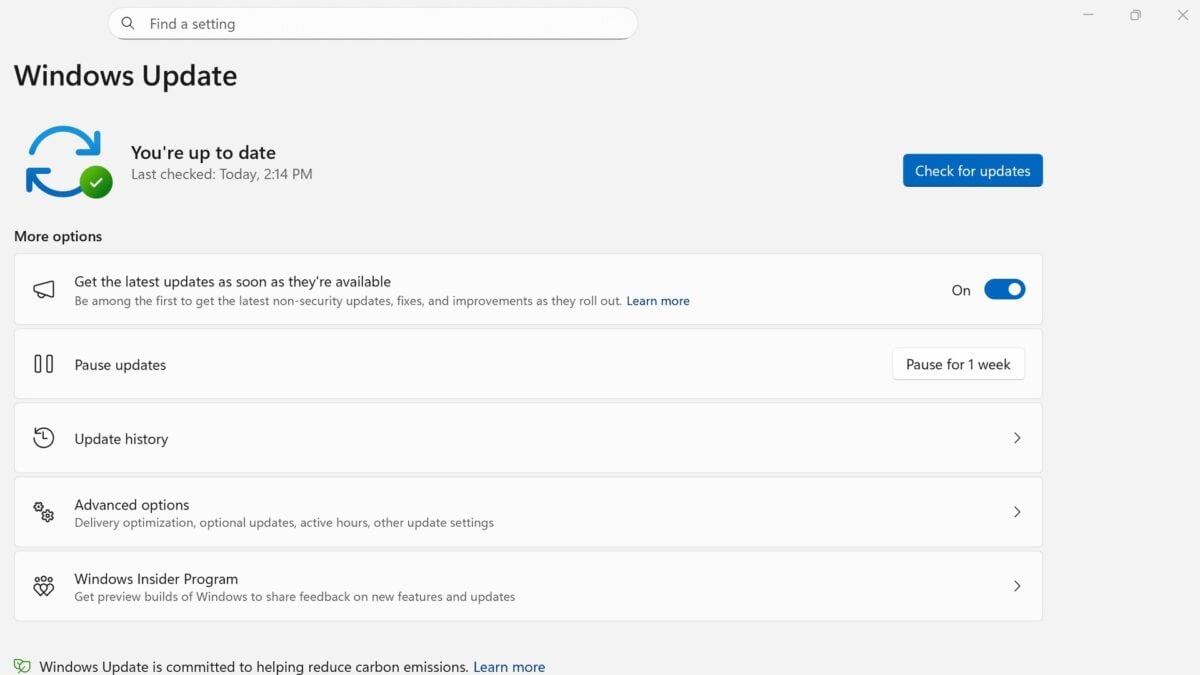
Windows updates can now switch on a security feature called memory integrity on more eligible PCs, a change that may interest gamers who pay close attention to performance. Microsoft says the rollout is gradual and that existing user and administrator choices will be respected.
Memory integrity helps protect the Windows kernel by checking that kernel-mode code and drivers are trusted before they run. It relies on virtualization-based security, which isolates parts of the operating system from the rest of the PC.
The change was listed in Microsoft’s October preview update for Windows 11 25H2 and 26H2 and is included among the improvements in the November security update. An eligible device does not necessarily receive the change immediately, and Microsoft says its readiness checks consider hardware, compatibility and performance.
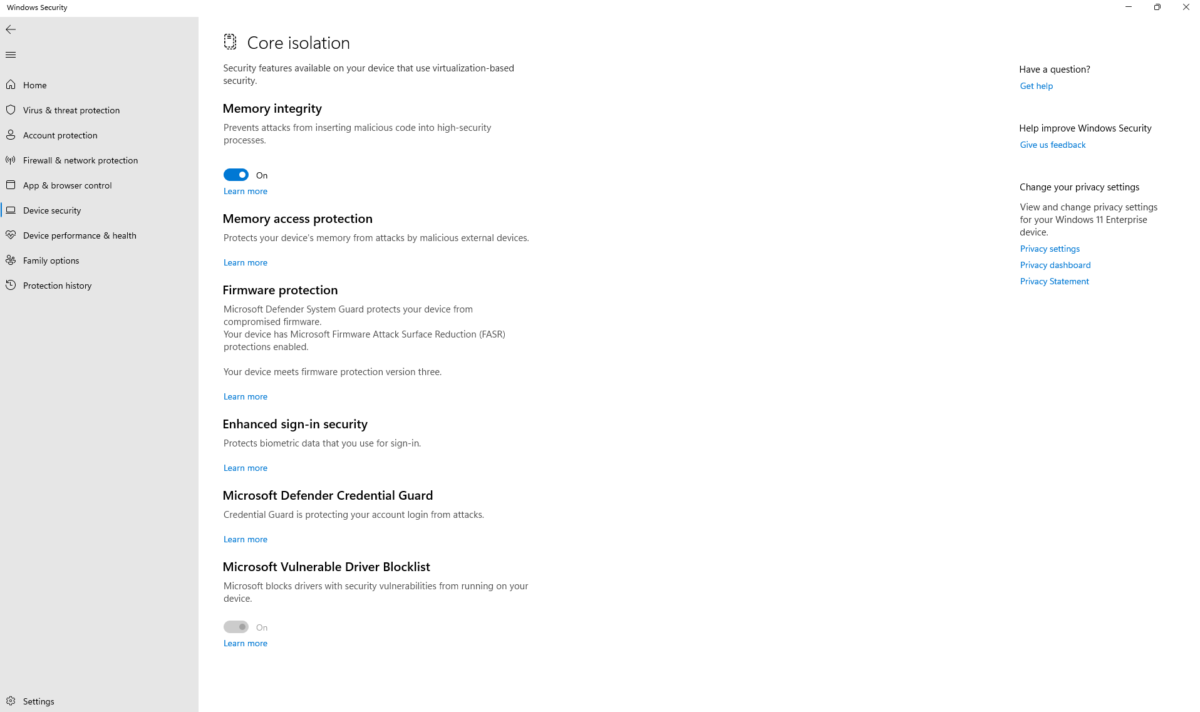
Memory integrity appears under Core isolation in Windows Security. Image: Microsoft
What happens to your existing setting?
Microsoft is not promising to turn the feature on for every computer. Its Windows message centre says quality updates began expanding protection in October and that devices on which memory integrity was previously disabled will not be automatically changed by this rollout.
That distinction matters for people who have deliberately set it off, as well as organisations that manage PCs through policy. Devices must pass the relevant eligibility and compatibility checks, and some may also have virtualization-based security enabled as part of the change.
You can see the current setting by opening Windows Security, selecting Device security, then Core isolation details. The page shows whether memory integrity is on. On a managed work or school machine, an administrator’s policy may govern the control.
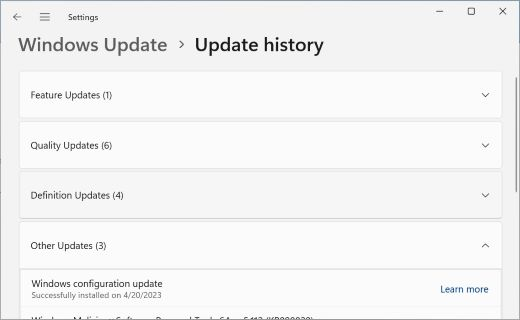
Update history shows installed updates on a Windows PC. Image: Microsoft
Why gamers are paying attention
Virtualization-based protections can involve performance trade-offs, and Microsoft has previously discussed changing security settings for gaming. That does not establish that this update will lower frame rates on your PC, or by a particular amount. The effect depends on the hardware, software and workload, and there is no universal percentage to apply.
There is also a security cost to switching off a protection that helps block untrusted kernel code. If you notice a new performance or driver problem, first check for software and driver updates and establish when the issue began. A comparison should use the same game, settings and scene before drawing conclusions.
Microsoft’s October preview notes describe the memory integrity expansion as respecting user and administrator choices. Its November update notes say the security update includes improvements previously released in that preview for 25H2 and 26H2. Microsoft’s earlier rollout notice makes clear that the change is staged, so two eligible PCs may not change at the same time.

