Whirligig now ships a Lepton build for Steam Frame, but GPU video decoding is missing
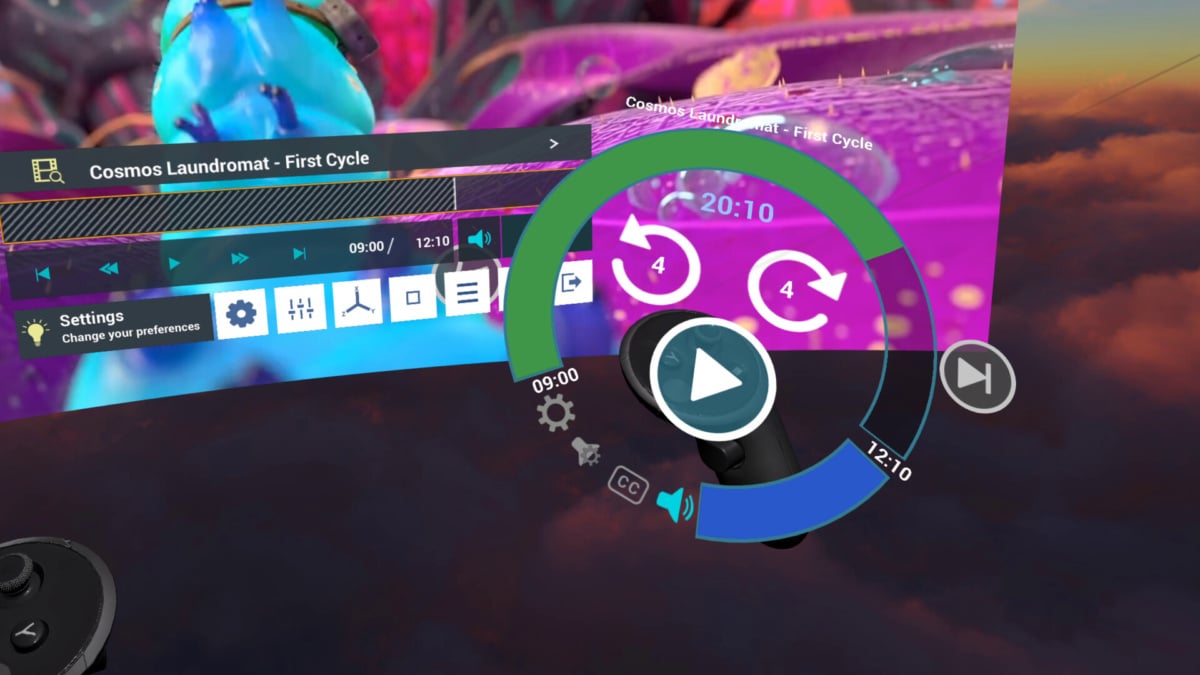
Whirligig, a VR video player sold on Steam, now ships a native Android build for the Steam Frame that runs on Valve's Lepton compatibility layer, and the developer's release note says it "runs better than the Windows version through Proton", with no figures behind the claim. The same note sets out the limit: "GPU video decoding isn't enabled in Proton or Lepton yet, so playback of high res videos will struggle at the moment".
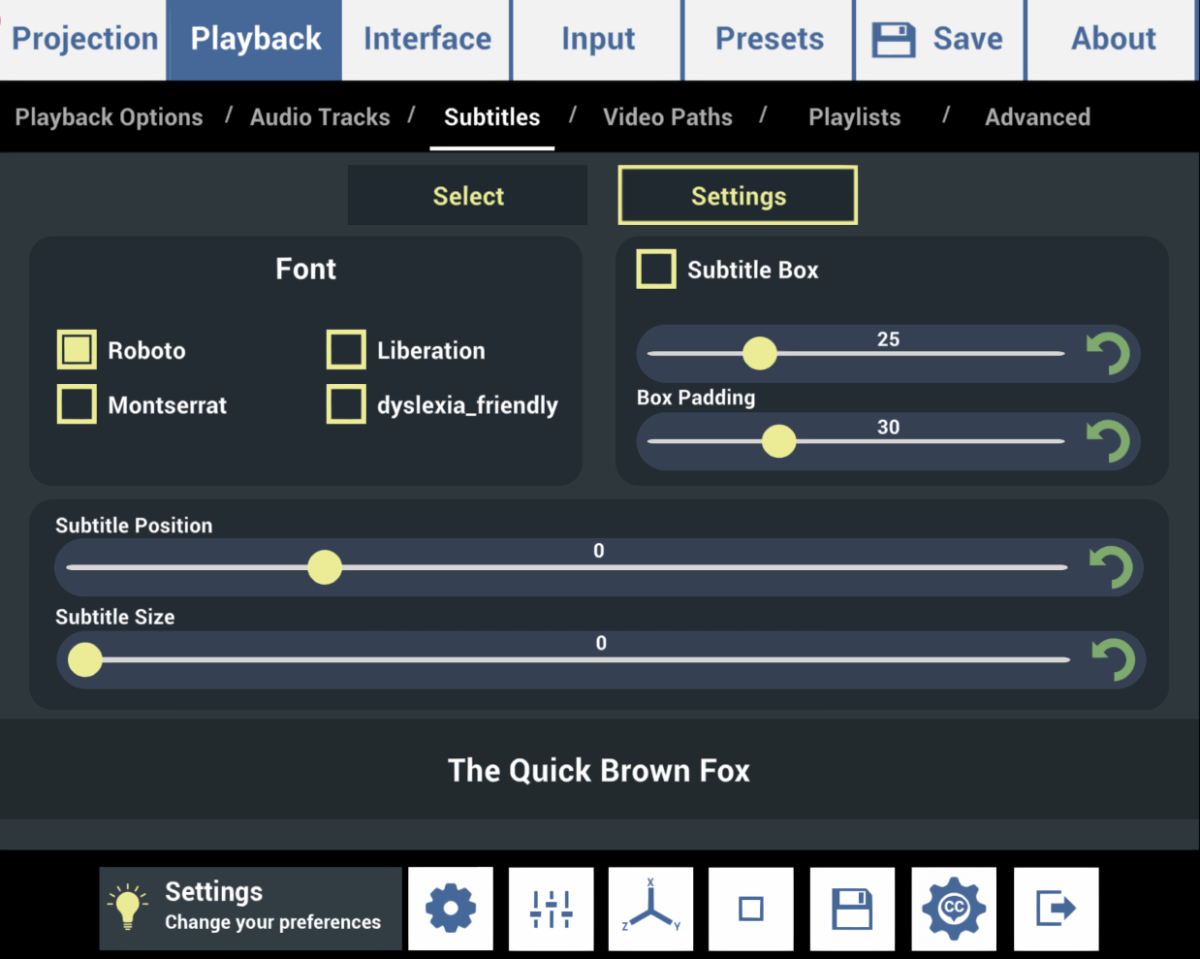
The rebuilt subtitle settings in v5.8004, from the developer's own release note. Image: Whirligig
Version v5.8004 was promoted to the app's default build on October 4 at 15:50 UTC, according to the developer's own Steam announcement. Lepton is the Android container Valve open-sourced in September to help studios bring Android VR games to the Frame, so a Steam app offering a Lepton build beside its Windows one is an early look at what Valve built it for.
The Android build sits in the compatibility dropdown
Both versions come from the same store entry. "Whirligig now runs on the Steam Frame, either as the PC version through Proton or as a standalone version (using Lepton) installed from the same Steam library entry," the note says.
Switching is a manual job the developer spells out in eight steps: open the library on the headset, pick the app, open Properties from the gear icon, go to the Compatibility tab, turn on "Force the use of a specific Steam Play compatibility tool", choose Lepton in the dropdown, and wait while Steam downloads the Android version. Selecting a Proton version again, or turning the force option off, goes back to the Windows build. Owners who want the old release entirely can switch to the branch the developer names, whirligig_v5.7942.
Hardware decoding is the piece neither layer provides
The decoding warning is not new to this build. In the v5.8003 note of October 2 the developer put it more flatly: "there is one major issue which will cause people problems: neither of them supports GPU video decoding", which leaves the decoding to the processor. Decoding is the heavy lifting for a video player running on the headset itself, which is why the developer's warning names high resolution files.
The developer has made the request to Valve in public. Issue 1 on Valve's own Lepton tracker, titled "Lepton: let Android apps use the Iris hardware video decoder (MediaCodec)", was opened on September 30 by phileday, the account Steam lists as Whirligig's developer, and was still open on a read of Valve's GitLab API at 22:16 UTC on October 7.
Whirligig is shipping on the Frame without a badge
Steam's compatibility report for Whirligig returned no Steam Frame rating at all at 22:13 UTC on October 7, while Steam Deck and Steam Machine both come back as Unsupported. That squares with the developer's own line, "No official support yet but I'm working on it", and it means the app carries none of the badges a Frame owner reads before installing. Valve rates a Frame title Verified, Playable or Unsupported, and a census of 200 VR listings on October 6 found 140 with no Frame rating at all.
The Frame work goes back to late September. Android build support first shipped in the whirligig_v5.8002 beta on September 27, and v5.8004 promoted it to the default build eight days later. That beta note opens with the developer saying "Valve sent me a Steam Frame 🙂 so I could actually test it properly and get it working well on the headset". The rest of v5.8004 is housekeeping with a platform edge: SMB and DLNA now work on Linux and SteamOS through Proton, subtitle loading on a 1.25 GB film went "from 26 seconds to under 2" by the developer's measurement, and the app has moved to Unity 6000.6.4f1.
What is still missing is the thing a video player exists to do well. Until Lepton or Proton hands the decoding back to the hardware, the Frame's native build comes with the developer's own warning attached.