VRChat’s update lets desktop players move their avatar’s arms with a mouse, but there’s a catch
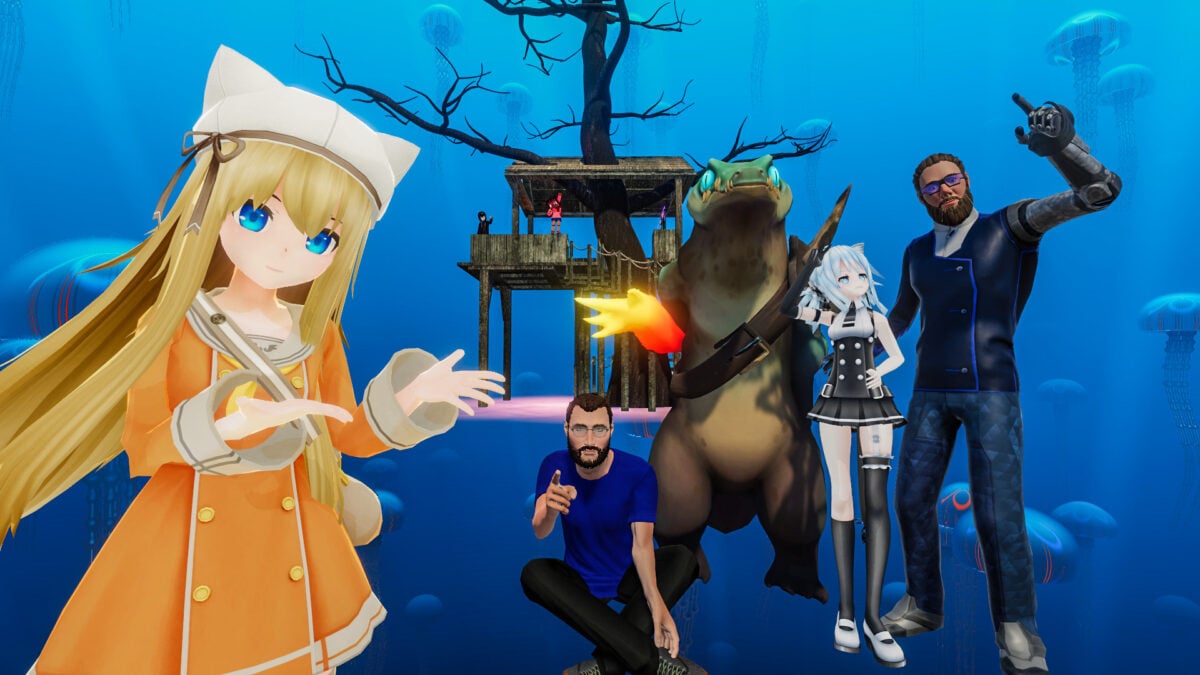
VRChat players who use a mouse and keyboard are getting a new way to make their avatars more expressive. The social platform’s latest update introduces direct arm control in desktop mode, alongside changes to public rooms and how people find worlds.
There is a small catch: the arm feature is being rolled out as an experiment, so it may not appear for everyone immediately. If you have the option on your desktop HUD, the developer says you can try it now.
The wider 2026.4.2 update went live on November 24. It also lets players rate worlds, gives the creators of public instances moderation controls and refreshes the Live Now page.
VRChat can be played with a headset or in desktop mode. Image: VRChat / Steam
Desktop players can use the mouse to move their arms
Until now, desktop mode has offered a way to join VRChat without a headset, although its keyboard and mouse guide has said players could not move their arms in that mode. The new experiment changes that by letting desktop users drag the middle mouse button to control one or both avatar arms.
That should give people on a regular PC another way to wave or gesture without buying VR equipment. But check the HUD before looking for the control: VRChat says some users will have to wait for the rollout. It has not given a date when every desktop player will receive it.
VRChat remains available in VR too. If you prefer a headset, the Meta Quest 3 is one supported option for the standalone version. The new mouse-based arm control is specifically for desktop users; you do not need a headset to use desktop mode.

The revised Live Now tab groups public instances by activity. Image: VRChat / Steam
Public rooms get hosts, while world ratings arrive
The person who creates a public instance is now considered its owner. According to the patch notes, that gives the owner moderation controls, the ability to change content settings and the option to close the instance.
There is an important limit if you are visiting a room: when its owner leaves, those moderation powers do not automatically pass to another visitor. VRChat adds that world creators retain their existing moderation privileges in instances of their own worlds.
Players can also like or dislike worlds. A dislike is not public, and VRChat says ratings will not immediately change recommendations. Instead, the company describes them as an early step towards suggesting places that better match each player’s interests.
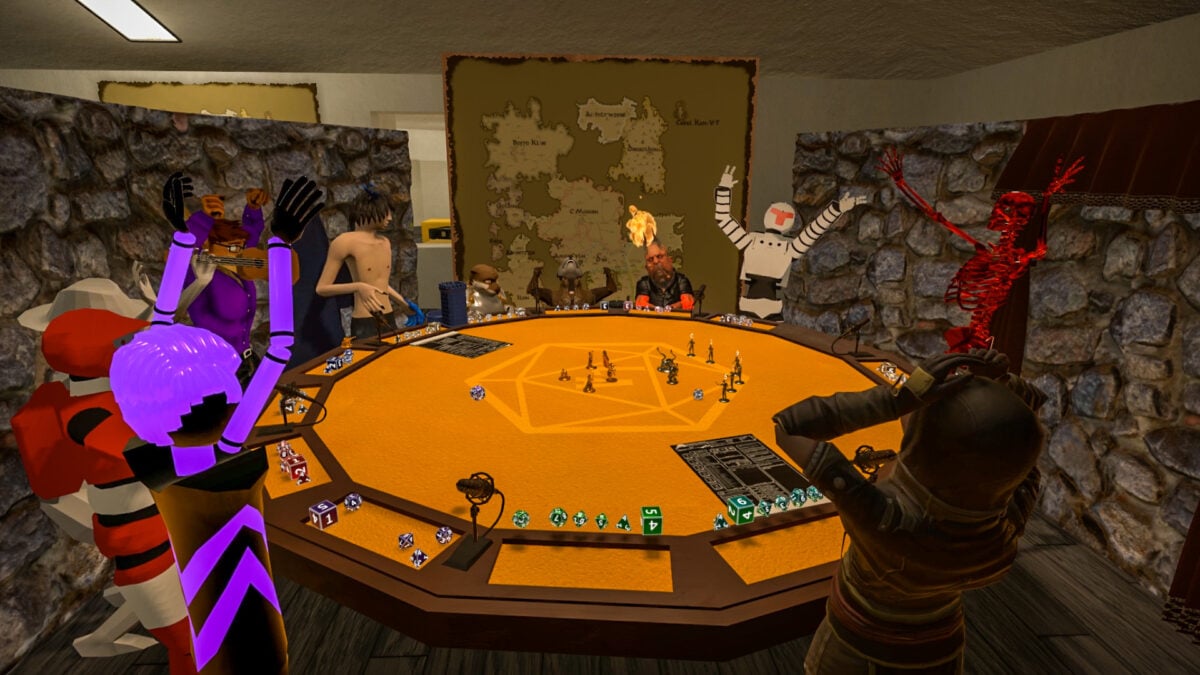
Players can now like or dislike worlds as part of a longer-term recommendations effort. Image: VRChat / Steam
Finding a place to hang out should be easier
The refreshed Live Now tab groups active instances into shelves, including options for meeting people and joining games. An instance preview can show its language, how full it is and a selection of visible users’ profile pictures, so you have a little more context before joining.
Anyone can now name an instance without a VRC+ subscription. When setting one up, you can also add a description, a language, a category and up to three “vibes” to describe the mood.
Finally, the update adjusts the Quick Menu and attempts to reconnect audio automatically if it is lost on Quest. VRChat says a small group will temporarily keep the previous Here page for comparison, so the interface may not look identical on every account.
Image credit: VRChat / Steam.
Note: Links to online stores in articles can be so-called affiliate links. If you buy through this link, MIXED receives a commission from the provider. For you the price does not change.
As an Amazon Associate we earn from qualifying purchases.