
This Steam app turns jogging on the spot into movement in PC VR games, with no extra trackers
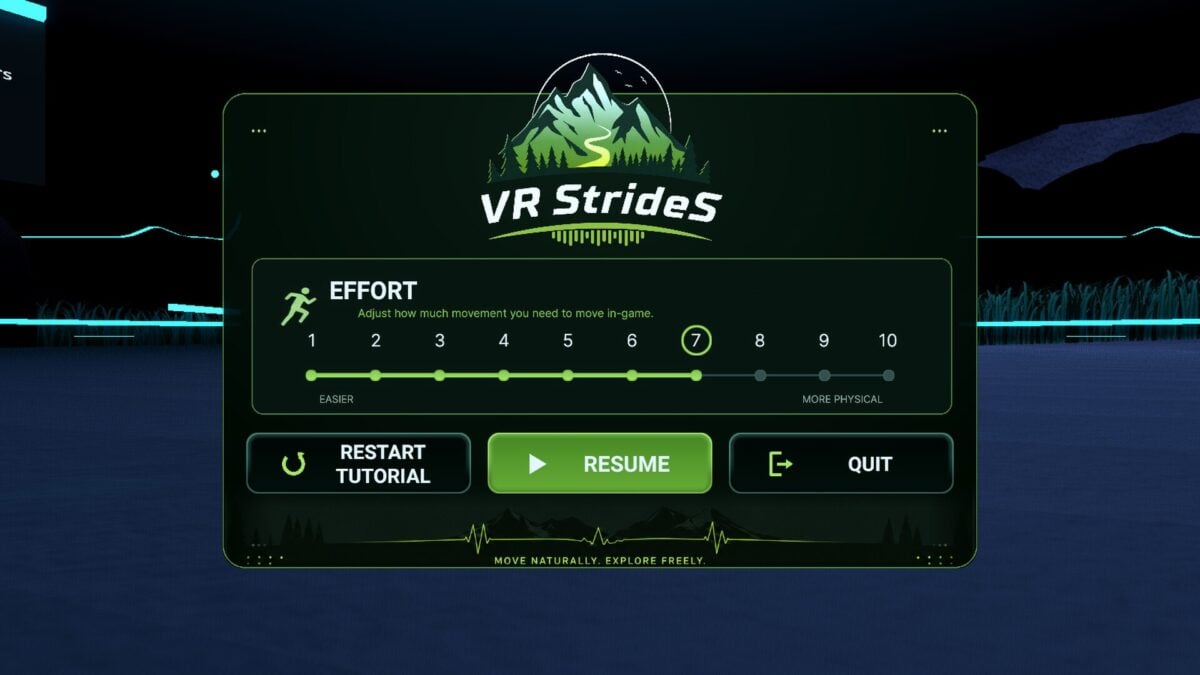
Moving through a VR world usually means pushing a thumbstick or buying extra hardware. VR StrideS takes another approach: it uses motion from the headset and controllers to turn jogging in place into the movement input a compatible PC VR game already understands.
The companion app launched on Steam on November 5, after a public playtest. It runs alongside a PC VR game rather than replacing it, and its developer says no treadmill or additional body trackers are needed.
There are some important limits. This is PC software, and a standalone Quest tutorial does not add the feature to other games running directly on a Quest. The developer also says the detection is currently most reliable with a clear jogging rhythm; very slow walking can be harder to register.
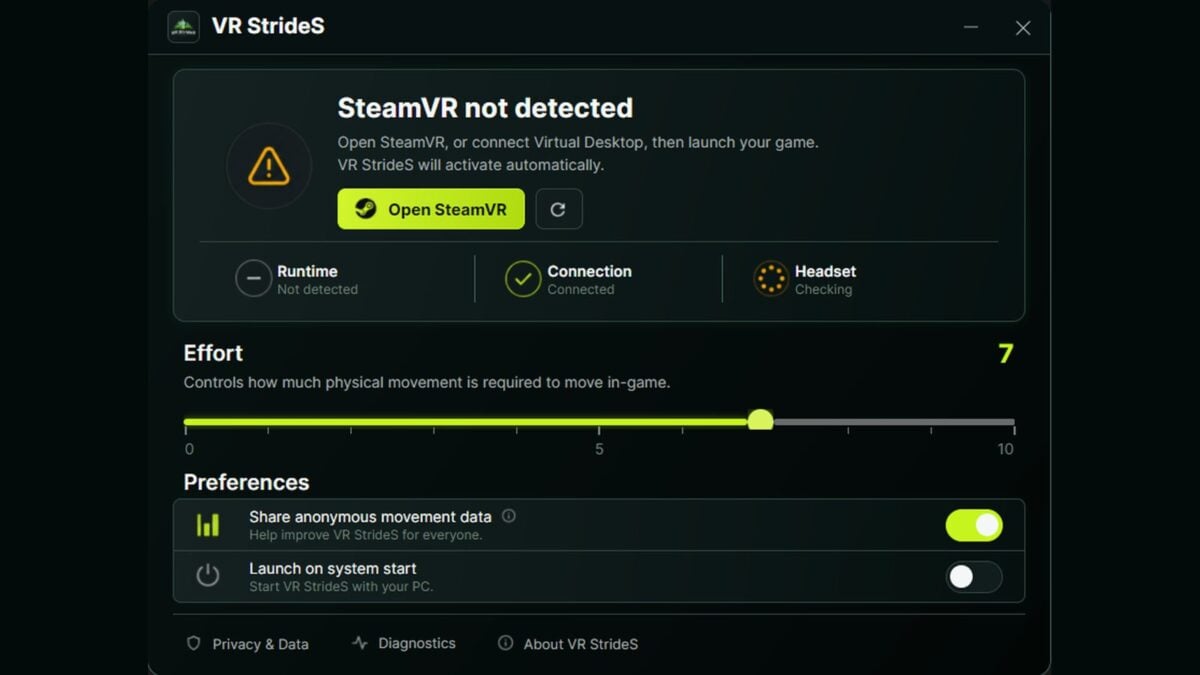
Image: gnuj industries
How a jog becomes a thumbstick signal
The developer explains that the app uses headset movement and cadence to help estimate speed, while the tilt and movement of the headset and controllers contribute to direction. It then sends a two-dimensional movement signal through the VR runtime, so a supported game receives input resembling a thumbstick.
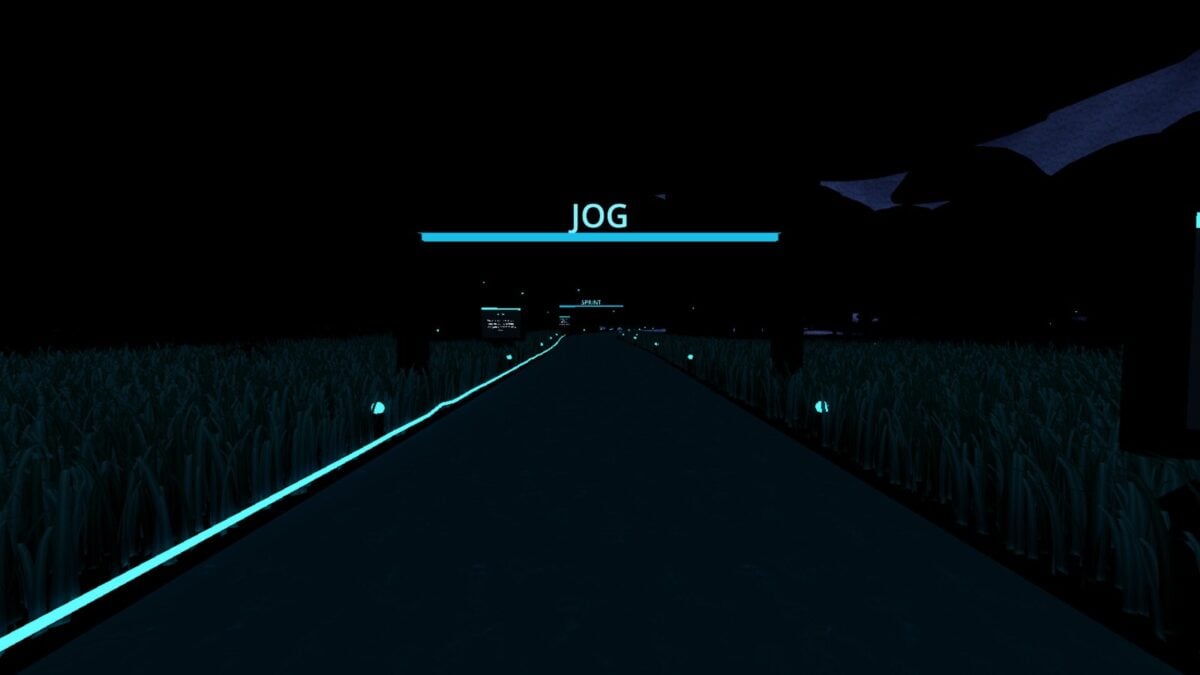
Image: gnuj industries
An Effort setting adjusts how much physical movement is needed to reach a particular in-game speed. Another control, Freedom of Movement, limits the permitted directions; the developer suggests a narrower forward-facing range as an option for anyone drifting sideways while learning.
The app is intended for games with smooth stick locomotion. A game that only moves a player by teleportation does not offer the same stick movement for the tool to drive, and a game with custom input handling may behave differently. Using a headset and jogging in place also requires enough clear physical space, and the standalone tutorial advises short sessions and stopping if you feel unwell.
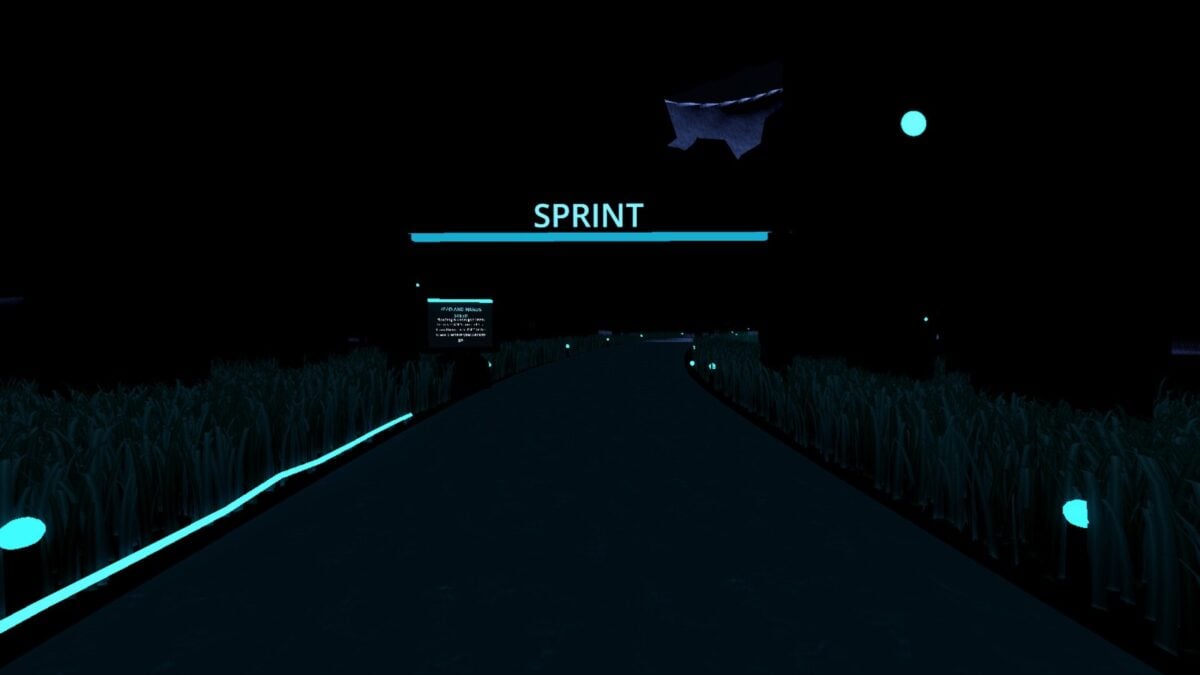
Image: gnuj industries
Quest, SteamVR and the games to check first
The developer says Quest 3 used with a PC is the primary tuning target, with Quest 3S and Quest Pro also listed as supported. Quest 2, PlayStation VR2 with its PC adapter, and other tethered PC headsets are listed as in testing. That is a compatibility guide, not a guarantee for every headset and connection.
The developer's website lists both SteamVR and a native OpenXR path as supported. The Steam store's system requirements, however, say SteamVR must be installed and running; buyers who need the native OpenXR route should check the current setup guidance before purchasing. The developer lists Virtual Desktop, Steam Link and ALVR as supported connection methods, with Meta Link, Air Link and direct tethering still in testing. Windows 10 and 11 are supported, while the Linux build remains in testing after reports of launch and connection problems.
Among the games the developer lists as working are VRChat, Blade & Sorcery and Half-Life: Alyx, with Alyx set to continuous movement. Skyrim VR and No Man's Sky remain in testing. Games without the relevant stick movement, including Beat Saber, are not supported by this approach.
The standalone Quest demo teaches the movement inside its own tutorial. To use the app with compatible PC VR games, players need the PC companion app and a linked headset; the Quest tutorial alone does not provide that connection.

