This free VR tool helps set up Half-Life, Quake and more on Quest
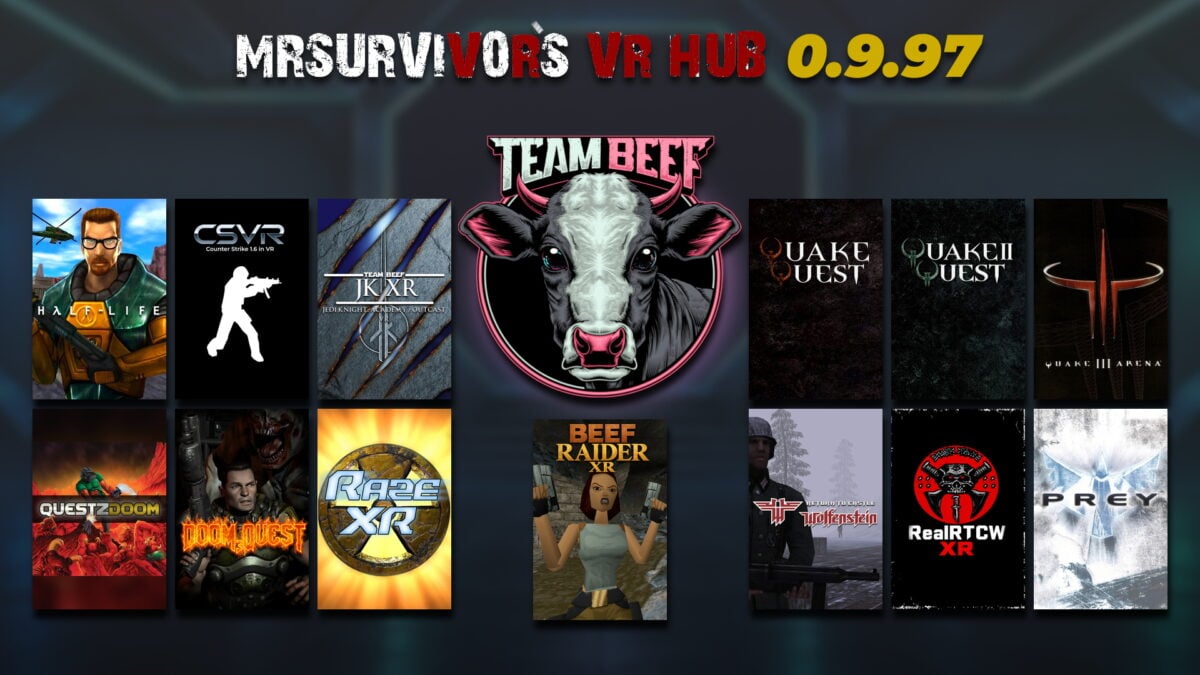
Getting a classic PC game running in VR can involve more steps than downloading an app. A new update to MRSURVIV0R's VR Hub aims to make that process easier for Quest owners, with guided setup for a collection of existing Team Beef ports.
Version 0.9.97, released on November 22, includes 13 Team Beef setup cards covering 34 games, campaigns and expansions. They include routes into Half-Life, Quake and Jedi Outcast in VR, though there are a few important things to understand before you start.
The Hub is a Windows setup tool made by MRSURVIV0R. It is not a new collection of games from Team Beef, which created the separate VR ports. The installer guides you through their setup and copies supported files from games you already own; some ports also include a demo or shareware episode.
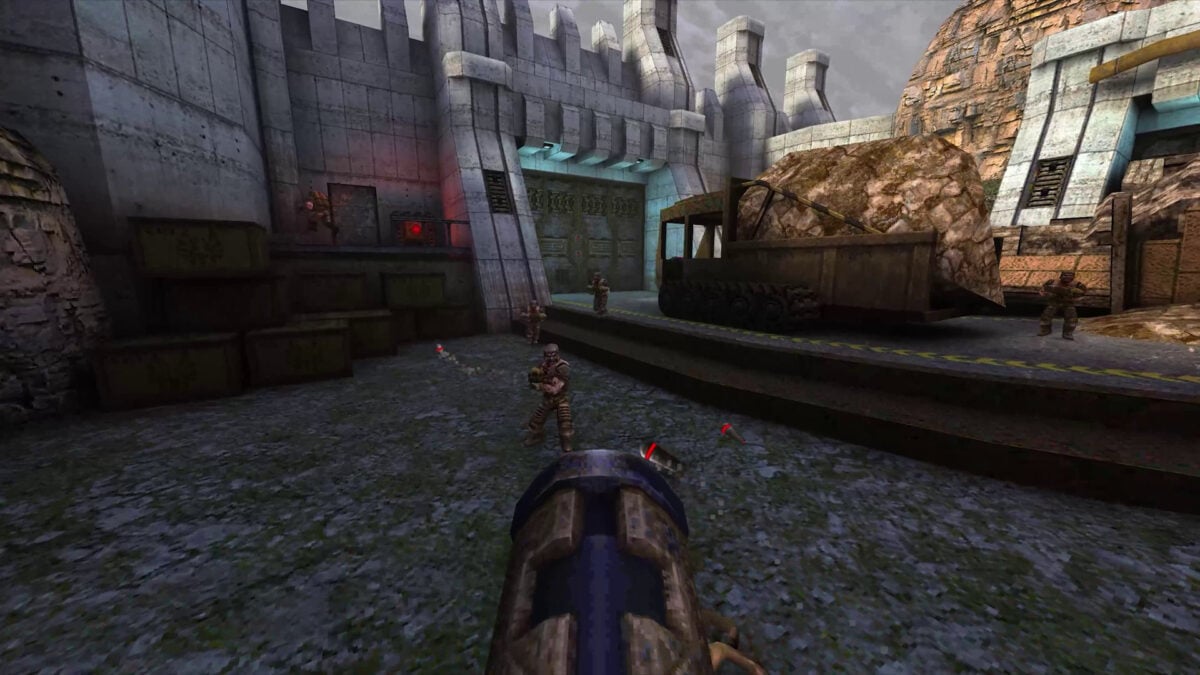
A flat-screen Quake image from its Steam page. It does not show the Quest port. Image: id Software / Bethesda Softworks / Steam
The classic game images in this article are regular flat-screen images from Steam. They show the games, not the VR ports.
The Hub covers more than a dozen classic games
The selection is broader than a list of 13 individual games. QuestZDoom and RazeXR alone account for 22 of the 34 games, campaigns and expansions listed by the Hub's creator. The remaining cards cover ports such as Lambda1VR for Half-Life, QuakeQuest for Quake, JKXR for the Jedi Knight games and BeefRaiderXR for the first Tomb Raider.
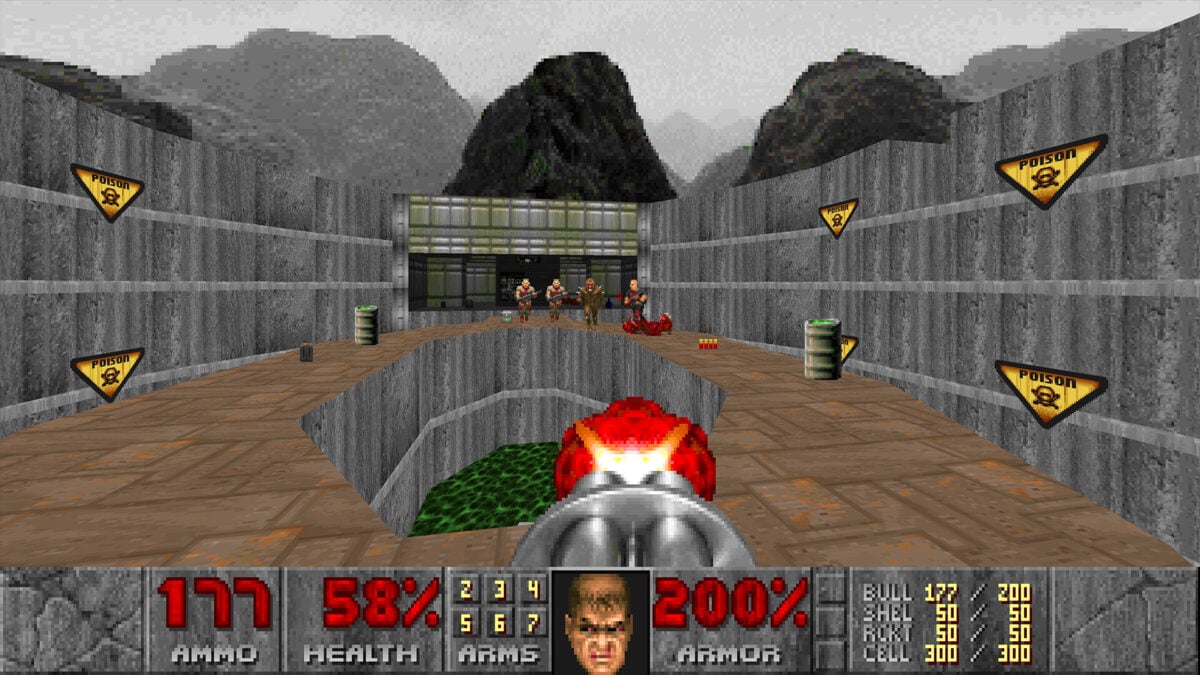
A regular DOOM + DOOM II Steam screenshot, not the QuestZDoom VR port. Image: id Software / Bethesda Softworks / Steam
For Quake, the guide says the port includes a shareware episode, while the full game needs the original id1 files. BeefRaiderXR also includes a demo. If you own the first Tomb Raider, the Hub can help extract its files from the original PC release or Tomb Raider I-III Remastered.
QuestZDoom can locate supported game files on Steam or let you browse to an original WAD. RazeXR includes a Duke Nukem 3D shareware episode, and its setup can add supported games and expansions you own. For expansions, the instructions say to copy the compatible base game first.
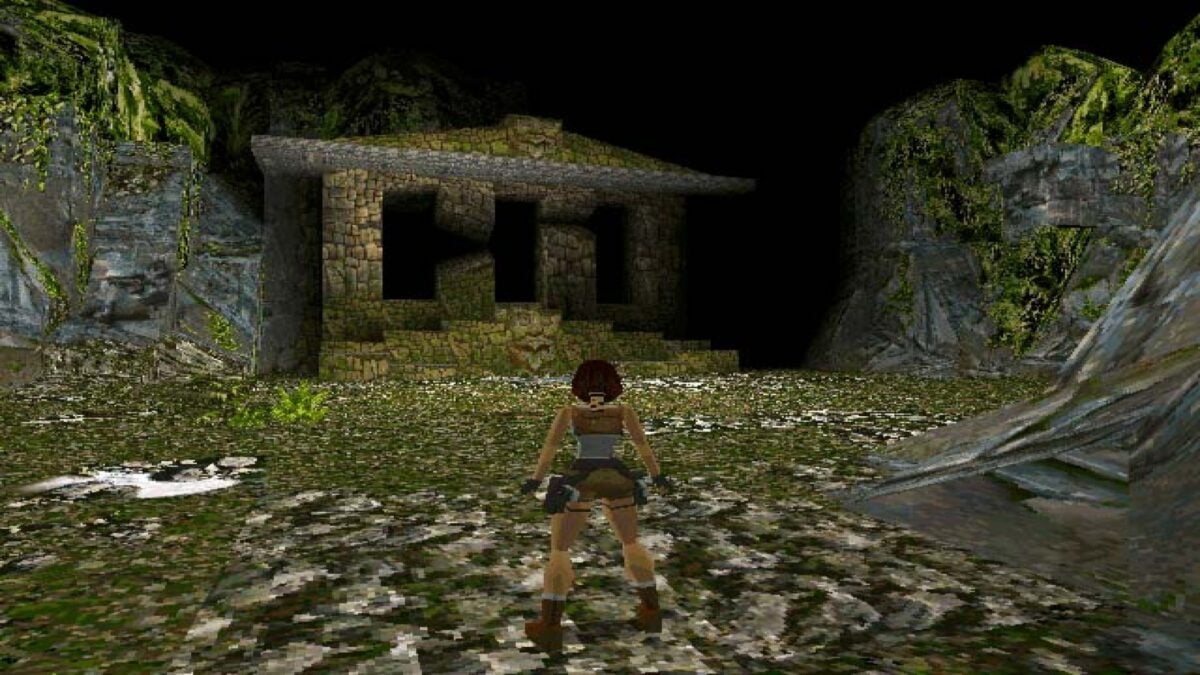
A flat-screen image from the Tomb Raider Steam page; BeefRaiderXR is a separate VR port. Image: Core Design / Crystal Dynamics / Steam
A PC is needed for setup, even for standalone play
Twelve of the cards set up ports that run on a Meta Quest headset. You'll still need a Windows PC for this installer and the file-copying steps. The thirteenth option, RealRTCWXR, runs Return to Castle Wolfenstein as a PC VR game through OpenXR; it is separate from RTCWQuest, the standalone Quest option.
Check the requirements for the specific port you want rather than assuming every Quest model or game edition will work. For example, the setup notes say Quake2Quest needs Quest 2 or newer, or Quest Pro. They also specify the original Doom 3 files for Doom3Quest; the port's own instructions say the BFG Edition files are not supported.
To start, choose the Team Beef filter in the Hub and open the relevant card. The creator says to follow any first-run or file-access prompts in the headset and keep the Quest awake and connected while files copy. I'd read the game's individual instructions first, especially if your copy is installed in a different folder.
A headset such as the Meta Quest 3 is one way into the Quest ecosystem, but the headset alone does not provide the PC game files. If you are interested in the Doom side, we also covered a separate VR update for the MyHouse map.
Image credits: MRSURVIV0R / Team Beef; id Software / Bethesda Softworks / Steam; Core Design / Crystal Dynamics / Steam.
Note: Links to online stores in articles can be so-called affiliate links. If you buy through this link, MIXED receives a commission from the provider. For you the price does not change.
As an Amazon Associate we earn from qualifying purchases.